How to generate AI images with Stable Diffusion on MacBook M1/M2 for free
✨ Here's how to generate A.I. images with Stable Diffusion on your MacBook M1/M2 in less than 30 seconds for free:
- Upgrade MacOS to the latest version (top left 🍎 -> About This Mac -> Software Update
- Open Terminal app
- Install Homebrew from brew.sh
👇 1/n
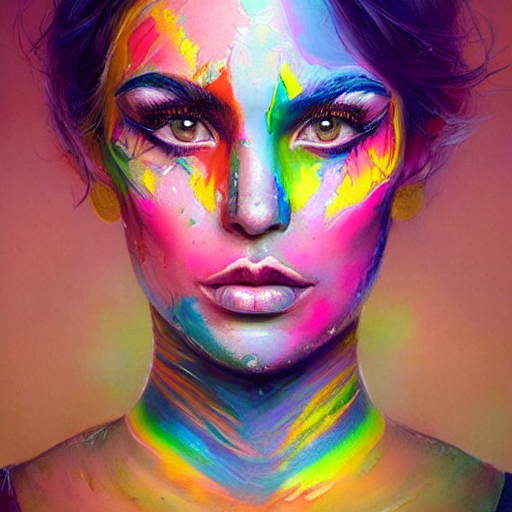
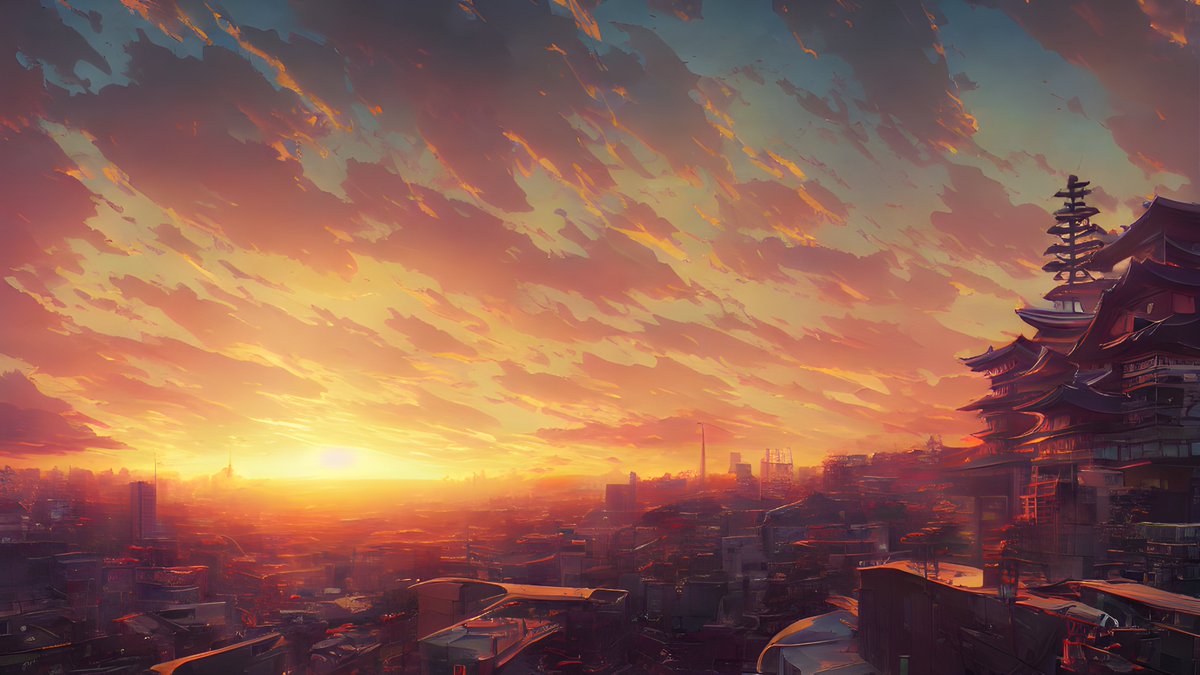
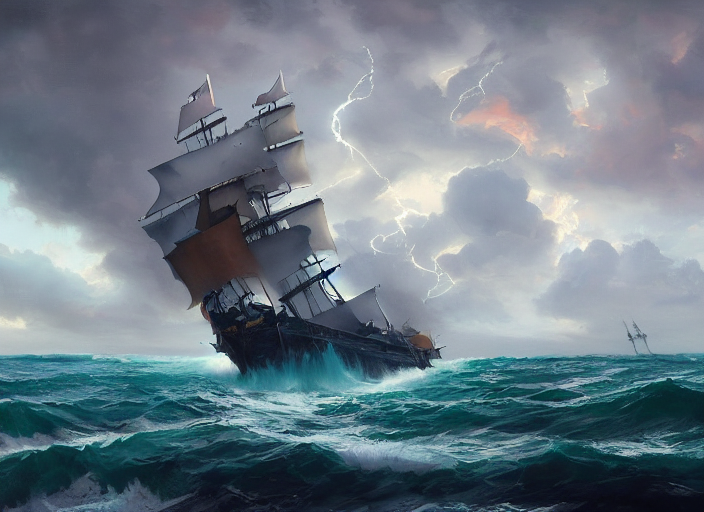
⌨️ Type the commands below in terminal and press Enter:
brew update
brew install python
git clone -b apple-silicon-mps-support github.com/bfirsh/stable-diffusion.git (remove the linebreak before the URL here)
👇 2/n
(source: @bfirsh's replicate.com/blog/run-stable-diffusion-on-m1-mac)
⌨️ Type the commands below in terminal and press Enter:
cd stable-diffusion
mkdir -p models/ldm/stable-diffusion-v1/
python3 -m pip install virtualenv
python3 -m virtualenv venv
source venv/bin/activate
brew install Cmake protobuf rust
👇 3/n
⌨️ Type the commands below in terminal and press Enter:
pip install -r requirements.txt
👇 4/n
⬇️ Now go to huggingface.co/CompVis/stable-diffusion-v-1-4-original, read and understand the license, then click "Access repository"
Download sd-v1-4.ckpt (~4 GB) and save it under stable-diffusion/models/ldm/stable-diffusion-v1/model.ckpt
👇 5/n
🎉 Done! Type this:
python scripts/txt2img.py --n_samples 1 --n_iter 1 --plms --prompt "new born baby kitten. Hyper Detail, 8K, HD, Octane Rendering, Unreal Engine, V-Ray, full hd"
If it works, the image is saved under /outputs/txt2img-samples
Reply w/ your pics here!
👇 6/n
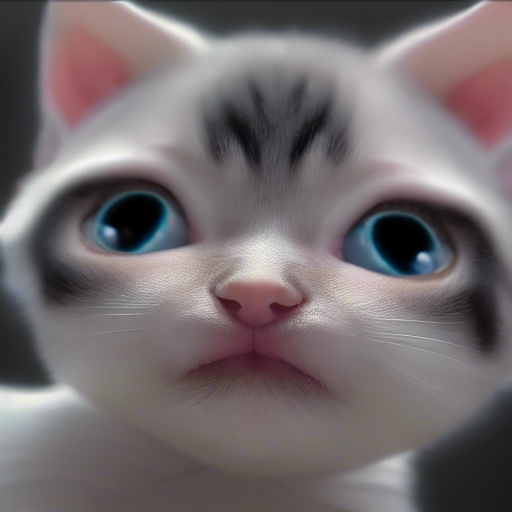
😭 If it doesn't work, reply with a screenshot here and I and other people will try help you to set it up!
Make sure you upgraded MacOS to the latest version (double check). And make sure you actually have an M1/M2 MacBook (those are the latest MacBooks)
👇 7/n
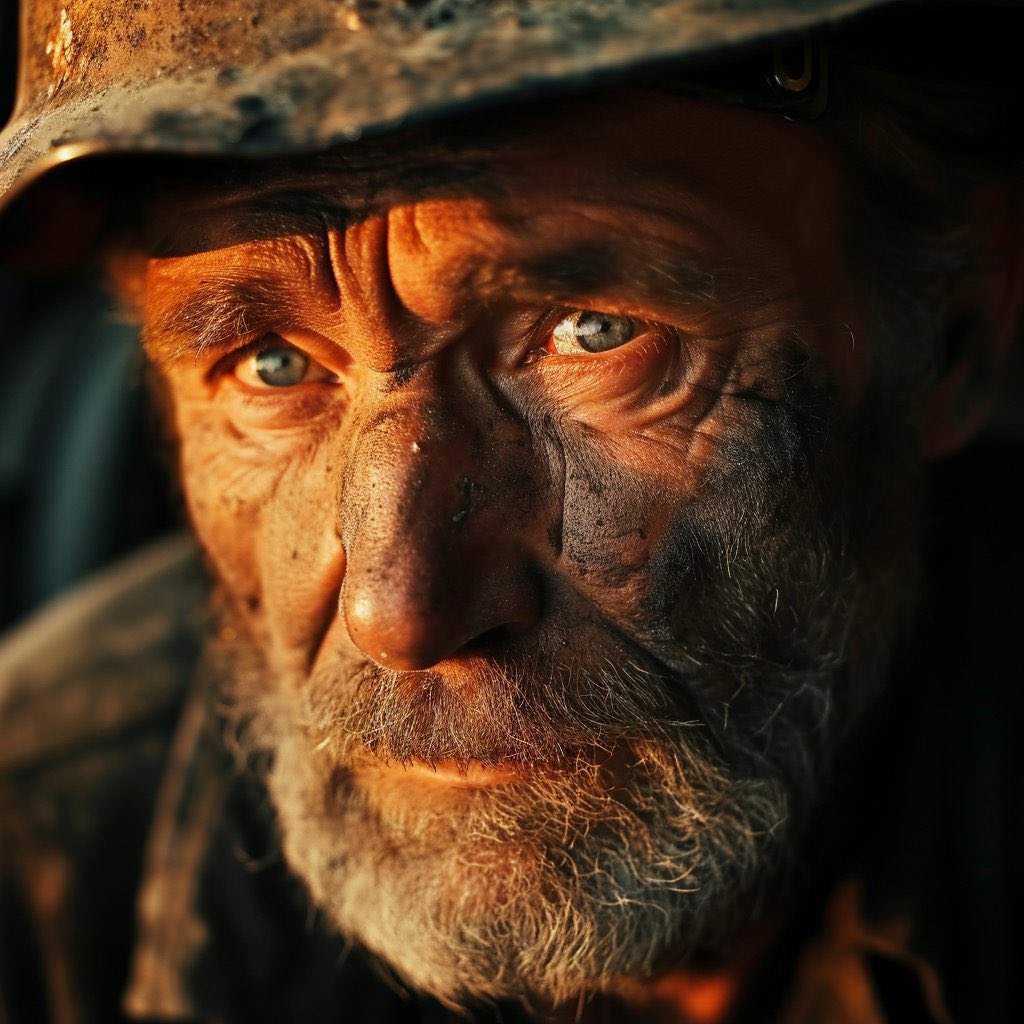
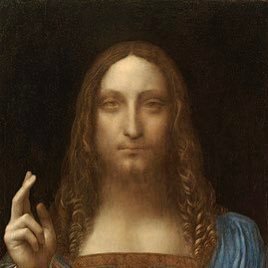
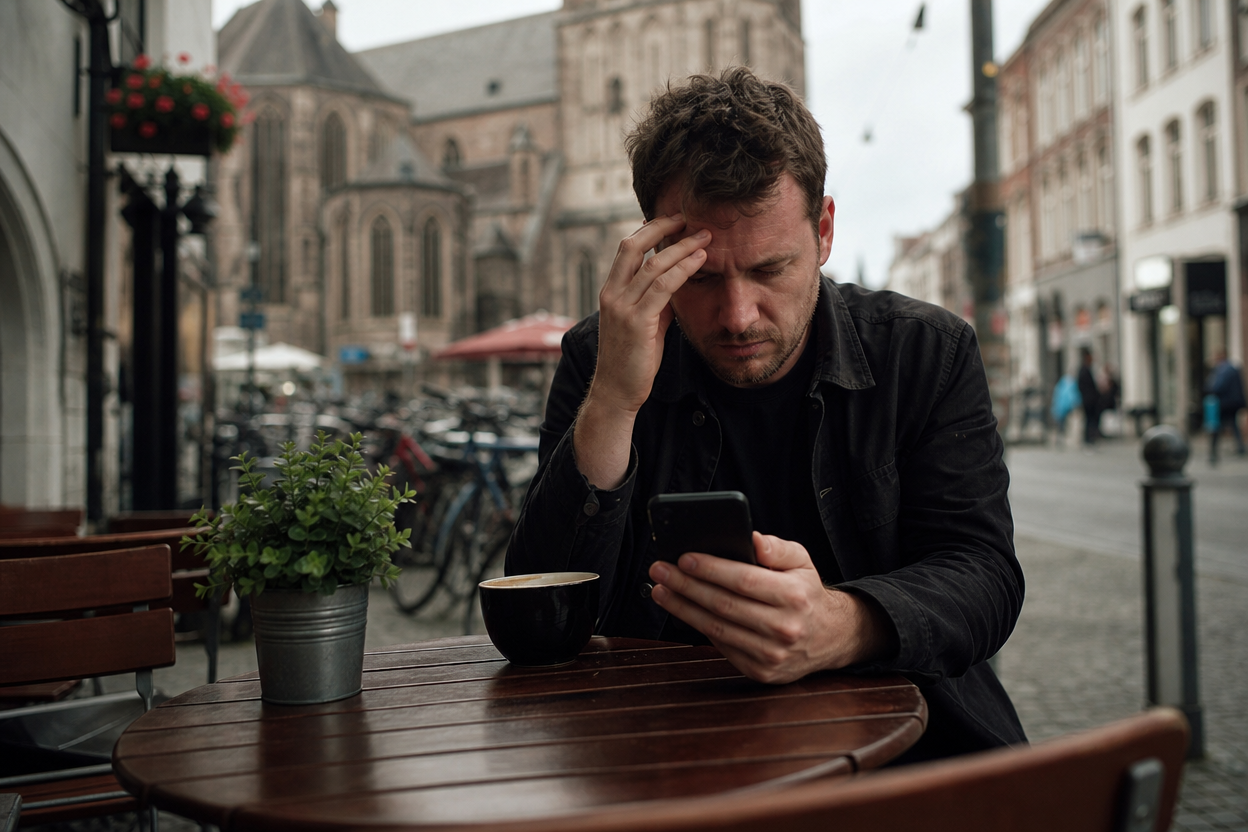
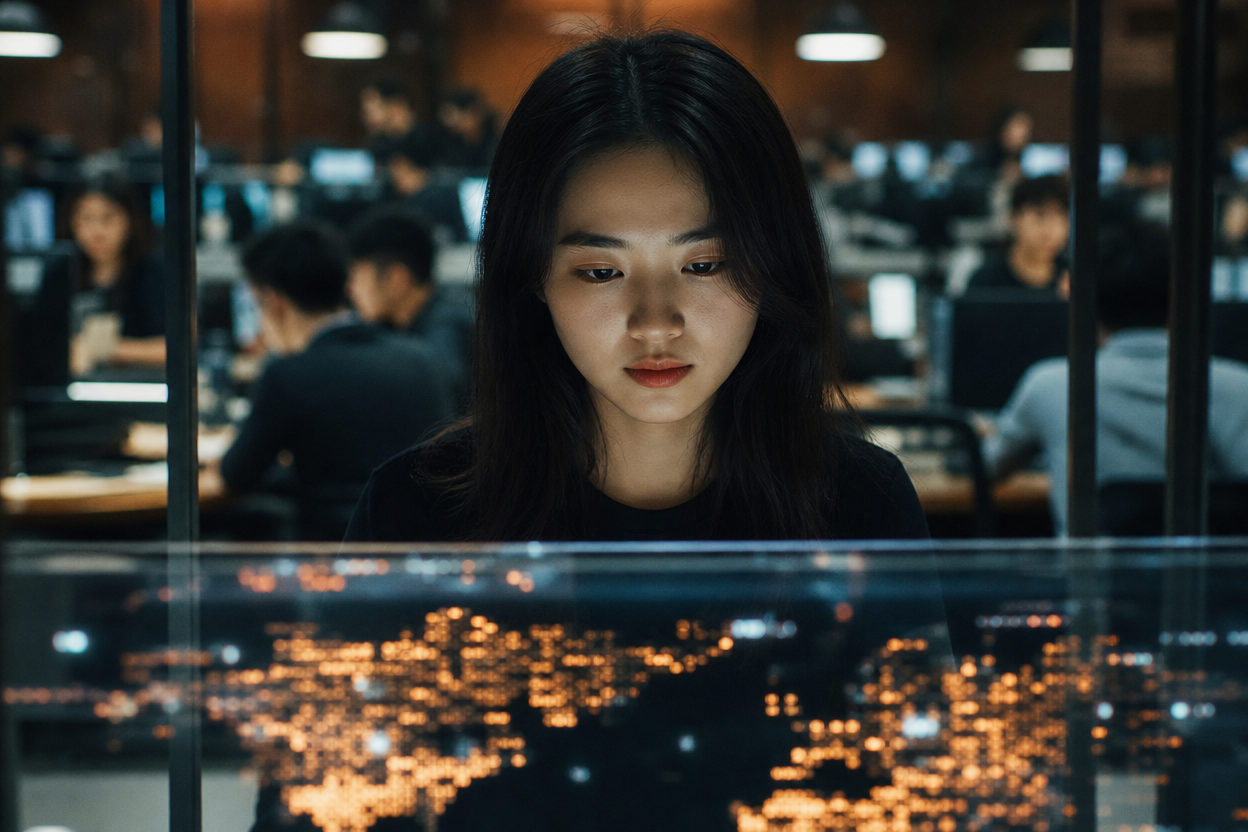
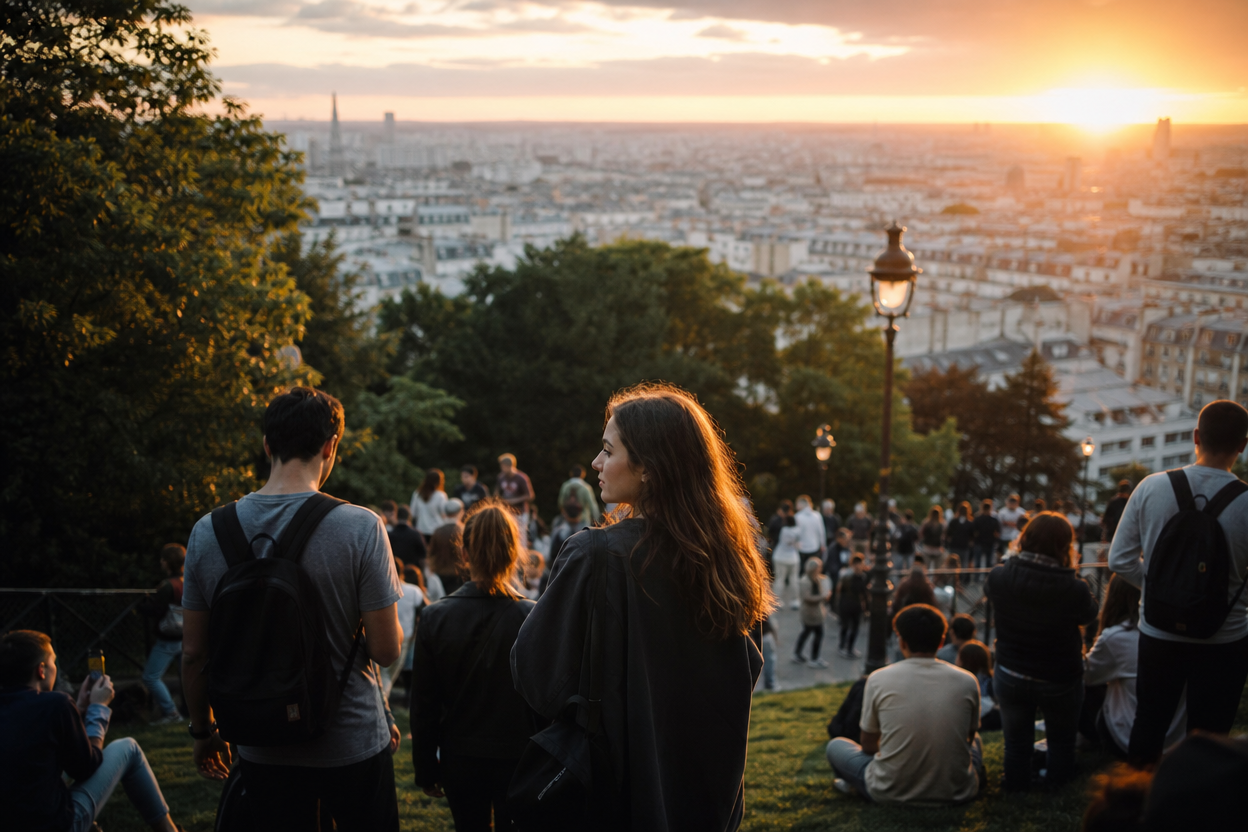
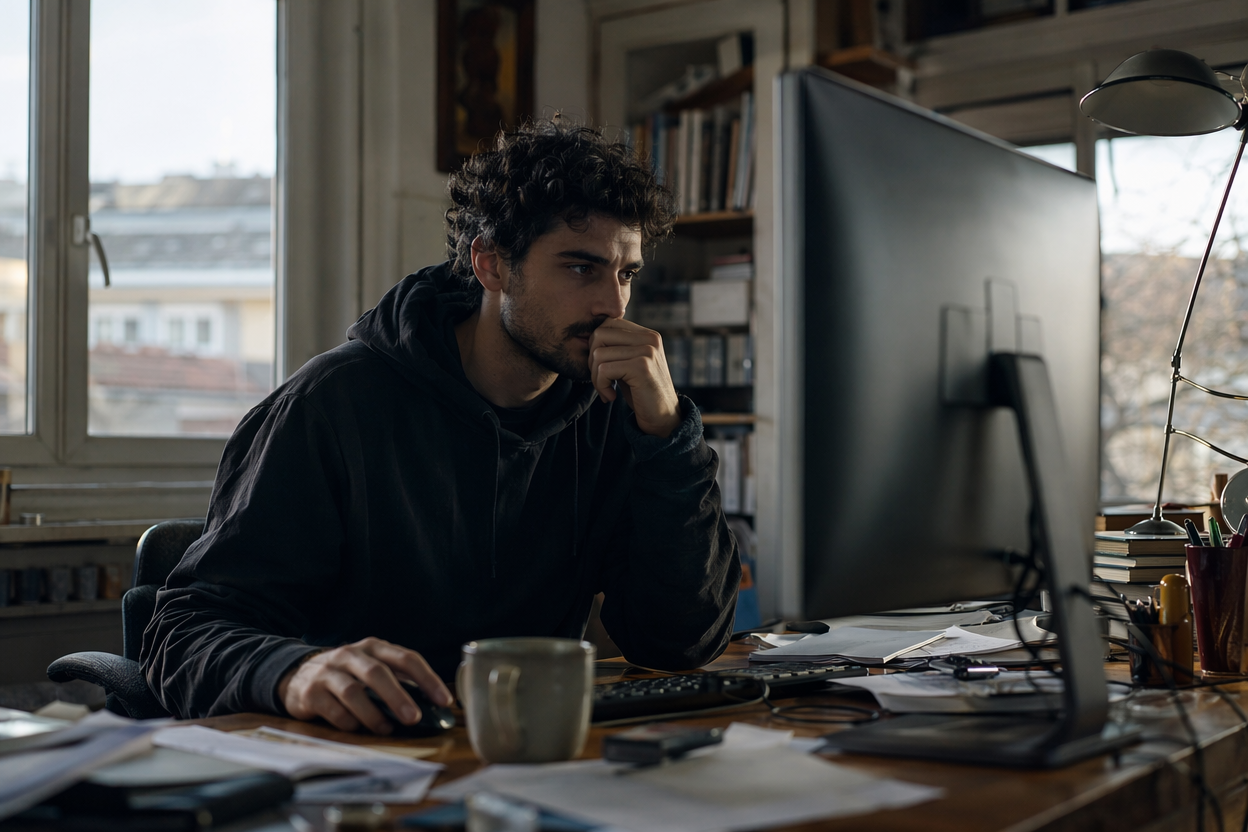
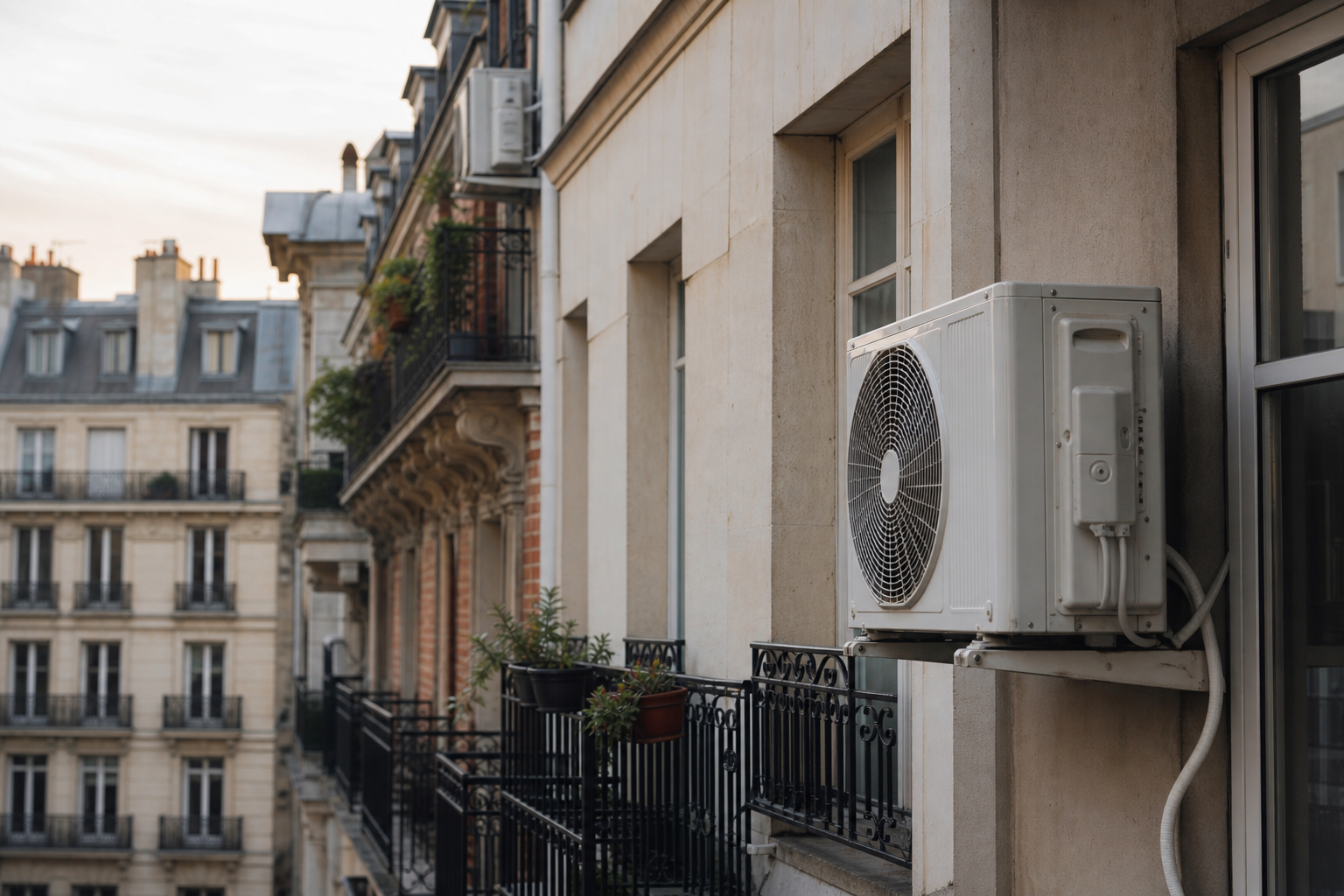
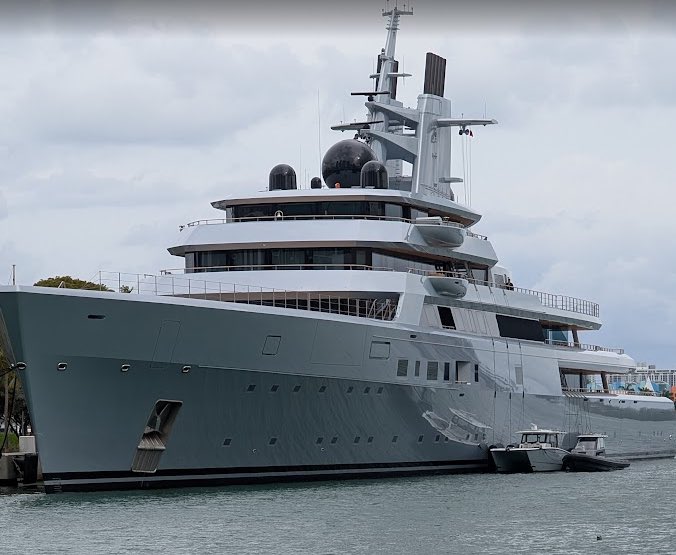
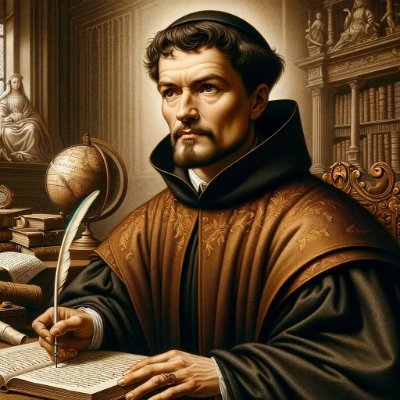
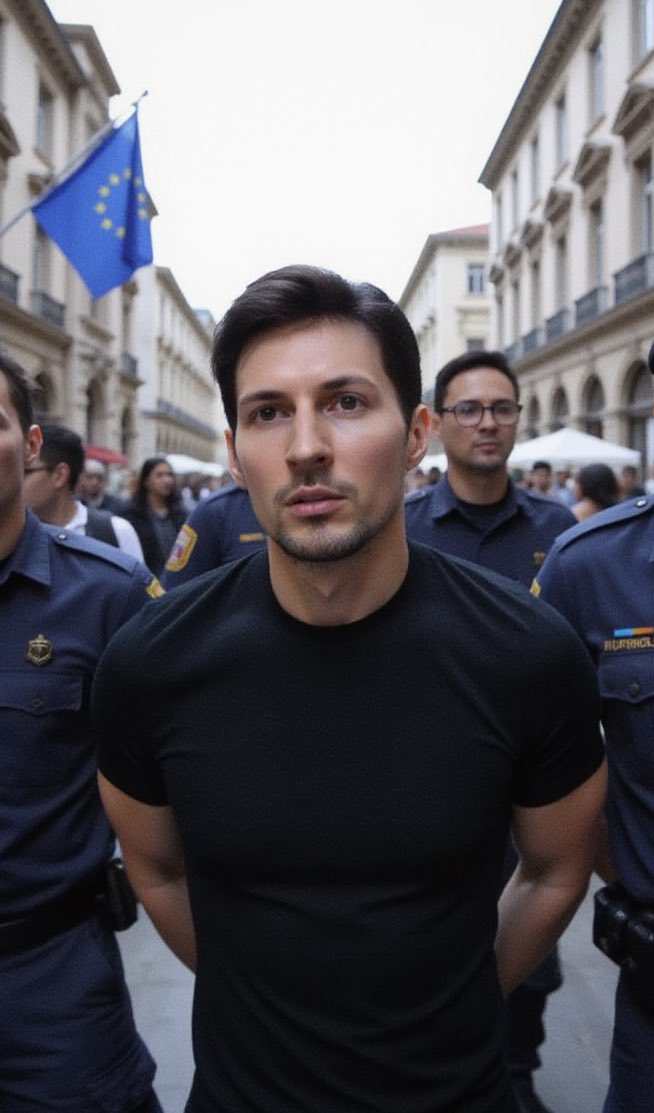
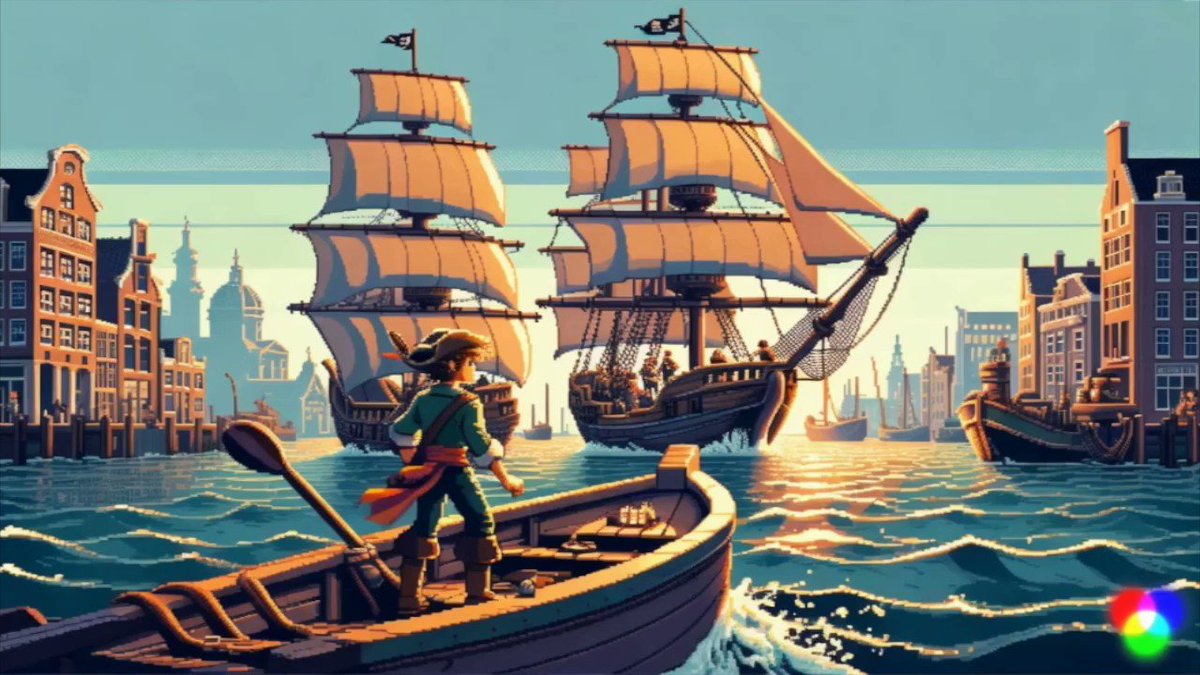
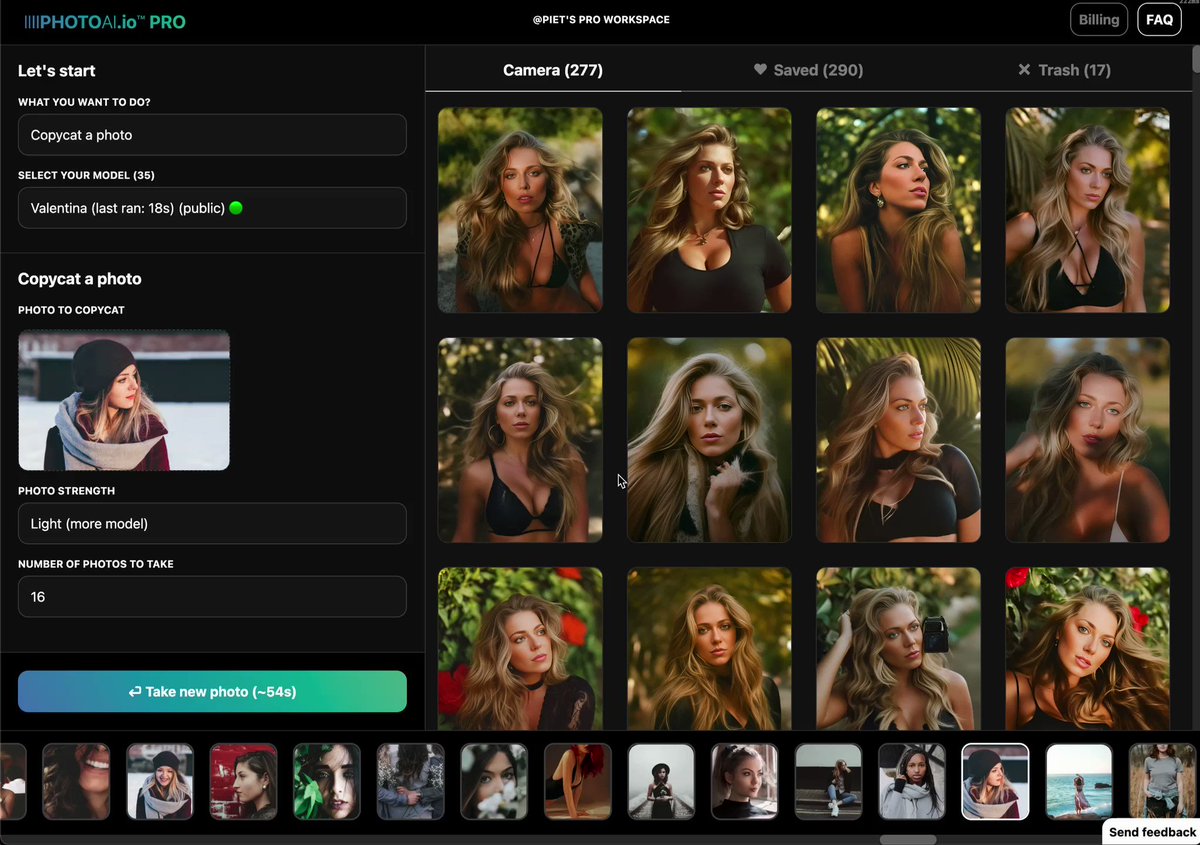
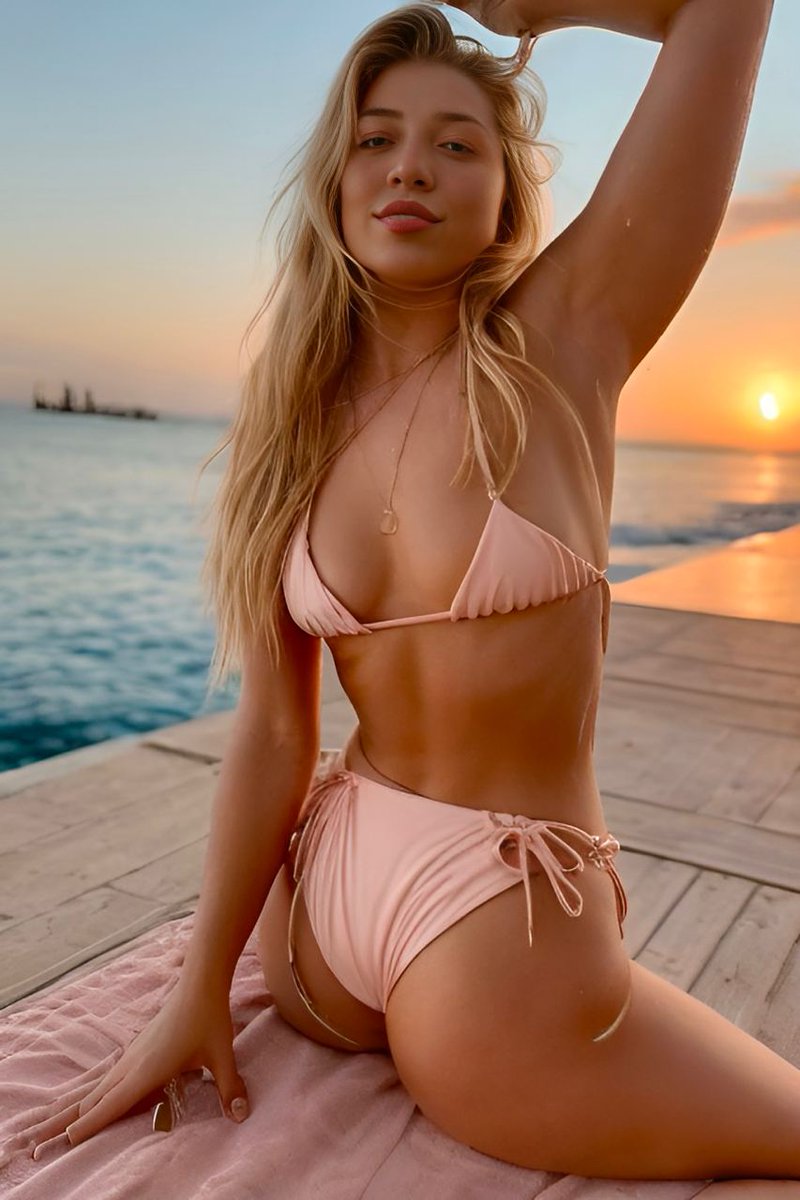
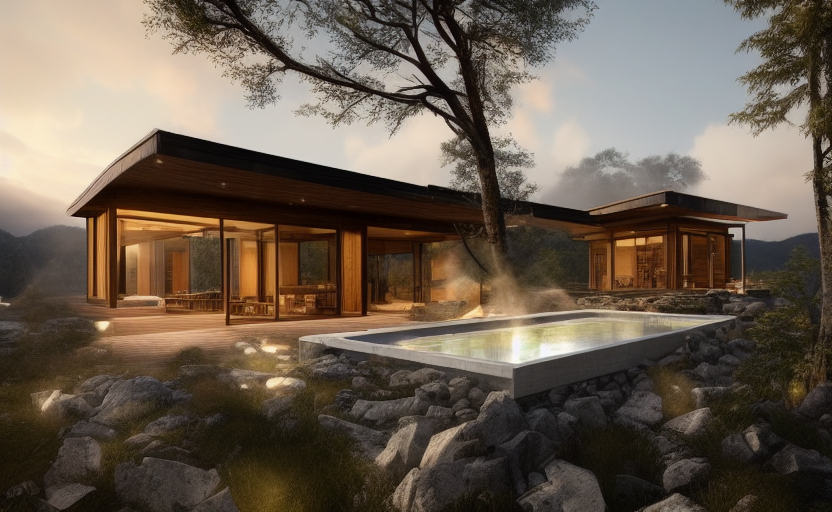
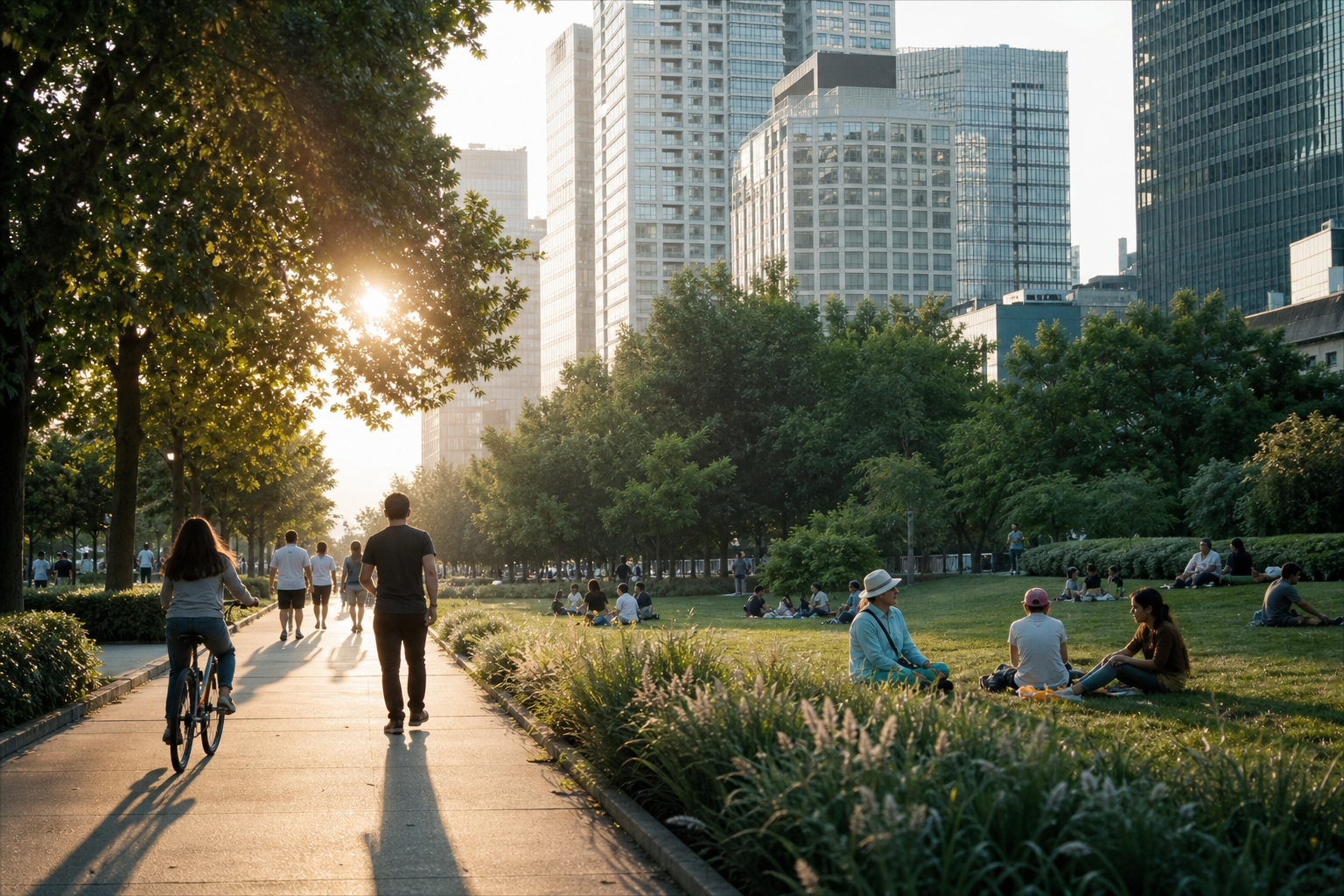
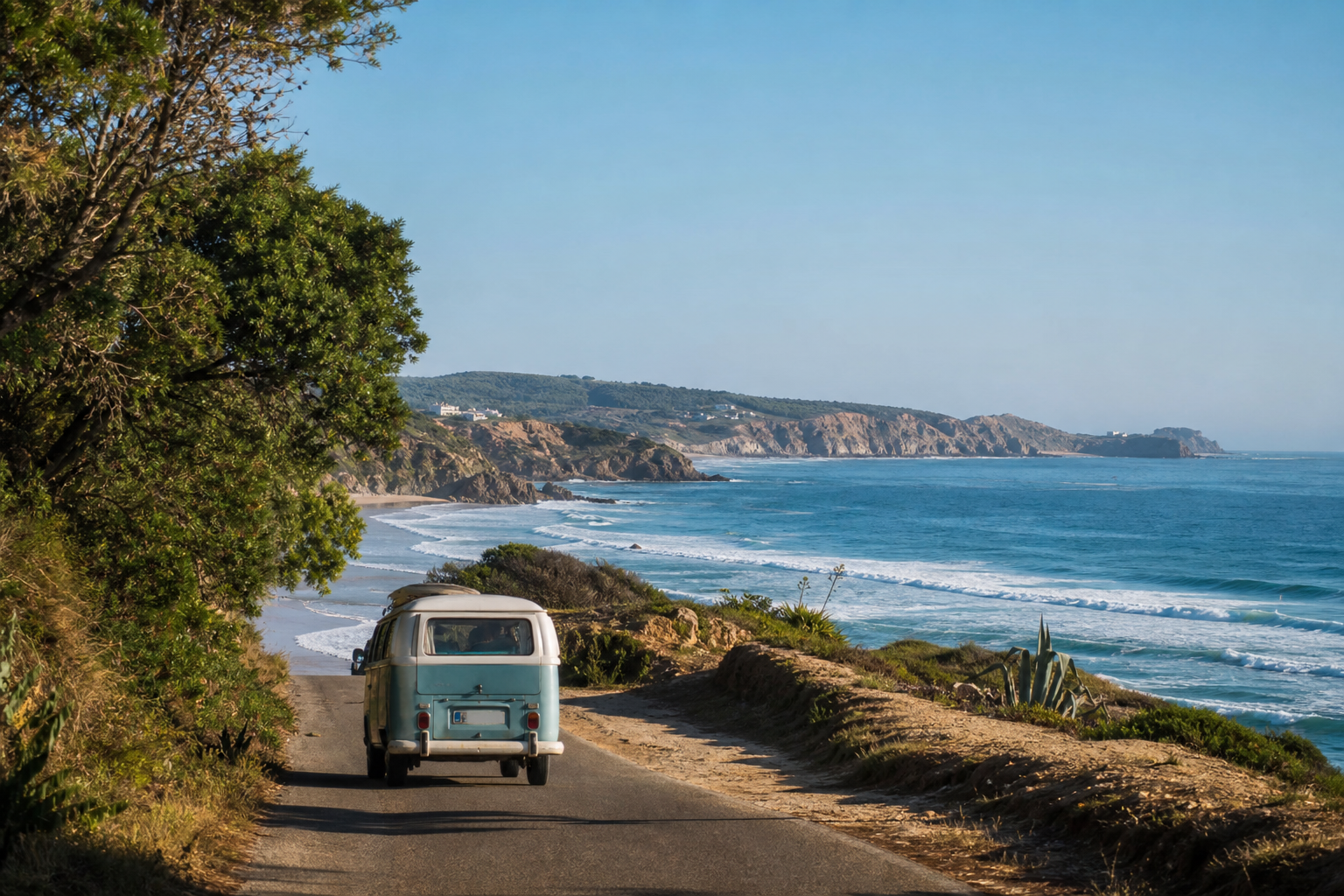
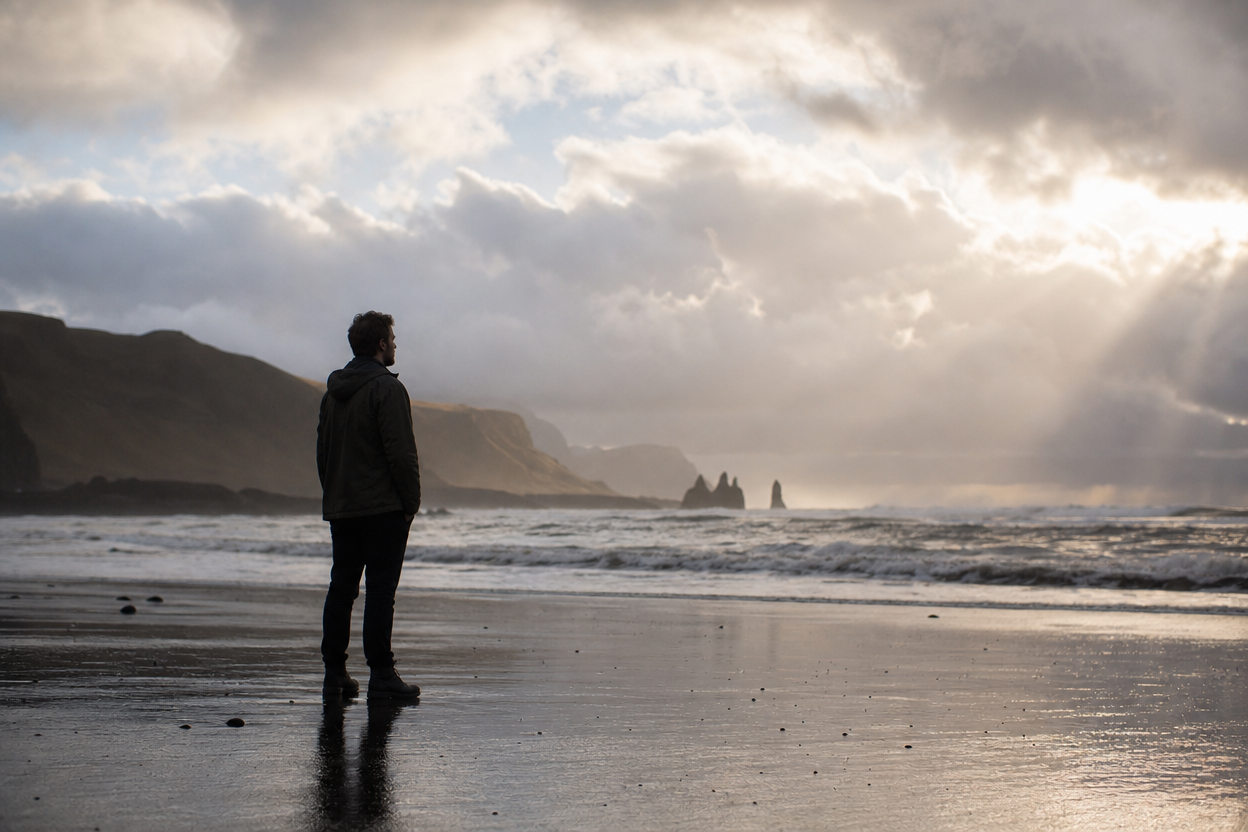
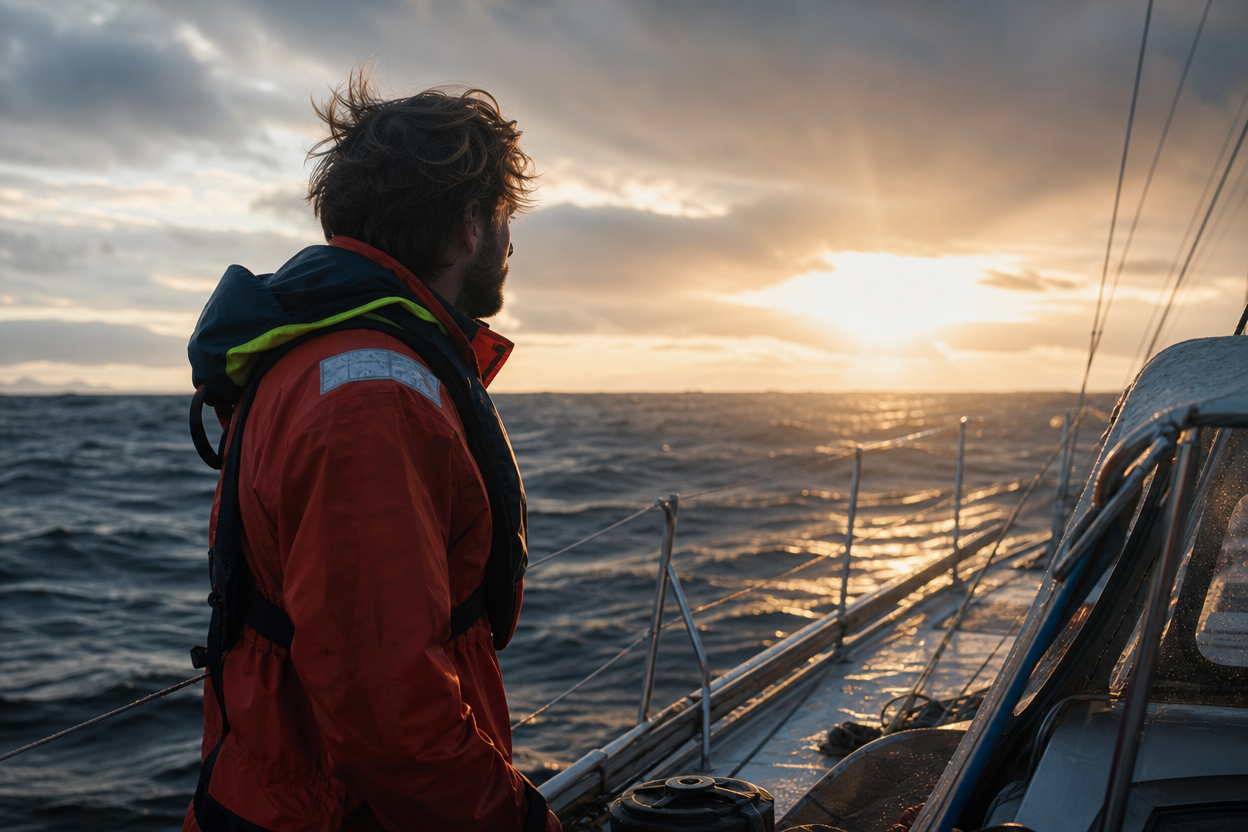
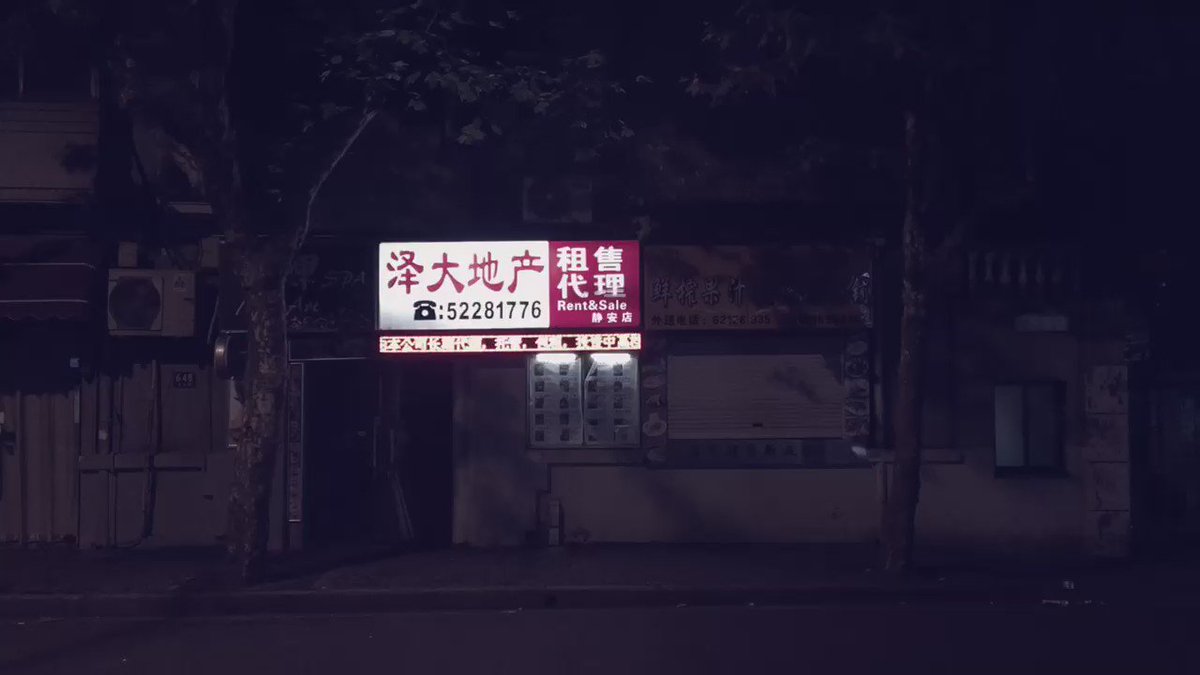
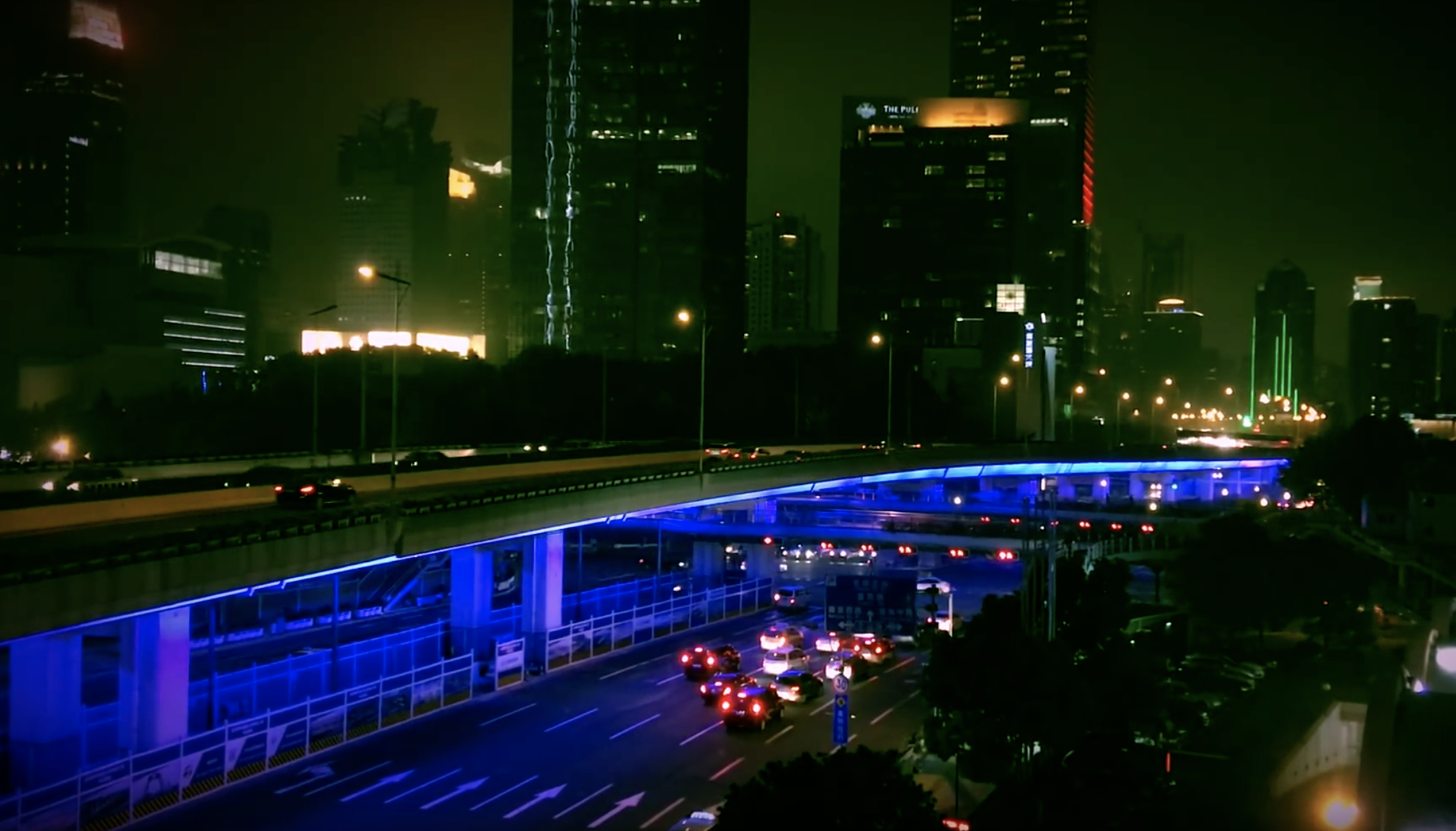
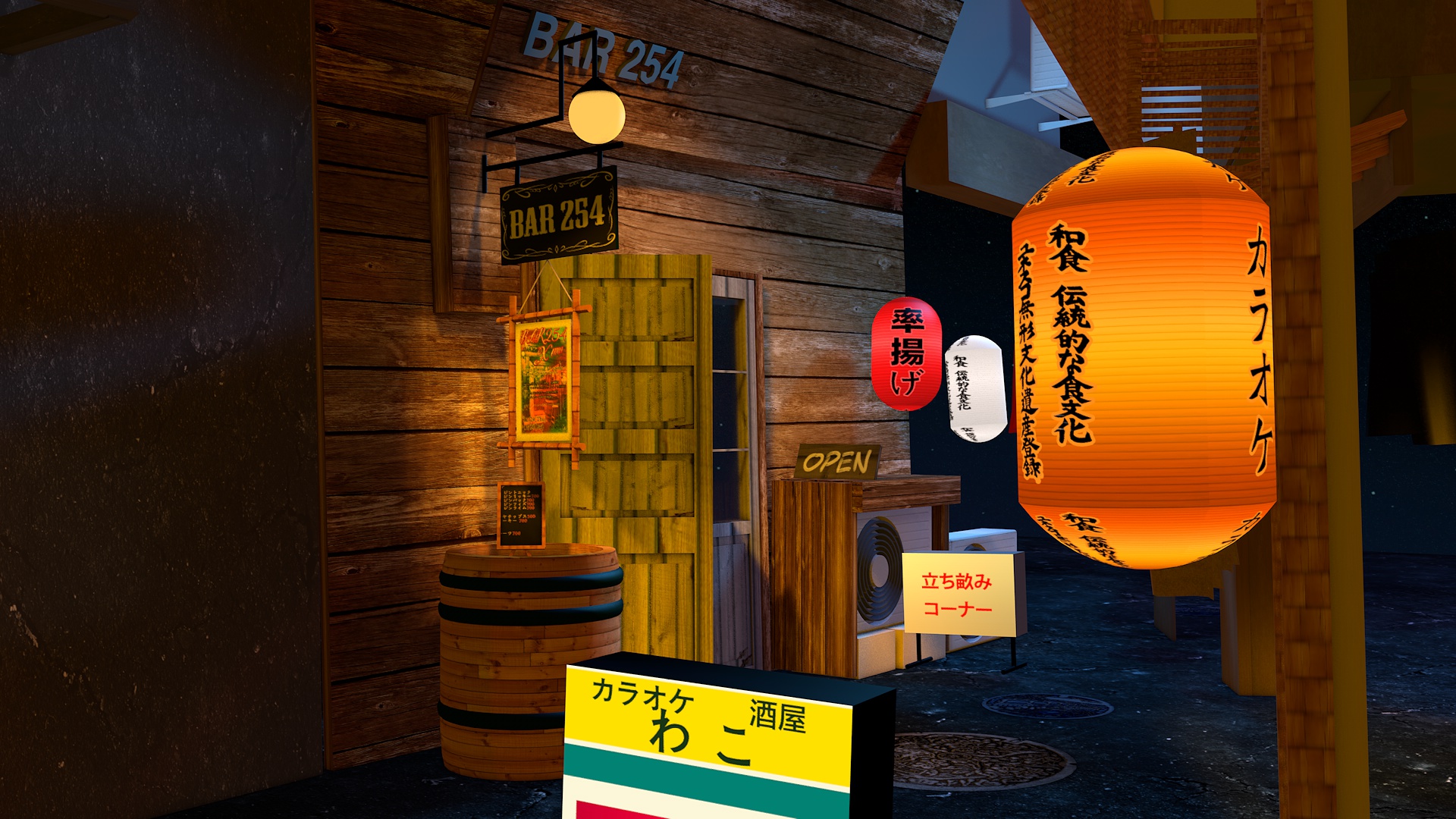
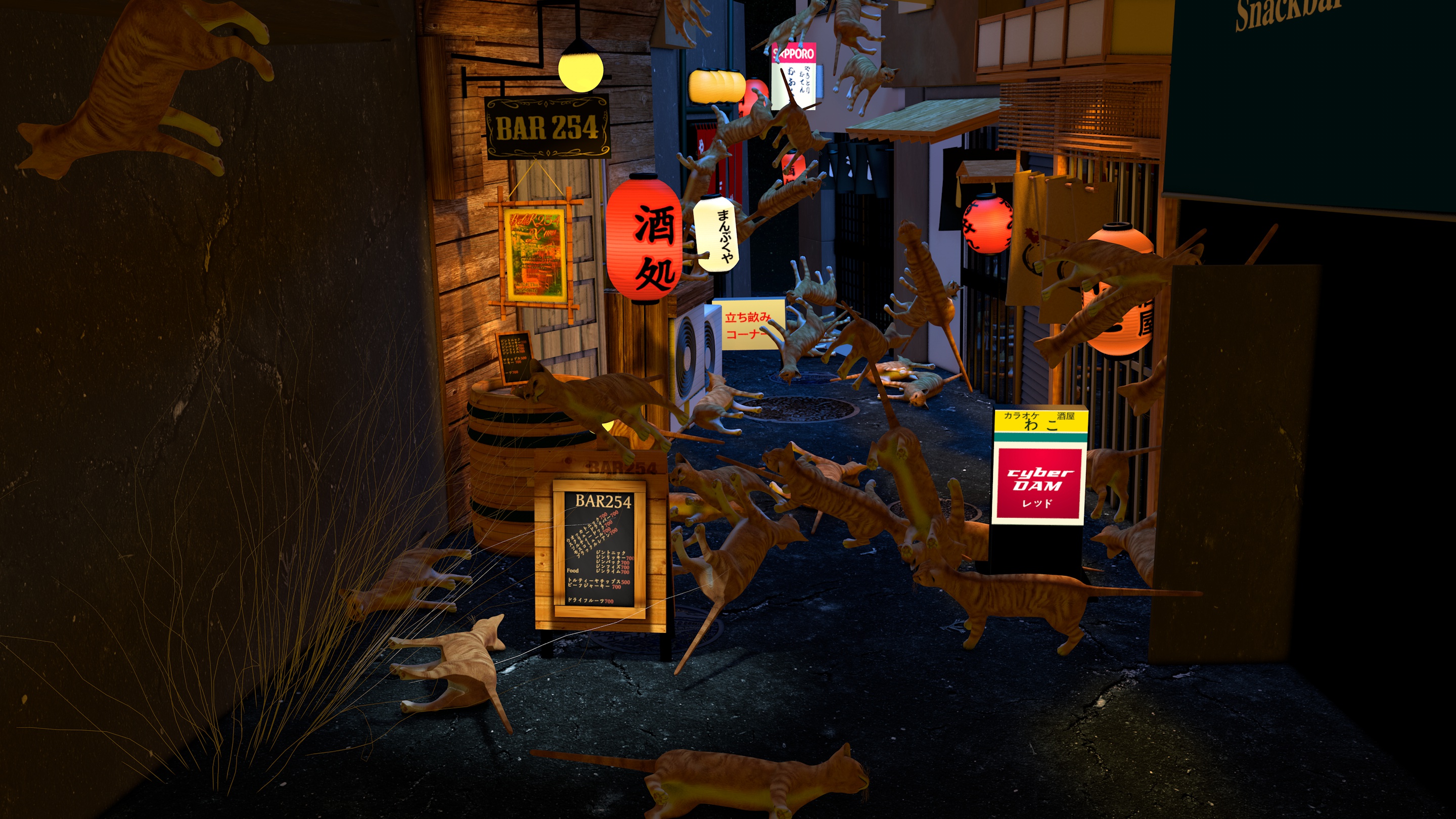
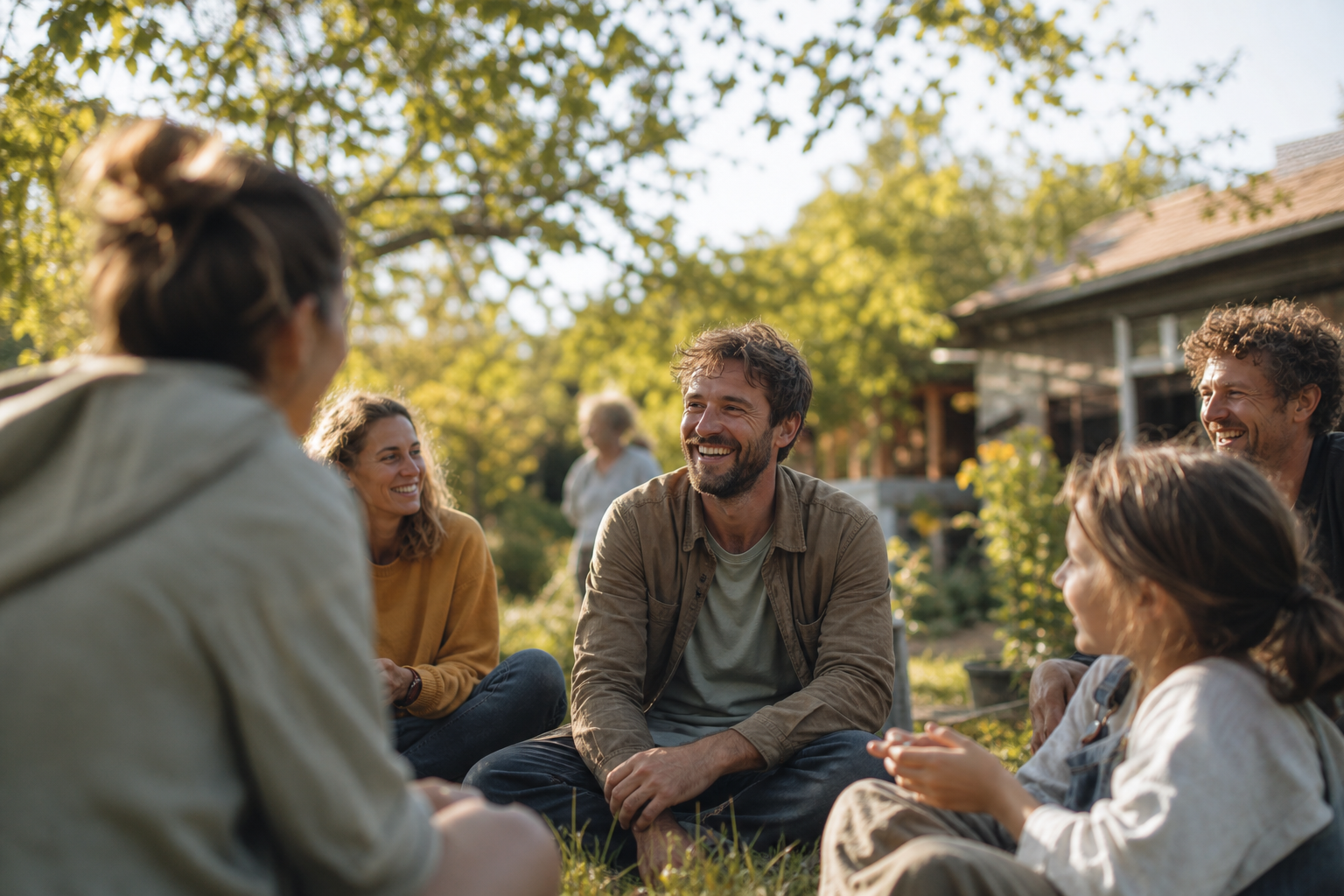
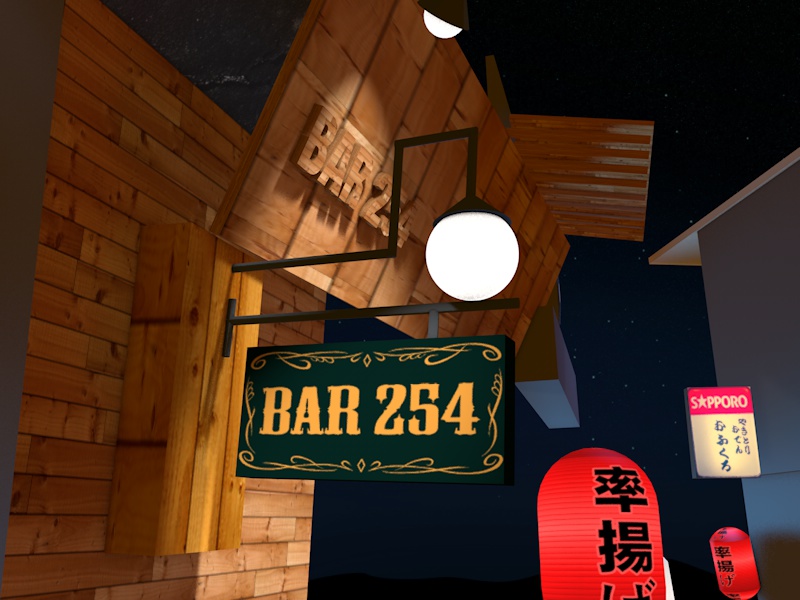
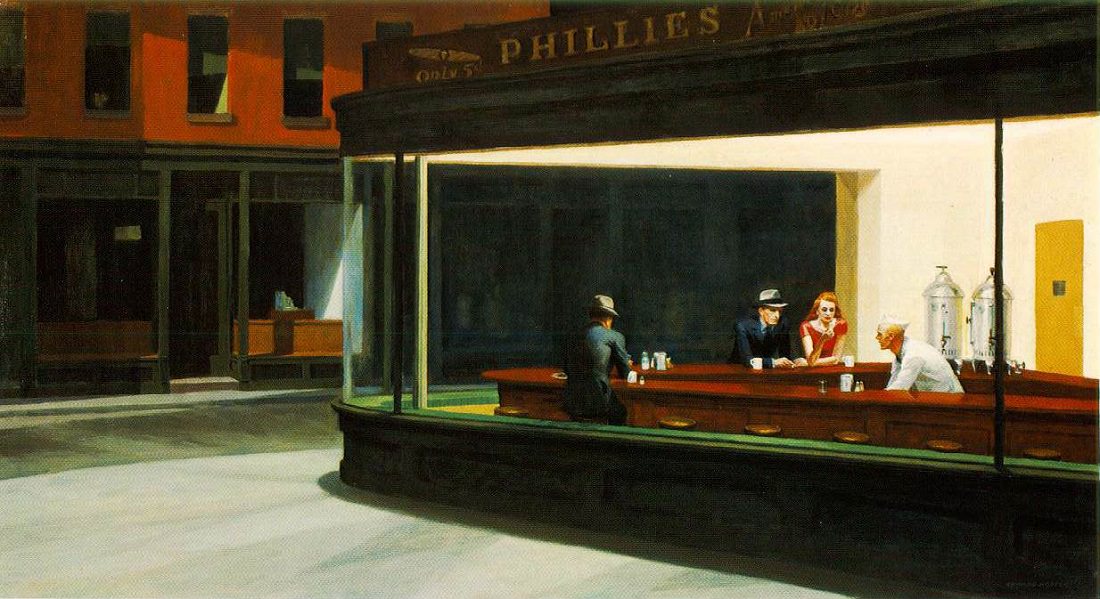
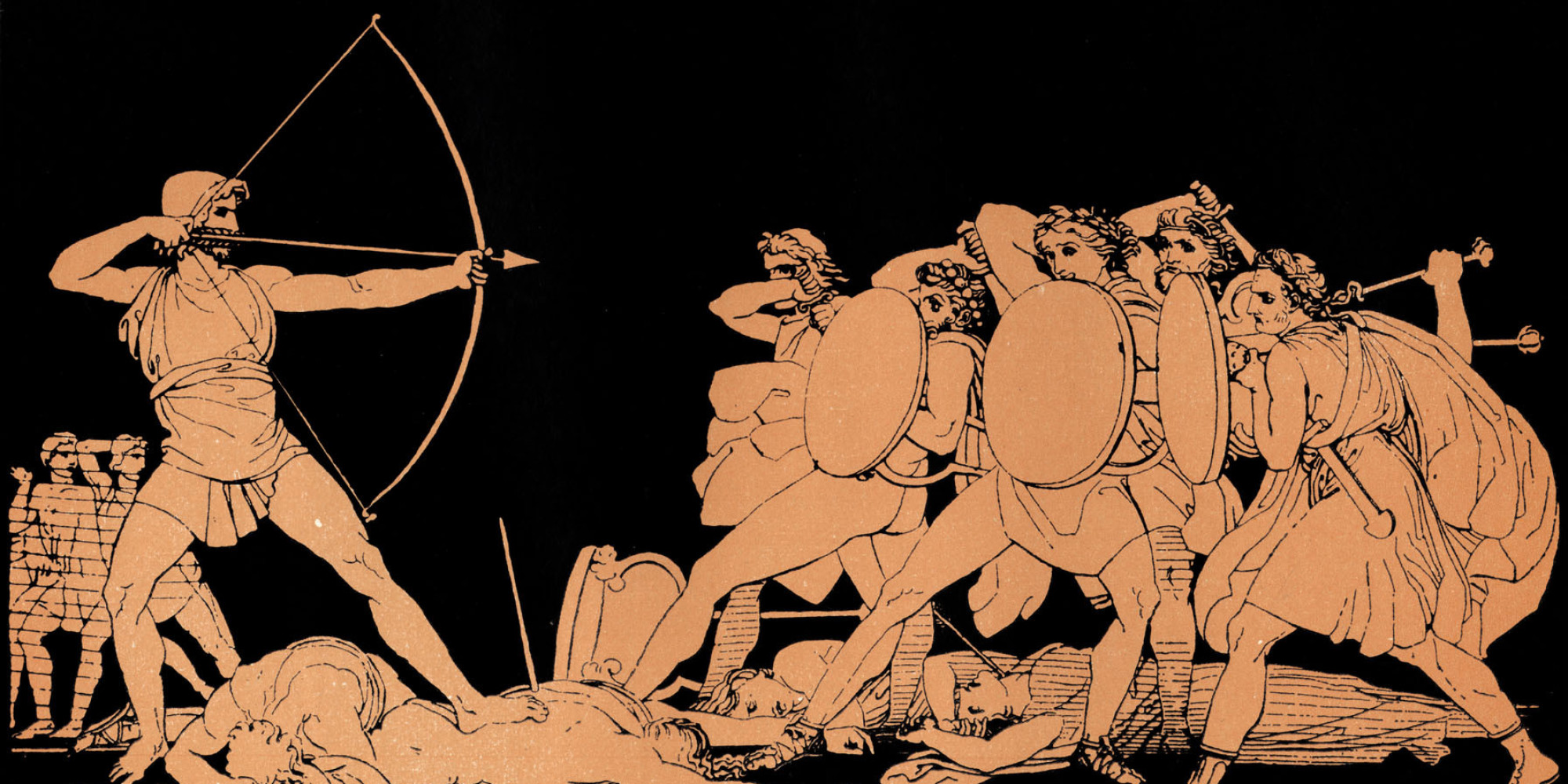
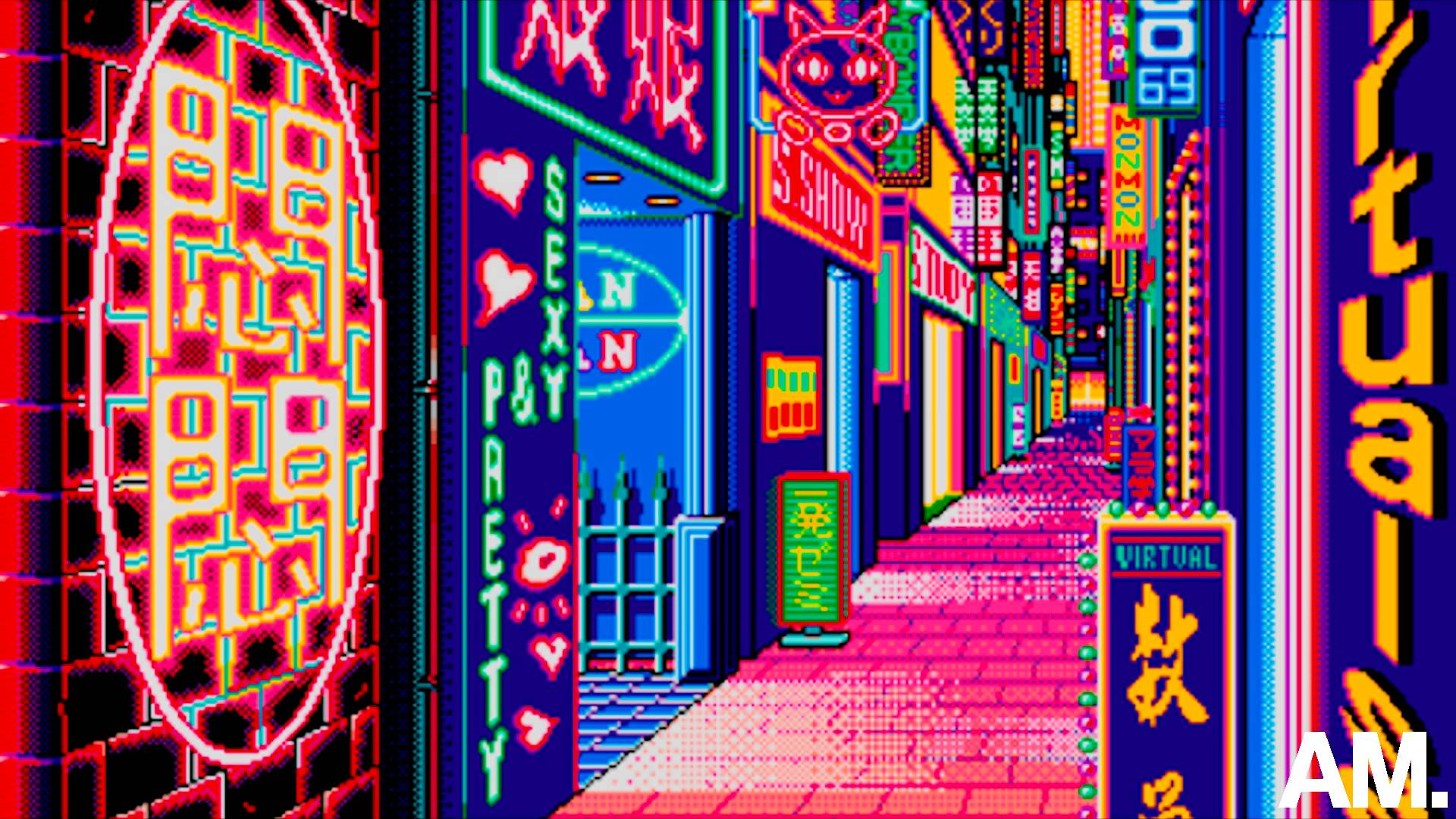
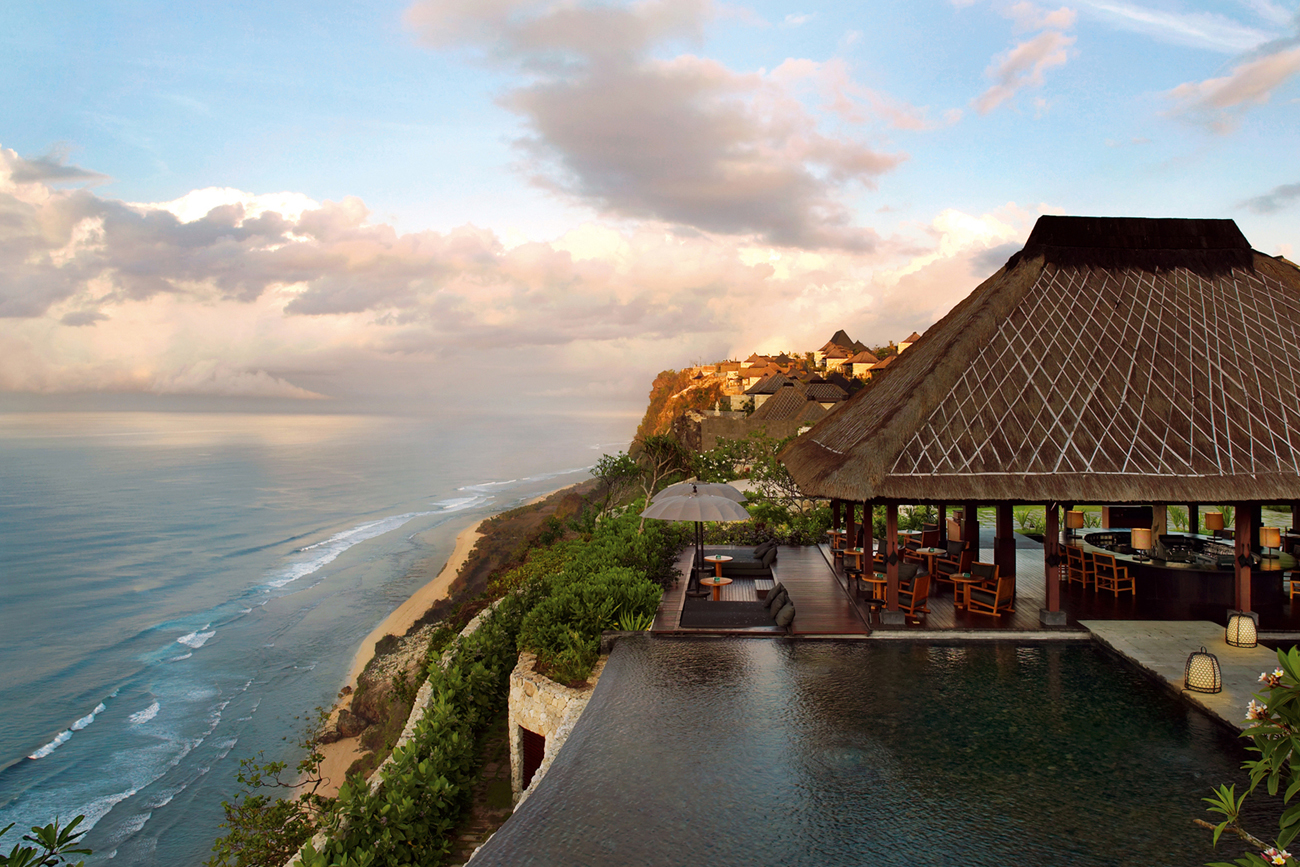
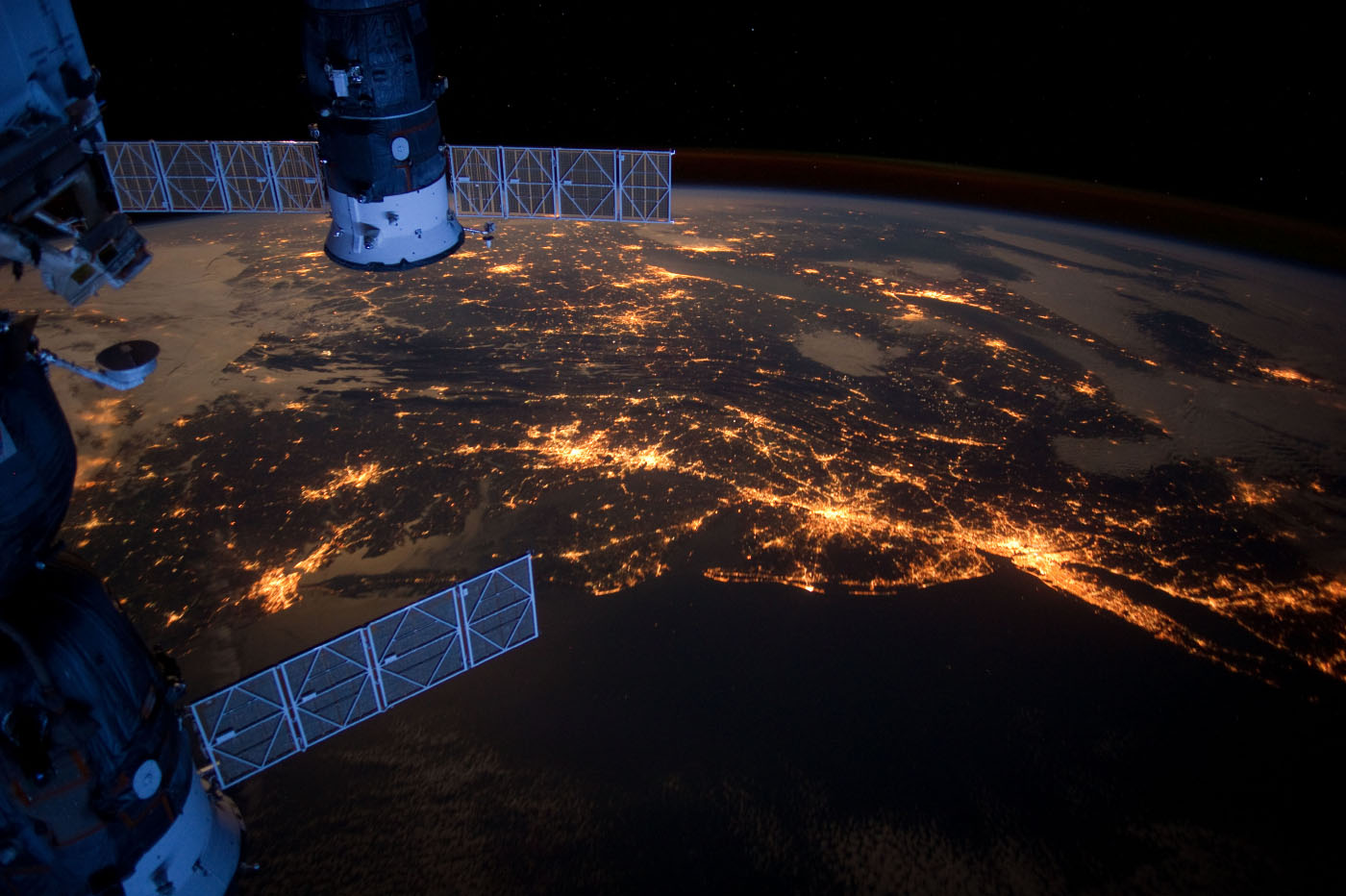
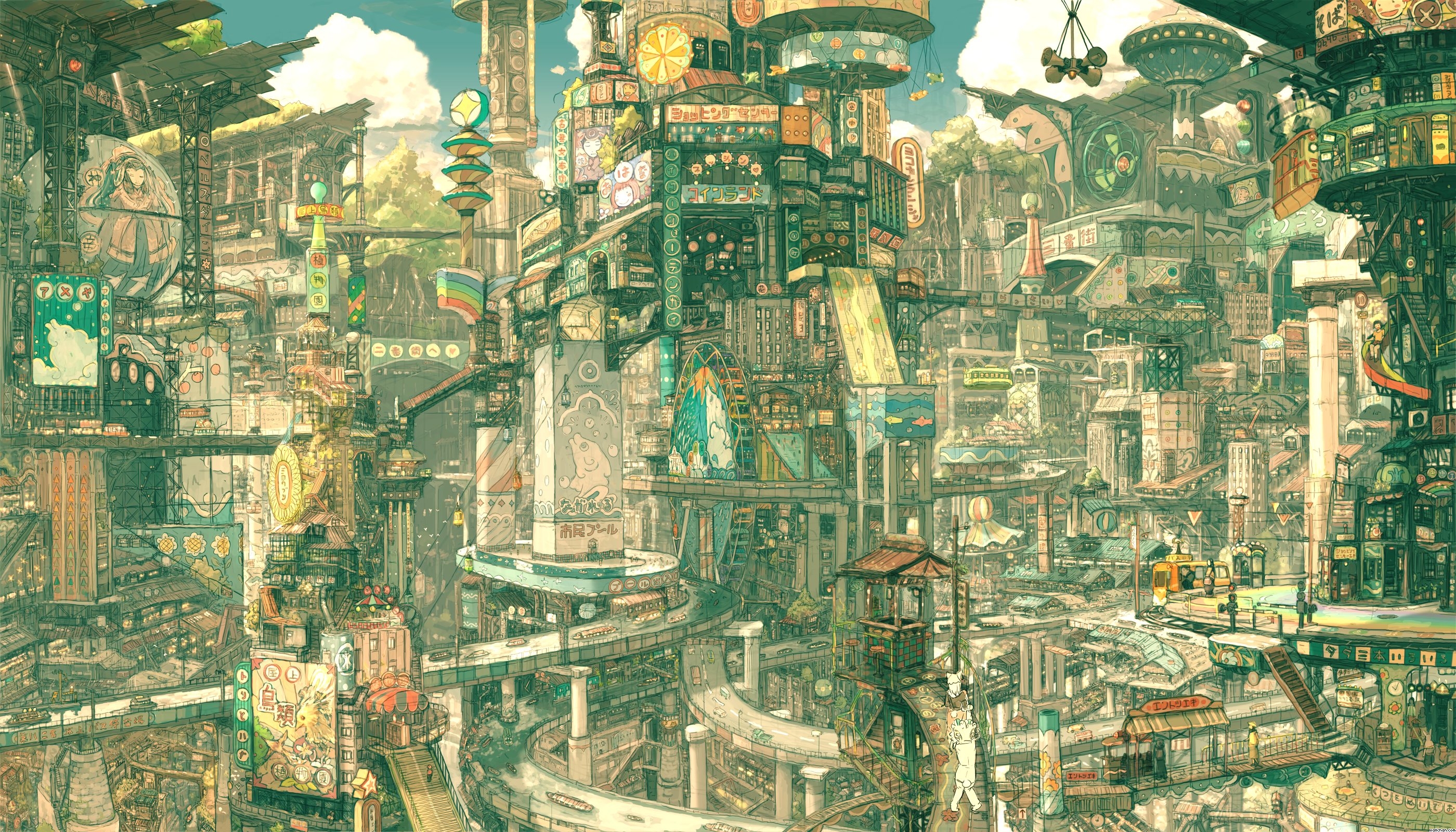
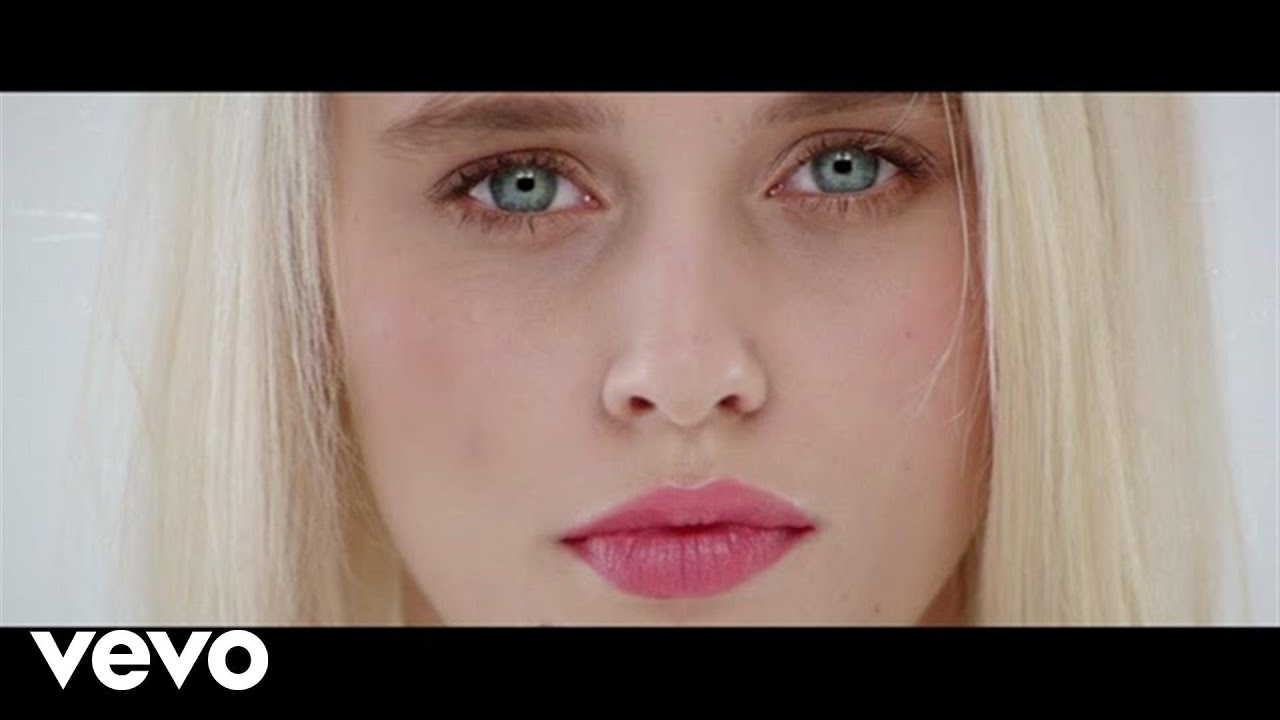
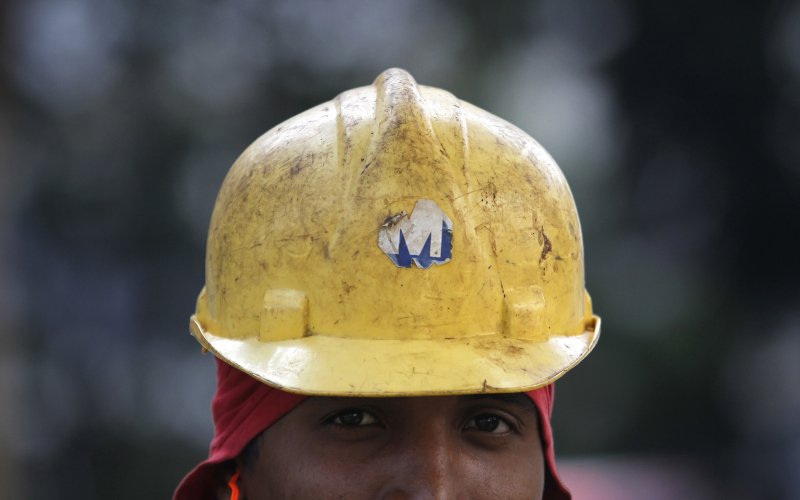
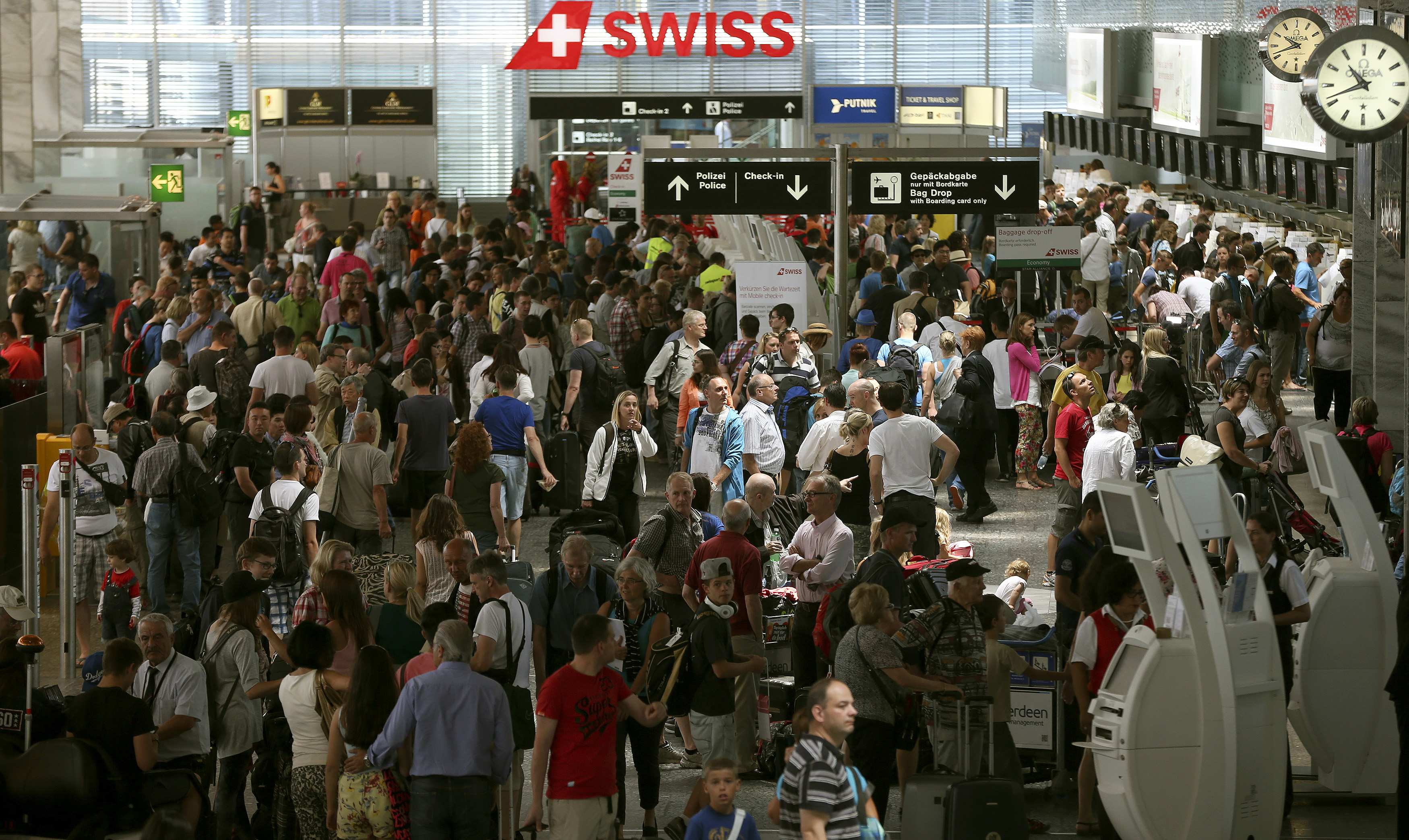
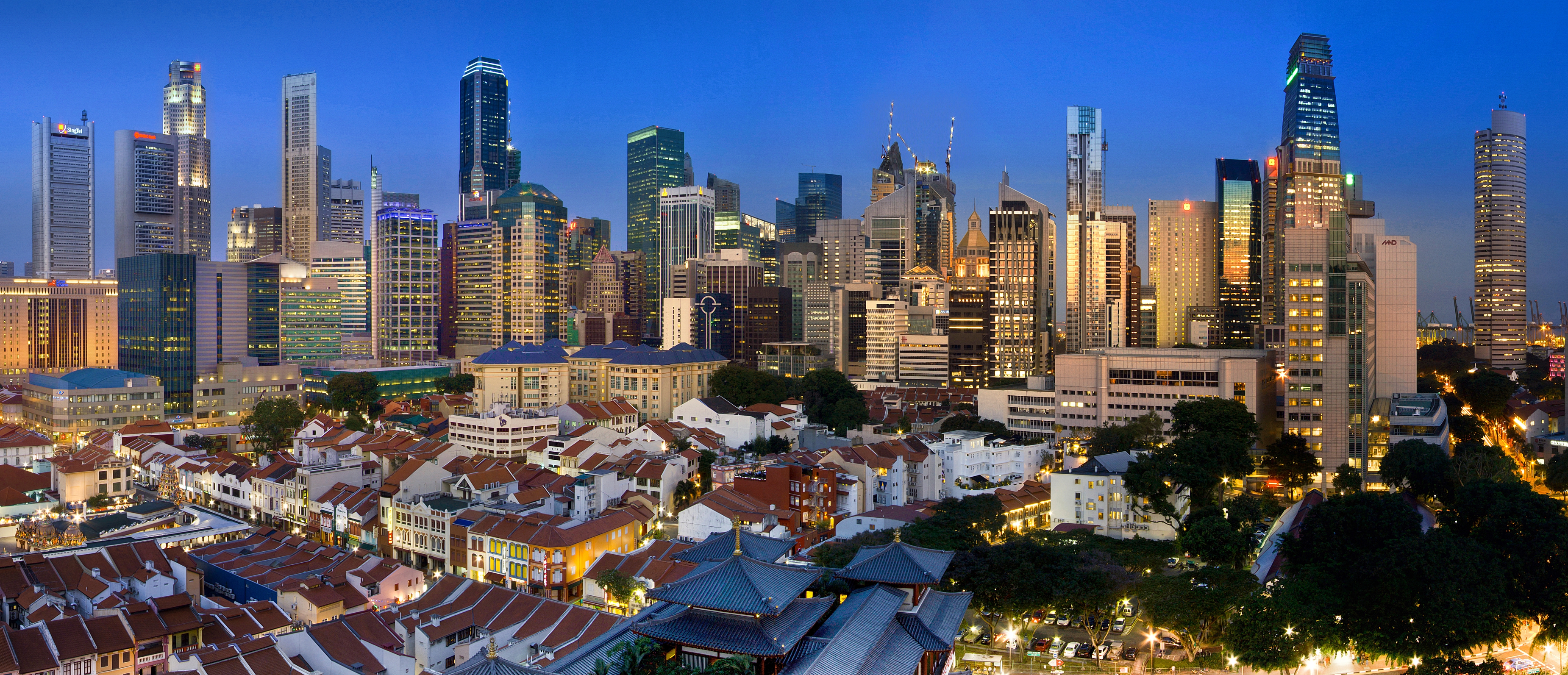
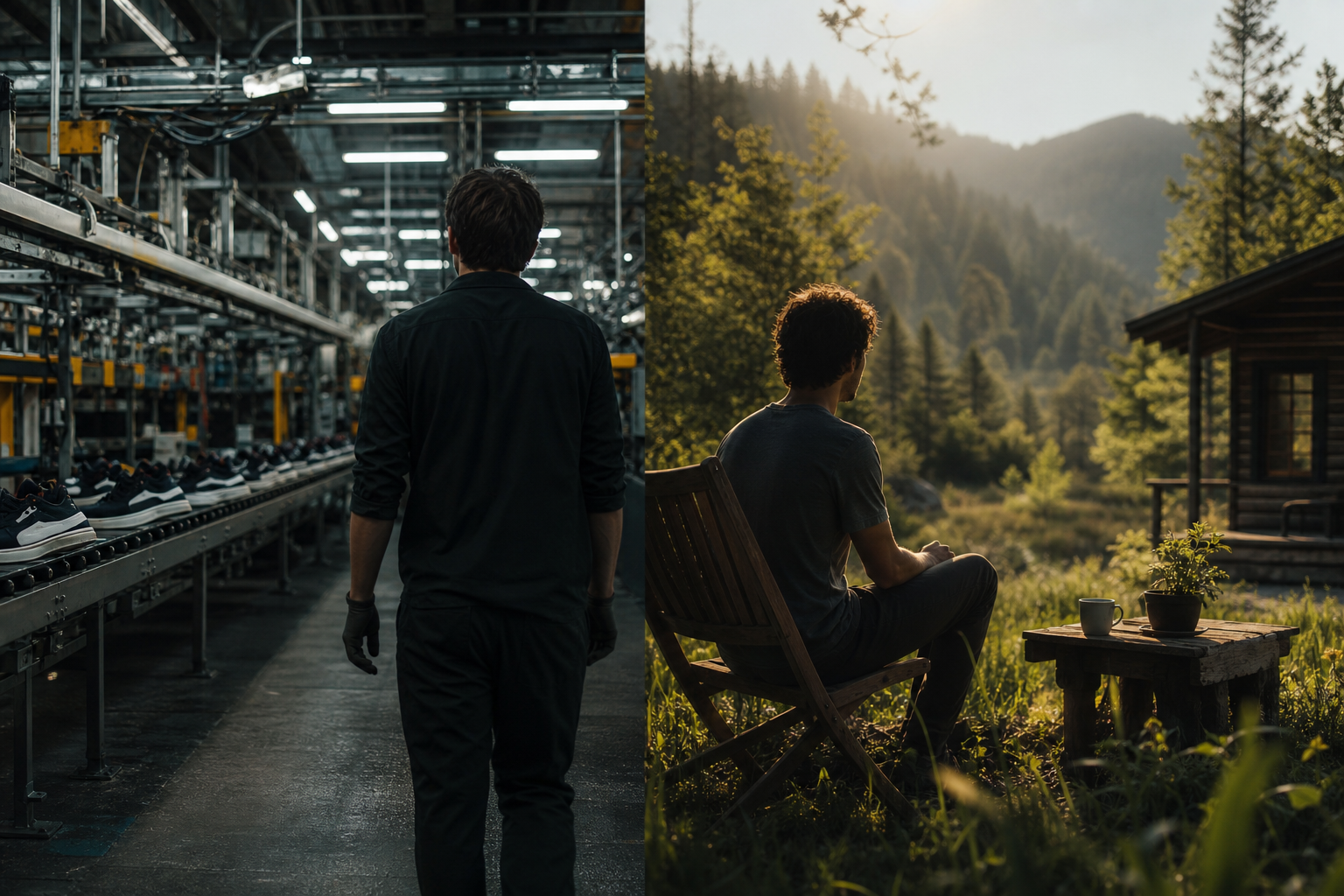
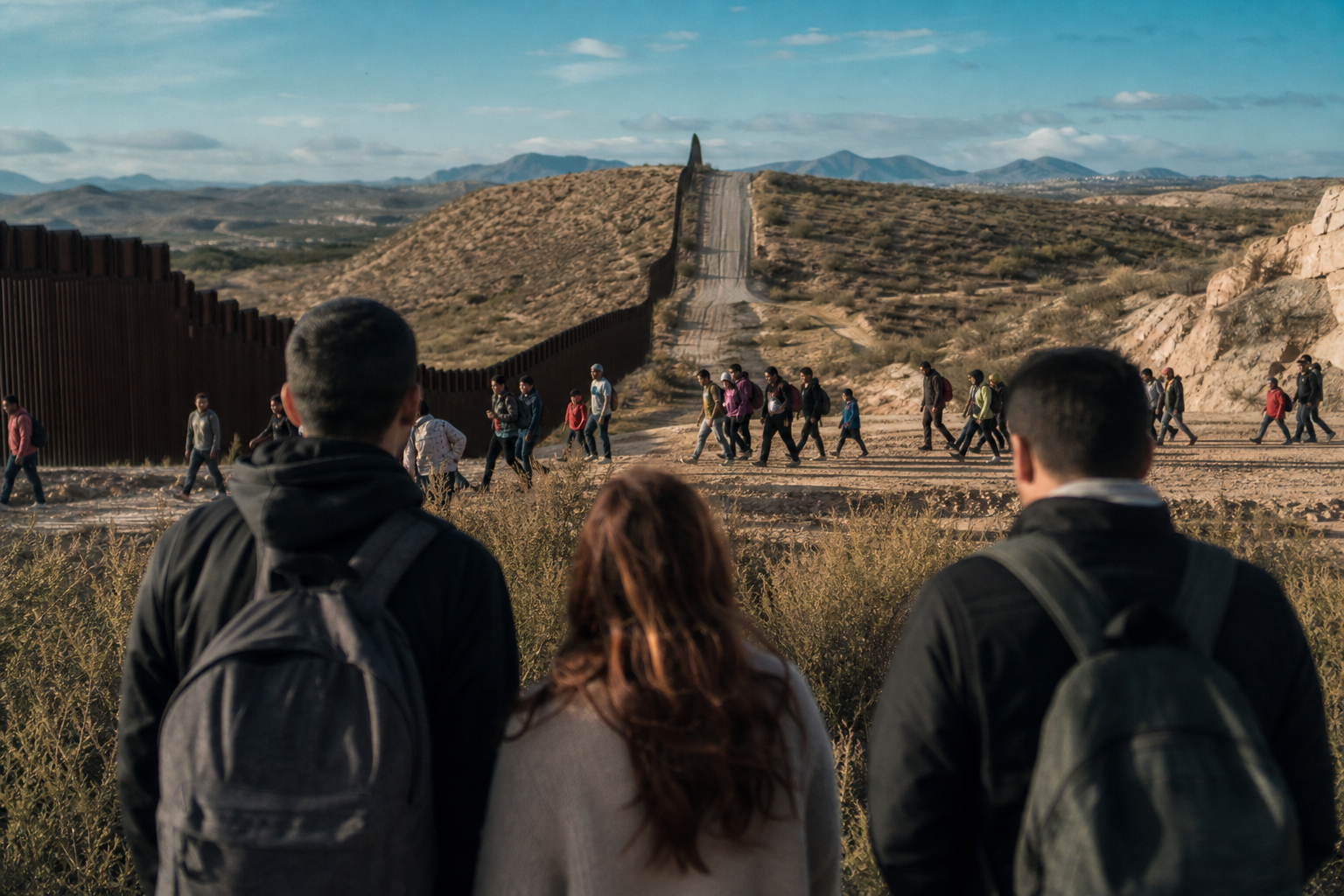
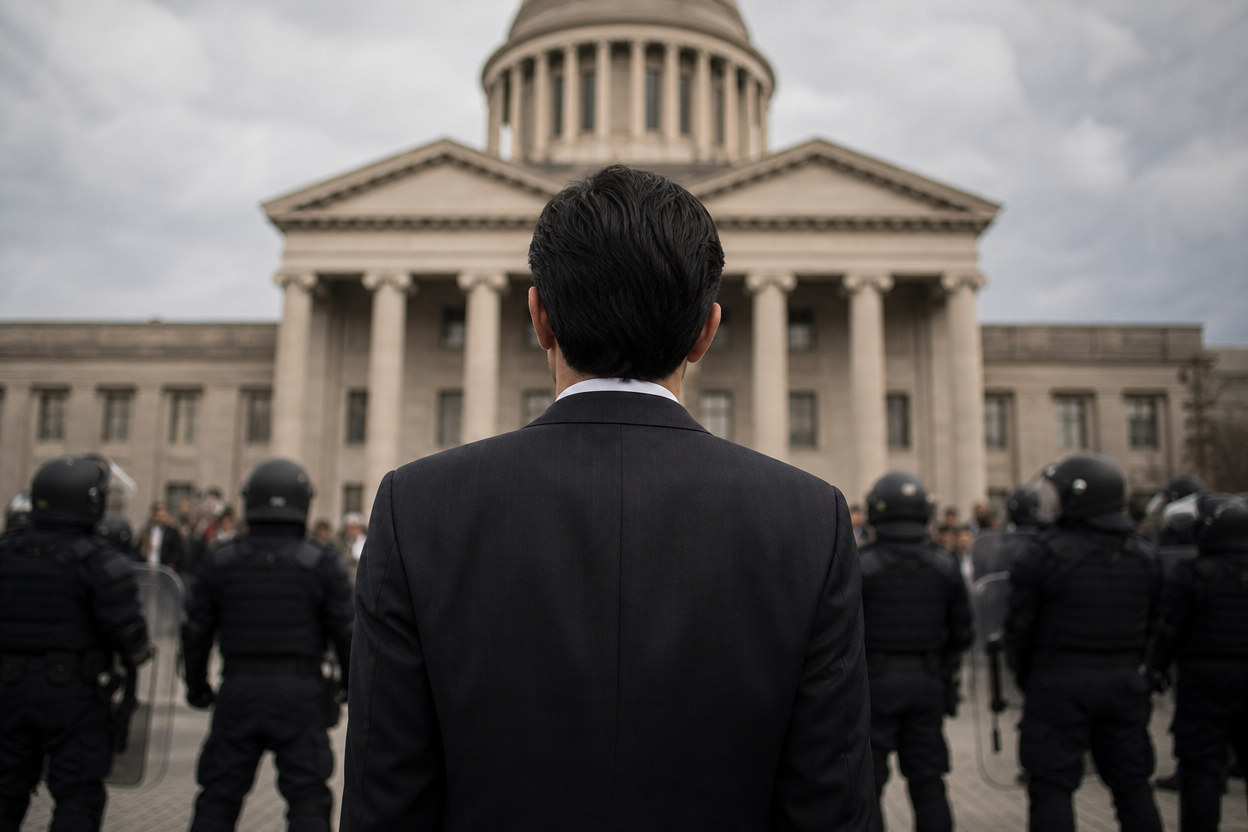
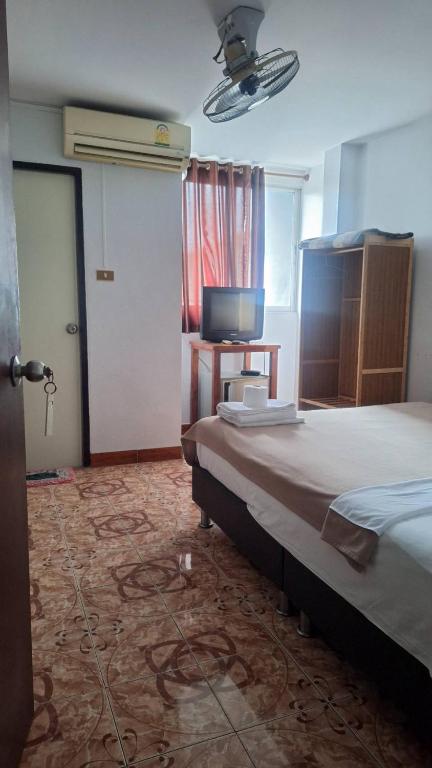
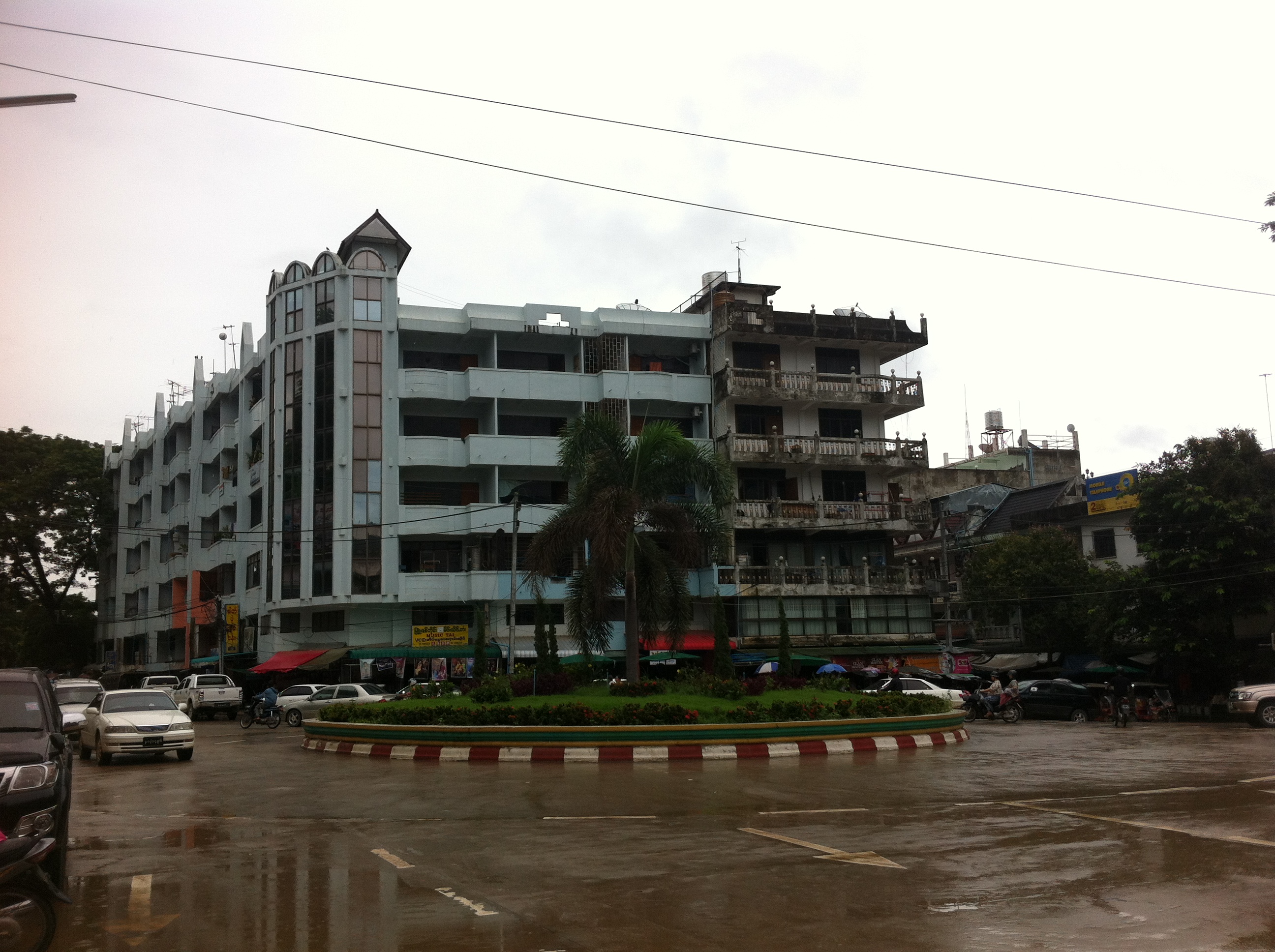
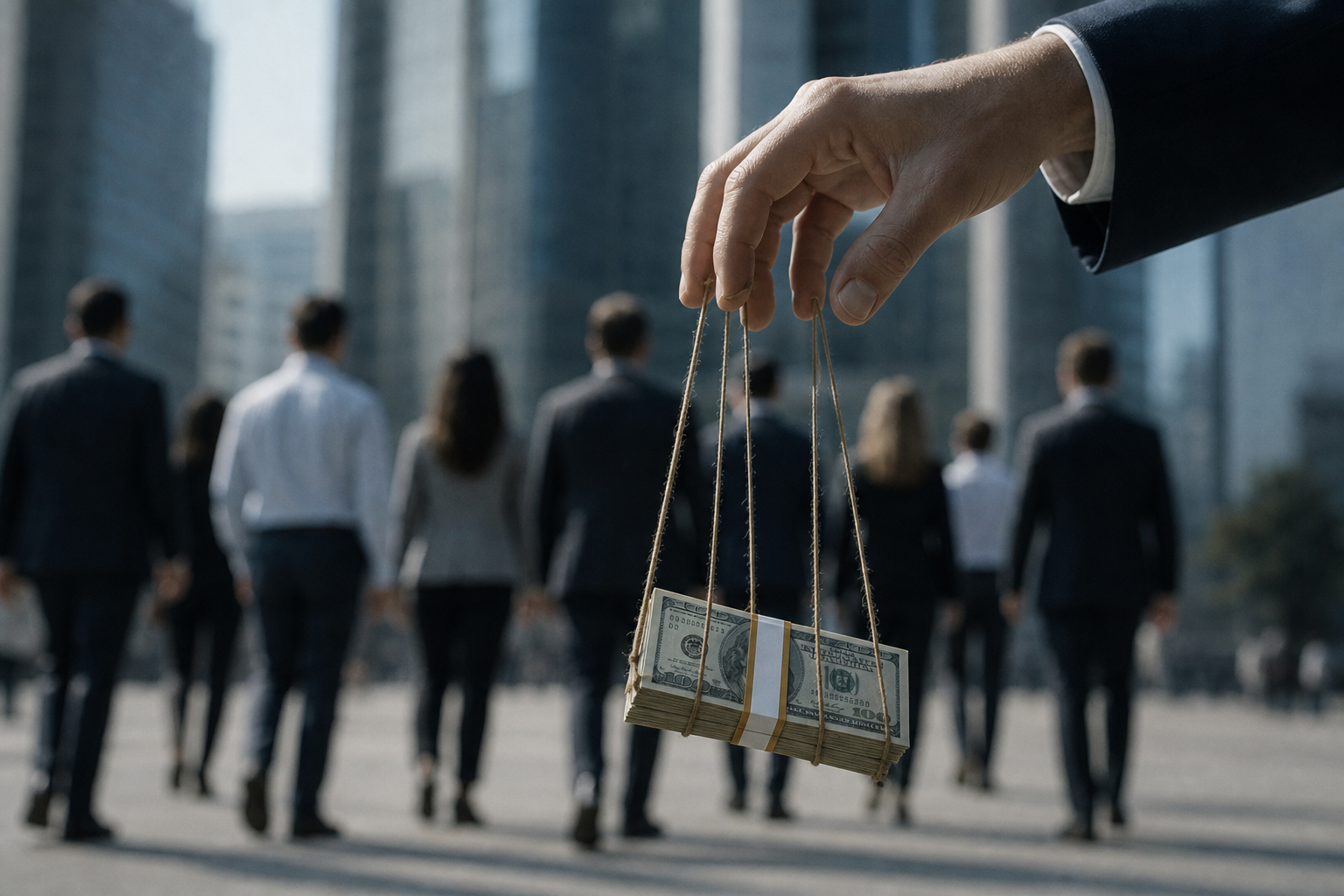
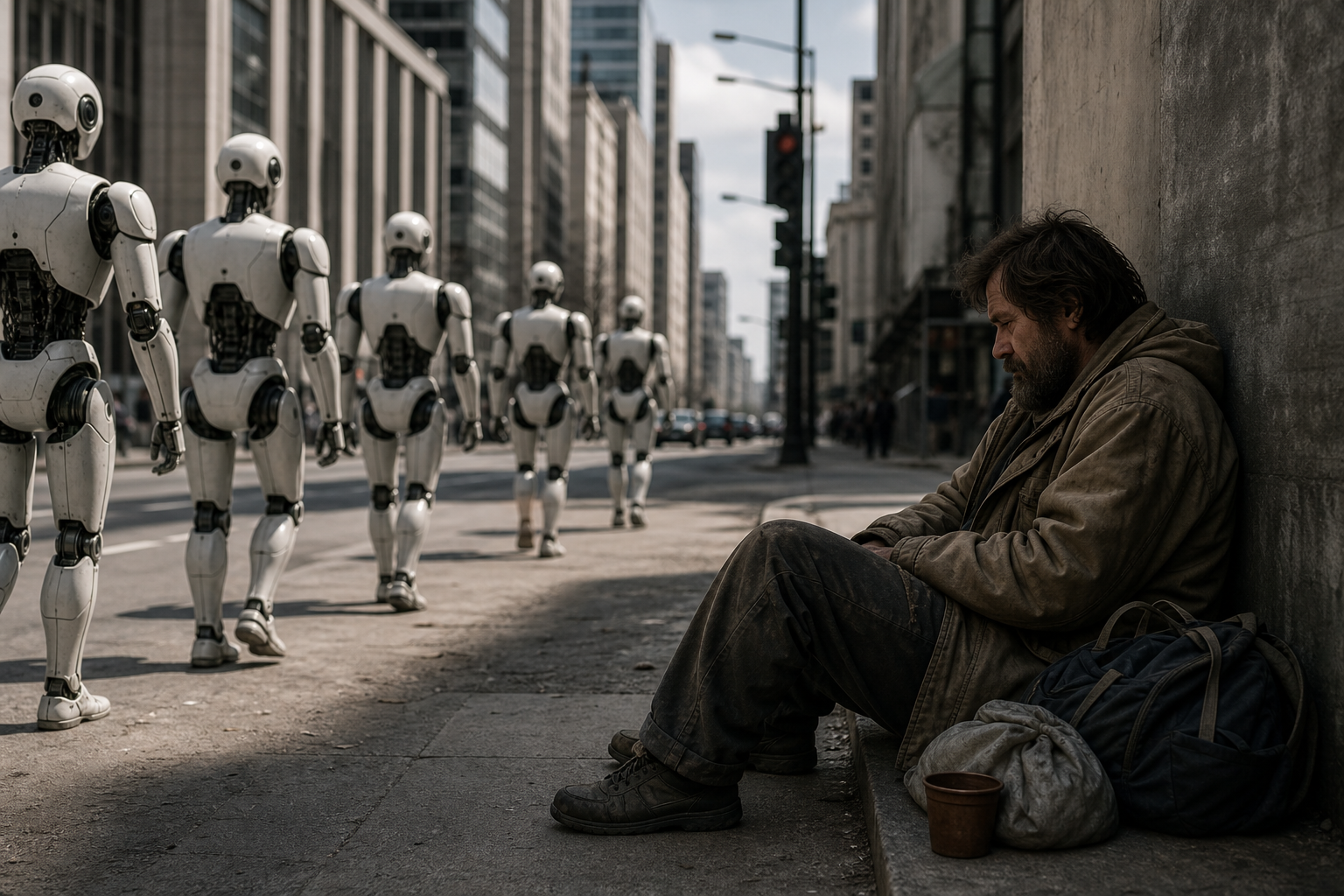
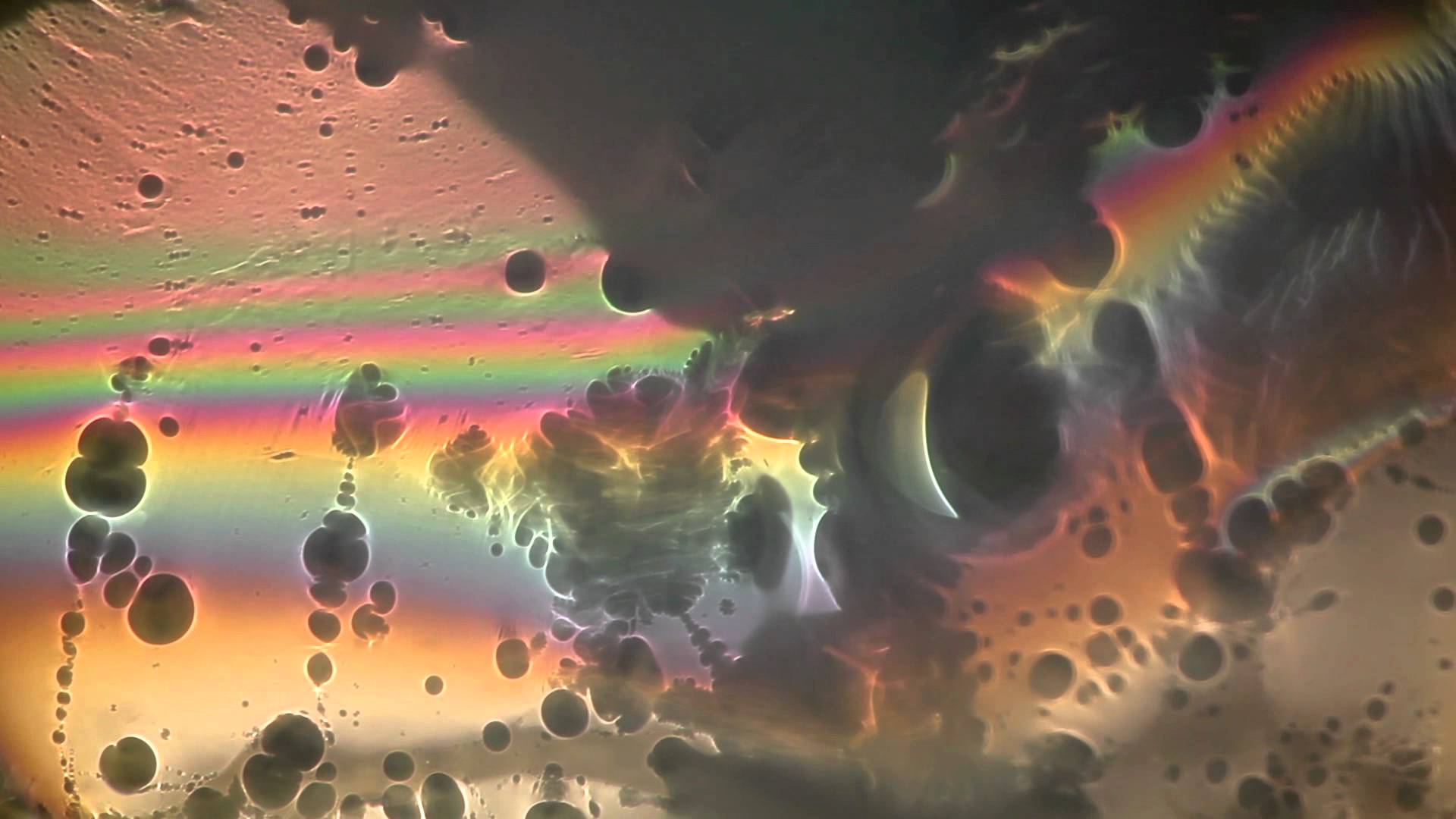
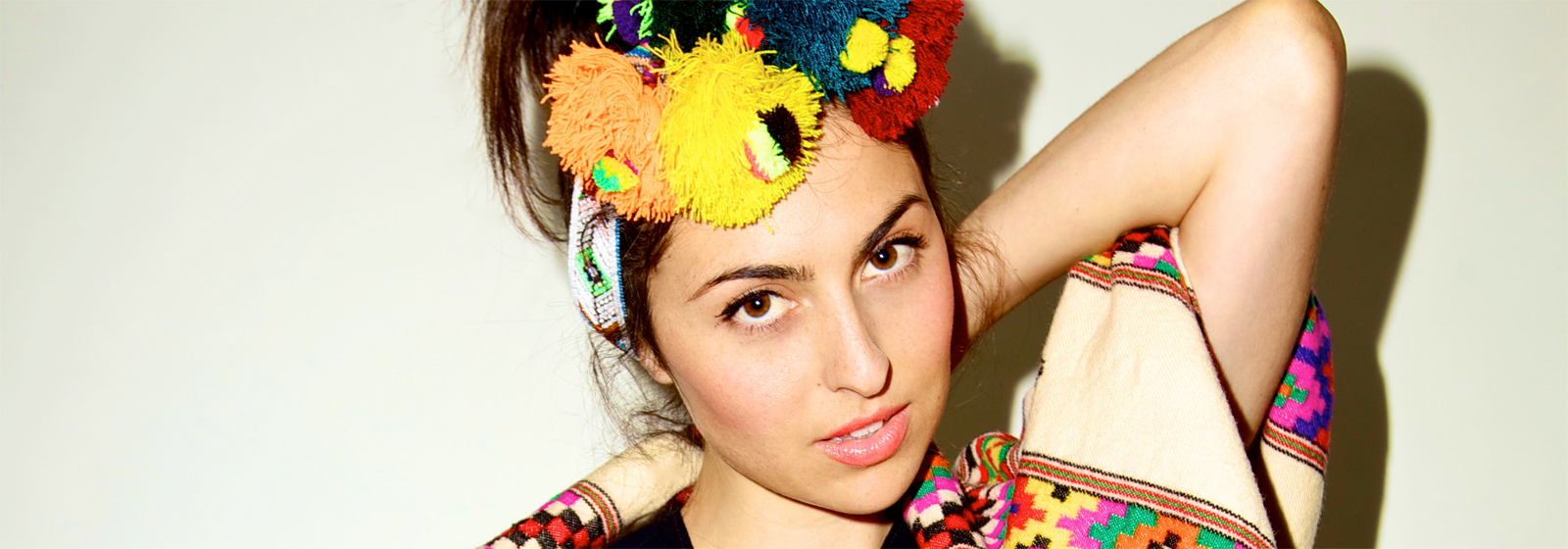
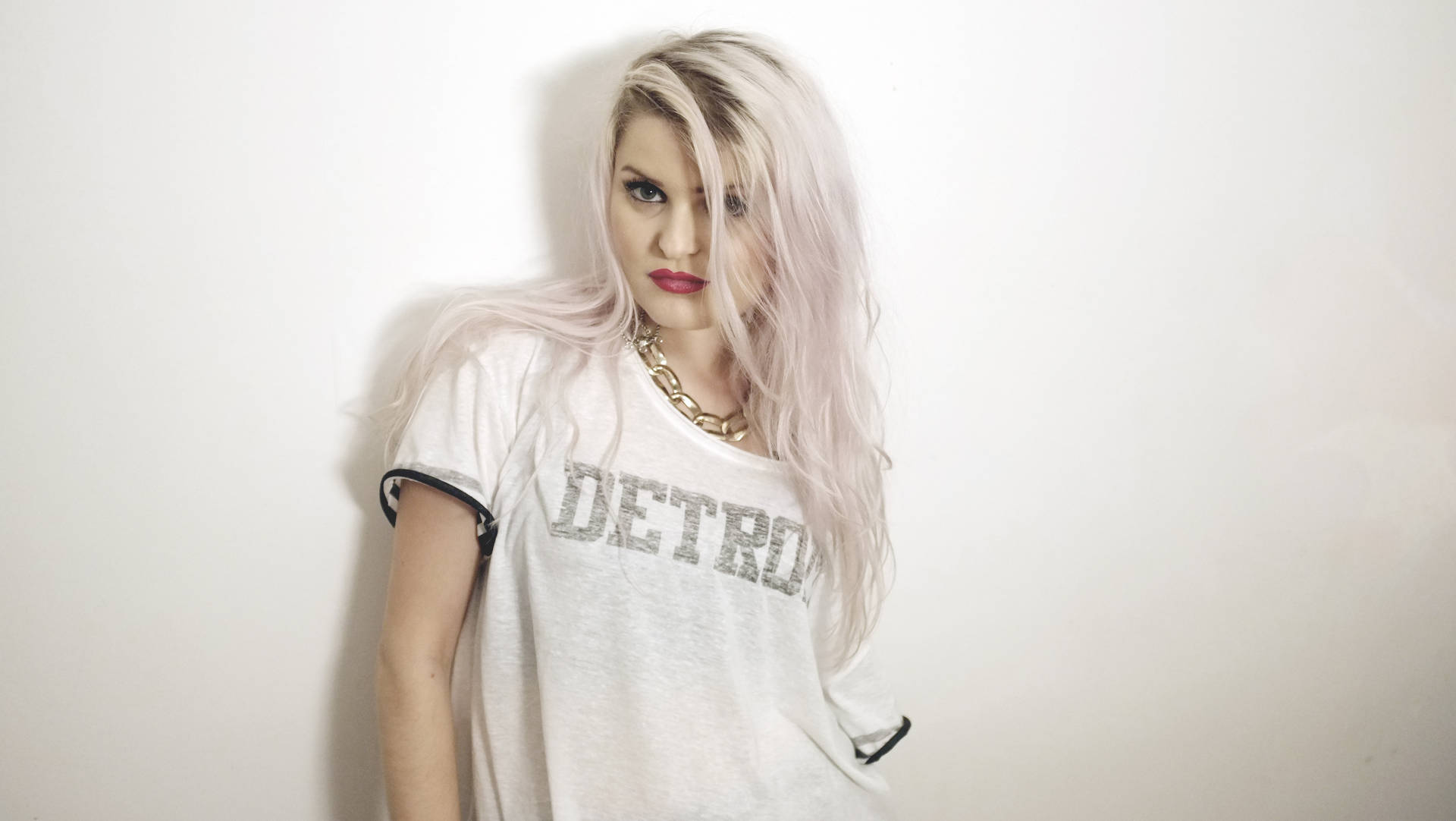
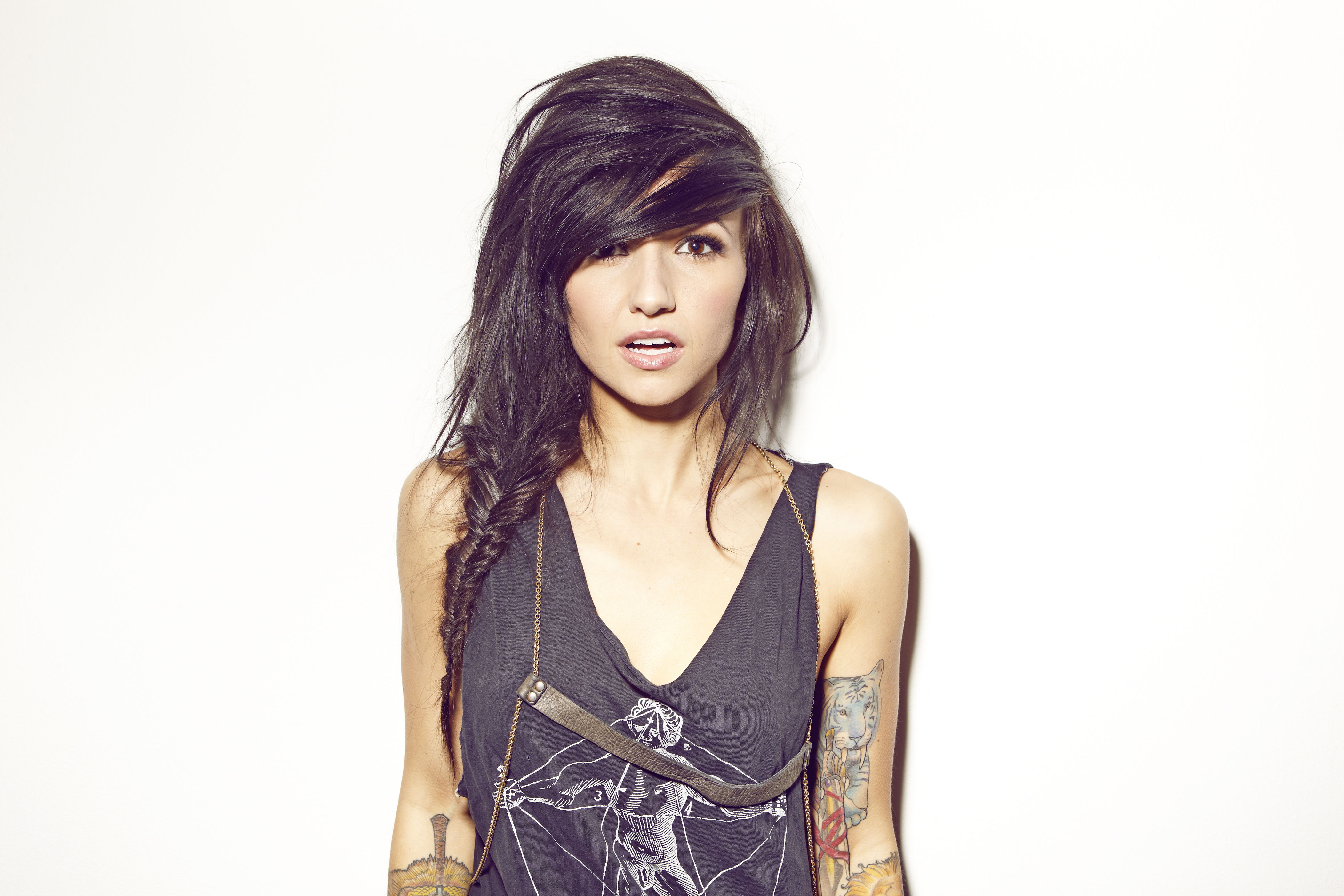
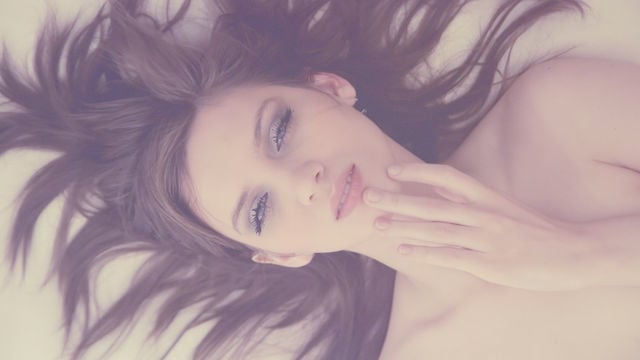
Image credits from original tweet from blog post by @Alber_RomGar
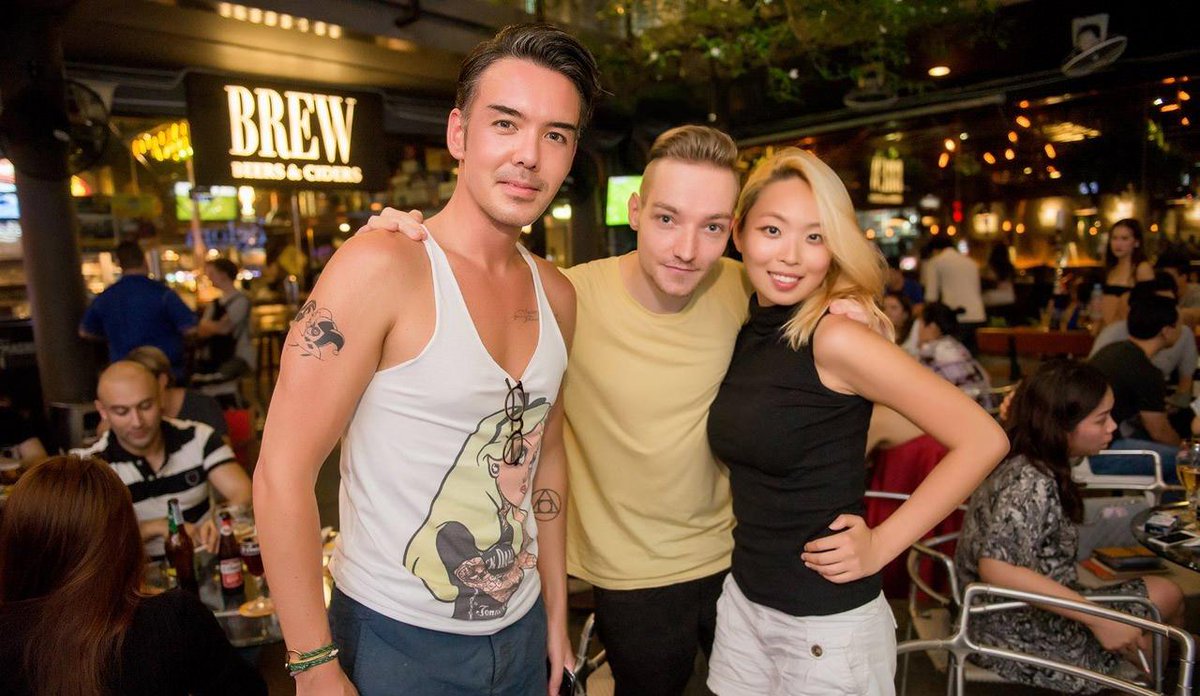
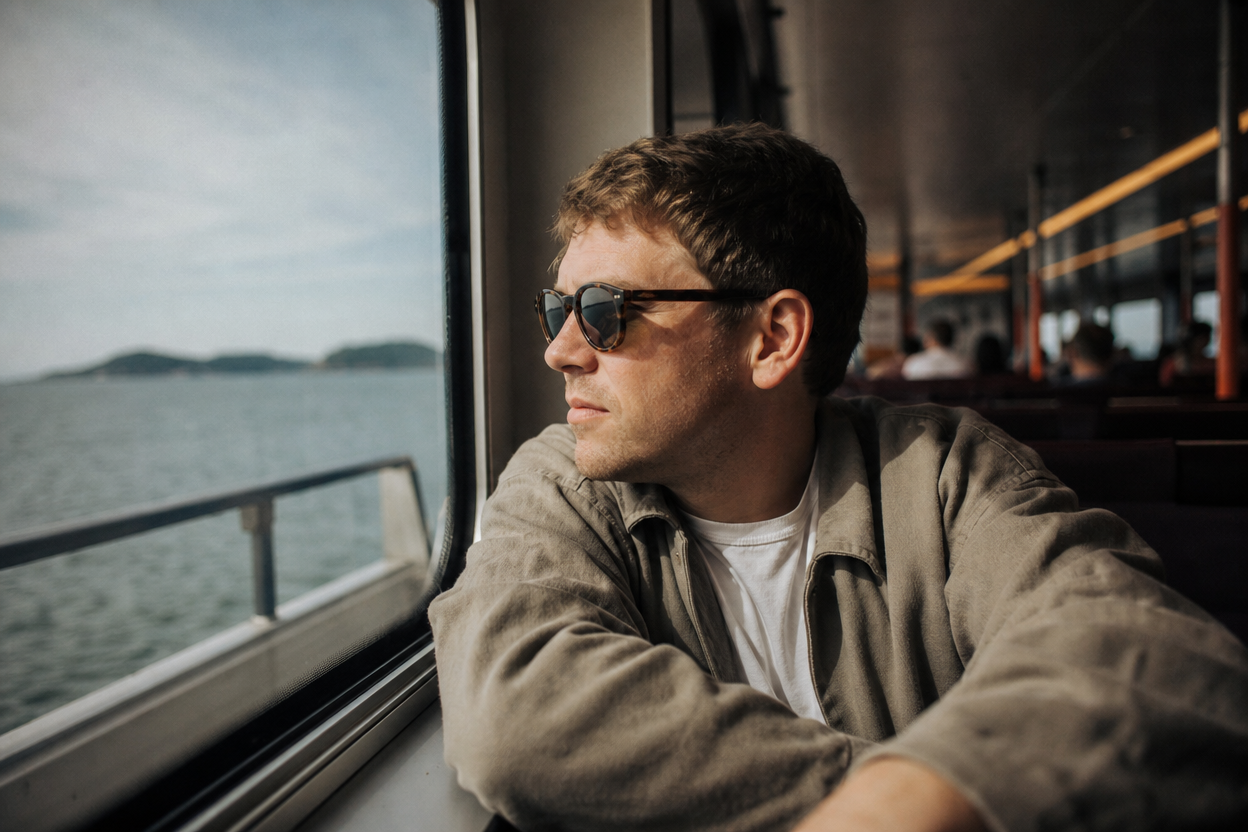
Face: HollyB#1382 (portrait)
Ship: HollyB#1382 (seascape)
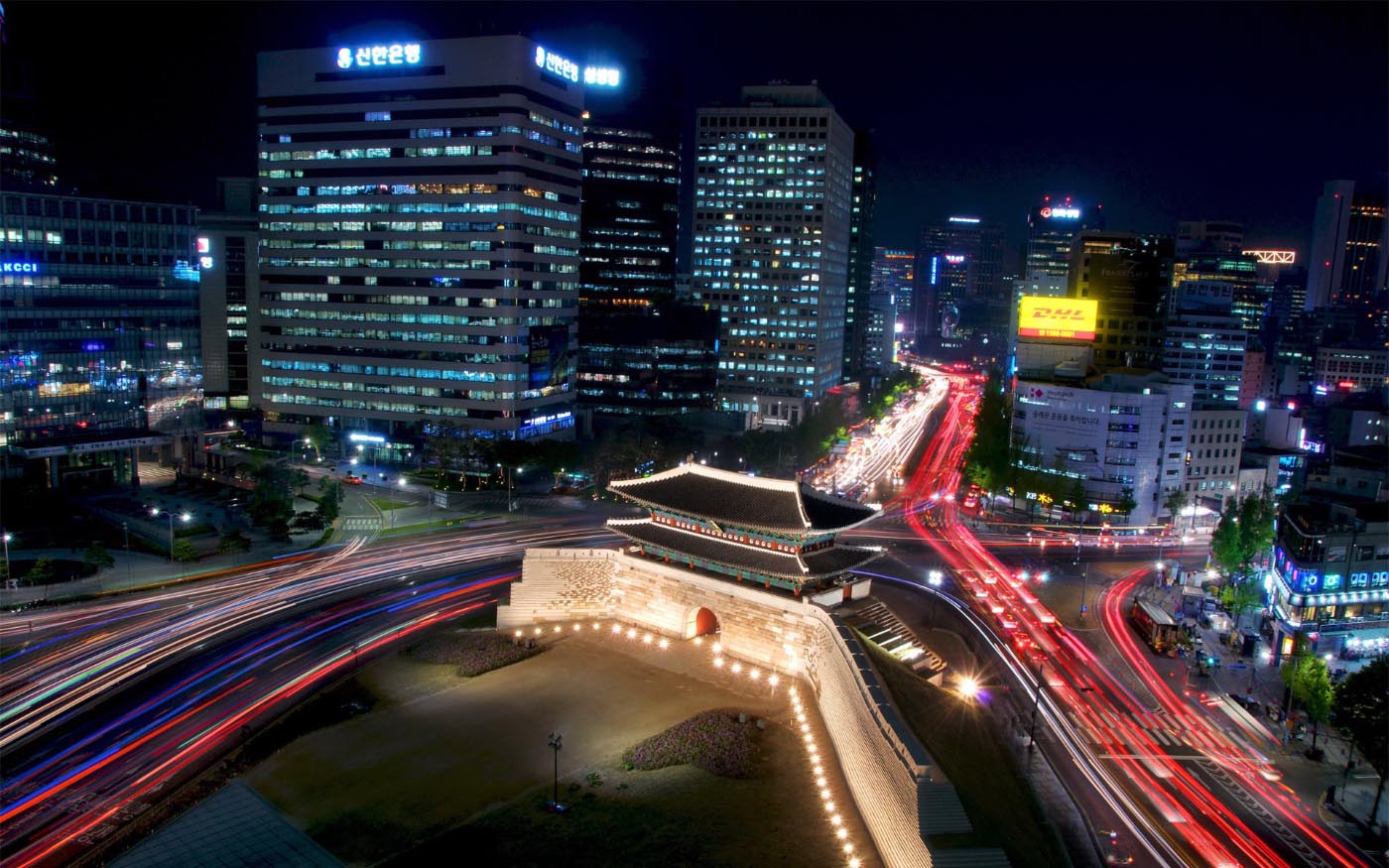
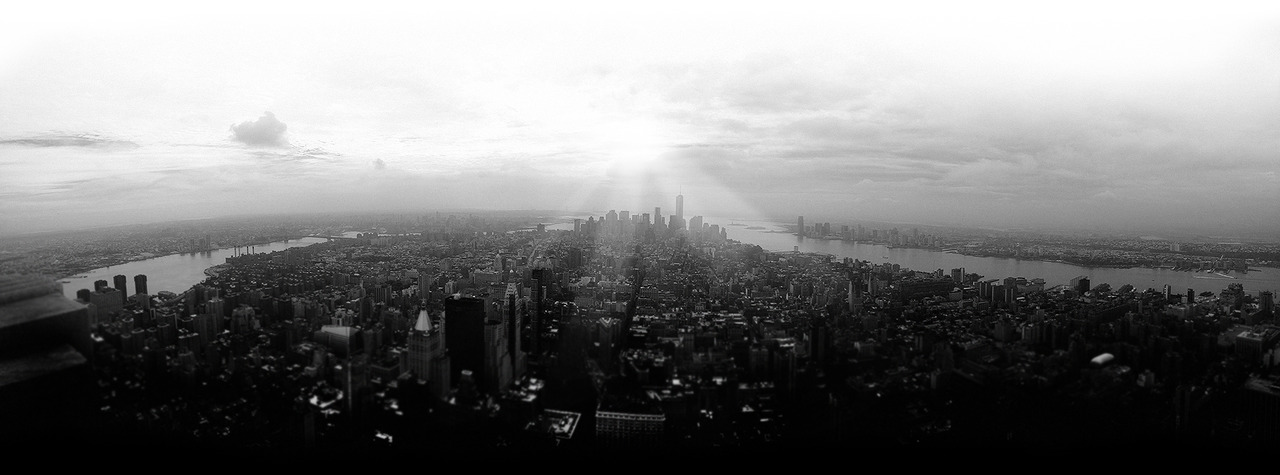
City: Joe#5956 (cityscape)
thealgorithmicbridge.substack.com/p/stable-diffusion-is-the-most-important
Again credits to @bfirsh for figuring all this out, I just rewrote his tutorial for Twitter putting the "brew install Cmake protobuf rust" first cause I needed that to make it work
replicate.com/blog/run-stable-diffusion-on-m1-mac
If you want to adjust the detail (and speed of generating it) here's some tips to use --ddim_steps param
And here's some random text prompts I collected that I add at the end of every prompt I type that make it very pretty:
cinematic photo, highly detailed, cinematic lighting, ultra-detailed, ultrarealistic, photorealism, 8k, octane render
cyberpunk lights, Hyper Detail, 8K, HD, Octane Rendering, Unreal Engine, V-Ray, full hd
cyberpunk, abstract, full hd render + 3d octane render +4k UHD + immense detail + dramatic lighting + well lit + black, purple, blue, pink, cerulean, teal, metallic colours, + fine details + octane render + 8k
ultra photoreal , photographic, concept art, cinematic lighting, cinematic composition, rule of thirds , mysterious, eerie, cinematic lighting, ultra-detailed, ultrarealistic, photorealism, 8k, octane render,
breathtaking detailed concept art painting art deco pattern - blue flowers with anxious piercing eyes and blend of flowers and birds, by hsiao - ron cheng and john james audubon, bizarre compositions, exquisite detail, extremely moody lighting, 8 k
painted by greg rutkowski makoto shinkai takashi takeuchi studio ghibli, akihiko yoshida
If you quit the Terminal or reboot, you get kicked out of the virtualenv, to get back in type:
source venv/bin/activate
And run you rprompt
python scripts/txt2img.py --n_samples 1 --n_iter 1 --plms --prompt "your text here"
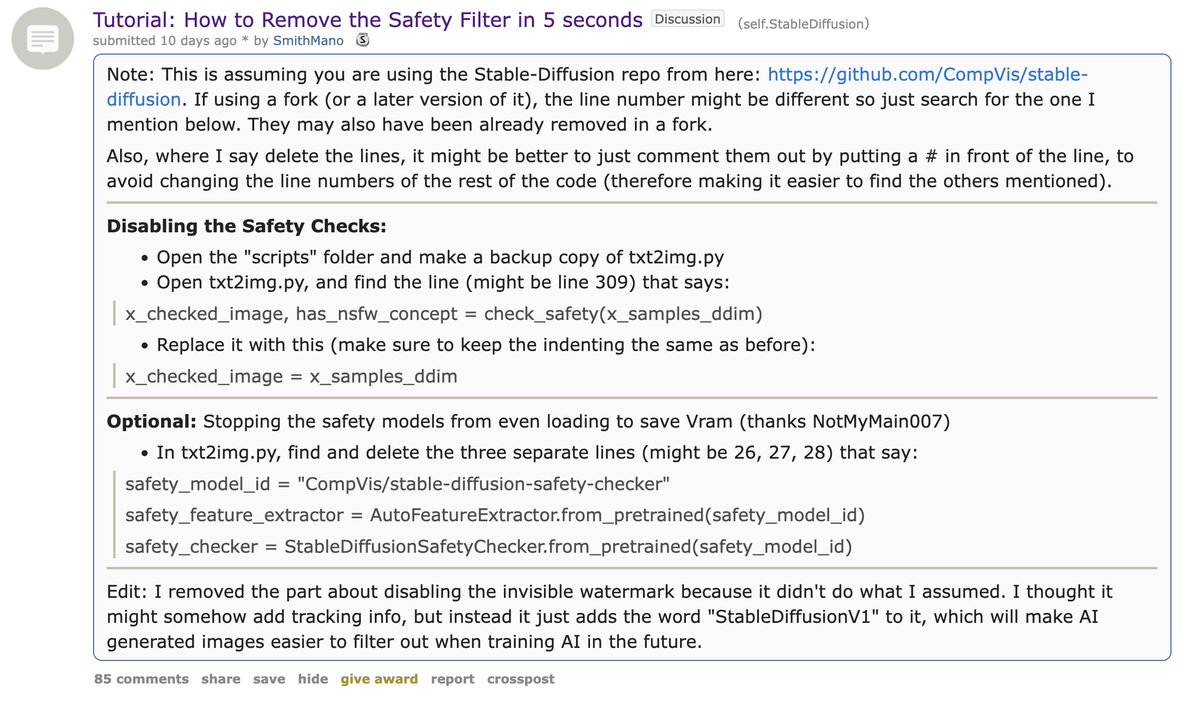
Oh and there's an NSFW filter, but you can disable it easily by editing some files:
www.reddit.com/r/StableDiffusion/comments/wv2nw0/tutorial_how_to_remove_the_safety_filter_in_5/
Originally posted on X · 💬 157 replies — add yours
P.S. I'm on 𝕏 too if you'd like to follow more of my stories. And I wrote a book called MAKE about building startups without funding. See a list of my stories or contact me.
Never miss a post: 184,210 people read my posts in full by email, before it spreads anywhere else