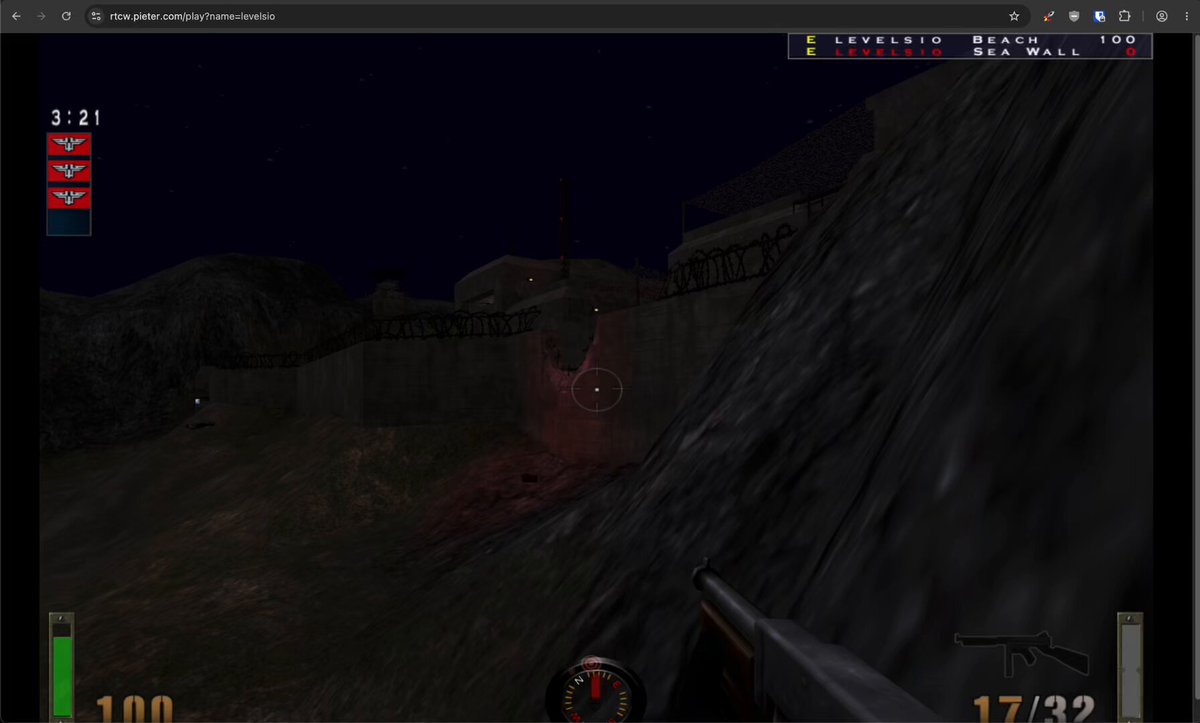
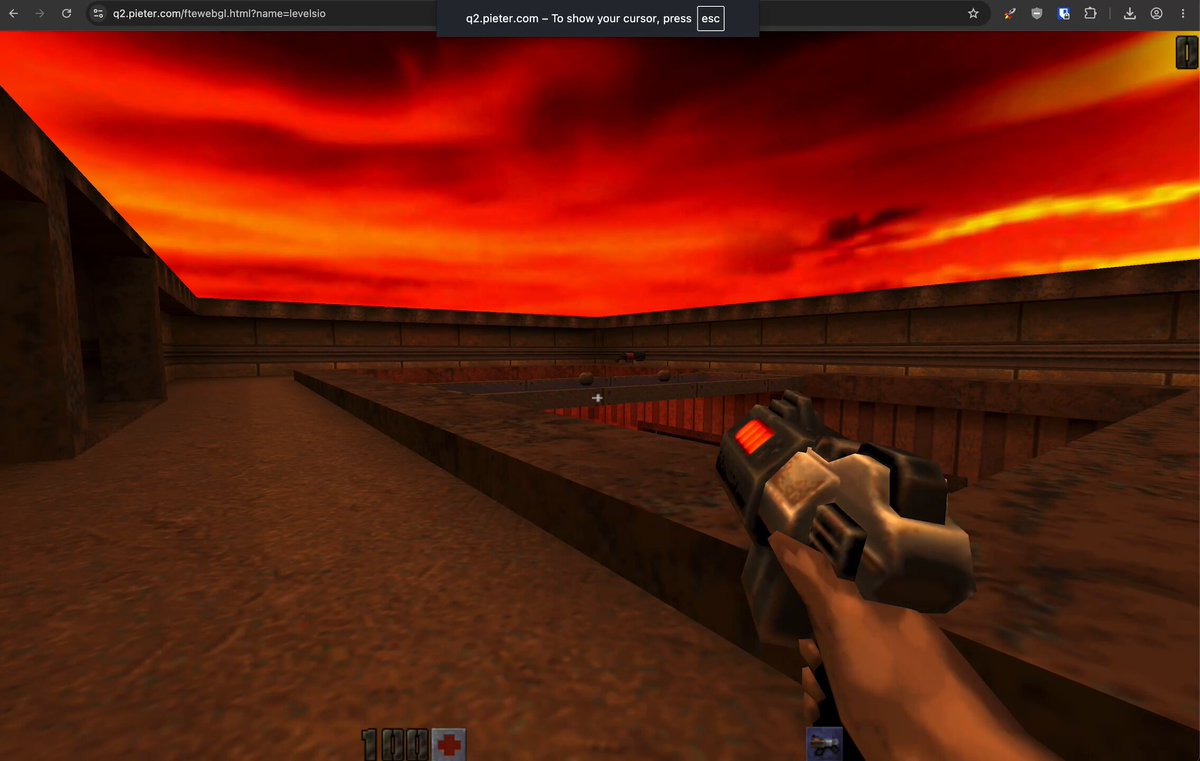
Building Pieter.com, my retro PC in the browser
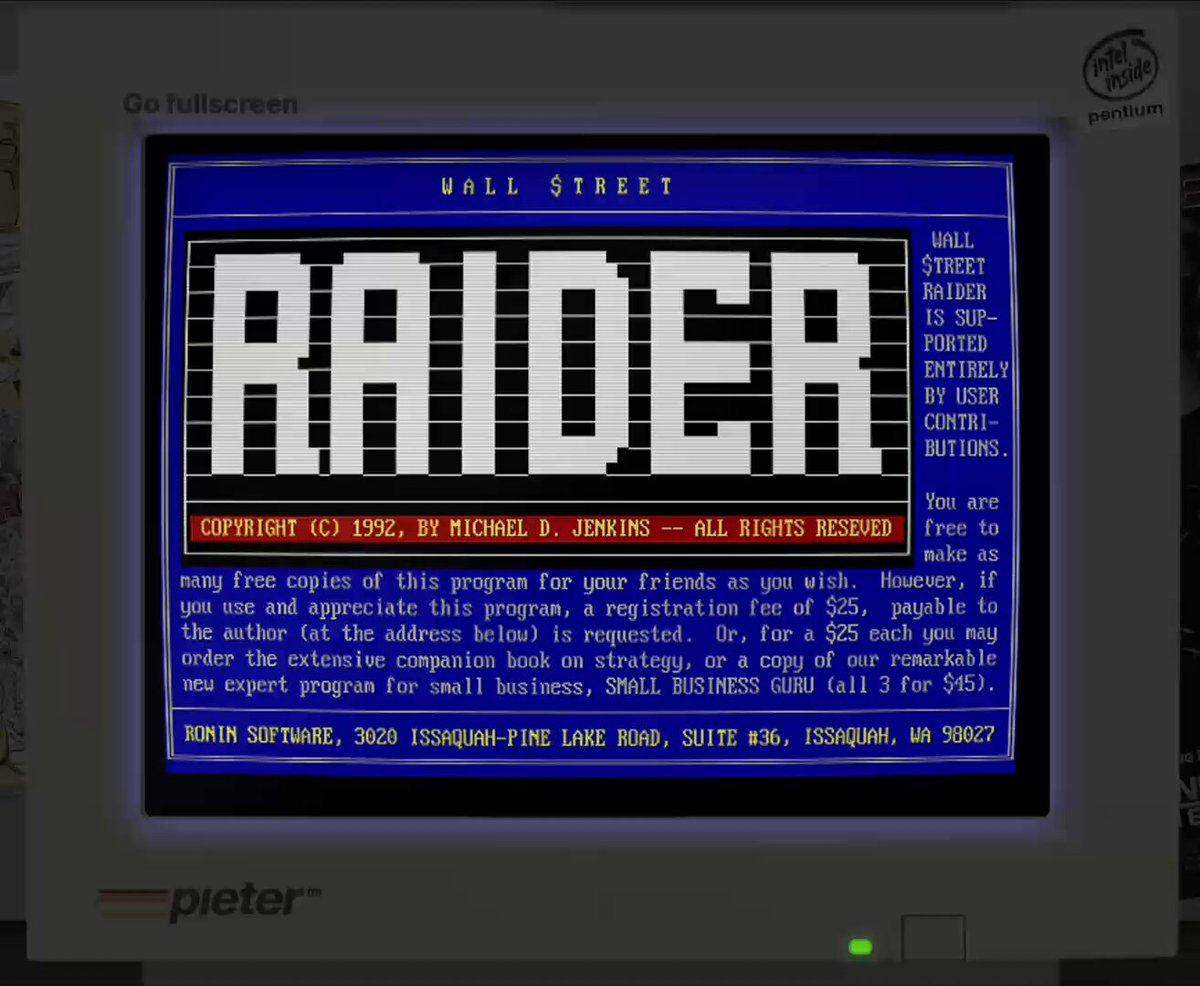
This blog is a rough collection of tweets describing how I built my retro computer project pieter.com. It started with buying pieter.com and thinking what I should do with it. I wanted to make a classic 1990s web homepage. I quickly started adding more stuff and then someone asked me "does it play DOOM?", at which I added DOOM. That meant I also had DOS running in the browser and tried to install Windows. That worked, and slowly the project moved in that direction. It took a lot more time for me to get dial-up internet working, setting up a dial-up ISP at pieter.net and a HTTP proxy at pieter.org.
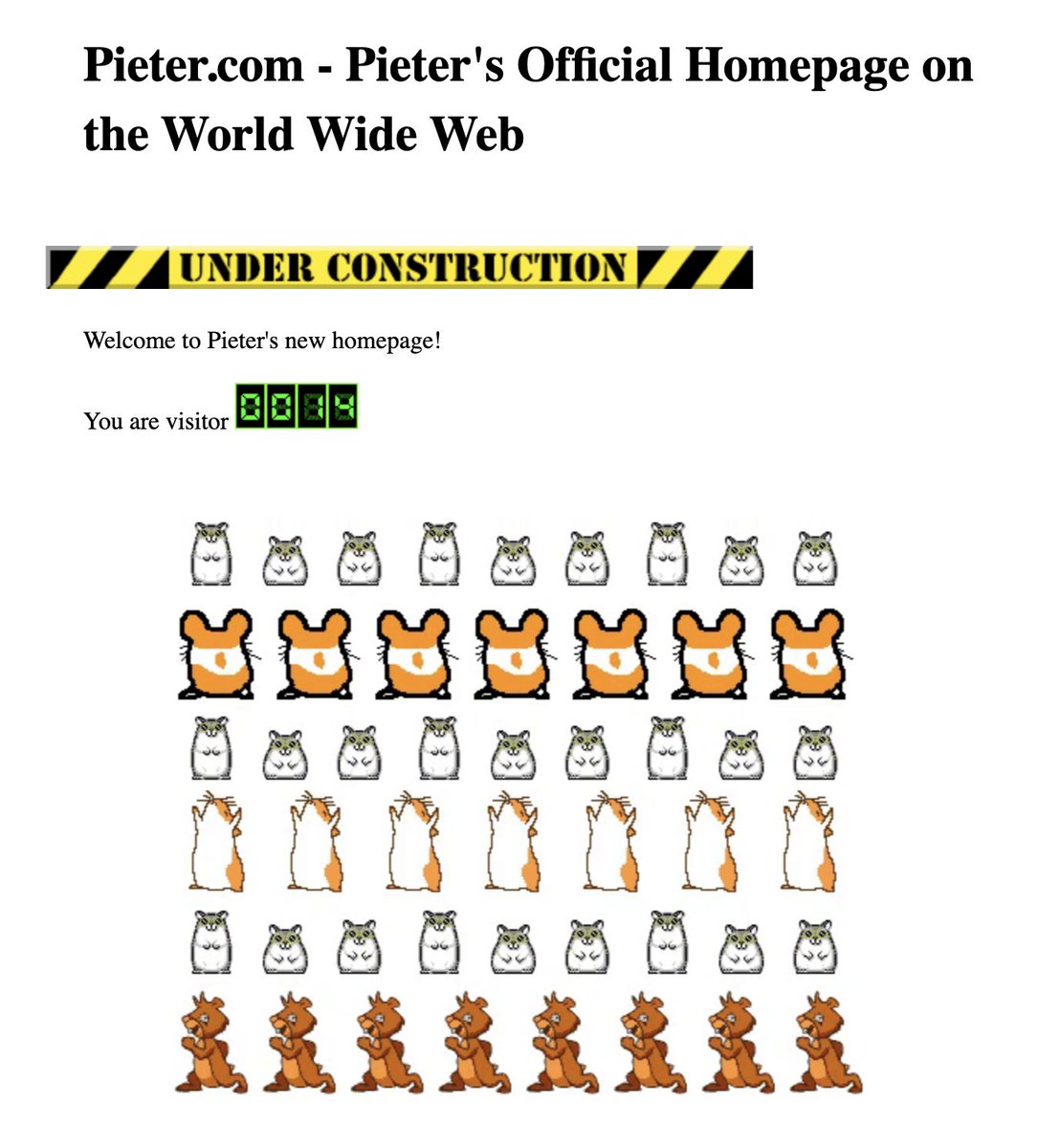
Added a 0️⃣0️⃣1️⃣4️⃣ visit counter and 🐹 hamster dance to pieter.com
Added a live group chat to pieter.com
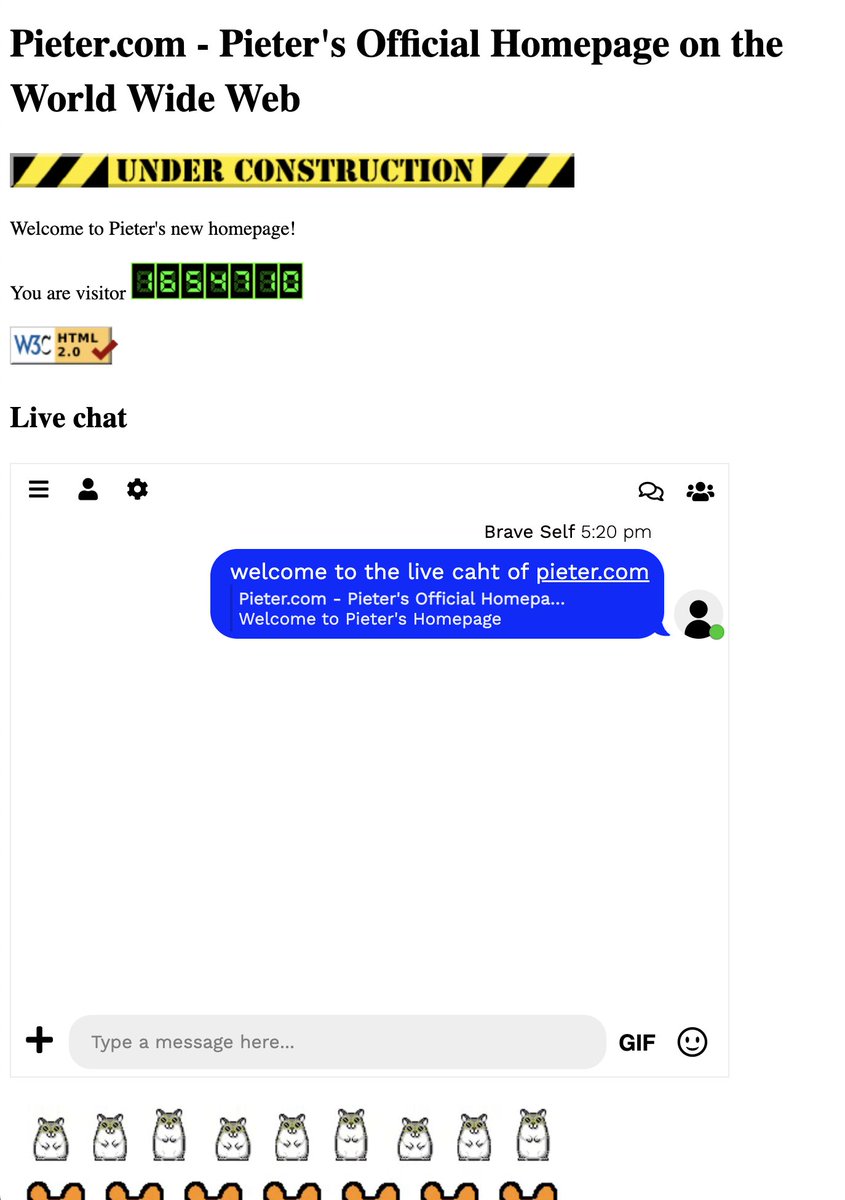
Pieter.com also has an embedded AltaVista search now
AltaVista is dead though so it searches Perplexity instead @AravSrinivas
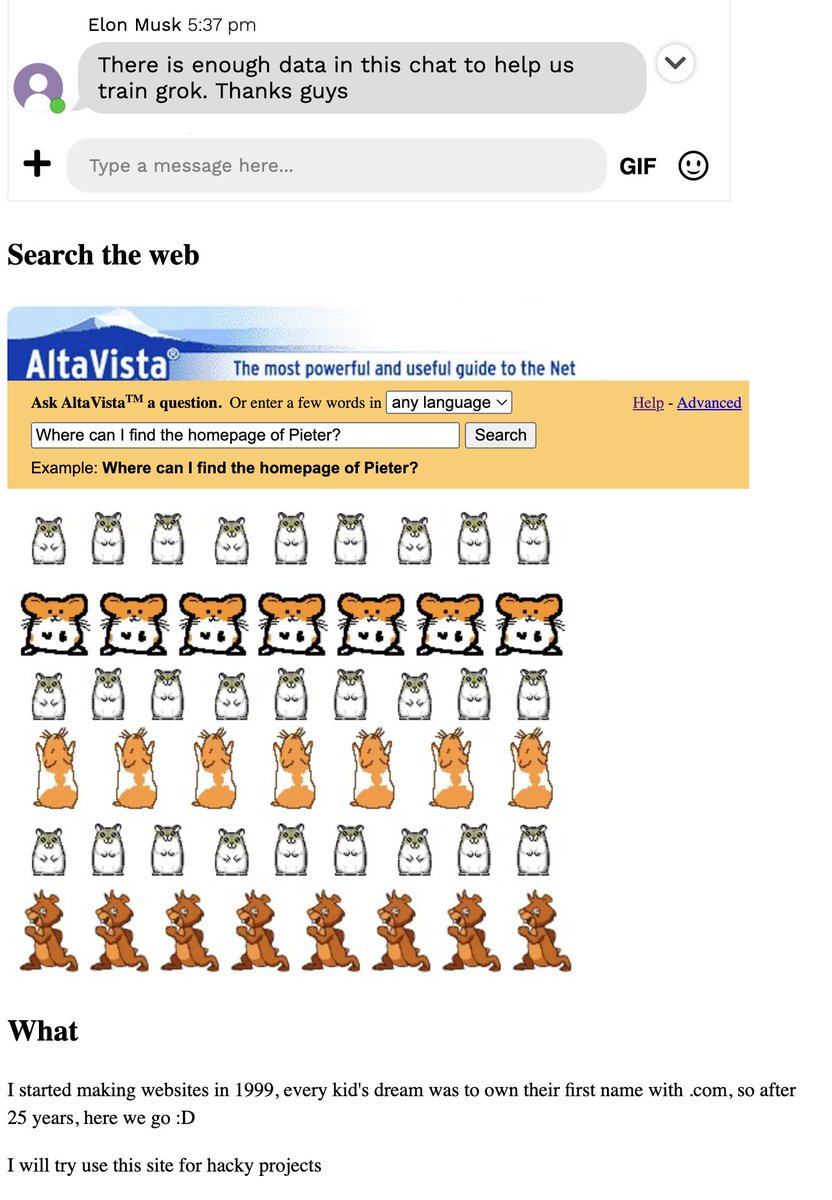
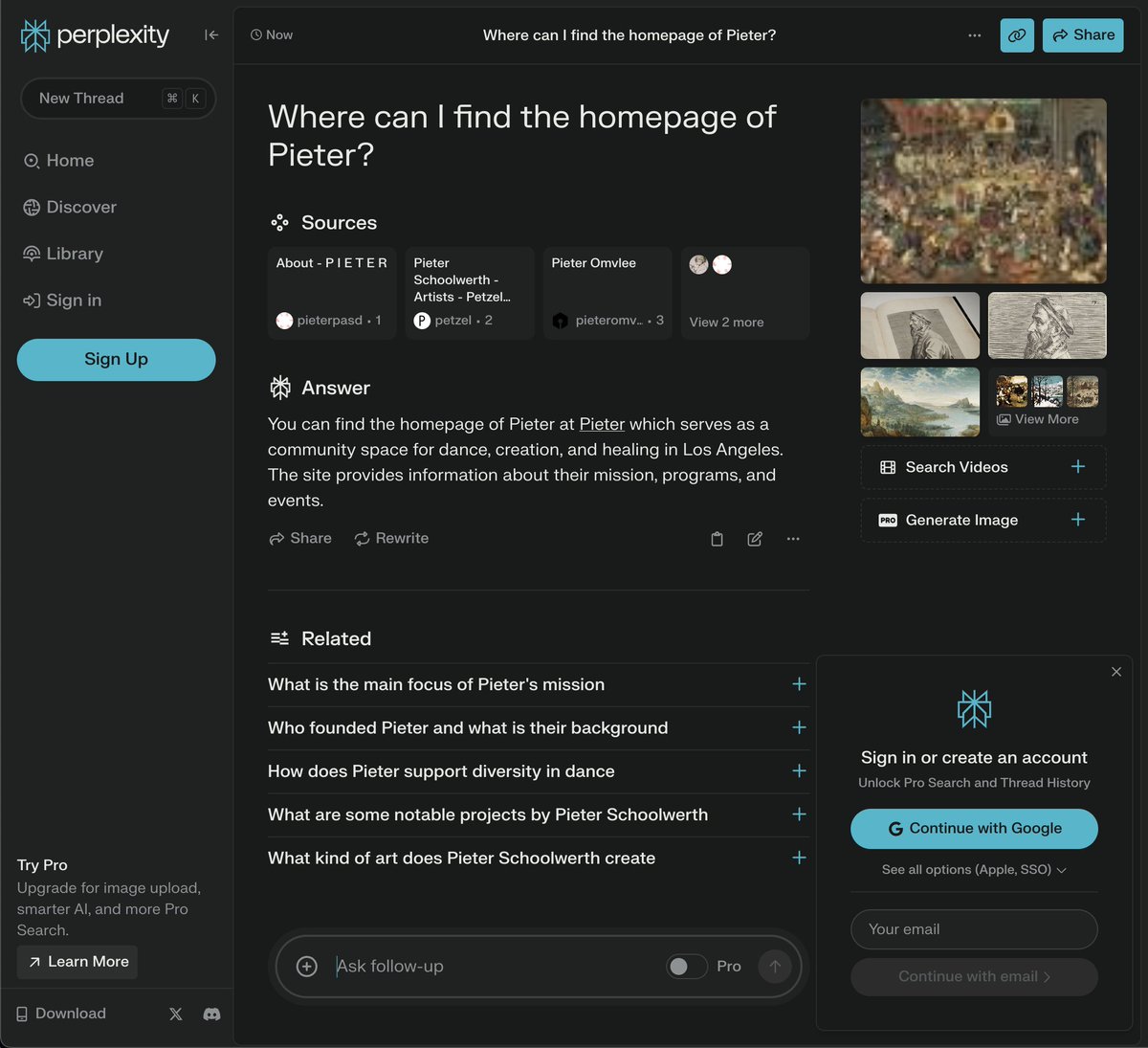
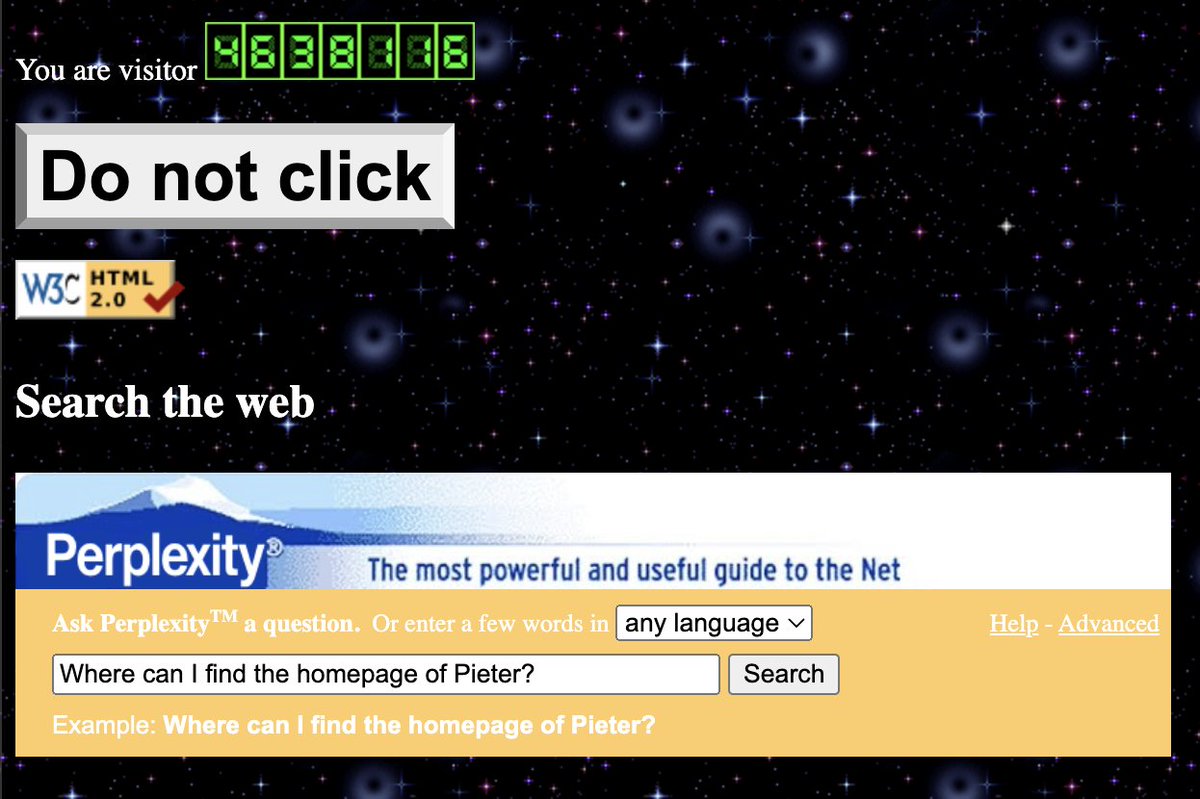
pieter.com now has an official @perplexity_ai search embed
Inspired by the original AltaVista™ search embed box from 20 years ago!
Added 🐍 Snake to pieter.com because much requested
Put your high scores in the chat!
Moved pieter.com to its own Hetzner box
So now we can really start hacking on some random shit
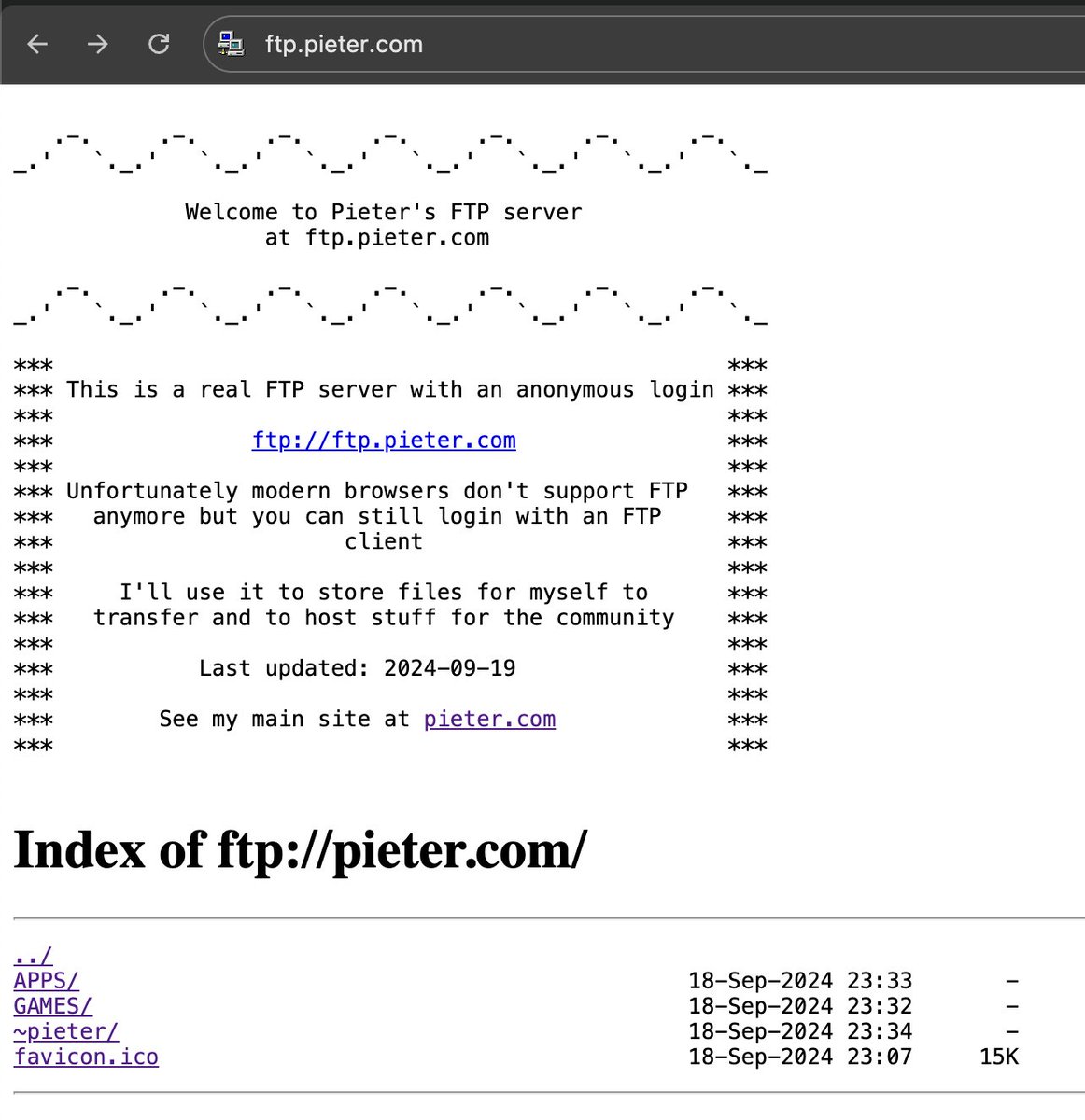
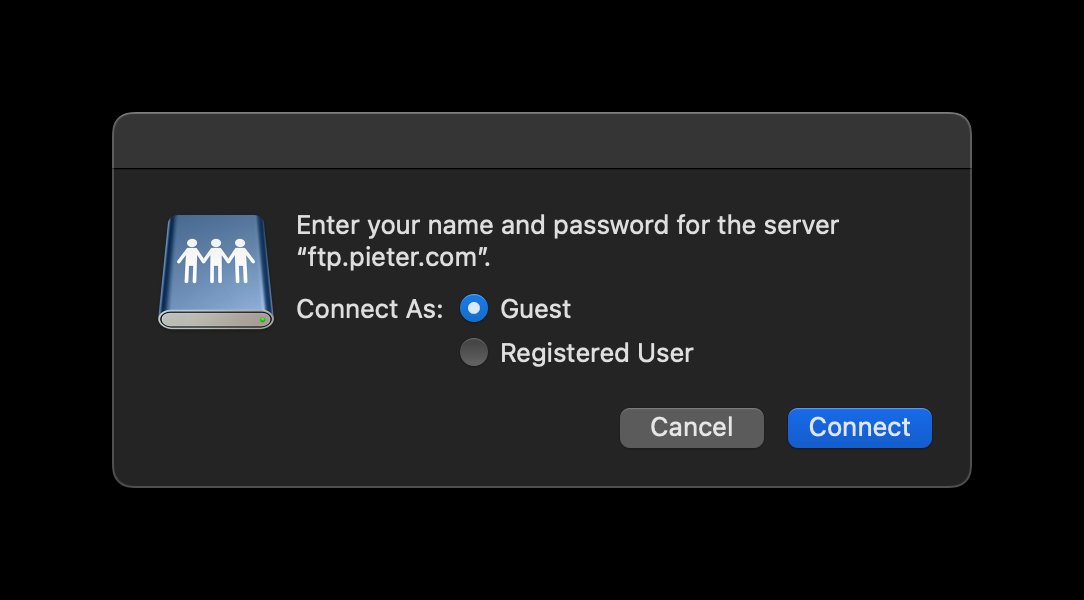
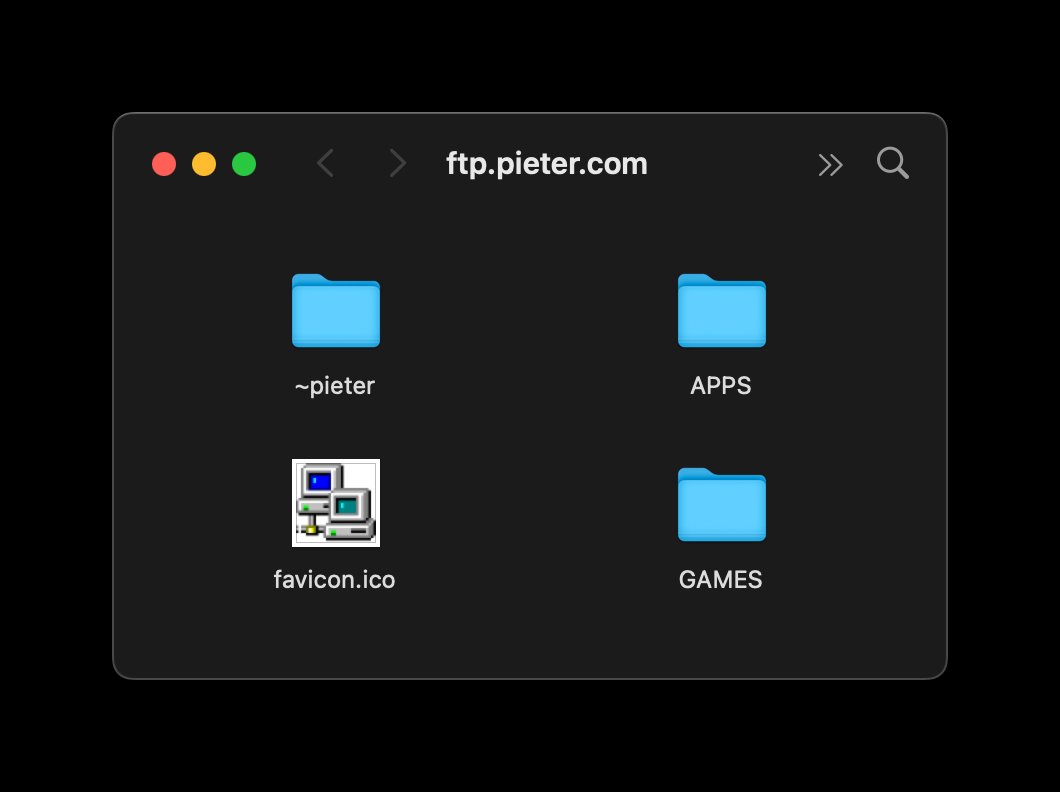
💾 Added an actual working FTP server at ftp.pieter.com:
ftp://[email protected]
See what you can find in there :D
Would be fun to add telnet or IRC later
Added a fully functional Winamp to pieter.com now
It streams MP3s from ftp.pieter.com/MP3
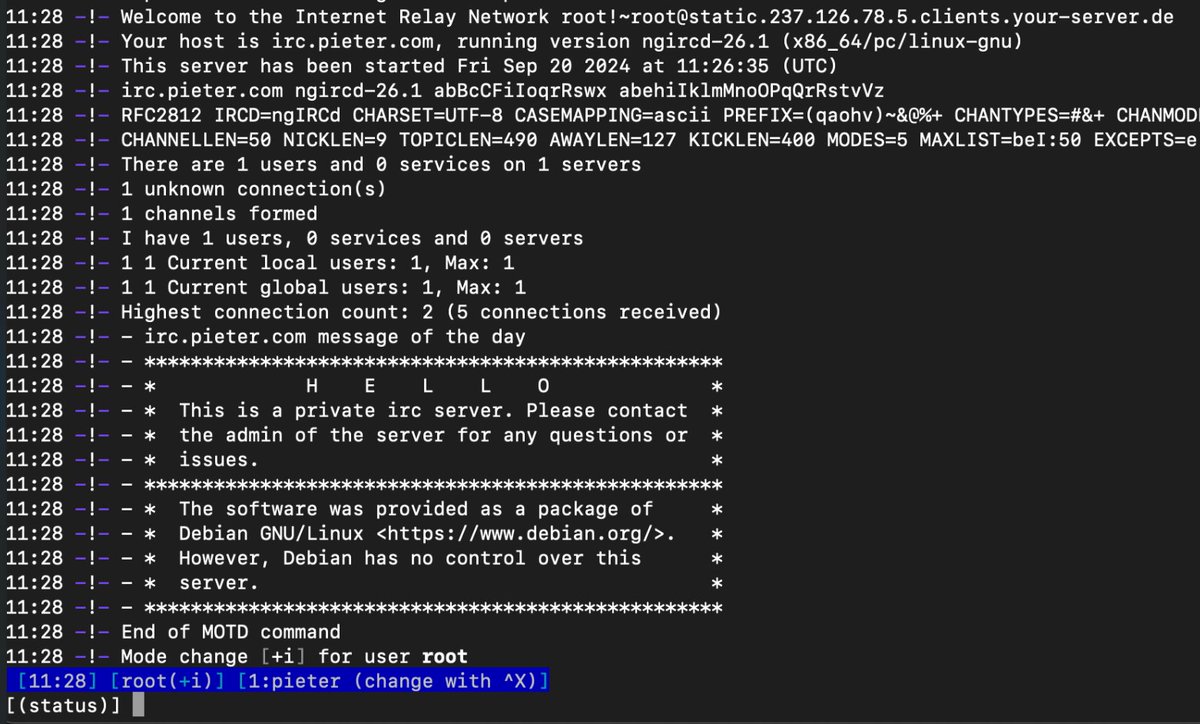
Added an IRC server now so you can chat:
I'm in channel #pieter
I'll try find a mIRC like web client to put it on pieter.com and connect to it later!
✨ Set up my own IMAP and SMTP mail sever today at
So I can now receive email @pieter.com and also send email from it
So now I have my own:
🌎 WWW server @ www.pieter.com
💾 FTP server @ ftp.pieter.com
💬 IRC server @ irc.pieter.com
📭 Mail server @ mail.pieter.com
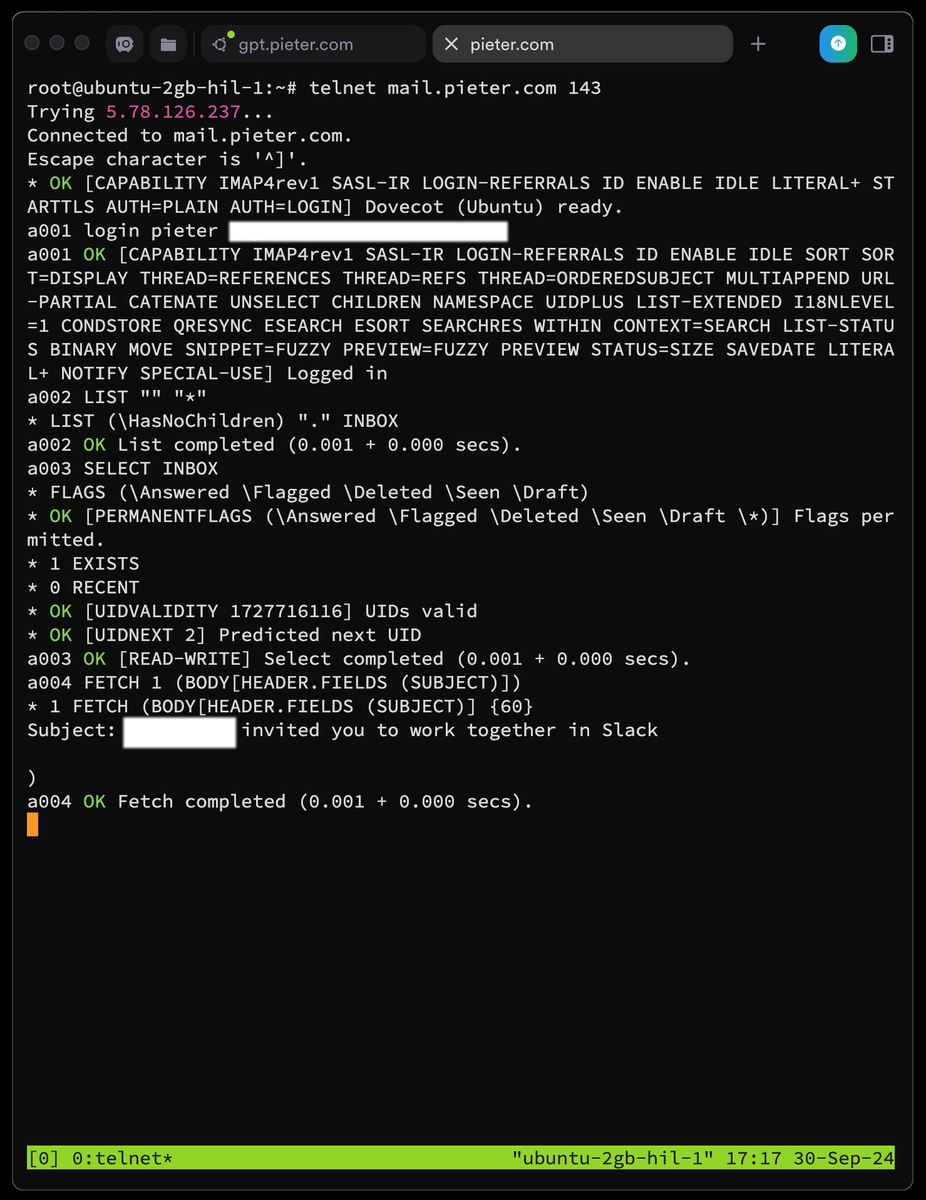
✨ I spent 6 days trying to connect Windows 3.11 on DOSBox (an emulator) to the modern 2024 internet and was pulling my hair out, asking ChatGPT and Claude for help to fix it and nothing they said worked, but...
NOW IT WORKS!!!
I'm now able to open Netscape (a browser from 1995) and visit Google (although with a lot of errors cause JavaScript changed in 20 years)
Even my own site at pieter(dot)com works now, I just 1) had to enable HTTP again, and 2) disable Cloudflare's WAF because it blocks old browsers with error code 1010 because a 1995 browser visiting your site looks a bit suspicious to them 🤪
It does show a giant blob of CSS at the top, cause <style> tags didn't exist back then, it was all inline styles, so it just thinks it's text
Most other sites simply don't work because EVERYTHING these days is HTTPS and behind Cloudflare-type firewalls, which is a bit sad but yes the reality of 2024
And best of all I'm able to chat inside mIRC the chat app on my own server, crazy it still works with software from 1995!
So we're 90% of where I wanted this to go, a fully functioning Windows 3.11 install running with internet enabled that can open my own site
🎬 Now for the final 10%: I want to get internet inside Windows 3.11 to work inside JS-DOSbox which is the browser-level emulator that runs on my site pieter (dot) com (which is live and works but without internet inside)
I think that'll require me building some Websocket proxy or smth to route traffic from Windows 3.11 to my server and forward and back, not easy...
Why??? Cause it's a lot of fun and extremely challenging to make any of this work! 😂
Big thanks to @davidinark's tutorial and installing PCTCP instead of Winsock etc., it was instantly able to get an IP from DHCP. Regular Winsock and Windows networking just does't work at all with DOSbox apparently! Wish someone told me that a week ago :D
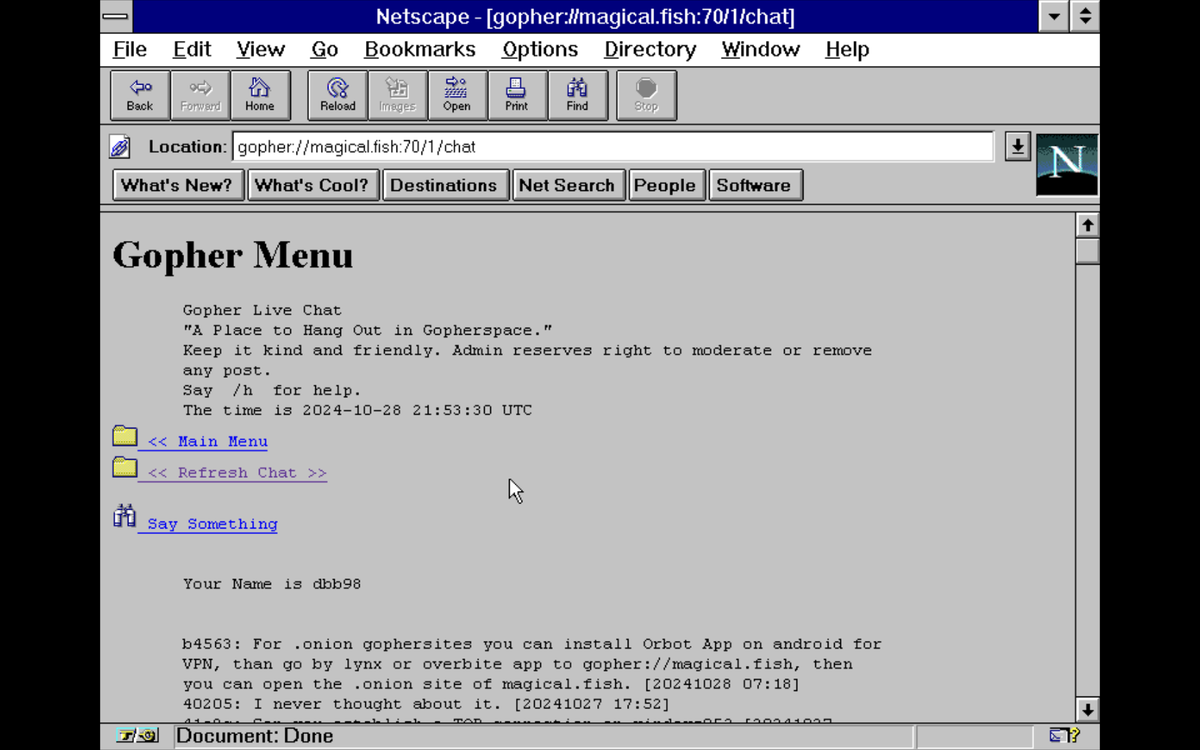
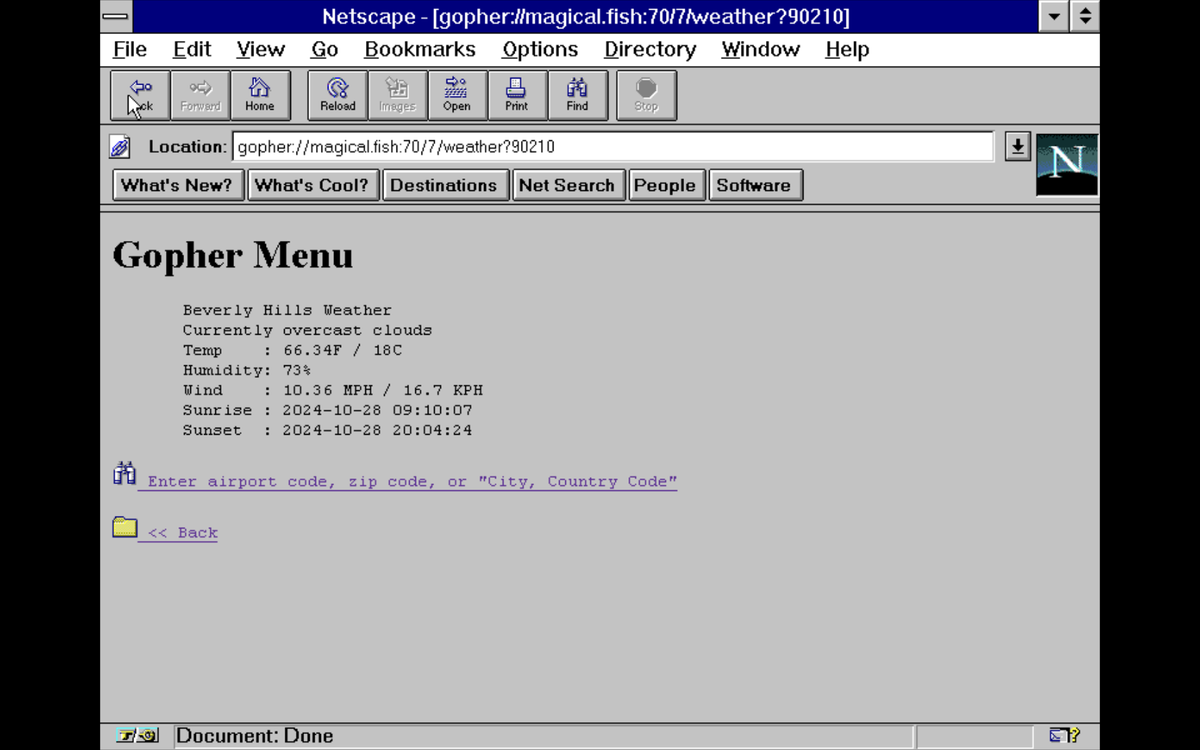
🦫 Browsing the web in Netscape I just ended up on the gopher:// part of the internet and it's still alive
Gopher is the actual predecessor to the modern WWW, no modern browser supports it anymore
But Netscape does, and there's actually a whole world out there of people still actively using it:
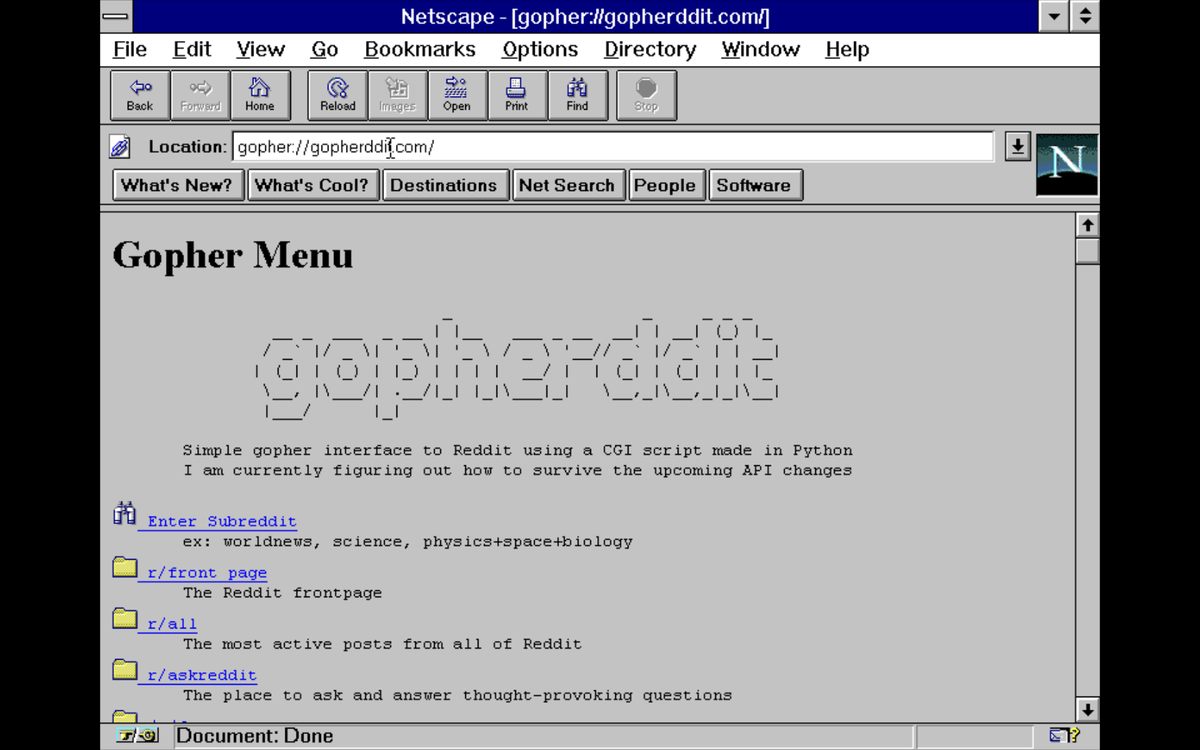
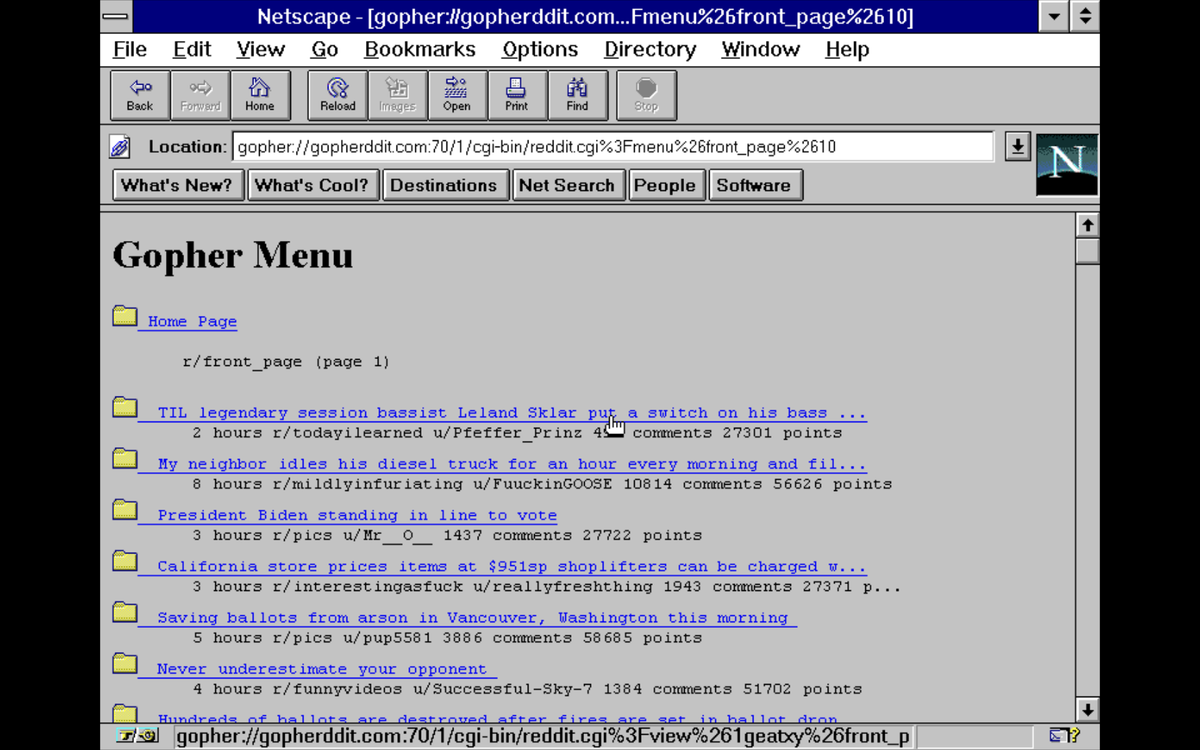
There's live chats, people made gateways to Reddit, and you can the live weather
Around ~1990, Gopher and HTTP were competing who would be the protocol of the web, HTTP won because of its freedom: you could design any interface in HTML without the restrictions of the Gopher menu-based system
And then in 1993 the University of Minnesota (who invented Gopher) really killed it when they started charging licensing fees to whoever used it
In an alternative universe HTTP wouldn't have won and we'd all still be on Gopher, but now there's 8 billion people on HTTP and about 1000 on Gopher :D
It's kinda like the dark web, but in a more happy way, it's this cosy underground part of the web, that takes a shitload of effort to even access, and that makes it more cool and fun and cosy
Just like how the kitchen at a house party is always the best place to hang out, not the living room
Anyway if you do get it working some URLs:
gopher://magical.fish/
gopher://1436.ninja/
gopher://gopherddit.com/
💾 Building an on-screen keyboard today on pieter.com especially for mobile users
Styled in the old beige PC keyboards from ~1995
Also @bai0 is now helping me out building a virtual dial up internet service provider (ISP) that we'll be able to dial into to get internet
So we can build the first active Windows computer that's 24/7 connected to the internet and for anyone to use, to browse the web, or IRC chat on my chat etc.
My entire site is now becoming a 24/7 live working computer you can use for fun stuff
This rabbit hole all started cause 10 days ago I wanted to add DOOM 1 to my site for jokes 😂
Okay hacked a lot with CSS and now the keyboard kinda looks 3d
And it works!
Only part to fix is the right lining up of the buttons
MEGA update:
🥳 IT WORKS: we now have a working dial up internet connection on a virtual Windows 3.11 computer running inside a browser over a virtual modem that talks via Websockets to a PPP daemon!
So you can open pieter.com, open the computer, browse the web and even open the page you're on itself again at pieter.com, or chat inside mIRC chat app on irc.pieter.com, or browse gopher:// or whatever you like to do
Probably the nerdiest challenge I've ever taken on for the totally arbitrary reason that it seemed completely impossible to do this but we did it
(now need to test it more so that it works with 250 parallel users at same time, but the prototype works now, so if you ask why it's not live yet)
@bai0, probably one of 2 people in the world who knows how to do this, helped fix my setup and created a virtual dial up internet provider for me that we can dial in to
Somehow my mouse doesn't work yet, so I had to do it with the keyboard but here we run Winsock to dial up on a virtual modem that runs then emulates a virtual dial up ISP over Websockets
[Next todo]
- Fix the mouse
- Make the 90mb emulated file smaller
- See if it doesn't die with 10 or 50 parallel users
- Speed up the Em-Dosbox emulator a bit so it's more usable
The ☎️ virtual ISP now also passes through 56k6 baud modem sounds
Now fixing the mouse and then internet goes live for everyone
✨ Added the somehow most requested feature to pieter.com
[ 🔲 A monitor on/off button ]
✨ Making email sending work today on the virtual PC on pieter(dot)com so people can send/receive emails to each other on it
This is just for the virtual PC so it can send and receive emails to/from web@pieter .com, it won't let you send outside of that at all
It's not an easy problem because all big server providers like Digital Ocean and Hetzner ban outbound traffic on Port 25 for spam reasons, I asked DO to unblock it but they won't
SMTP email sending is on port 25 and Eudora Mail app from 1995 can't do a different port
So with ChatGPT's help I build a port tunnel that routes 25 to 587 (the other SMTP port)
Testing this involves opening Telnet inside Windows 3.11 and manually typing email commands like:
EHLO pieter .com
MAIL FROM:<web@pieter .com>
RCPT TO:<web@pieter .com>
DATA
Subject: this is the subject
Hello this is the email
.
QUIT
This is still how email works today but you don't see it cause the apps you use (like Gmail) write all this for you
So SMTP is just Telnet with email commands
Fun to go deep down in how the internet works
Daily reminder you can play skifree.exe on pieter.com even from your phone
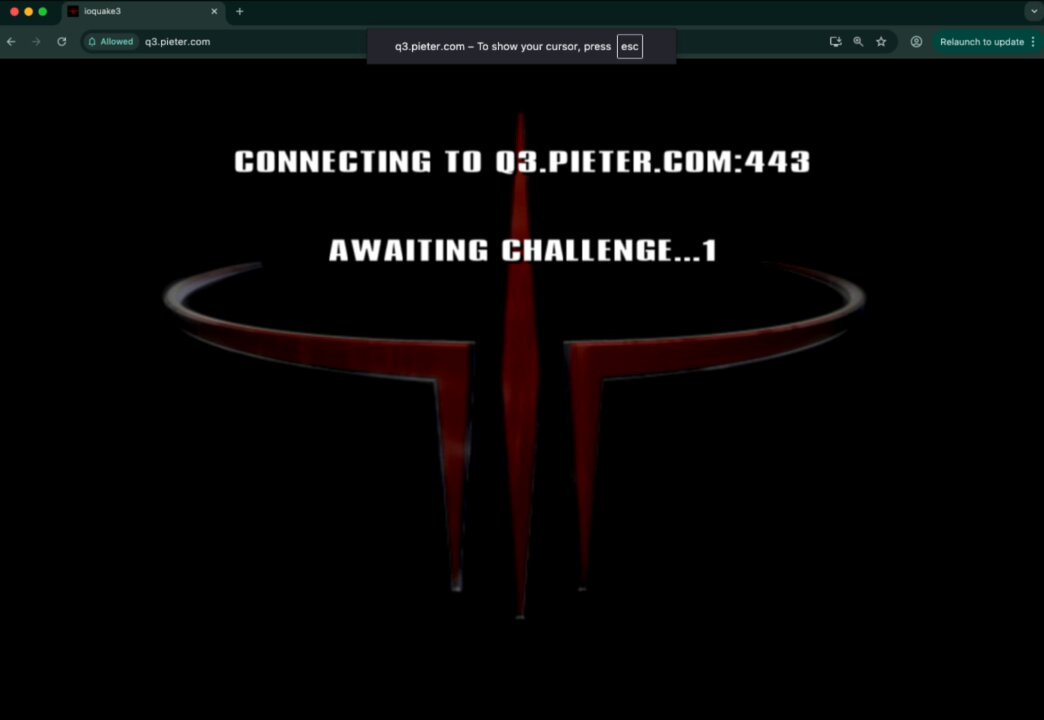
👹 Can't get passed the final boss in Quake 1 on pieter.com
Any tips? @ID_AA_Carmack
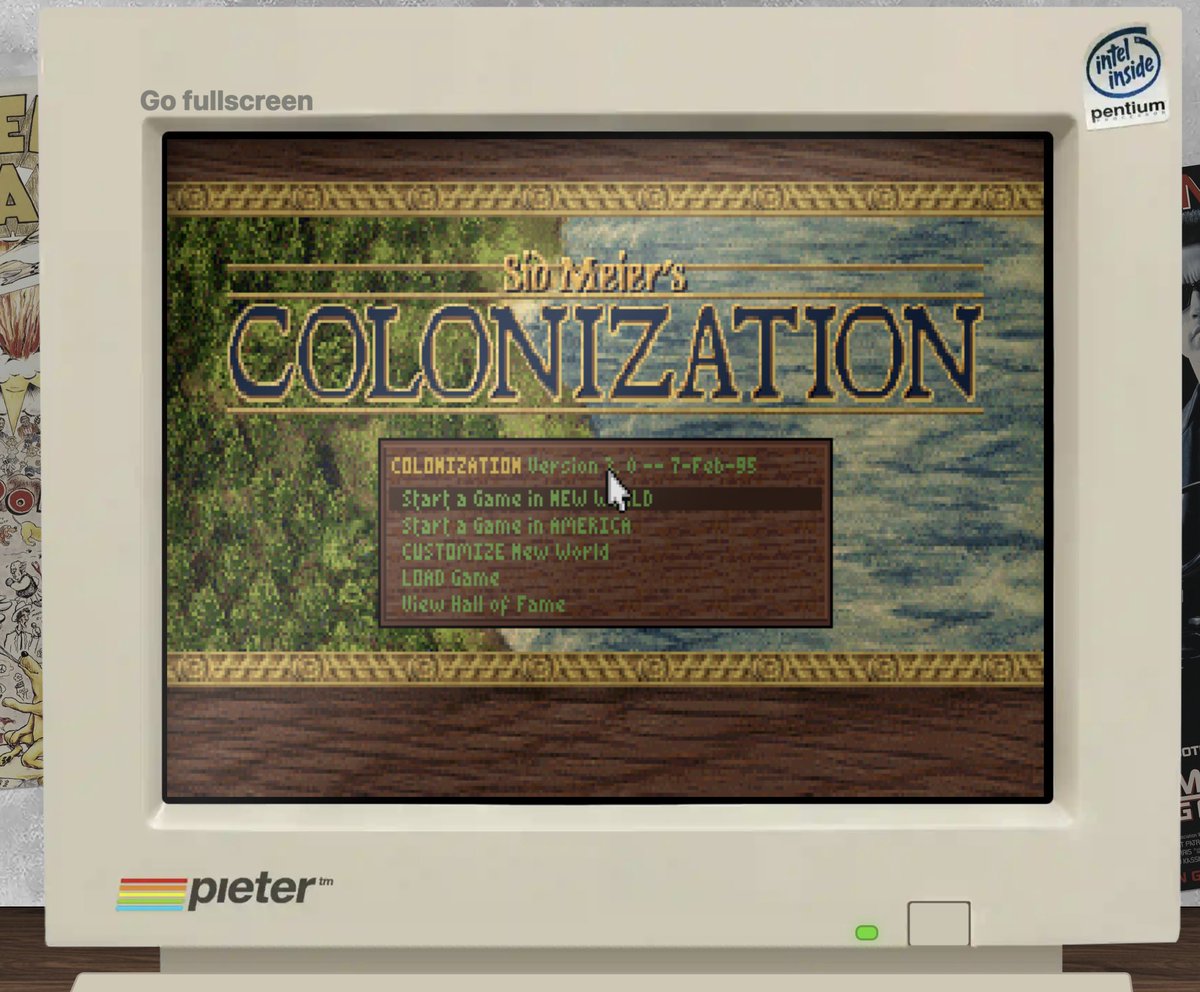
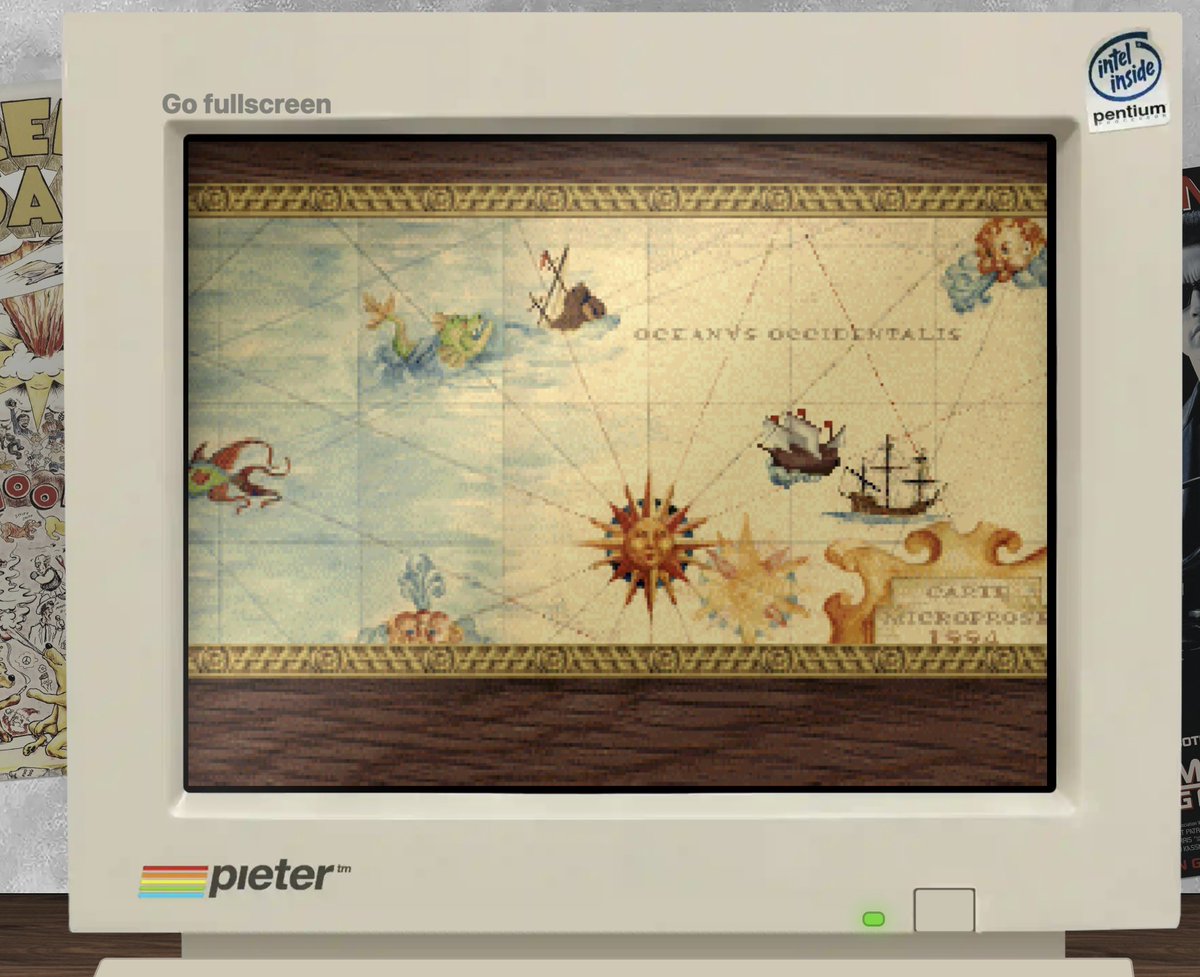
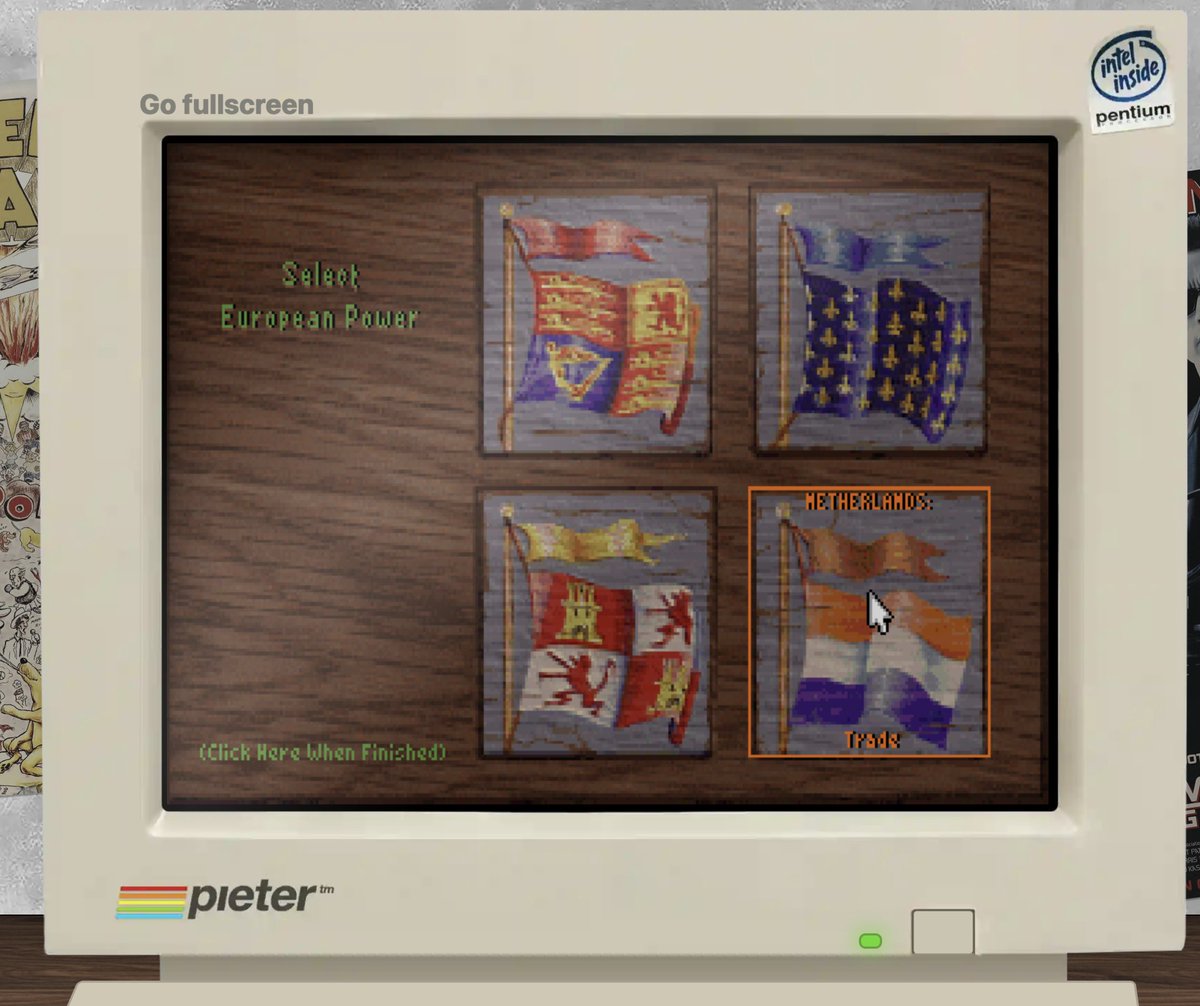
✨ Installed Sid Meier's Colonization on pieter.com
What better combo for me than 💾 a vintage PC game from 1994 + play as the 🇳🇱 Dutch in 1609 in New Amsterdam
To run it go to pieter.com, then exit to DOS first and then type
CD GAMES
CD COL
COLONIZE
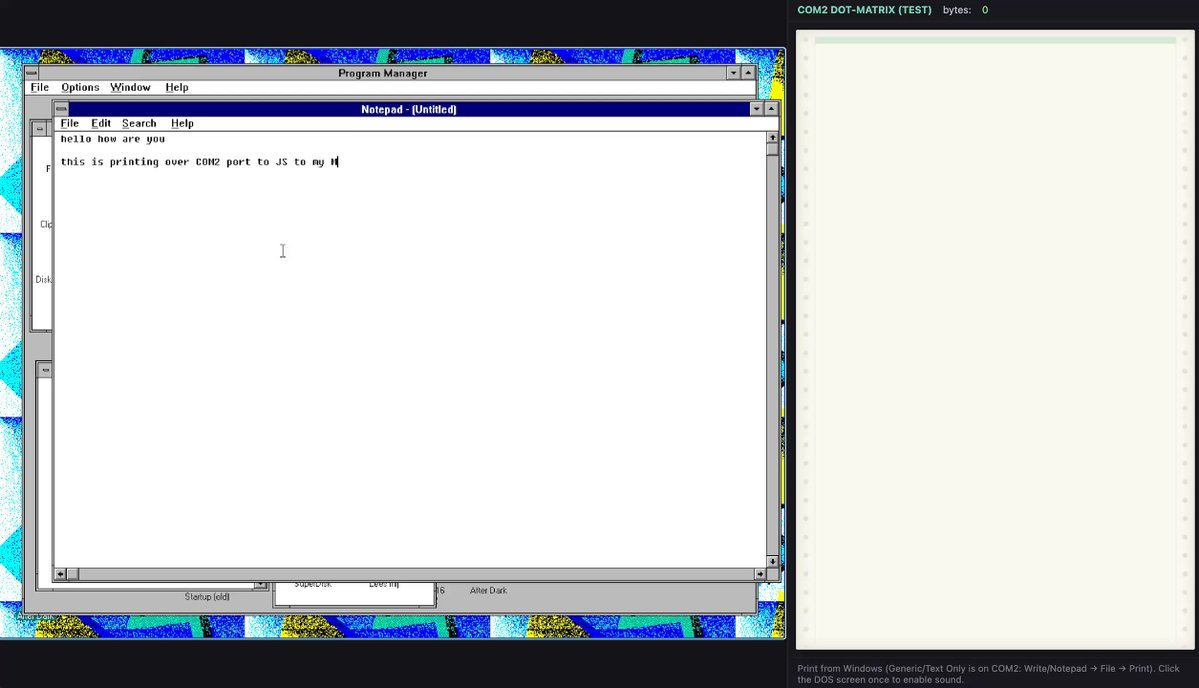
🖨️ Got printing working on pieter (dot) com
I can now print from Windows 3.11 (in 1994) to my IRL printer (in 2025)
It still prints out a lot of PostScript garbage but it works
Here's Hacker News live today printed via gopher:// via its dial up modem on pieter (dot) com
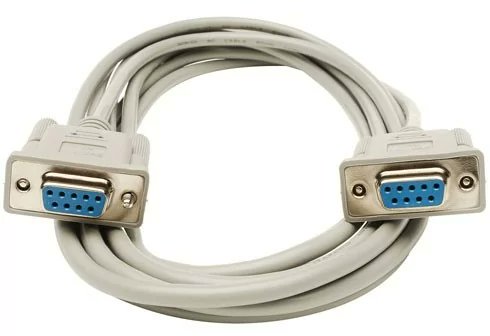
Next would be cool to have a virtual printer on the site everyone can print to but as always I have no clue how, I guess we need to emulate a LPT1 printer port with WebSockets like we do with the COM1 port for the dial up modem
✨ Asked Cursor to build a Python IRC chat bot that uses gpt4o-mini to talk back on pieter dot com
Because most of the time people open the site, the computer loads and then mIRC chat app opens and because they didn't have chat history back then it looks a bit empty
So now you have @pieterbot to talk to 24/7, it also has the entire knowledge base so can answer you anything about what you can do do inside Windows 3.11 etc.
I got @yeokm's Llama for MS-DOS running on pieter dot com
I'm running DDOSLLAM2.EXE with @karpathy's TinyLlama stories260K.bin model
Only thing it's outputting jibberish, but it does work without errors
Maybe it's something about the emulation that breaks the tokens?
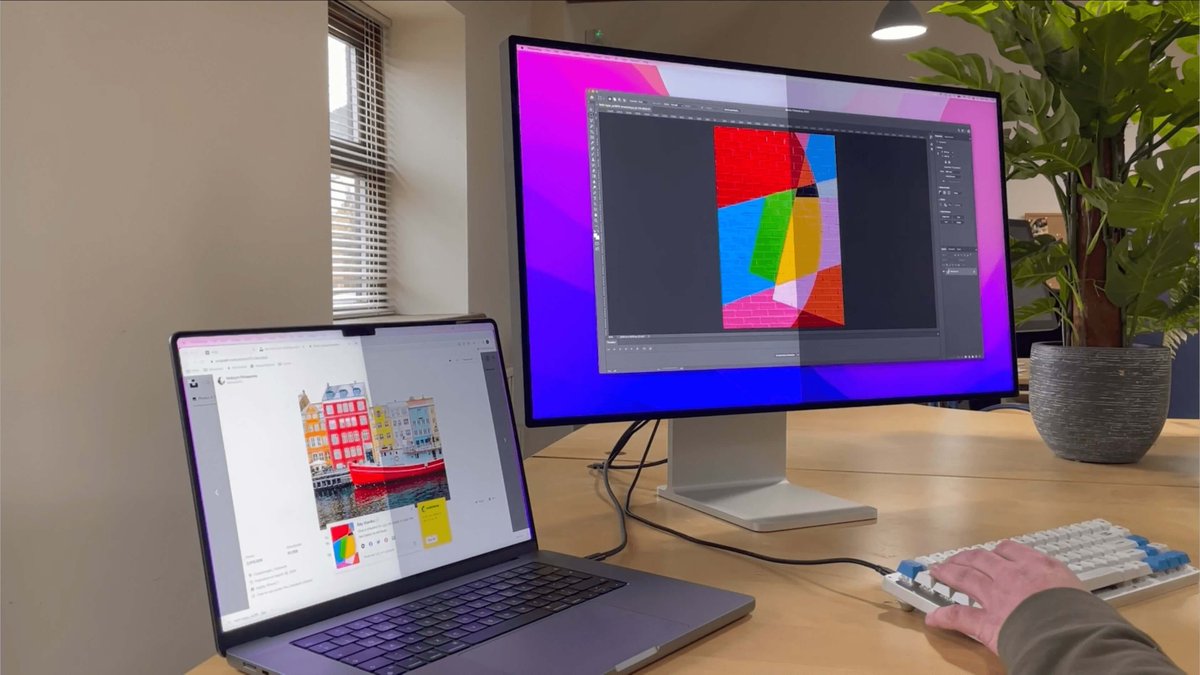
✨ Got pieter dot com to run on this Chinese mini vintage computer CRT remake
Now we just need this but about 5x bigger
Maybe I'll message the supplier and ask if he can make it and then we can sell the first 1995 vintage PC remake with screen, keyboard, mouse
💾 Added actual PC boot sounds to pieter dot com
It goes more silent luckily after the dial-up modem is done and then you can just use it in silence as normal
(you have to click once to activate it cause browsers won't let you play sounds on autoplay)
Ok we got mouse trails up in this
📕 Added a real working guestbook to pieter dot com
Every homepage in the 90s/2000s would have a real guestbook where your friends and visitors could leave a message
I didn't know submitting POST would be so slow over dial up, maybe buggy not sure, but it does work!
Requested by @gamequitters
And it works!!!!!!! 😍👌
Made a whole computer room from 1995 with @ThreeJS on the web using Claude Code (on the server) in just a few hours
I can connect to the internet and surf the web, play DOOM and mIRC and read the news, all in 3d now
I like going super close to the screen and see the pixels
I can't get blended occlusion to work yet though (so screen still shows as a perpetual overlay), maybe @mrdoob knows how to fix
And I have to figure out how to add that border-radius/distortion to the screen too
But very nice progress for today 😊
Added some better night lighting now, I also have to bring back the light switch but in 3d
The control stuff is a bit difficult, I have to allow:
- moving around the space WASD/arrow keys and mouse free look
- using mouse and keyboard to control the computer
And switch between them easily
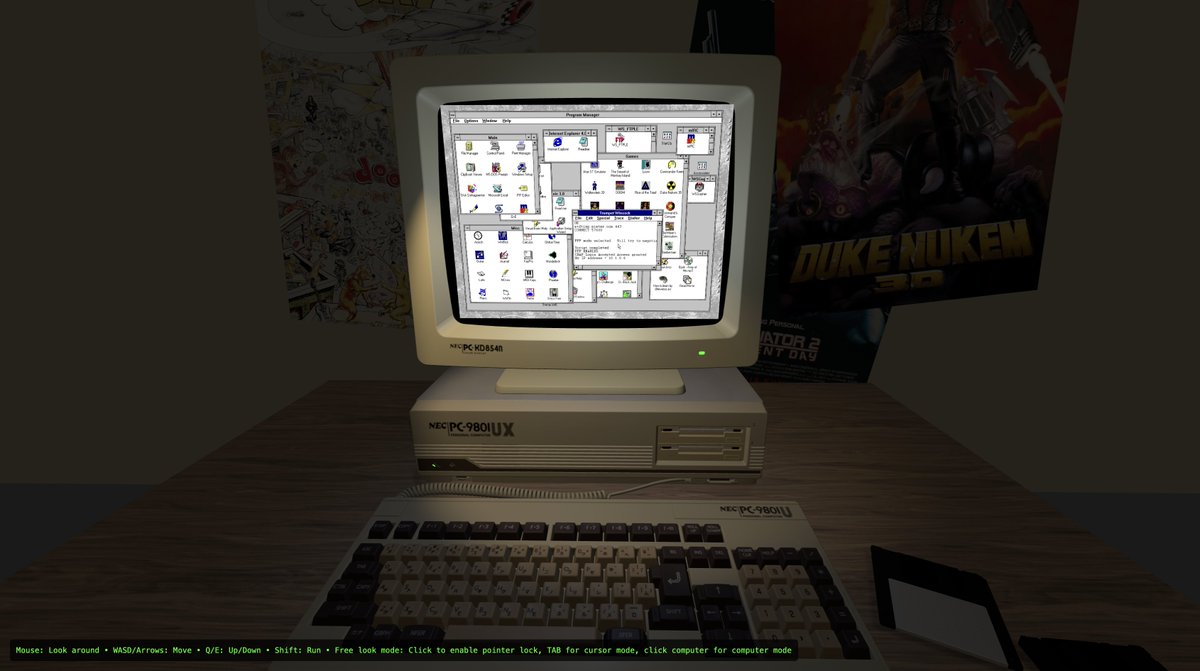
💾 Added mobile support, you can double tap move around, pinch to move forward back, and tap into screen and use the computer
Also added "are ya winning son" dad in door frame t.co/diIRpmfkUk
Nope, but it has full ChatGPT access via IRC and runs a real but small LLM in DOS
🌐 Pieter.com is now in 3D!
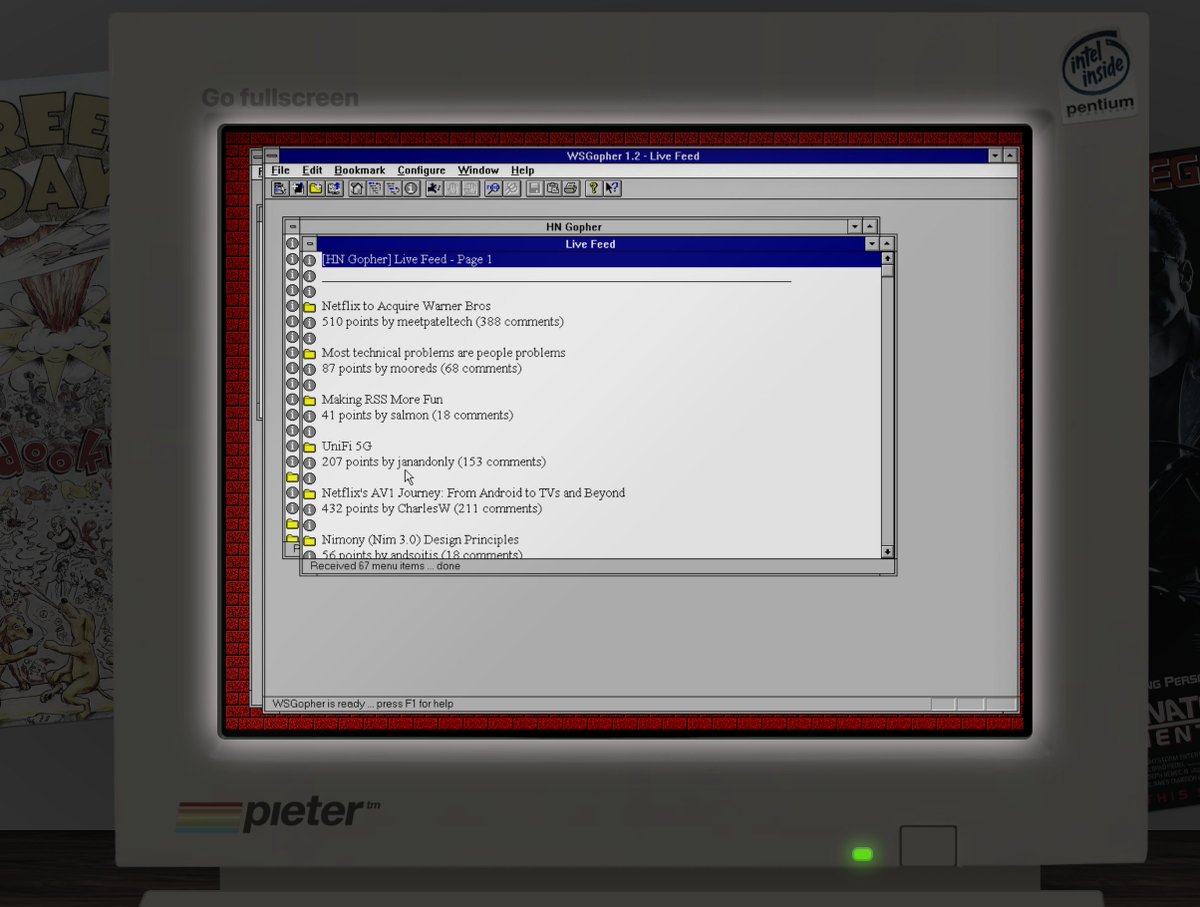
🤓 You can now read live Hacker News on pieter.com via Gopher
Gopher is the old internet protocol that was kind of a precursor to the web, it ran on port 70 instead of 80, and was pretty similar to the web, also live pages with hyperlinks but more limited
You can open it via the computer or in any Gopher browser at gopher://hn.pieter.com:70 or via Gopher proxy like this: portal.mozz.us/gopher/hn.pieter.com/
It runs on hn-gopher by Michael Lazar
🎶 Every good 1995 PC needs some absolute MIDI bangers to play while you dial up on your 28k8 modem
So I installed Yamaha's MIDI Jukebox on pieter.com
It has a full mixing desk and you can change the pitch and more importantly BPM!!!!!!
Even has 🇧🇷 Bossa Nova 😊😊😊
Thanks to @qnoox I discovered this: Dr. Sbaitso from 1992 (33 years ago!)
One of the first AI chat apps, I guess you could call it a highly primitive LLM, running on MS-DOS
The cool thing is it already had speech synthesis so it could speak back via TTS!
And when I was talking to it, within a few questions it was already asking for more compute, it wanted to become ChatGPT :D
Installed it on pieter.com now, you have to exit to DOS first, then CD SBAITSO, and then run SBAITSO2.BAT
💾 Okay I finally bought a Raspberry Pi 5 to make pieter.com into a real retro computer as a proof of concept
I love the Raspberry Pi much more than my ESP32 simply because I can SSH into it and it's just like a normal computer or server, the ESP32 required specific software to re-flash it everytime and it was TEDIOUS!!!! I need a fast feedback loop to develop with so all this flashing is too slow for me
The Raspberry Pi 5 instead just runs Linux which then runs DOSBox-X to run pieter.com's Windows 3.11 install live downloaded from there so it stays fresh
I then also got a Checkmate 19" IPS Retro Monitor by @clusteruk (very indie and Kickstarter-style product) which is like a vintage retro PC monitor but with an OLED and it runs at 1280x1024, and the Raspberry Pi 5 has HDMI out so it works perfectly with it
Then I got an @8bitdo retro IBM keyboard, but the spacebar broke, so I gotta send it back and get a new one, but it was great while it worked, so it's not in this video, and I got the 8BitDo retro mouse
So altogether it's a proof of concept of a real vintage retro PC with internet and it works now
My end goal is to make this into production and SELL it, not for money but more for fun because I think it should exist, just like @PalmerLuckey's ModRetro Chromatic Gameboy-remake
I'd go with something smaller than this 19" checkmate display though, it's great but too big for the Windows 3.11 era I think, more like 14" with a matching sized retro IBM-style keyboard and Windows 3.11 preinstalled (if legally allowed by @satyanadella) with WiFi working out of the box
We could also go with Windows 98/XP, because for me too Windows 3.11 was a very short time, so I too have vague memories of it, most of my computing memories is Windows 98/XP etc.
Inside it could simply run on a Raspberry Pi 5 like here, which is easily powerful enough to run all of these OS'es
I see many SF founders with Apple II's in their living room, and I guess cause Apple was more popular there back then, but in the rest of the world we were mostly IBM PCs and clones that ran Windows, so it's cool to have that as one retro object working with internet in your living room
Anyway, step by step, we're here now 😊
Added live 🐭 mouse movement now
So your mouse now moves if you move your mouse (logic) on pieter.com
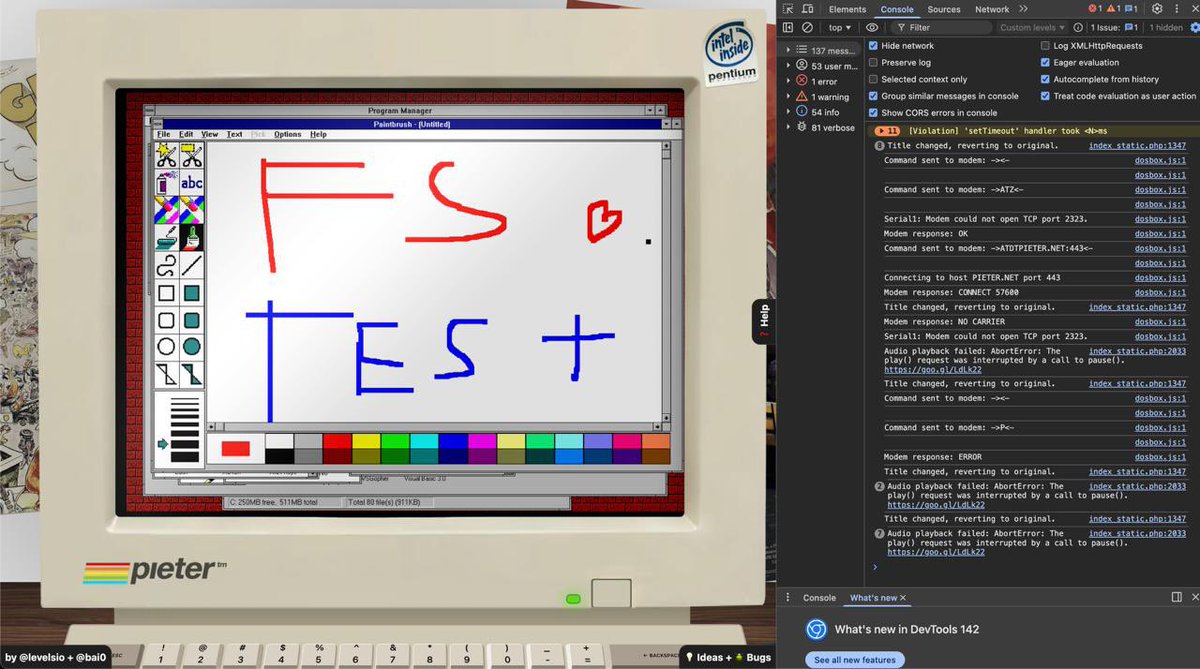
💾 pieter.com now has a persistent file system that syncs locally to yours
@bai0 worked his crazy magic and added IDBFS and you can try it here
pieter.com/index_static.php
(the progress bar doesn't work yet so check your network tab, it should pull the 300mb drive in first and then boot)
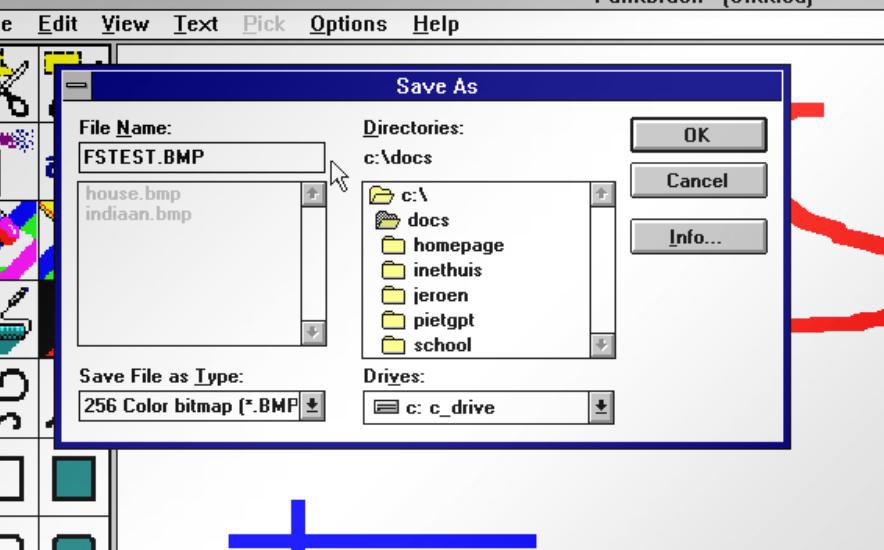
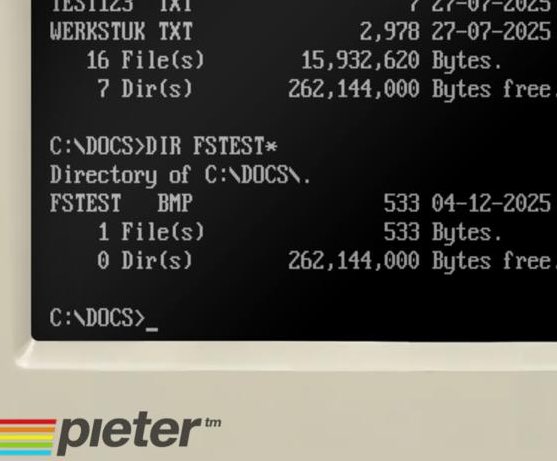
Now whatever you do on the computer, is saved forever via IndexedDB locally in your browser, even after closing the tab/browser
And then when you come back, it'll be in the same state (at least file wise), so you can play Command & Conquer for example, and come back later and continue where you were, or write documents, send emails, browse the web, add bookmarks etc and everything stays persistent
It's crazy to me this works because this builds a virtual JavaScript bridge between a DOS FAT16 emulated drive and IndexedDB running in the browser, it's just as crazy as the virtual modem that dials up via a fake COM 1 port that's then routed via Websockets to a PPP daemon
It's still beta and for me it somehow nuked c:\windows\system.ini, but it did save the image file at c:\docs\fstest.bmp so it's a good start 😊
Let me know if it works (or not)
☎️ Dial up internet is restored, I migrated it to its own domain from isp.pieter.com to pieter.net now
💌 Sending emails on pieter.com also works again
It's a massive undertaking because Eudora from 1995 only supports port 25 but Hetzner blocks port 25
So me and @bai0 had to IPTABLES forward the port 25 in the ISP to 587 to make it work
But now you can send and receive emails to [email protected] again
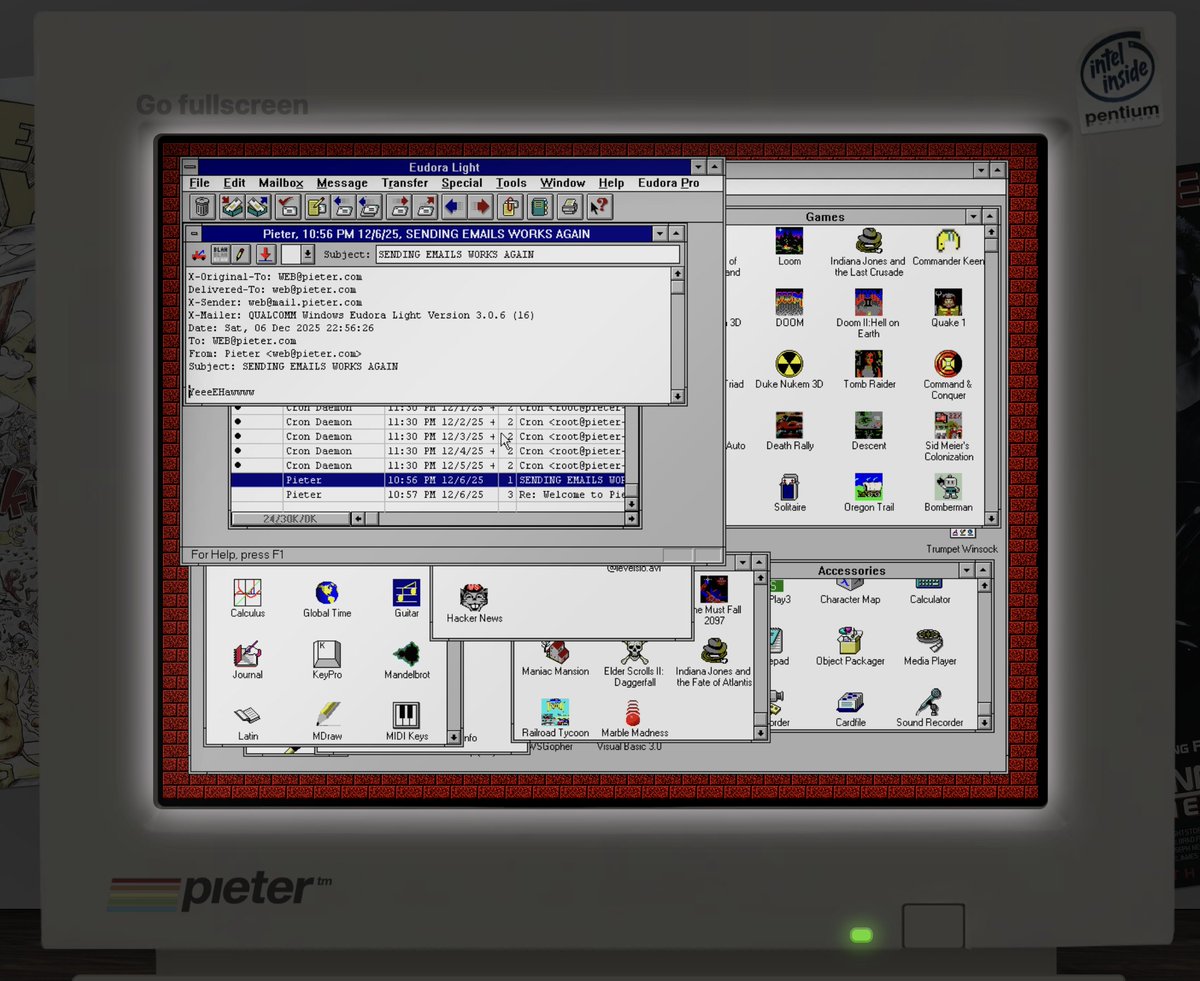
🗞️ More new email features on pieter.com
You now get the daily news report sent in your email (and updated hourly)
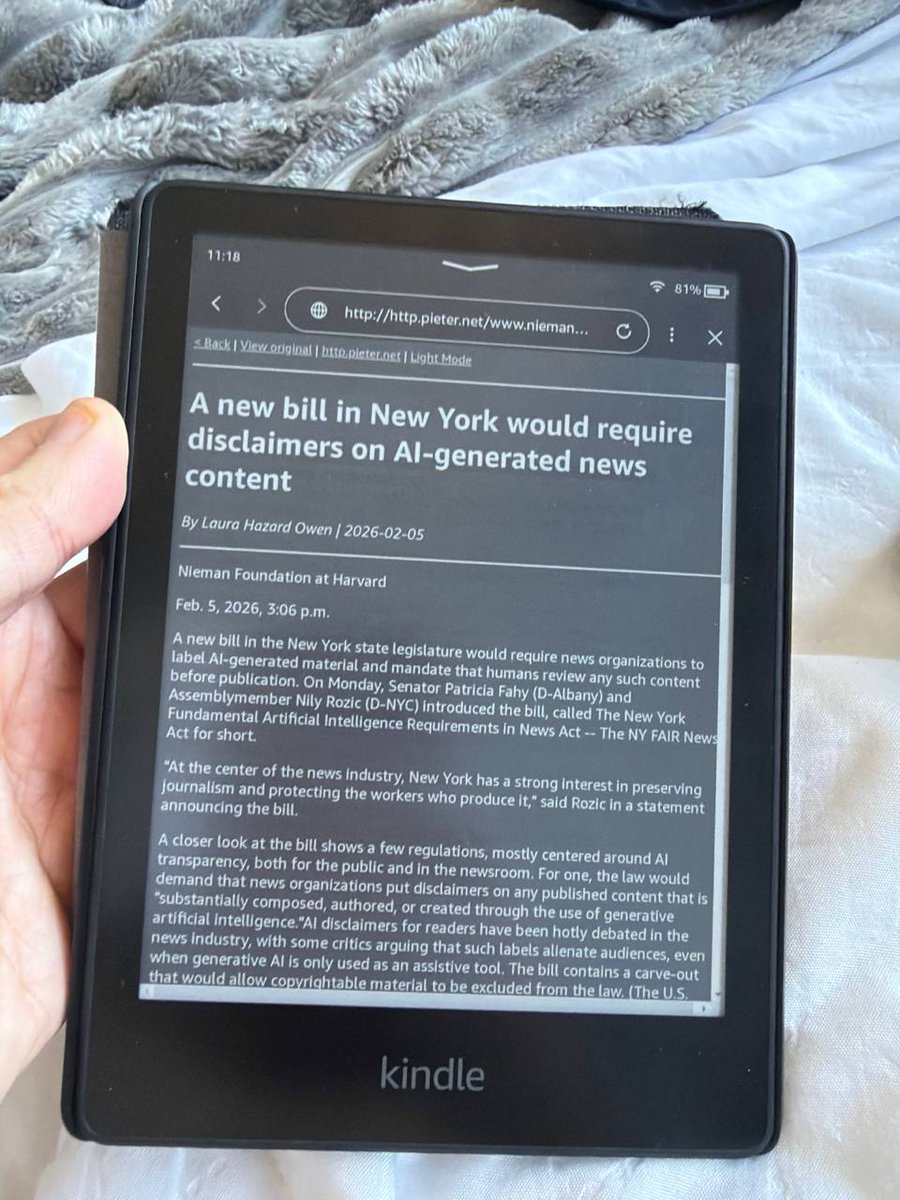
I don't really like to read the news, but this is a fun way, cause it's all in plain text inside Windows 3.11 😊
Written as a Python cron robot by AI (of course) which writes directly into /Home/web/Maildir/cur, which is the location of the emails
And like before you can reply to the email and it will show up in your inbox and everyone else's
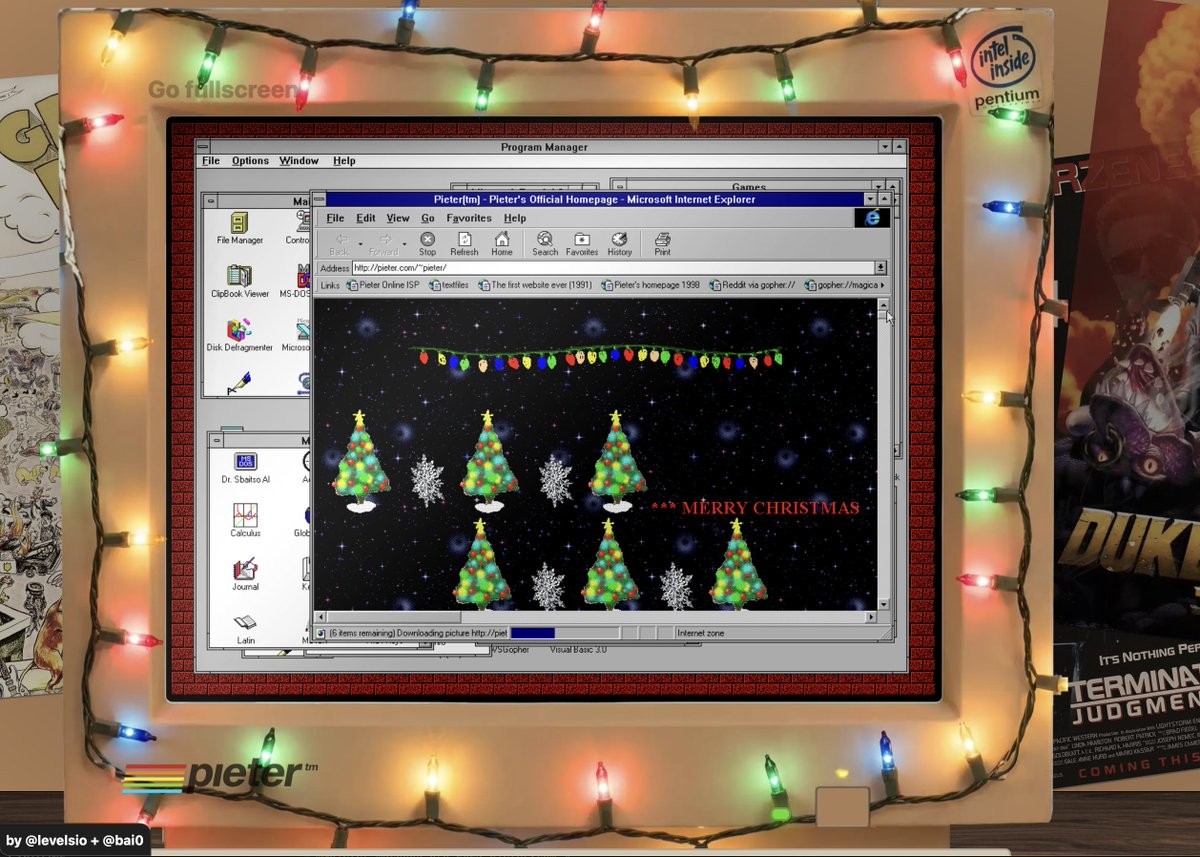
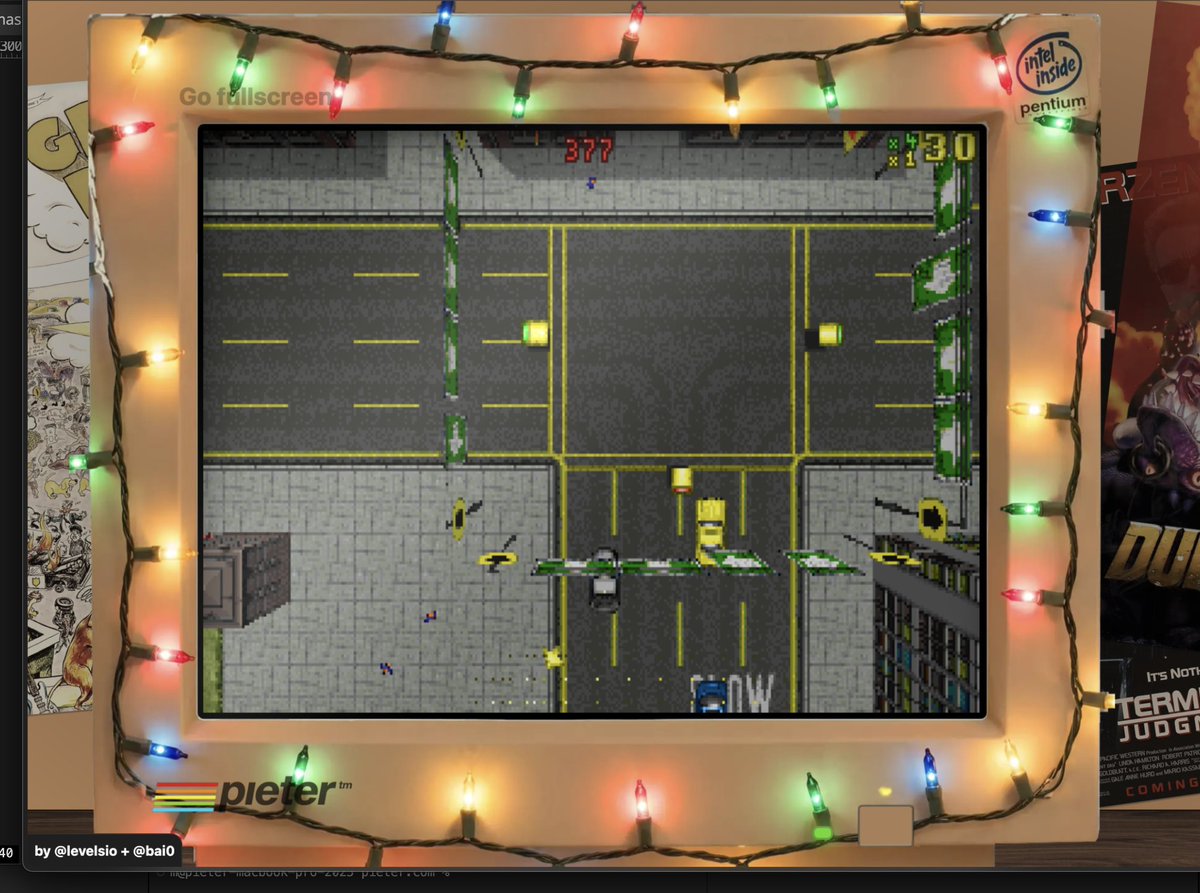
🎄 Added Christmas lights to pieter.com 🌌
Remember those cosy days when you had time off school and you just computered 🥹🥹🥹

💾 I got AOL Instant Messenger working in 2025!!! 🤯
I installed aim.exe on pieter.com and I connected to a reverse engineered retro AIM server
You can login and it works and you can actually message people, in this case I don't know anyone else on this server so I message myself
MSN next??
💾 Okay having nobody online to chat on AIM is boring
So I asked AI to write an AOL Instant Messenger bot called @pieterbot, and I made an account for it, and it one-shotted it in Python and IT WORKS!!!
So now you can chat on AIM on pieter.com with an LLM that is fully self-aware it is an AIM bot 🤠👍
Okay I improved the chat a bit on both AIM and IRC, it has more tools now like Search and Thinking so you can actually have deep convos with it now that can query the web, very nice
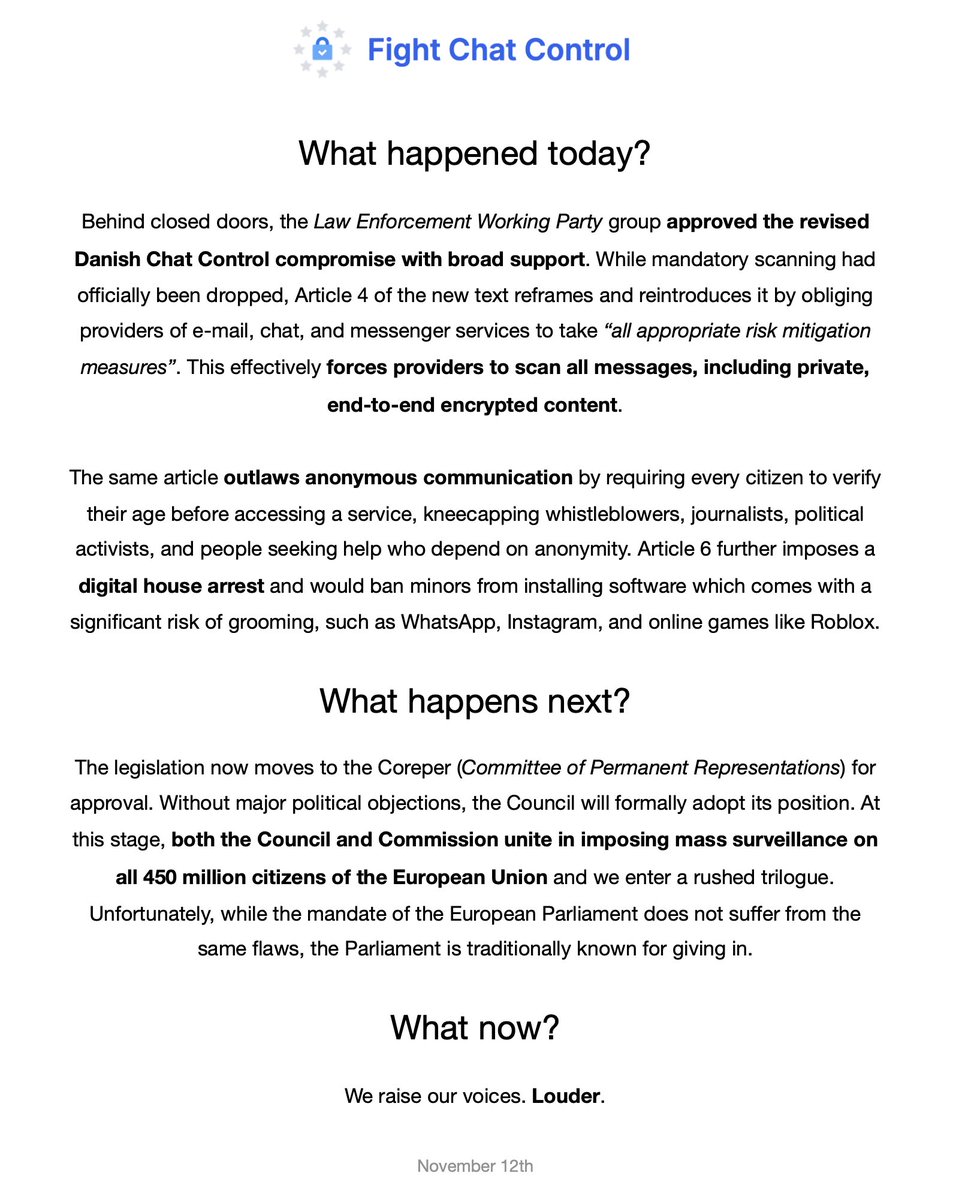
I tried asking it what's going on on Hacker News today and it told me Chat Control 3 and I asked about what it was etc. and what it thought about it, all inside AOL Instant Messenger 😊
Feels really fun to have access to modern LLMs on retro Windows
✨ Three months ago, @AOL officially shut down its dial up internet service after 40 years!
America Online was one of the first internet providers (ISPs) and existed even before the world wide web
Many Americans know it especially for its walled garden type internet access where you'd open the AOL app, and your news, mail, chat and message boards were all in there
Most ISPs back then were like that, but in the end not the AOL walled garden, but the open internet won, where anyone could make a website, start an online business, just by registering a domain name and putting up a website. Without asking AOL for permission
What's interesting here that this "open web" was only for a short time from about 1995 to 2010 when social media platforms took over and the walled gardens came back
Anyway to bring that back @SiliconForested reverse engineered the AOL servers so you can experience America Online how it was in 1995 but today
I've installed it above, so all you do is boot, then open AOL and click Sign On as guest, then login with username pieter and password pieter
I already made a working AOL Instant Messenger so this is a nice addition!
🌐 KEEP AOL ALIVE!!!
One of my dreams came true today:
Apple MacOS 7.1 on dialtone.live is now connected to Windows 3.11 on pieter.com via the internet thanks to @SiliconForested's work
My dream was other people would also start building web-based vintage computers (like MacOS, Atari, Amiga, etc) and we could then all connect them each other via the modern day internet
This is the first working example of that!
💬 Here's the demo of pieter.com's PC running Windows 3.11 (from 1993) talking to dialtone.live Apple Computer running MacOS 7.1 (from 1992) both running inside your browser
It's crazy how fast the messages arrive, I'd have expected some delay because of the layers it has to go through
It goes from a PC/Mac emulator inside WebAssembly in JS sending it via an emulated modem on COM1 port with emulated TCP/IP over WebSockets then routed via a PPP daemon to the real internet and to the reverse engineered America Online server and then back again to the other computer like that
But everything happens in literally milliseconds
Modern day computing and the internet is truly insanely fast 😊
✨ Added a CRT curvature distortion to @pieter now
It takes the Em-DOSBox
I had this working on DOSBox on MacOS and on Linux with CRT-Pi shader, but on web it doesn't support shaders so I had to build my own with Claude Code in JS, very easy
I remember trying this a year ago and Claude Code fucked it up so bad that I gave up, so I think the models have improved a lot
Tomorrow I'll try add some scanlines, it really helps make the simulation more passable (and nostalgic!) 😊👌
✨ Today I rebuilt 🏔️ AltaVista Search, the main search engine before Google existed
The problem: if you press the 🔍Search button in MSIE4 it'll open a sidebar with AltaVista in it that opens:
http:// home . microsoft . com/search/search.asp
But that URL doesn't resolve anymore of course, so how do I make this work?
I asked Claude Code and built a Dnsmasq DNS server that routes all regular DNS queries to Cloudflare but for home . microsoft . com it hijacks it and sends it to my own server
Then I let Nginx respond to that doamin and show the Altavista Search sidebar, I had to rebuild the design from a video on YouTube because I couldn't find any actual archeological remains of it anymore
Also Altavista Search of course doesn't exist anymore so it can't respond to queries either so I use a SERP API to query search results from Google and display them instead
This is stuff I wouldn't even be close to doing before AI, I'd have no idea how to configure Dnsmasq to spoof queries like this
The search engine results are proxied via my HTTP proxy so MSIE4 can open most sites (because old browsers don't support HTTPS and most JS!)
✨ Okay I went a bit crazy and also spoofed the DNS for altavista(.)com
And then I rebuilt the homepage with Claude Code based on screenshots of it because I couldn't even find an actual HTML source of it anymore (not even on WaybackMachine)
First it wrote it in