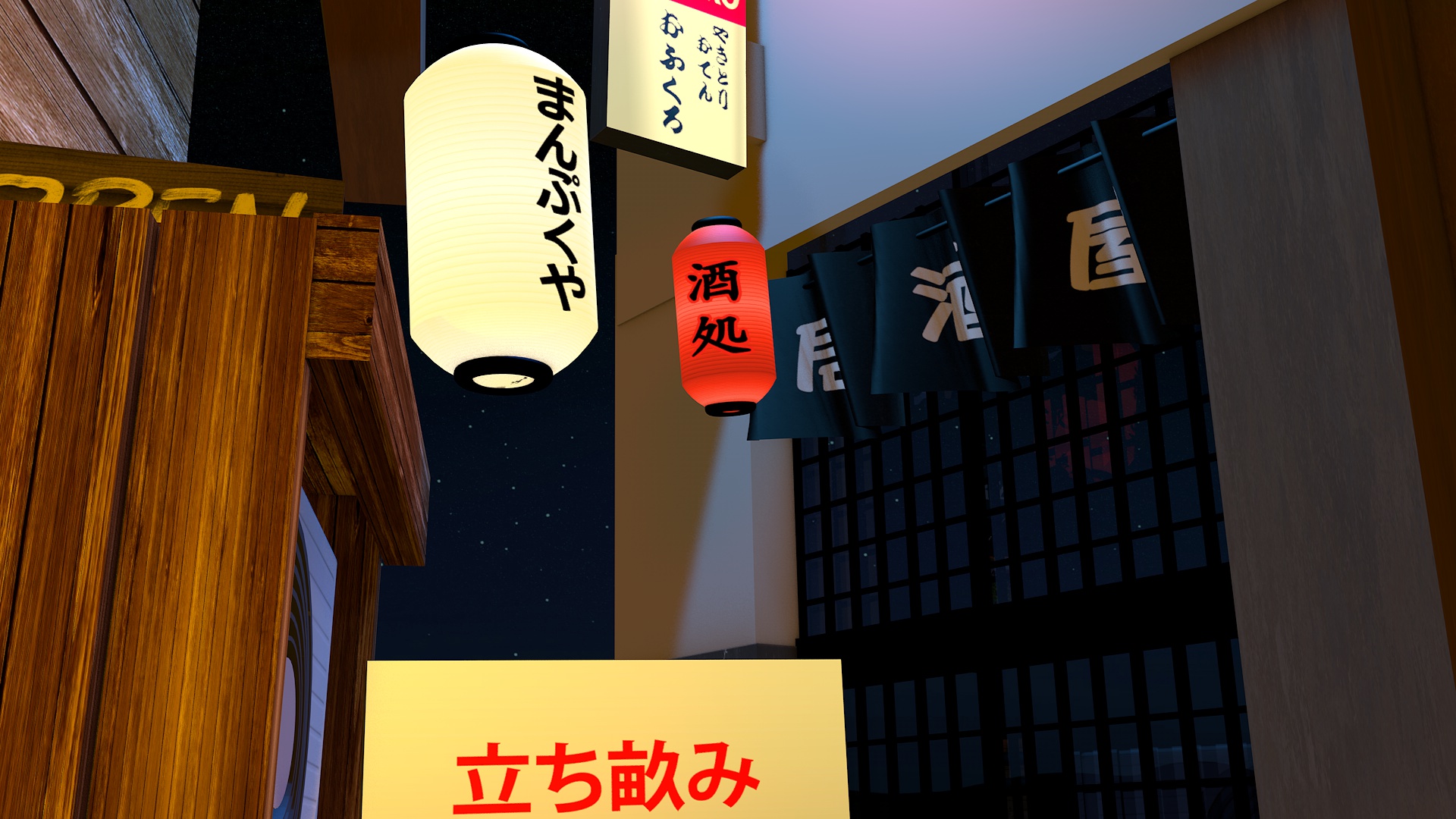
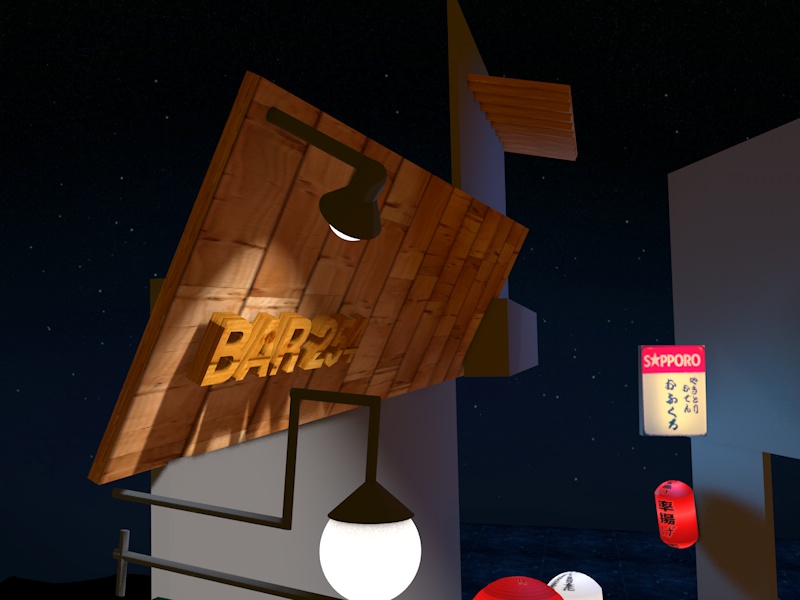
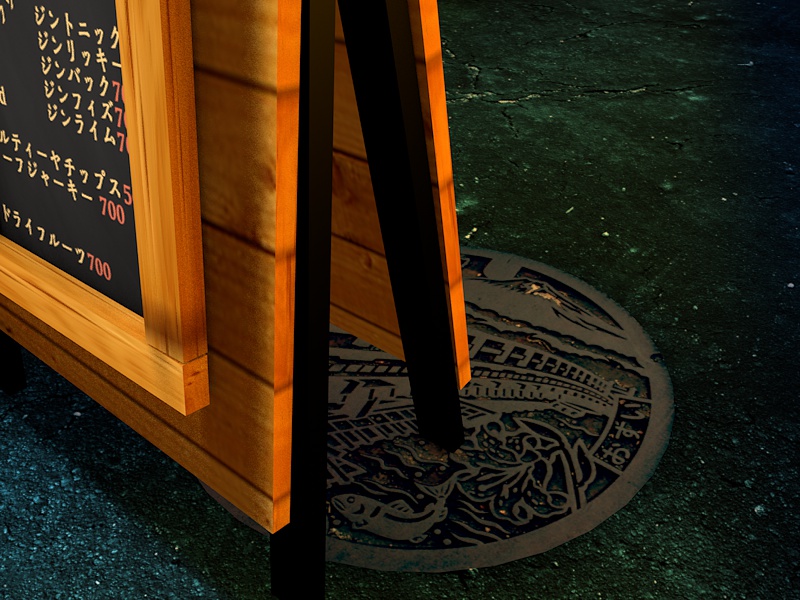
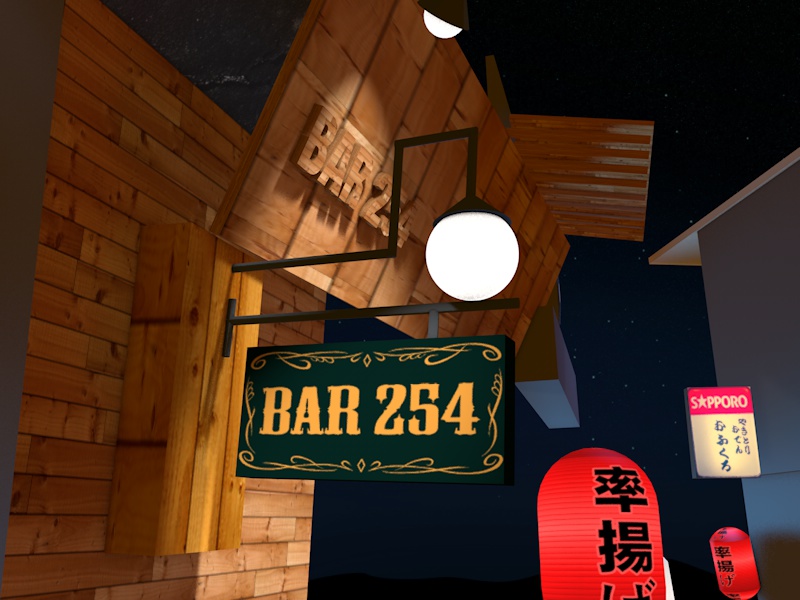
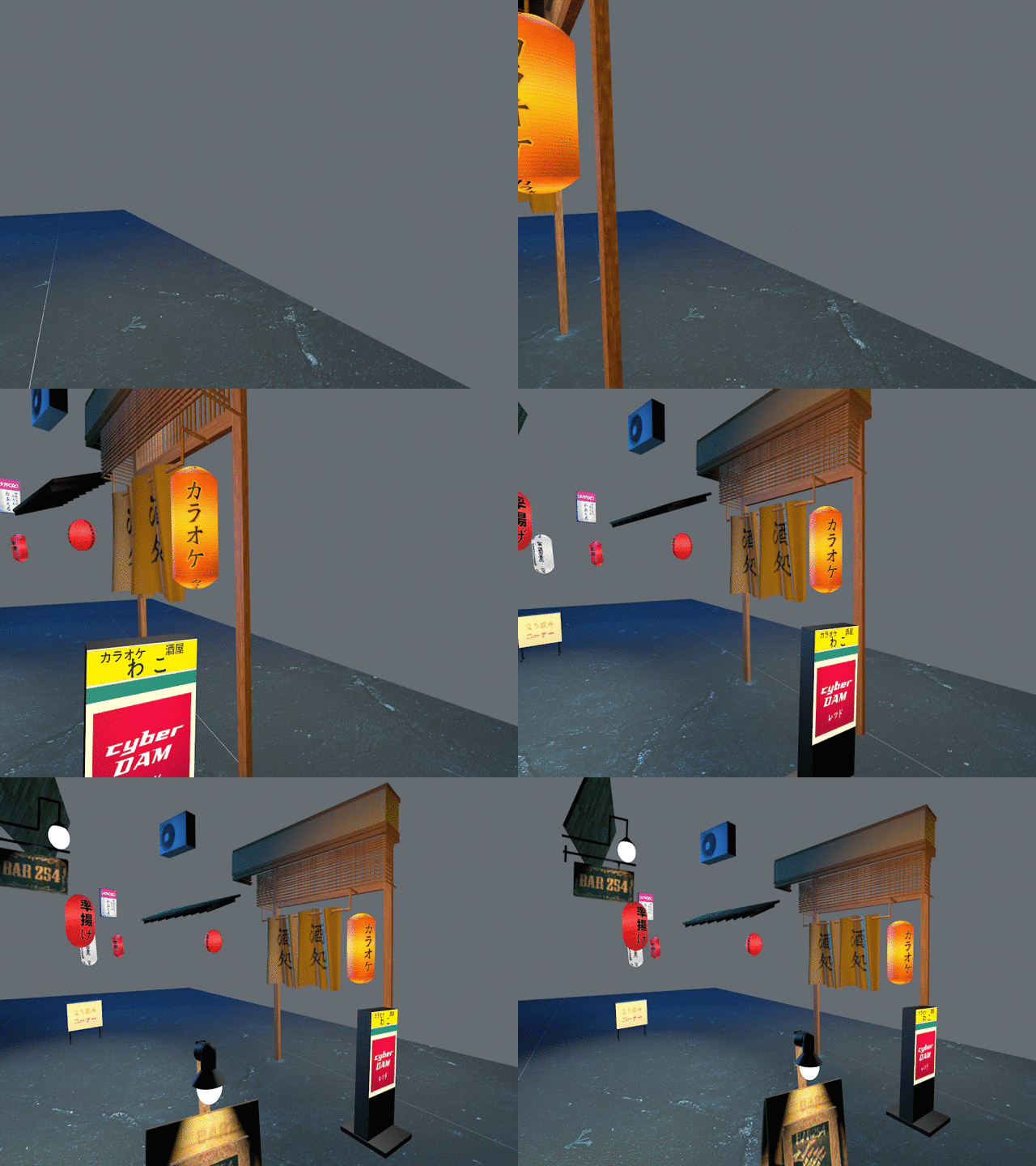
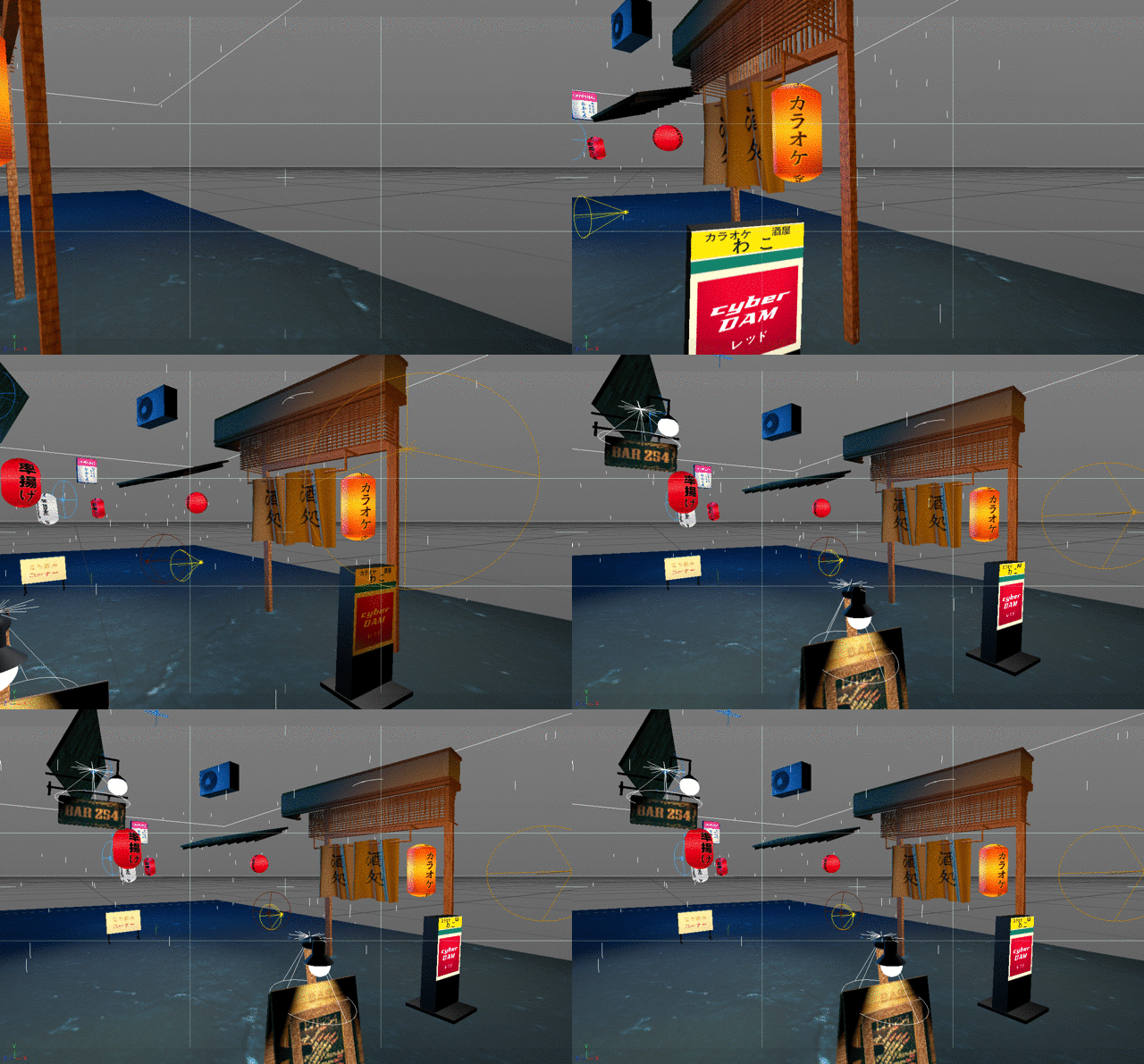
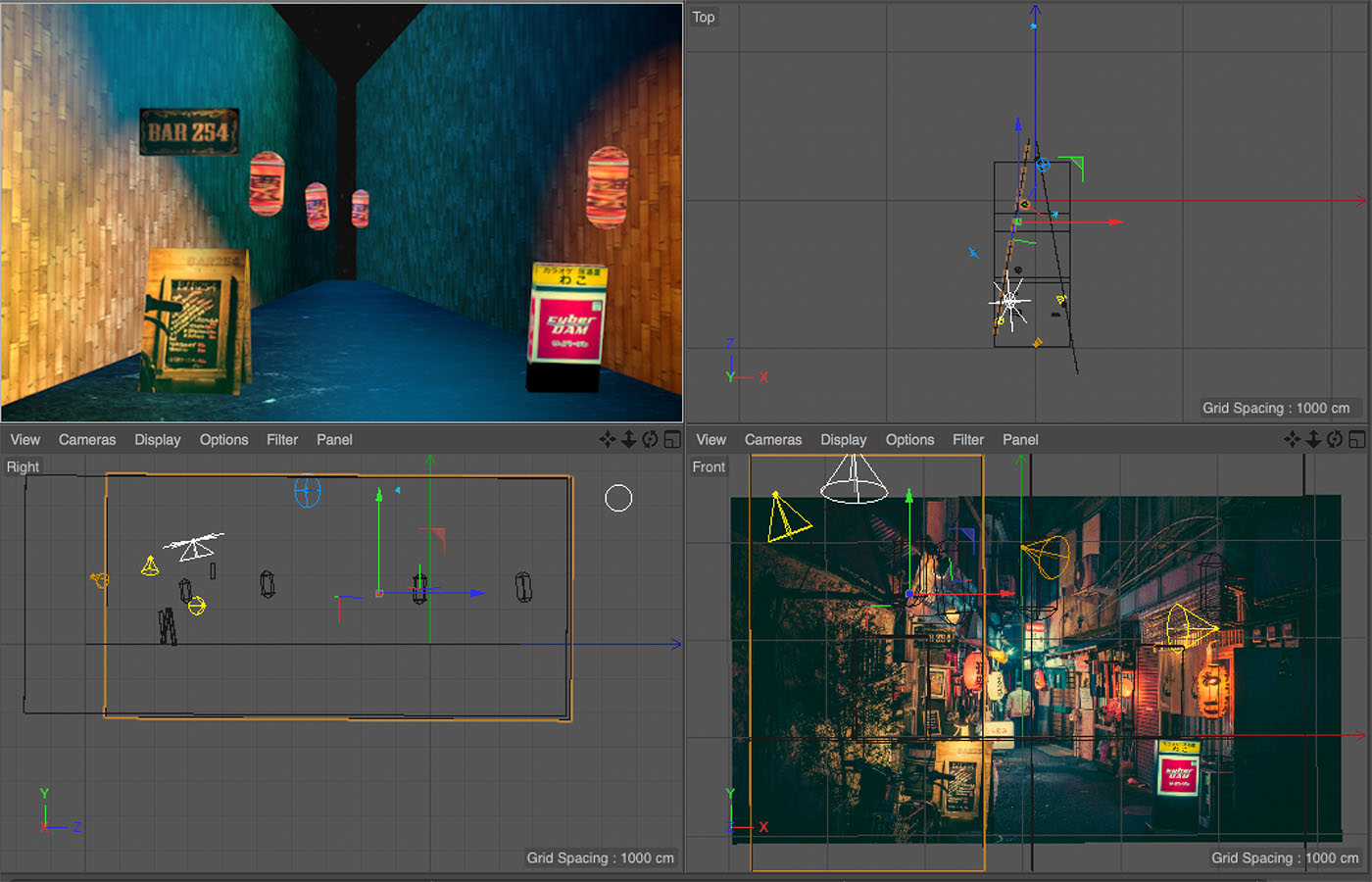
Day 10 of Learning 3d 🎮 Making complex objects by combining shapes 🙆
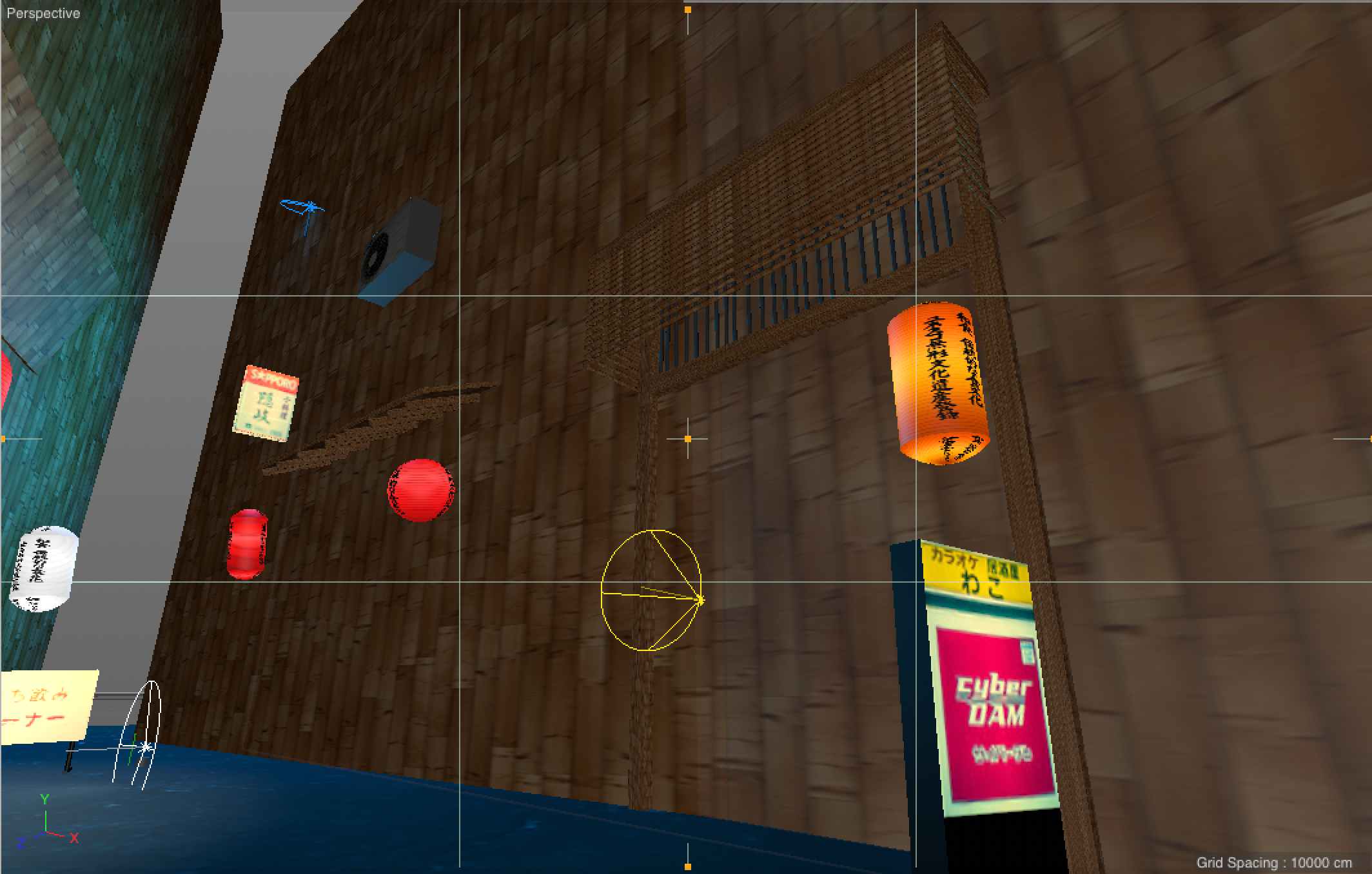
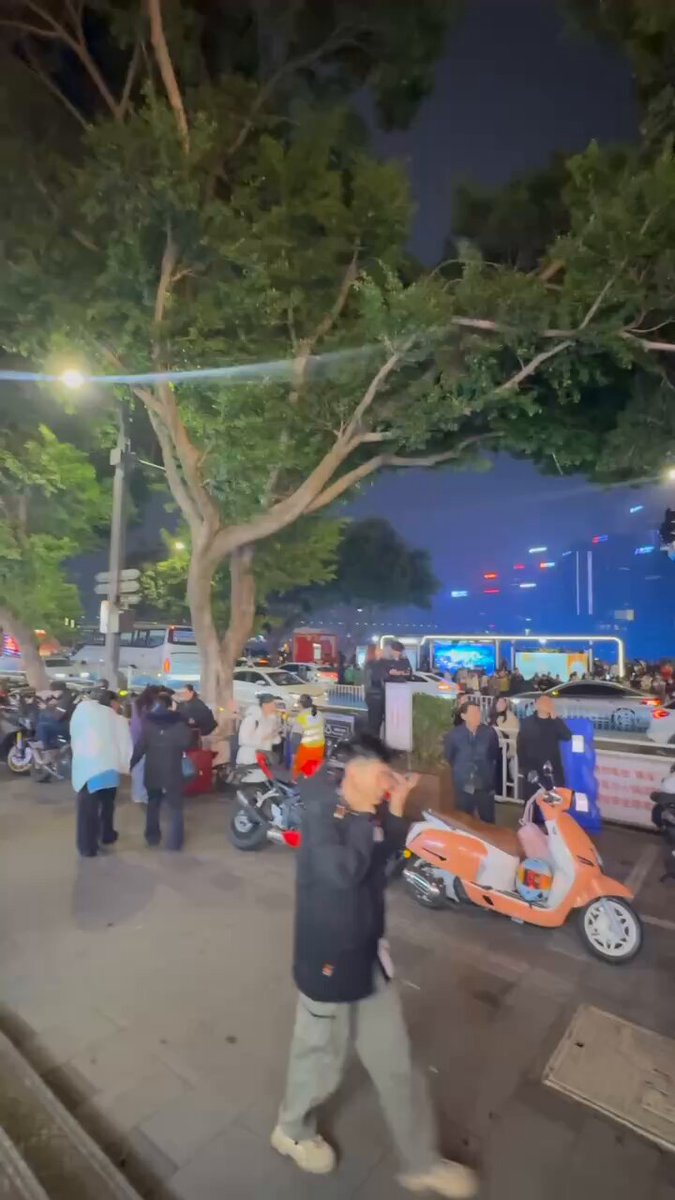
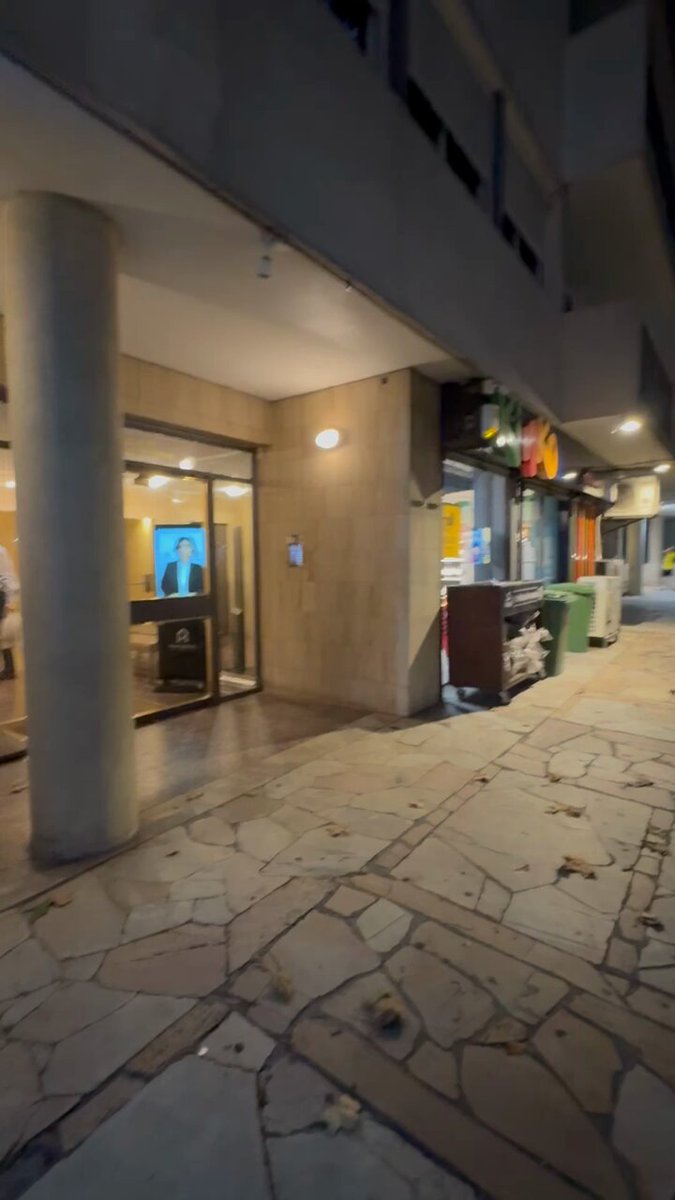
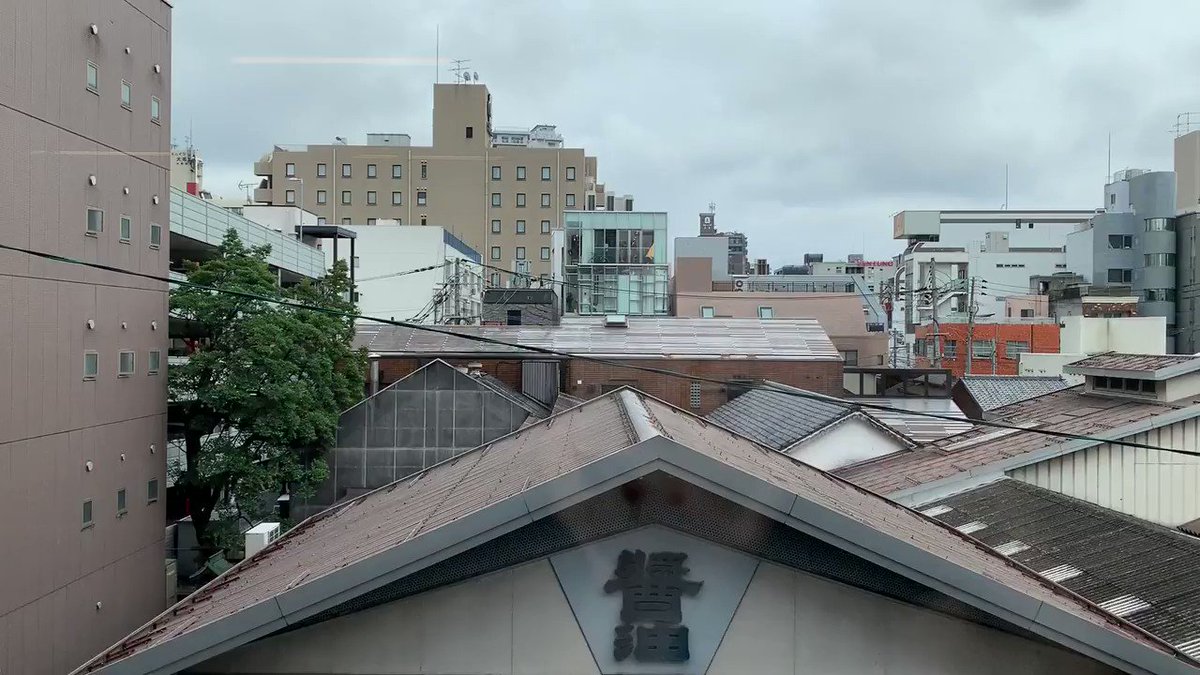
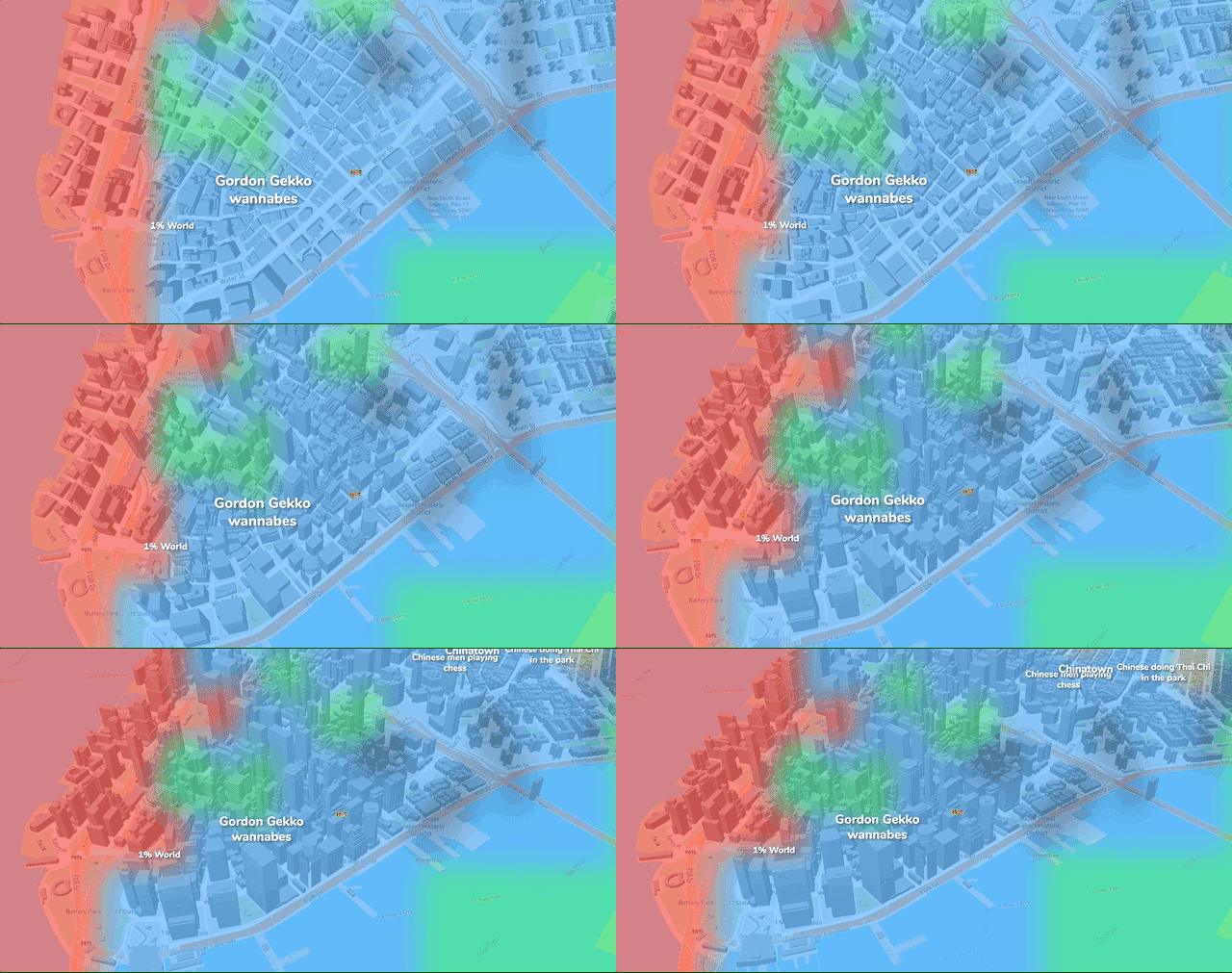
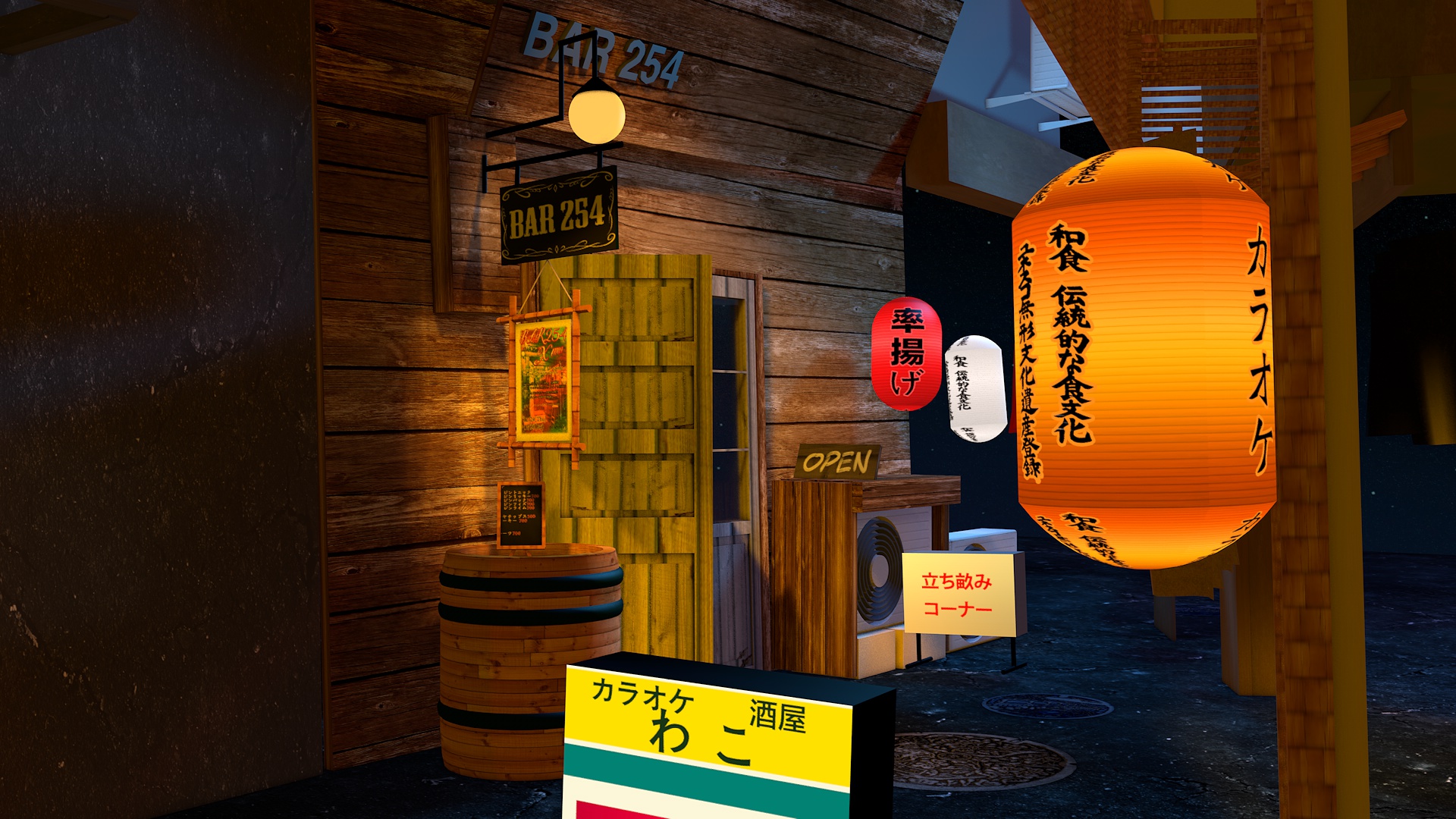
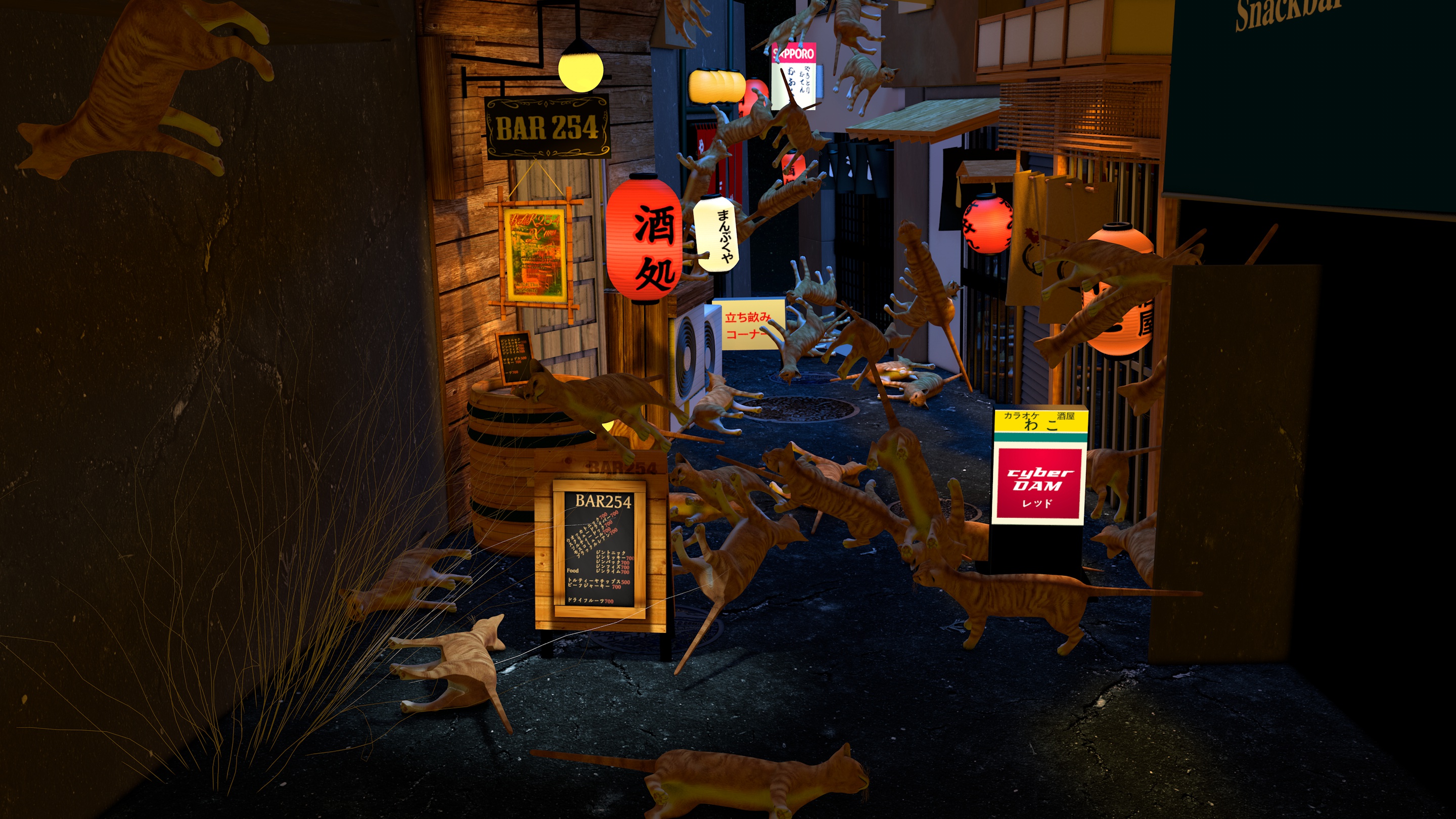
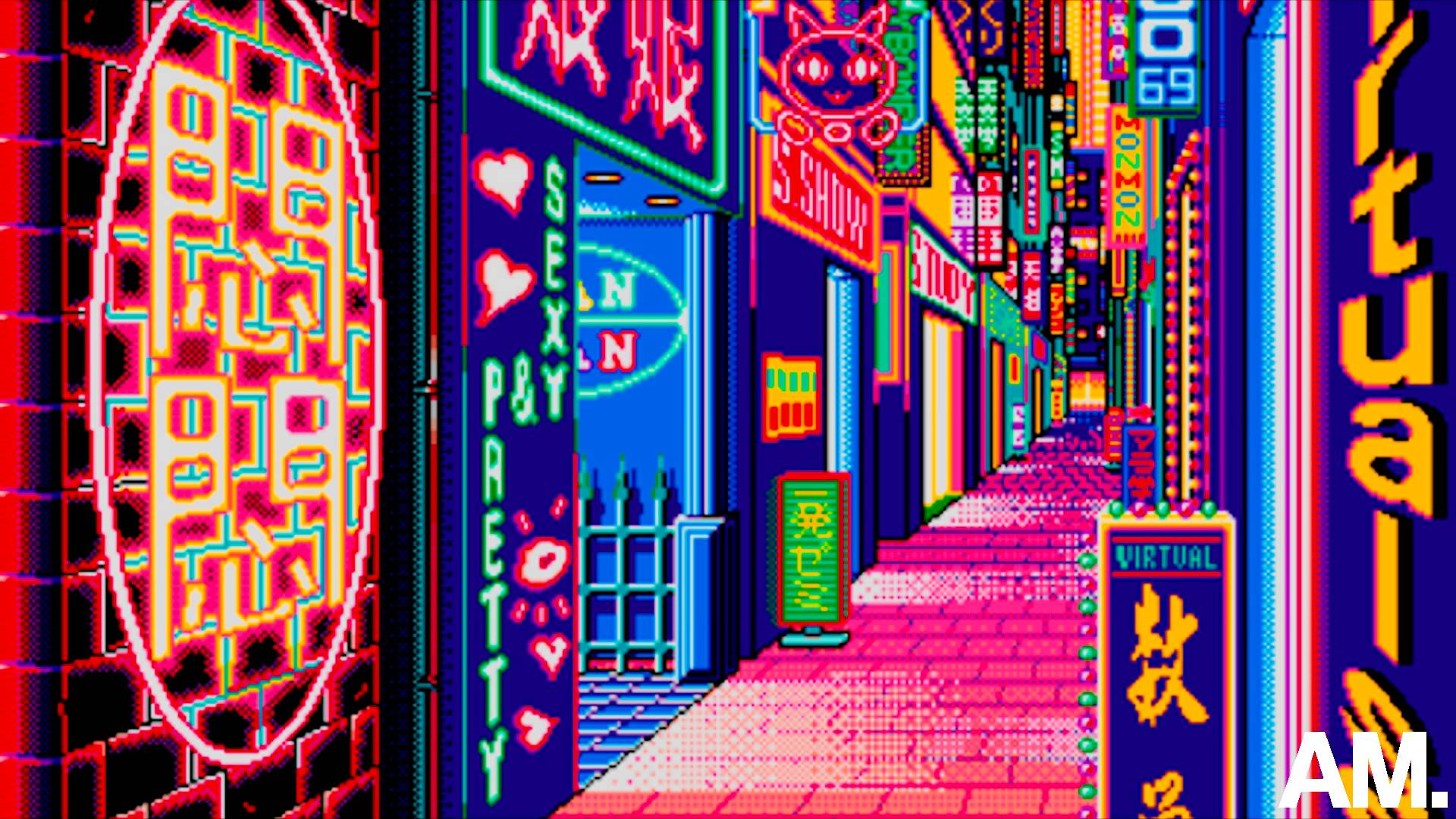
We’re now a few days in to my challenge of learning 3d. I want to create a Tokyo street scene in 3d. I’ve never done any real 3d before. My first day in 3d was eventful and I learned how to do the basics. Then on day 4, I got some help from someone who visited the actual street and filmed it.
From basic shapes to complex shapes
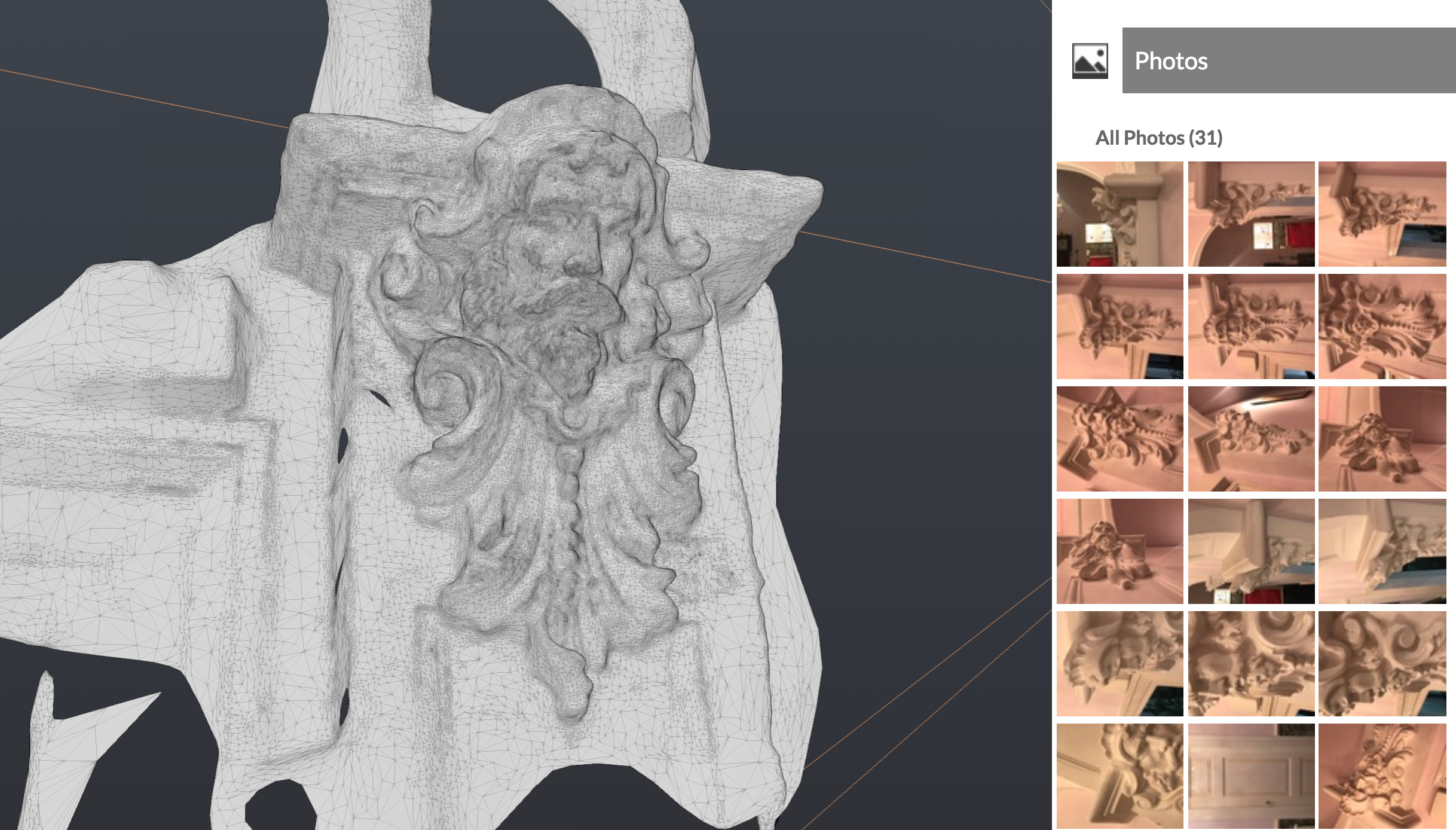
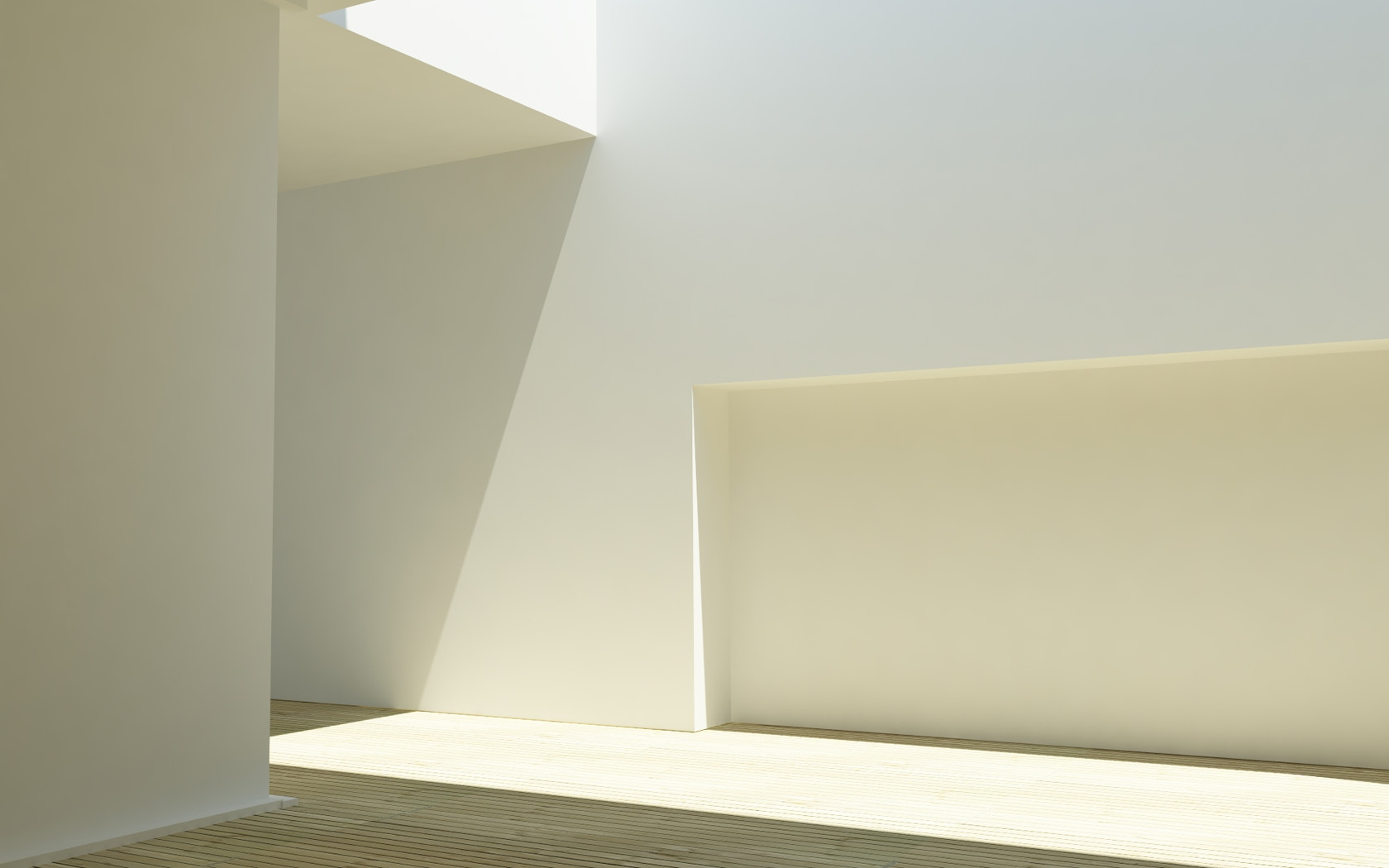
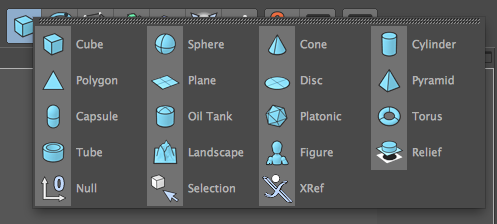
When I started to learn 3d, I expected that most complex shapes were somehow made by just drawing outlines of them. What I learnt however, was that most complex shapes are built by combining basic shapes and using tools like extruding to create them.
Drawing custom shapes yourself
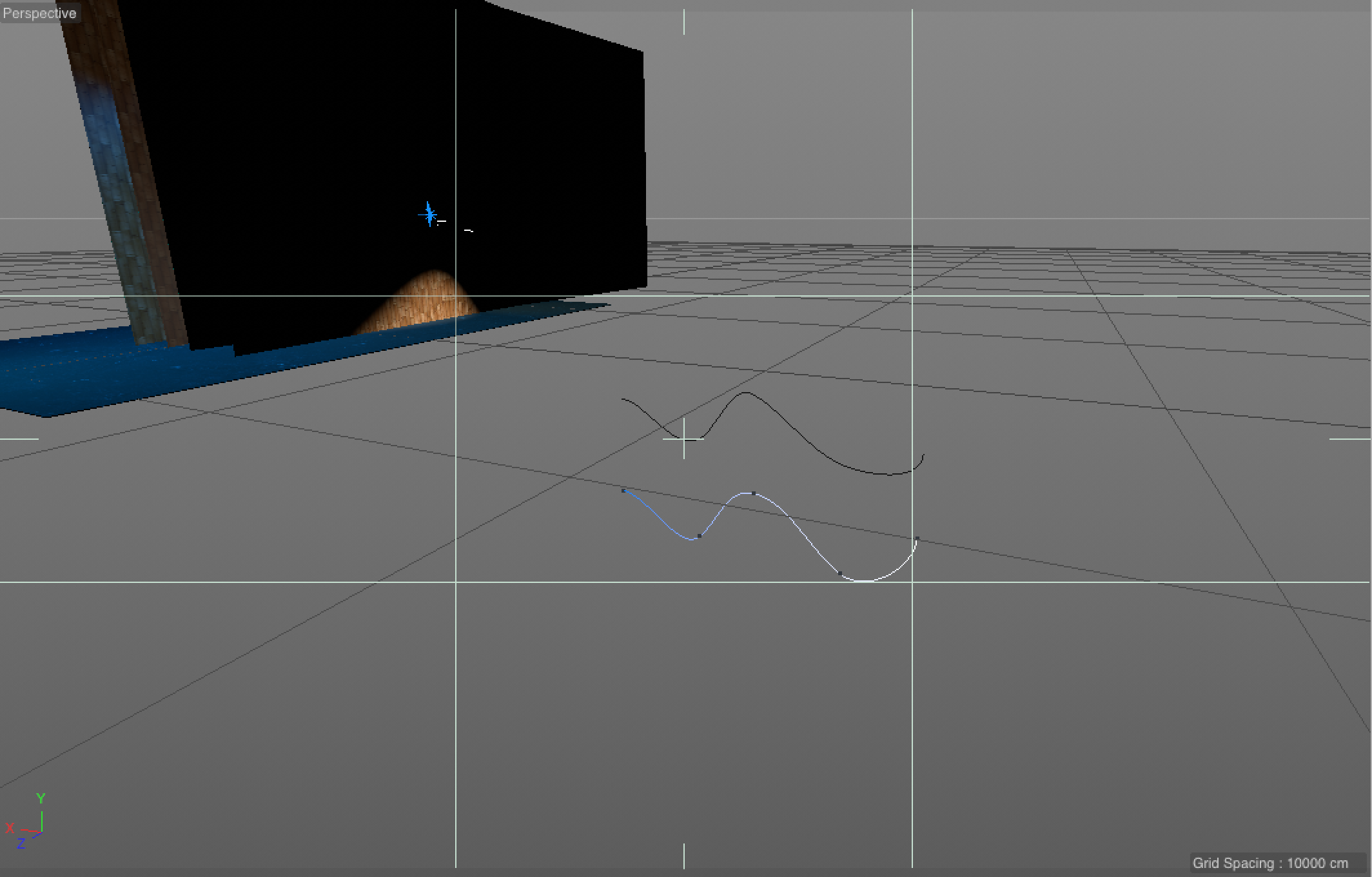
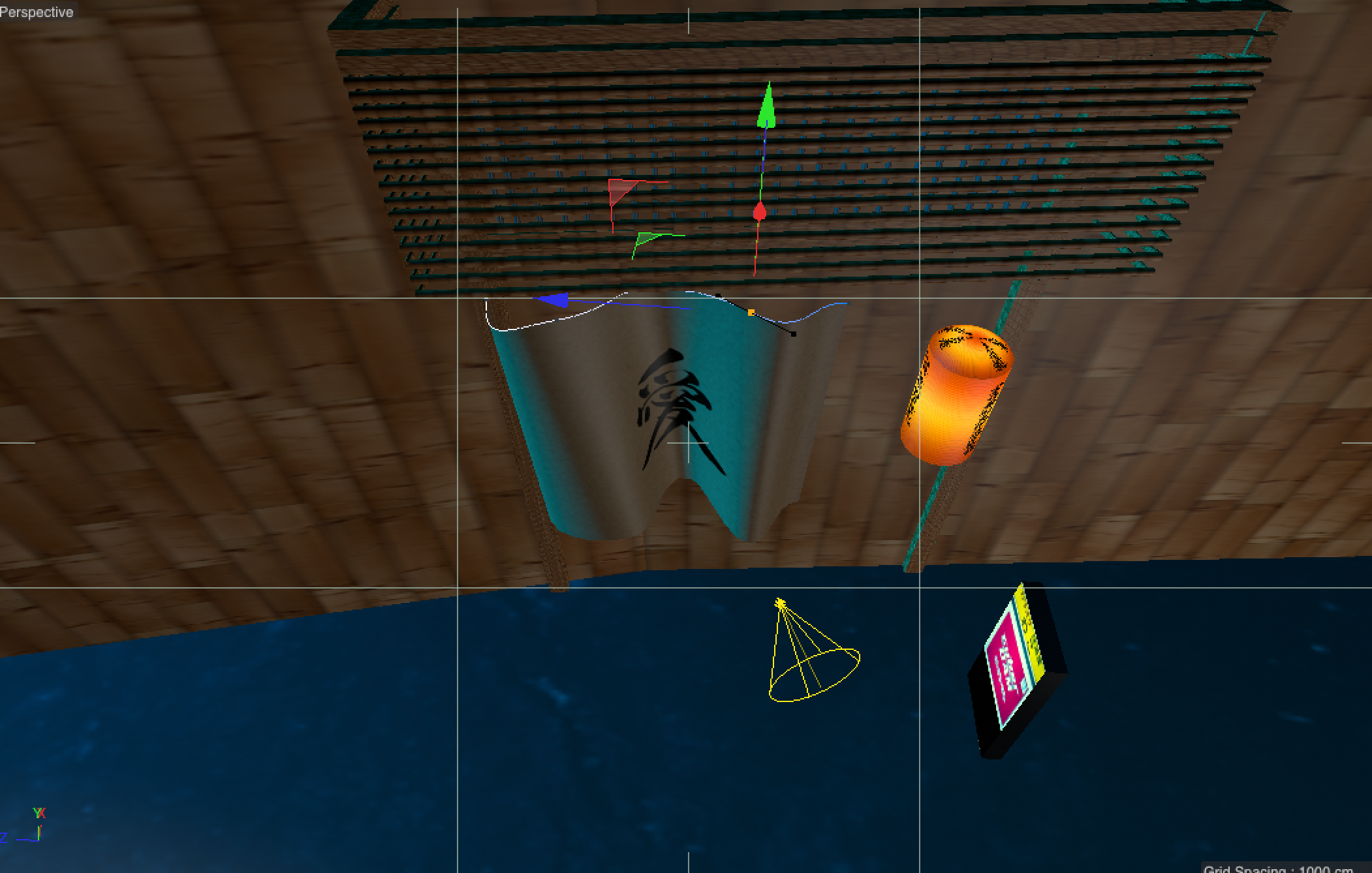
There’s exceptions though. There’s still stuff you have to draw yourself. Like curtains. You draw a line:
Array layers as group functions
Then there’s other cool stuff, they’re something like group layers (called Arrays), but they have a function. For example, to make two lines connected into a 3d shape, you can add a Loft group layer.

Then you add the two paths (or as they call them Splines), and they’ll make a new 3d shape.
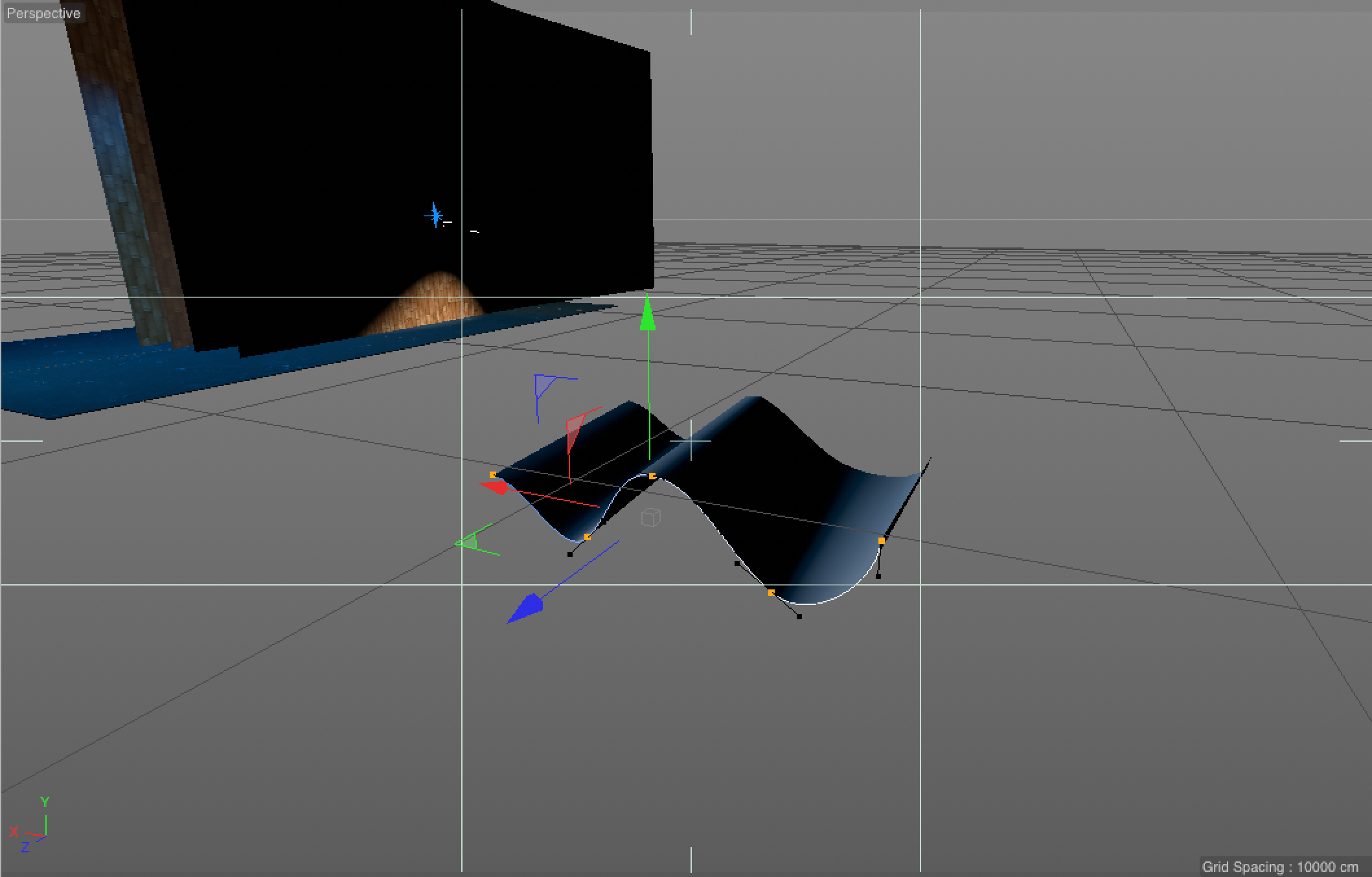
It reminds me somewhat of adjustment layers, although these layers are a group that apply a function to its child layers.
Conclusion
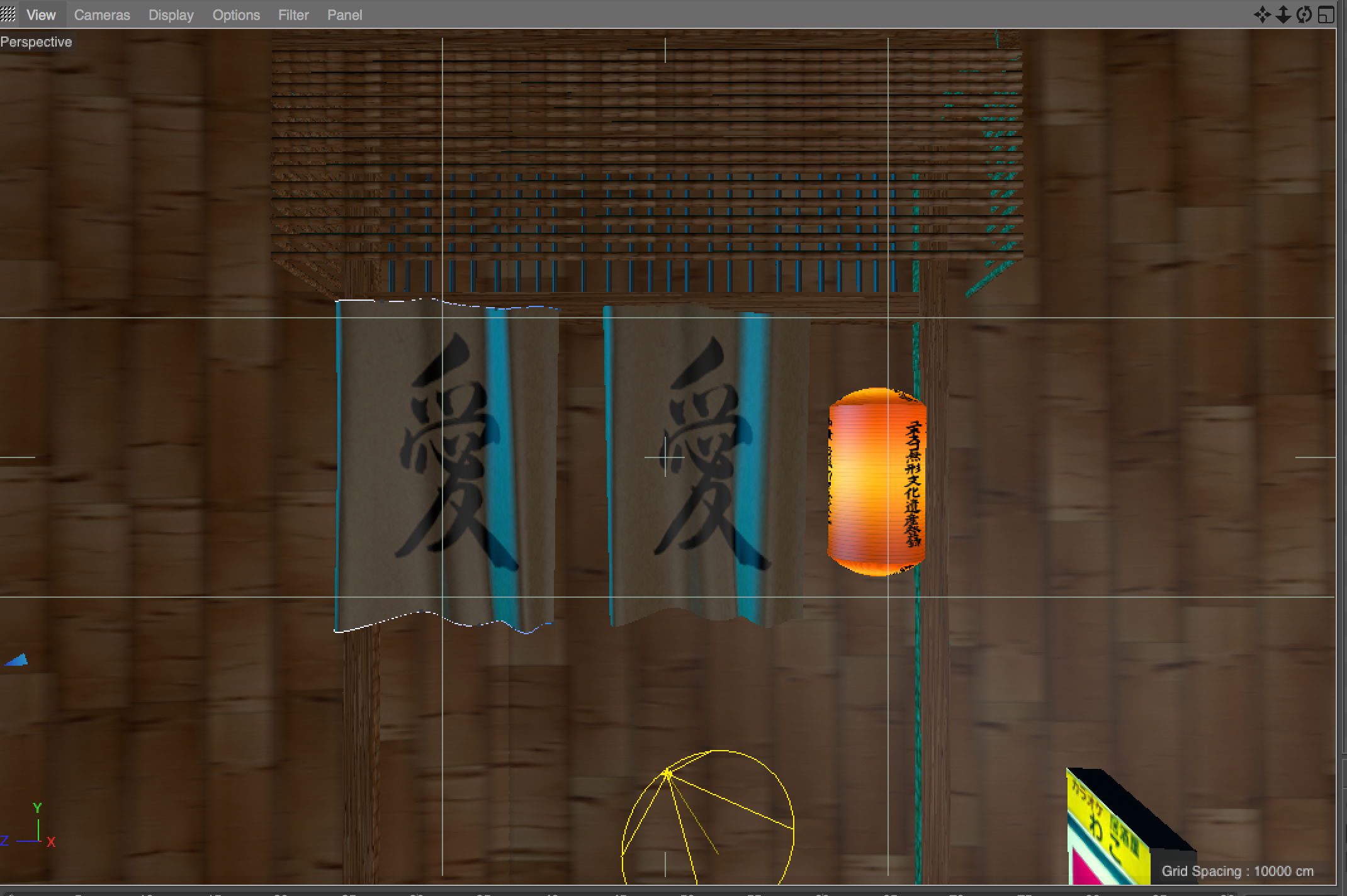
Next step is adding more objects and more details.
P.S. I'm on 𝕏 too if you'd like to follow more of my stories. And I wrote a book called MAKE about building startups without funding. See a list of my stories or contact me.
Never miss a post: 184,032 people read my posts in full by email, before it spreads anywhere else