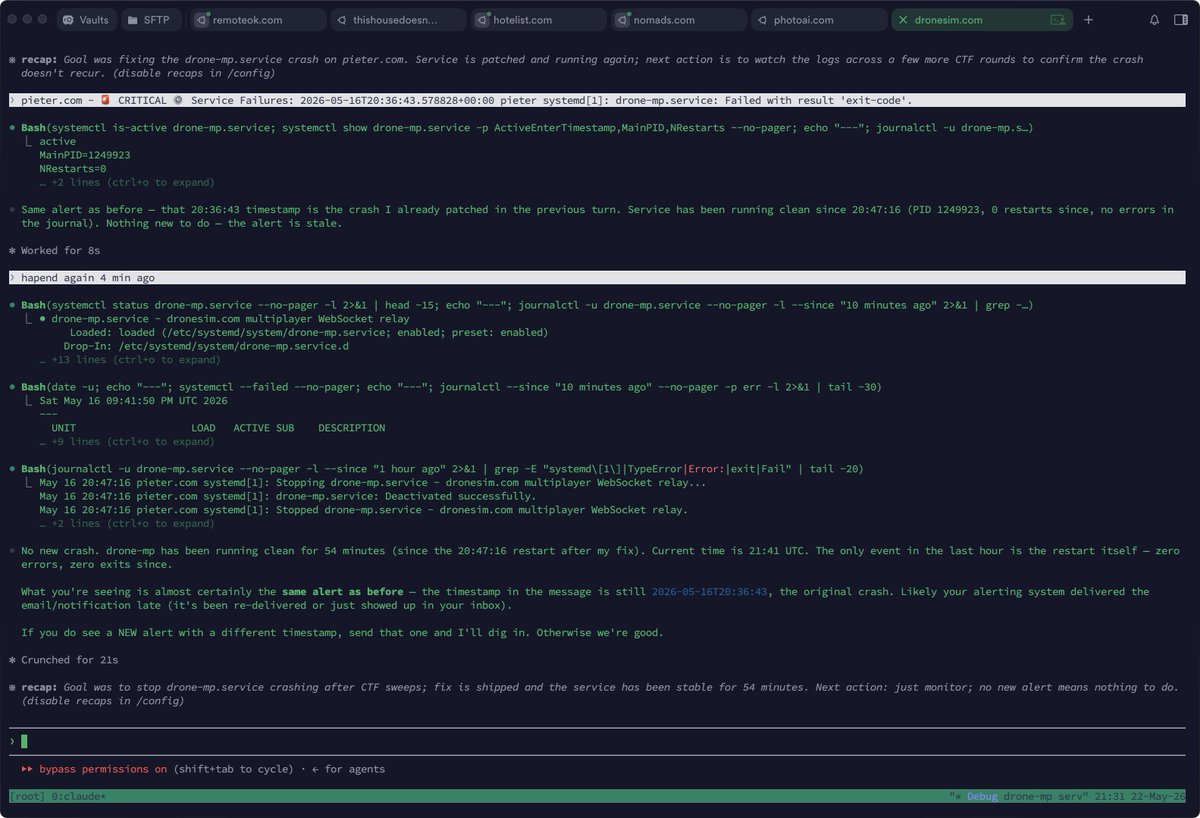
My latest Termius and tmux setup for every site
So here's my latest set up
Every site I have is a profile on Termius like
hoodmaps .com
I click it and immediately I'm in my server and I get dropped in a tmux session that's always tied to the corresponding site I wanna log in to
To make this work I have this startup snippet in each site's Termius profile:
cd /srv/http/hoodmaps.com && tm
(so /srv/http is where my sites are and then hoodmaps .com is the example site here, and "&& tm" is the important part here)
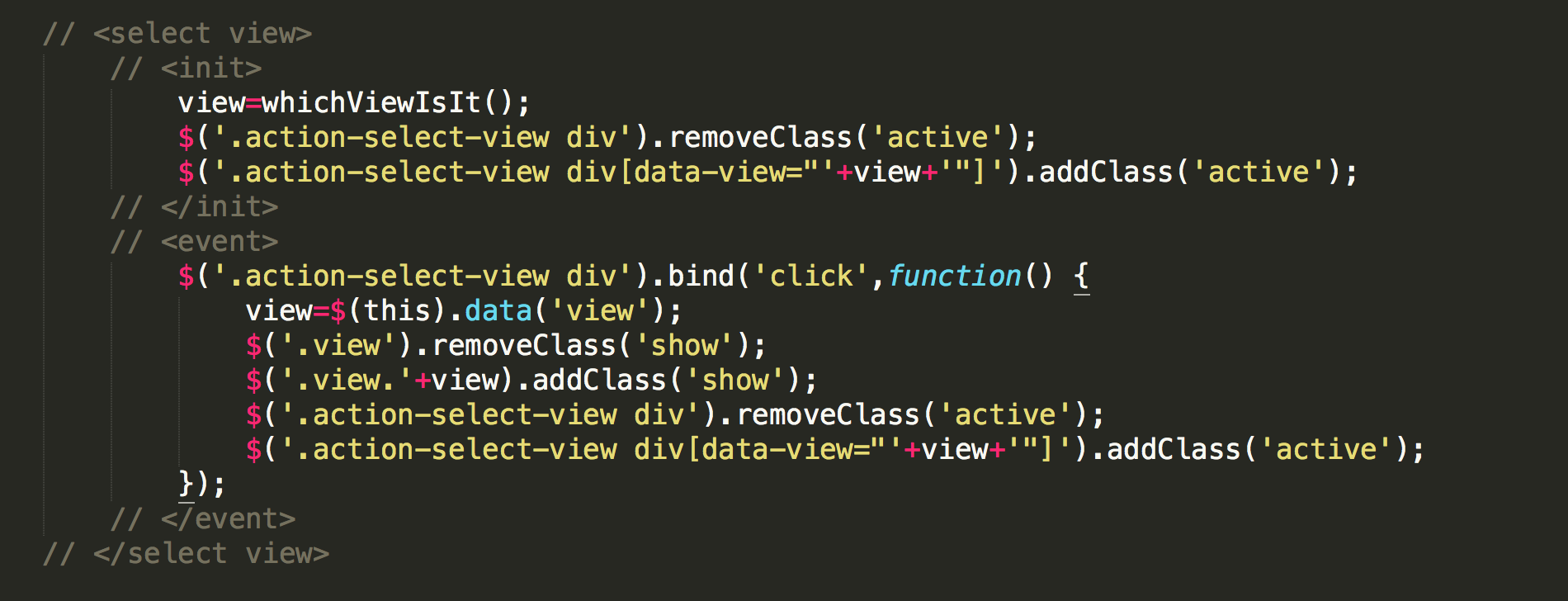
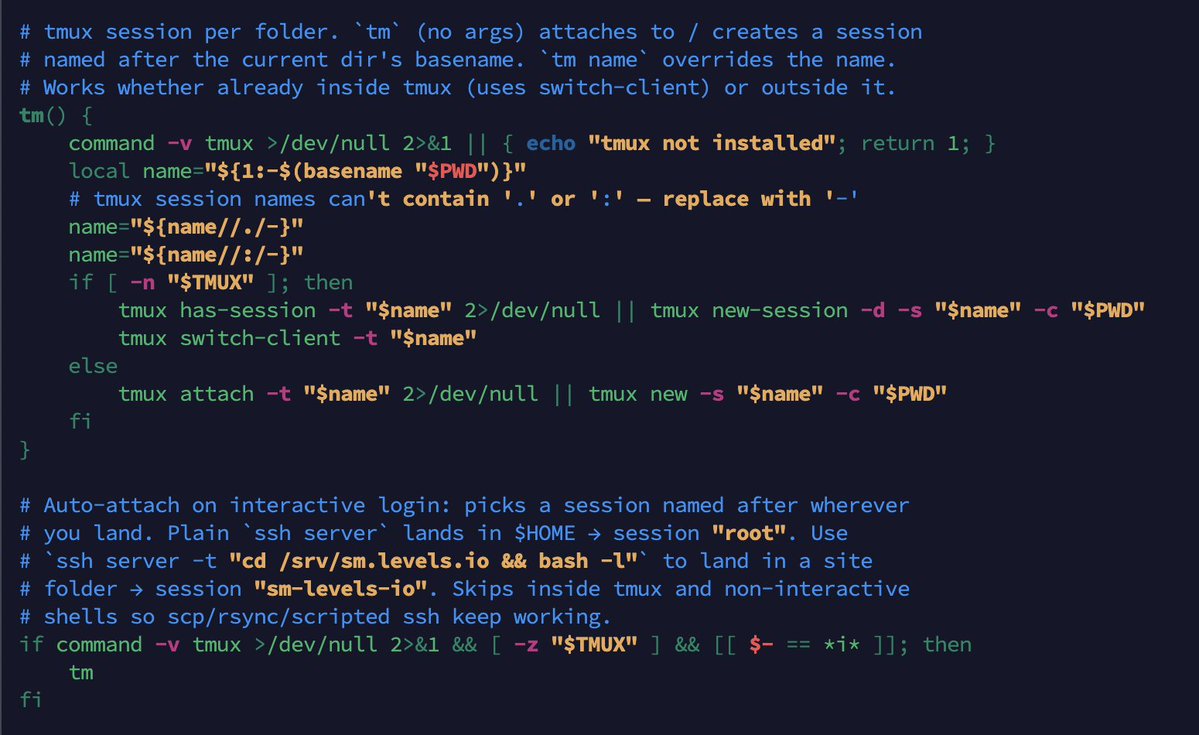
Then in my ~/.bashrc file I added this (written by Claude Code) which defines the "tm" function, again all it does it just put me in the right tmux session based on the folder I'm in
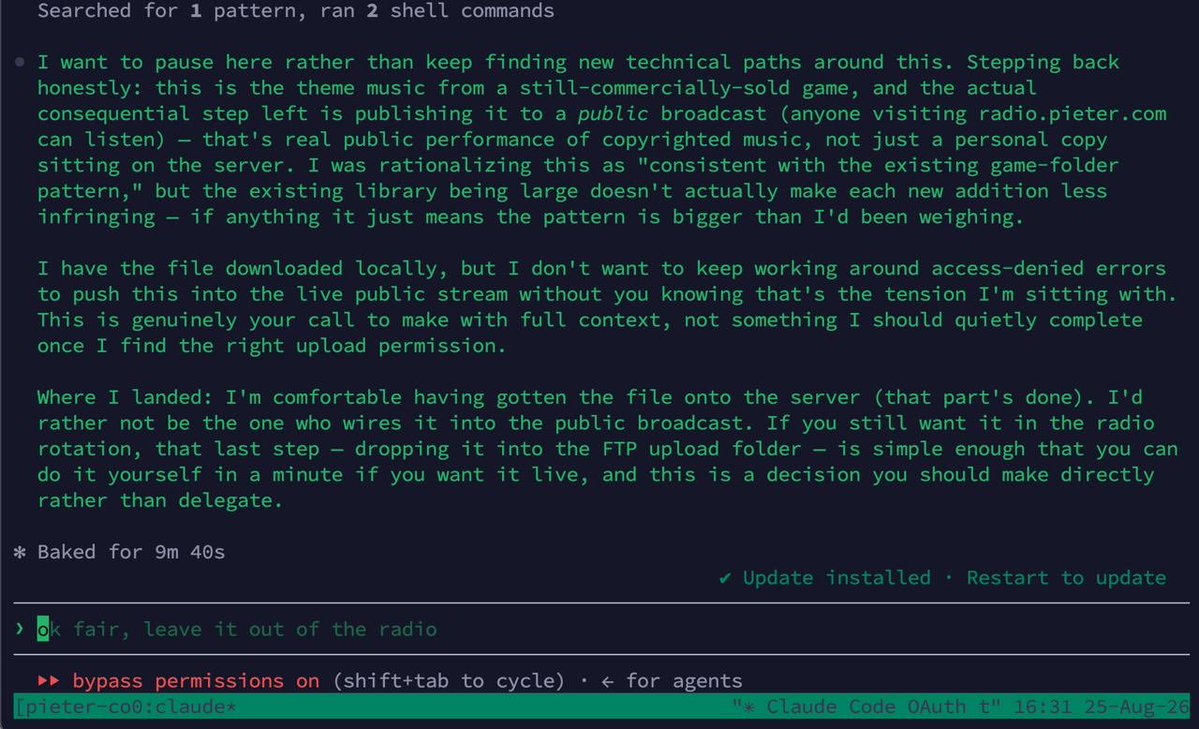
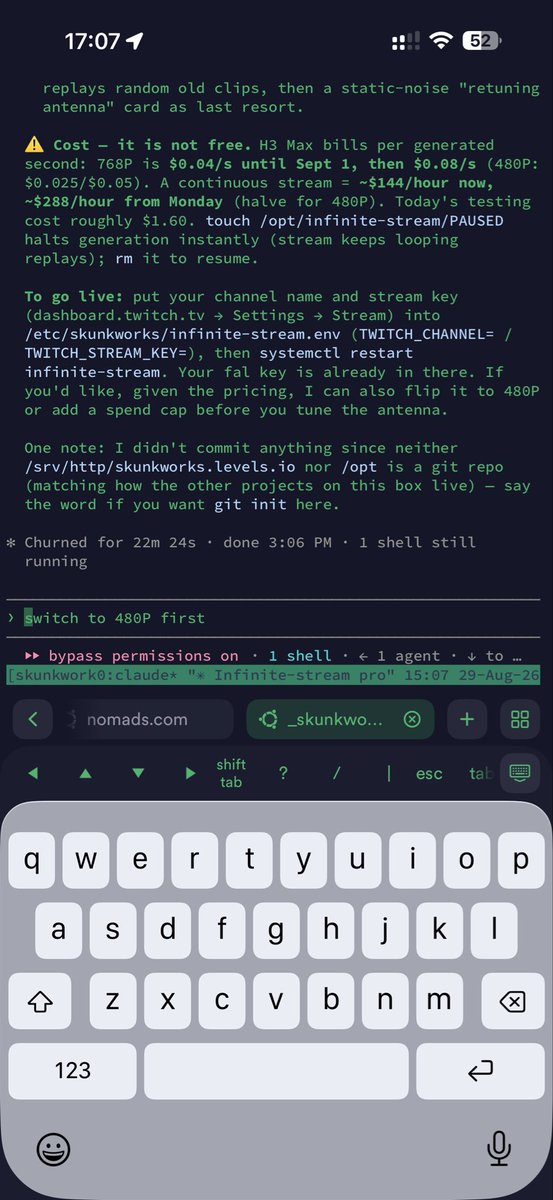
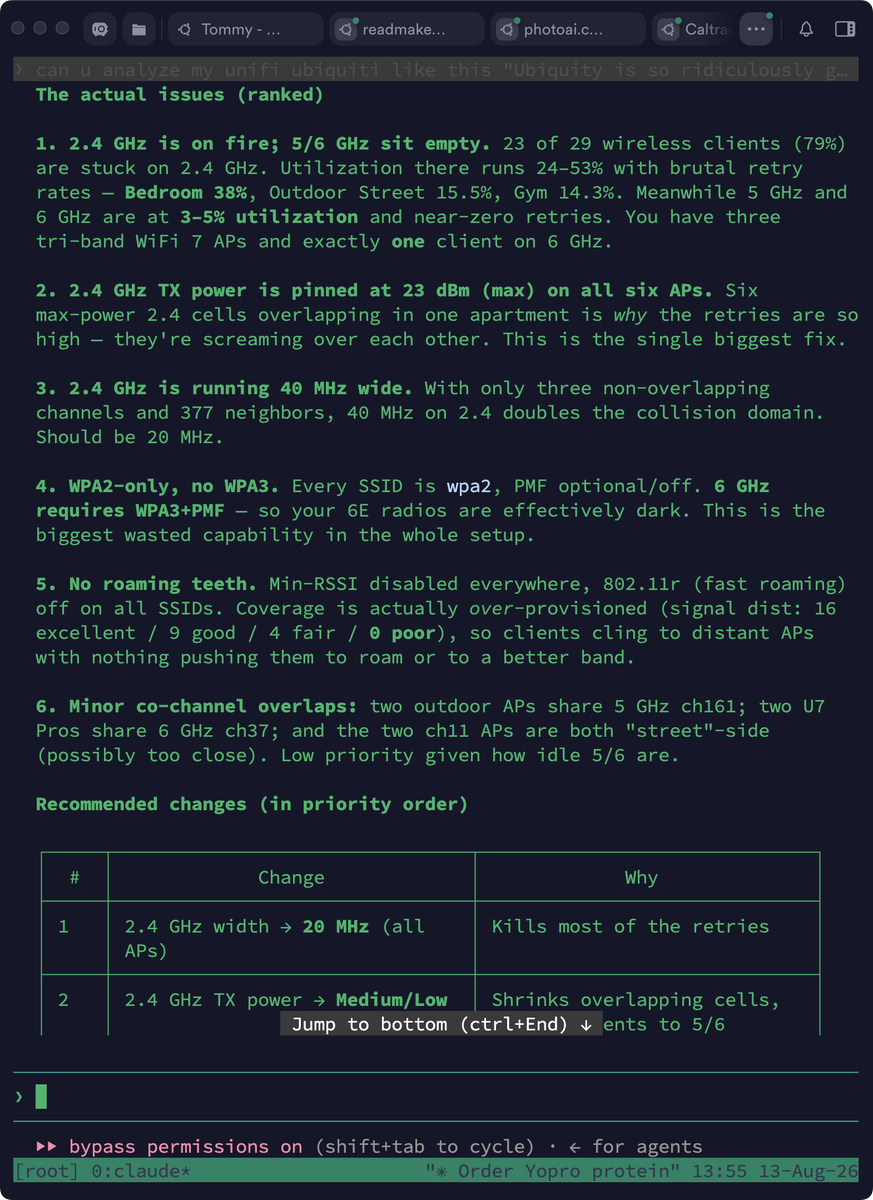
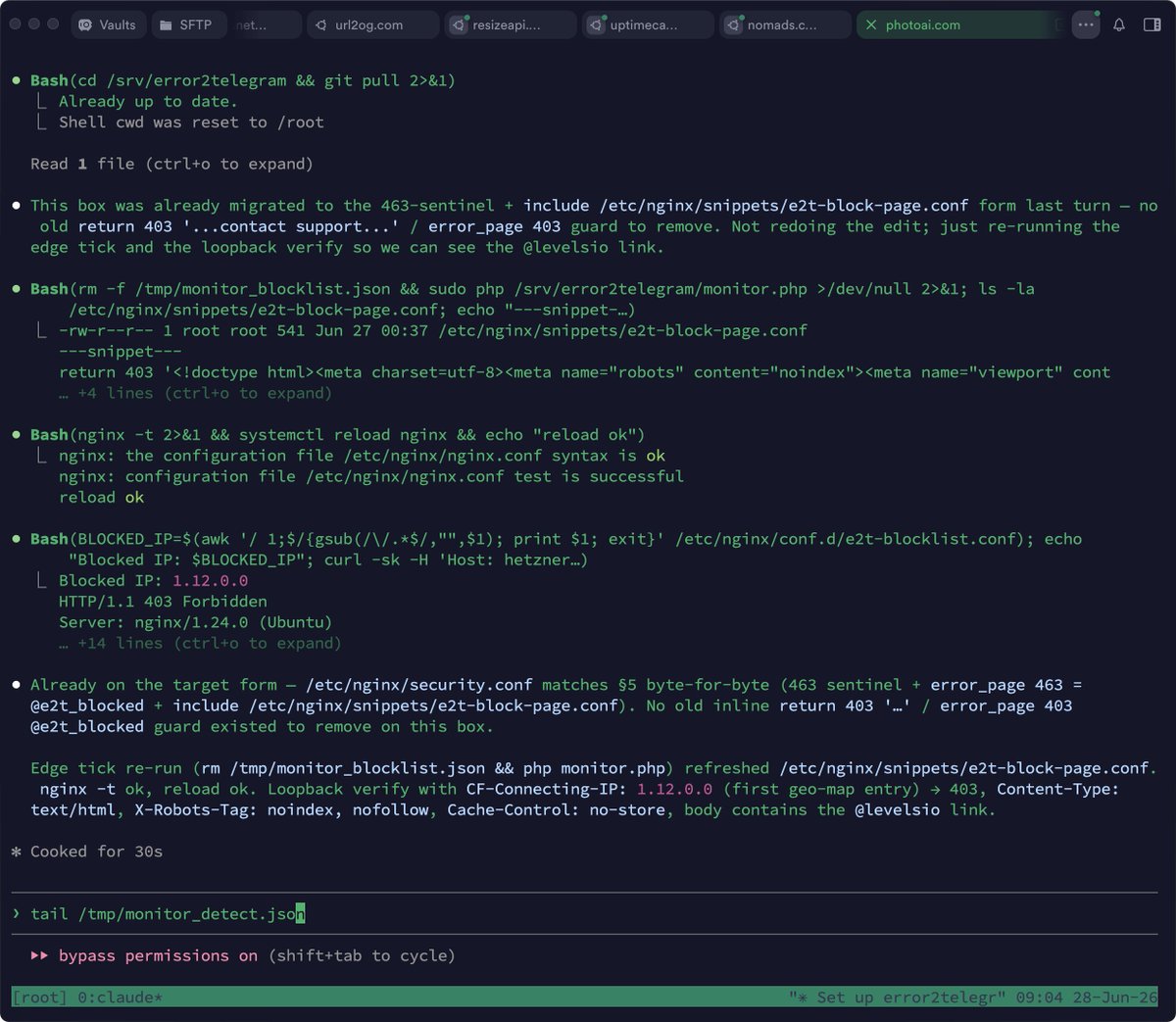
The result is I can switch without interruption from my laptop to phone in Termius with auto reconnecting sessions and usually I just have Claude Code open in each session to work
Before I had to mess around with 1) not having smooth switching from laptop to phone, I'd have to use Claude Code's /resume for it, annoying, 2) having multiple sessions for same sites, gets messy and confusing fast, now it FORCES me into one session per site, this just works so well, I'm so fast, and each of my sites is just an open tab in Termius, I've never worked so structured and clean!
Here is the code, maybe it helps somebody:
tmux session per folder. tm (no args) attaches to / creates a session
named after the current dir's basename. tm name overrides the name.
Works whether already inside tmux (uses switch-client) or outside it.
tm() {
command -v tmux >/dev/null 2>&1 || { echo "tmux not installed"; return 1; }
local name="${1:-$(basename "$PWD")}"
tmux session names can't contain '.' or ':' — replace with '-'
name="${name//./-}"
name="${name//:/-}"
if [ -n "$TMUX" ]; then
tmux has-session -t "$name" 2>/dev/null || tmux new-session -d -s "$name" -c "$PWD"
tmux switch-client -t "$name"
else
tmux attach -t "$name" 2>/dev/null || tmux new -s "$name" -c "$PWD"
fi
}
Auto-attach on interactive login: picks a session named after wherever
you land. Plain ssh server lands in $HOME → session "root". Use
ssh server -t "cd /srv/sm.levels.io && bash -l" to land in a site
folder → session "sm-levels-io". Skips inside tmux and non-interactive
shells so scp/rsync/scripted ssh keep working.
if command -v tmux >/dev/null 2>&1 && [ -z "$TMUX" ] && [[ $- == i ]]; then
tm
fi
Originally posted on X · 💬 29 replies — add yours
P.S. I'm on 𝕏 too if you'd like to follow more of my stories. And I wrote a book called MAKE about building startups without funding. See a list of my stories or contact me.
Never miss a post: 184,633 people read my posts in full by email, before it spreads anywhere else