From web dev to 3d: Learning 3d modeling in a month
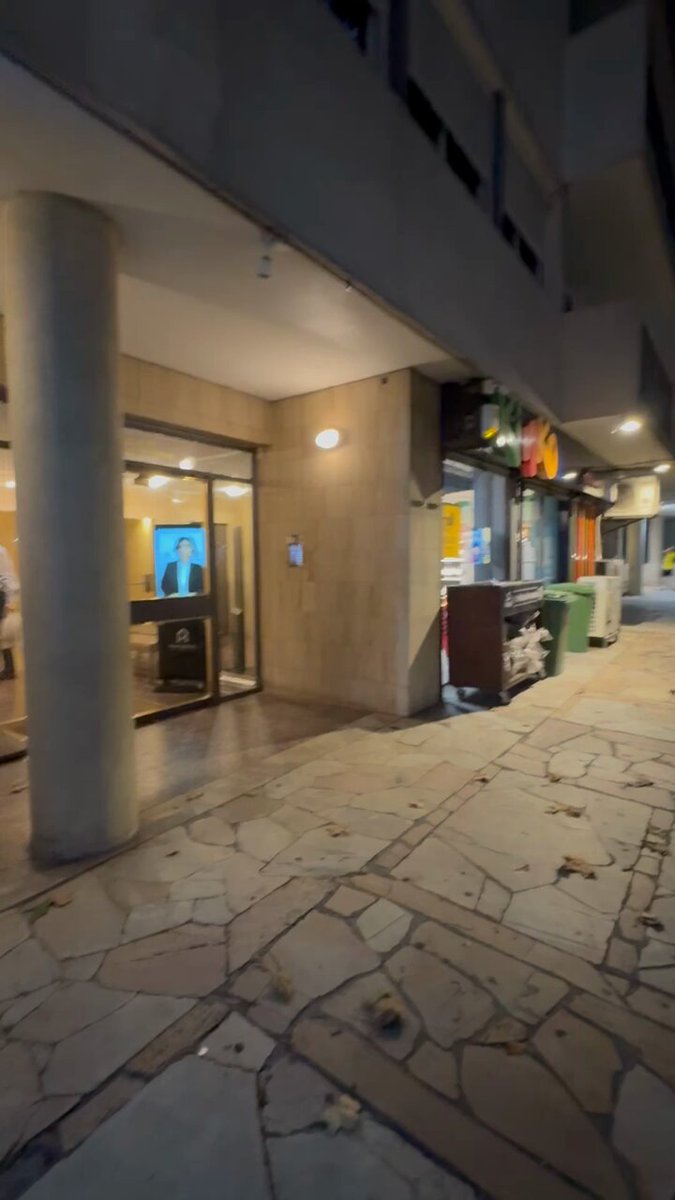
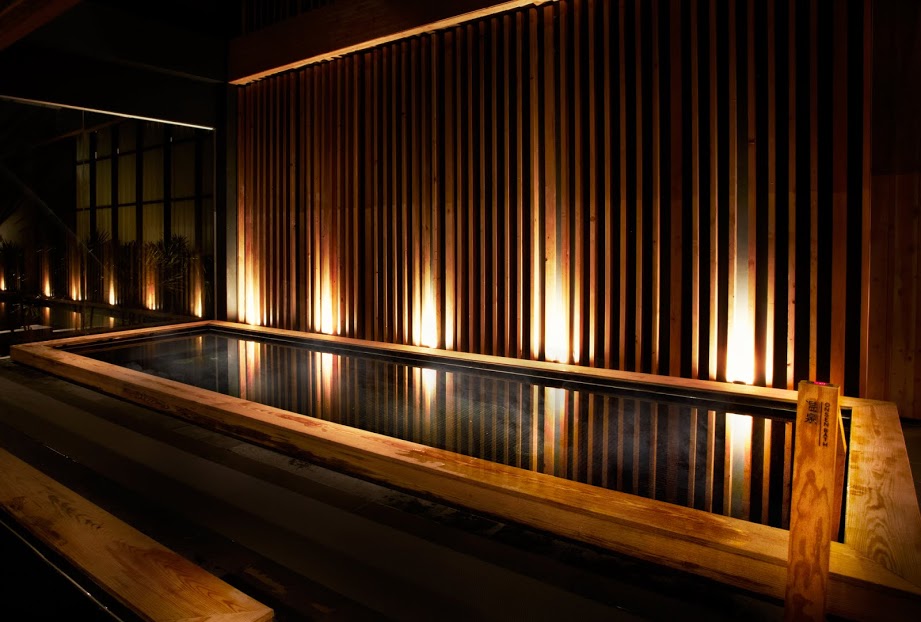
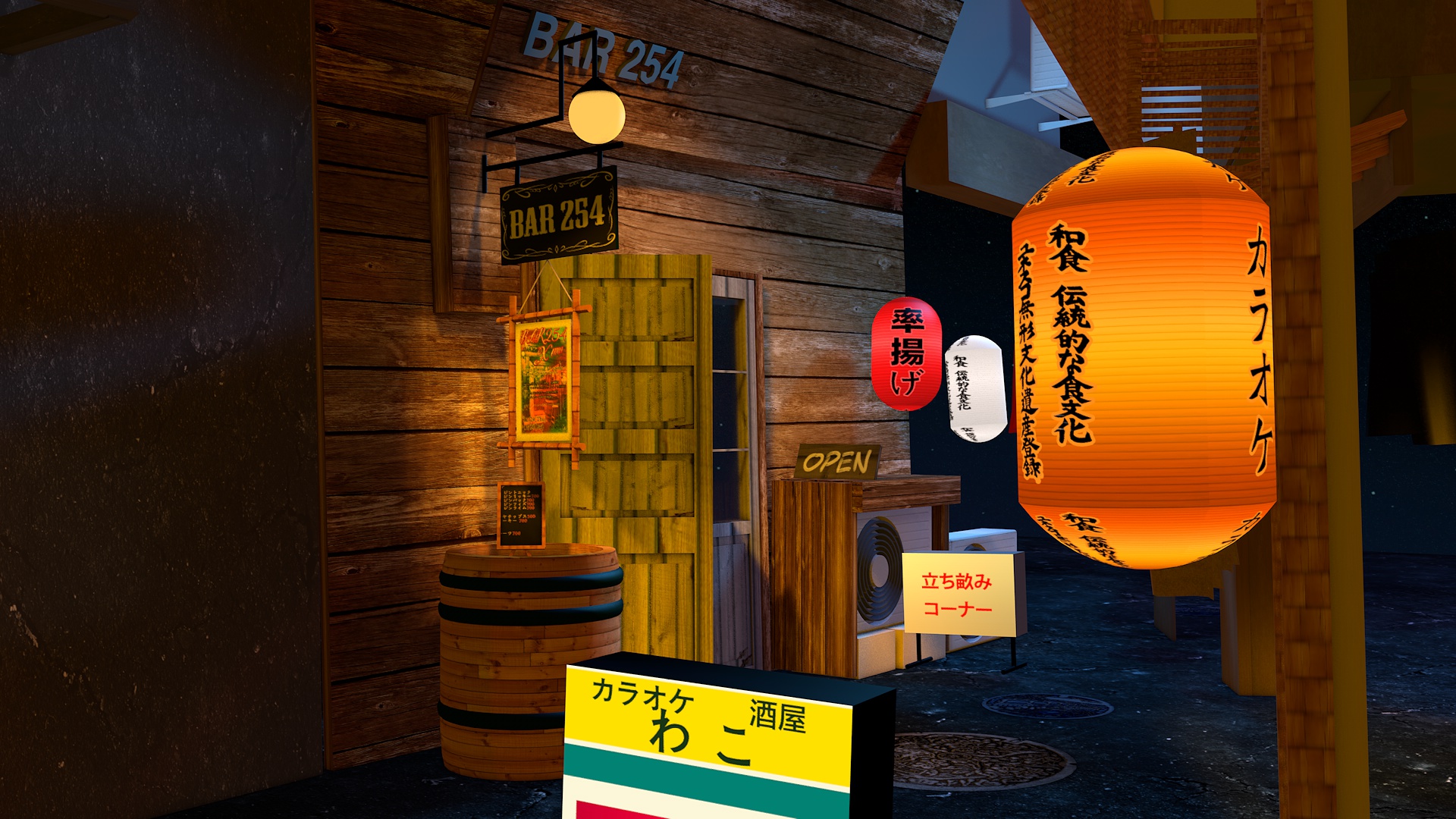
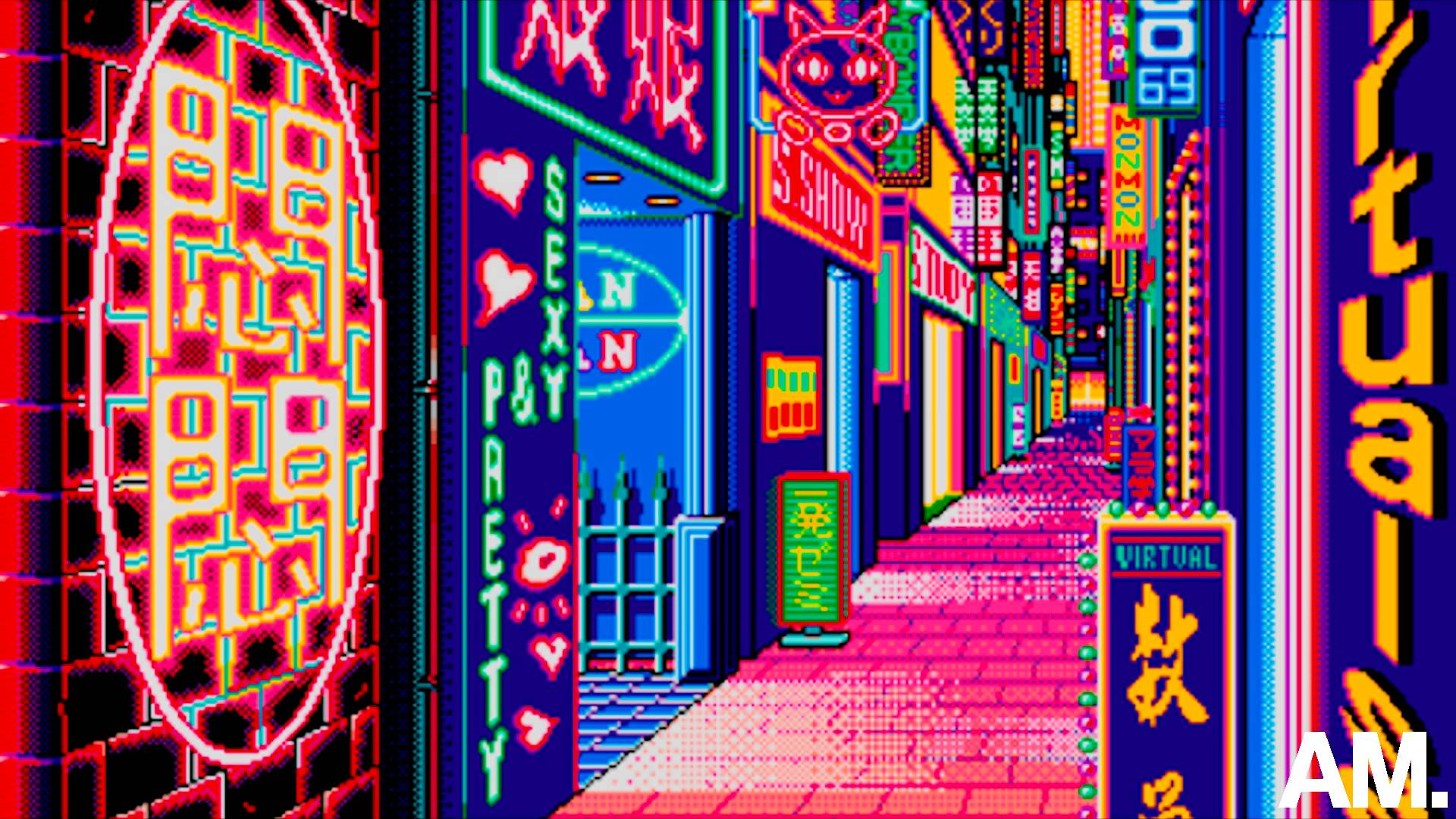
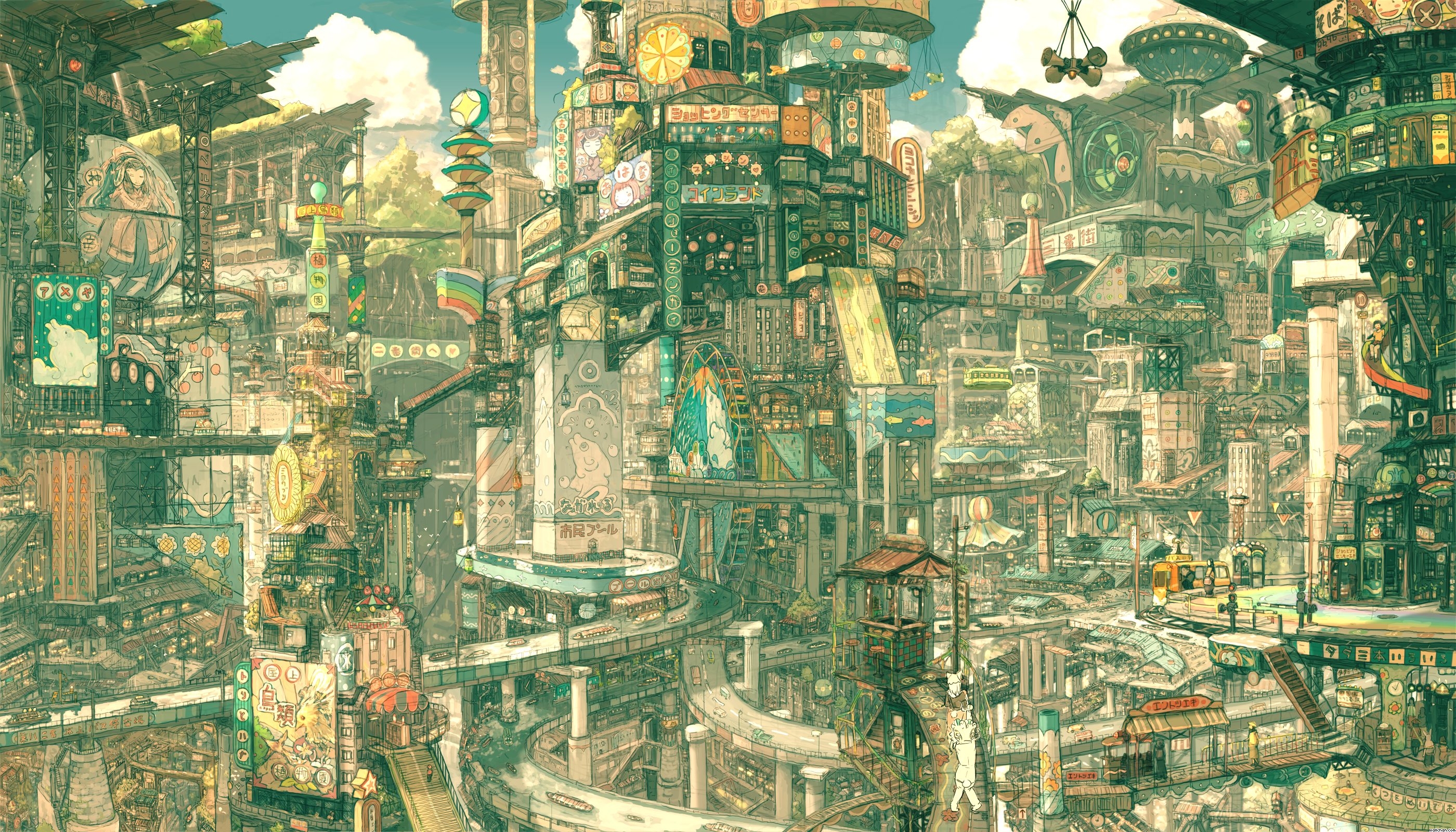
A few months ago I set myself the challenge to recreate this photo (shot by Masashi Wakui)

By modeling it in 3d!
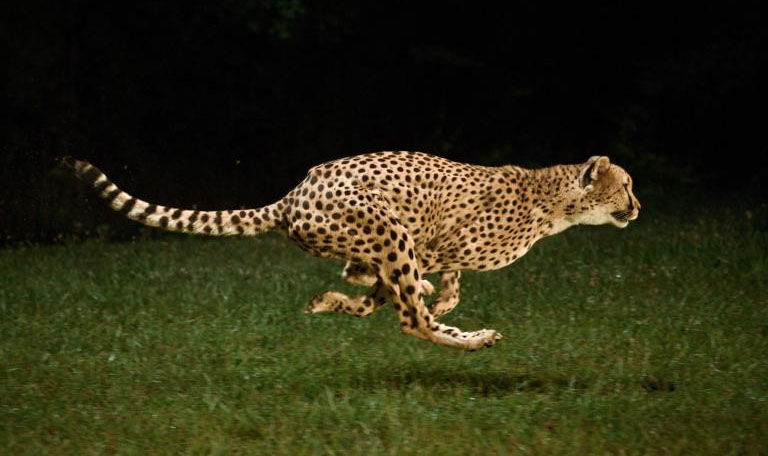
At the end I had this (I promise no IRL cats were harmed in the process, VR cats were DEFINITELY harmed and possibly killed though):
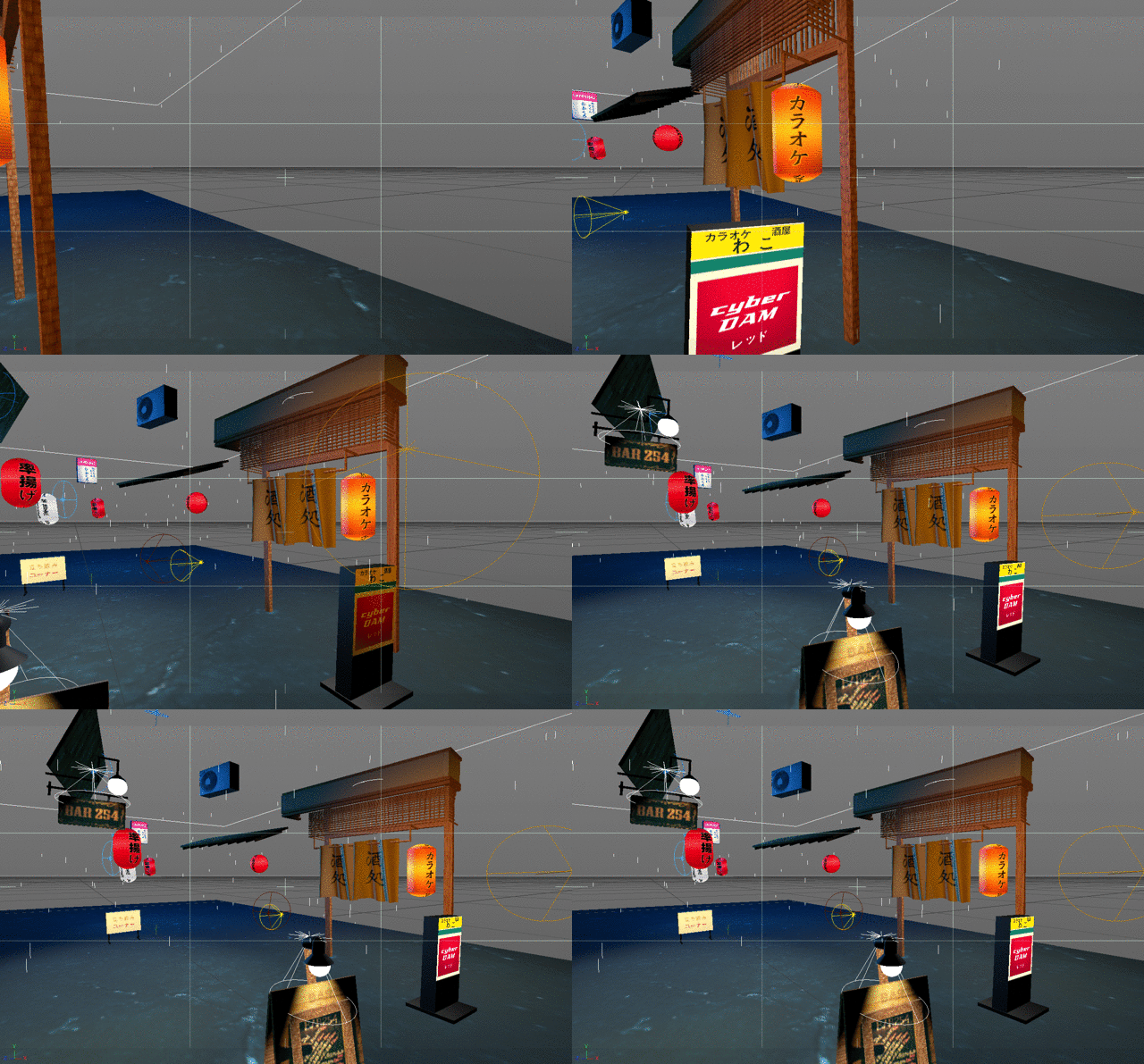
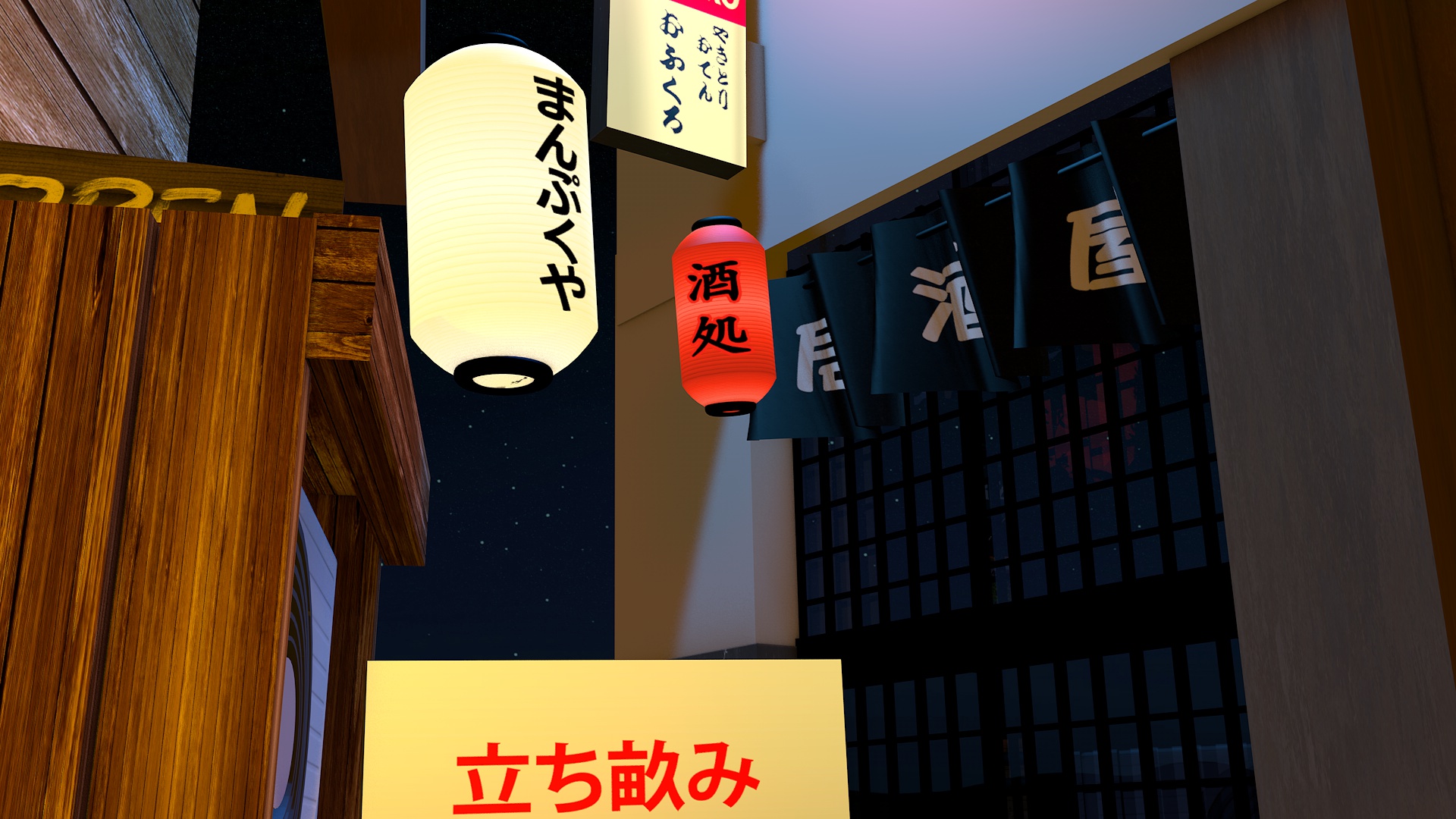
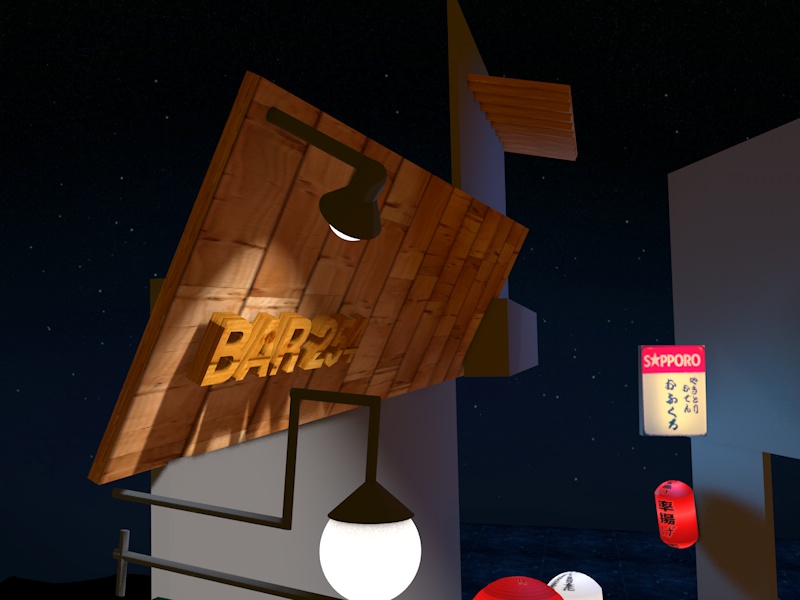
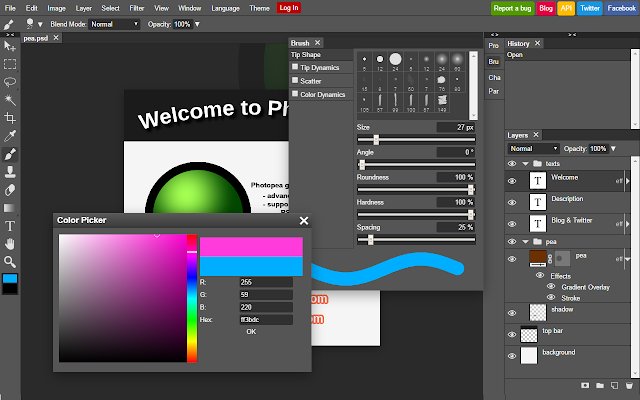
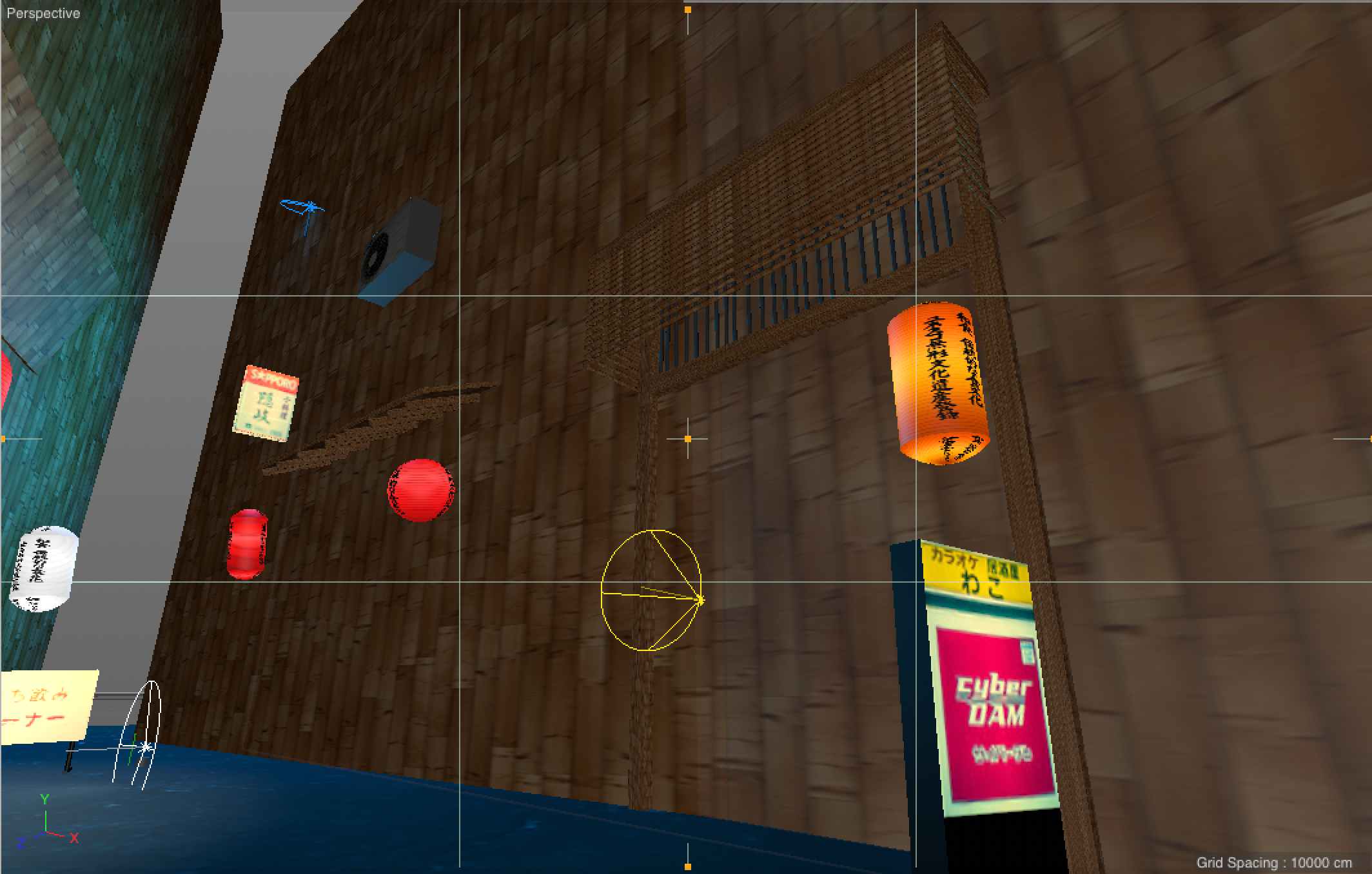
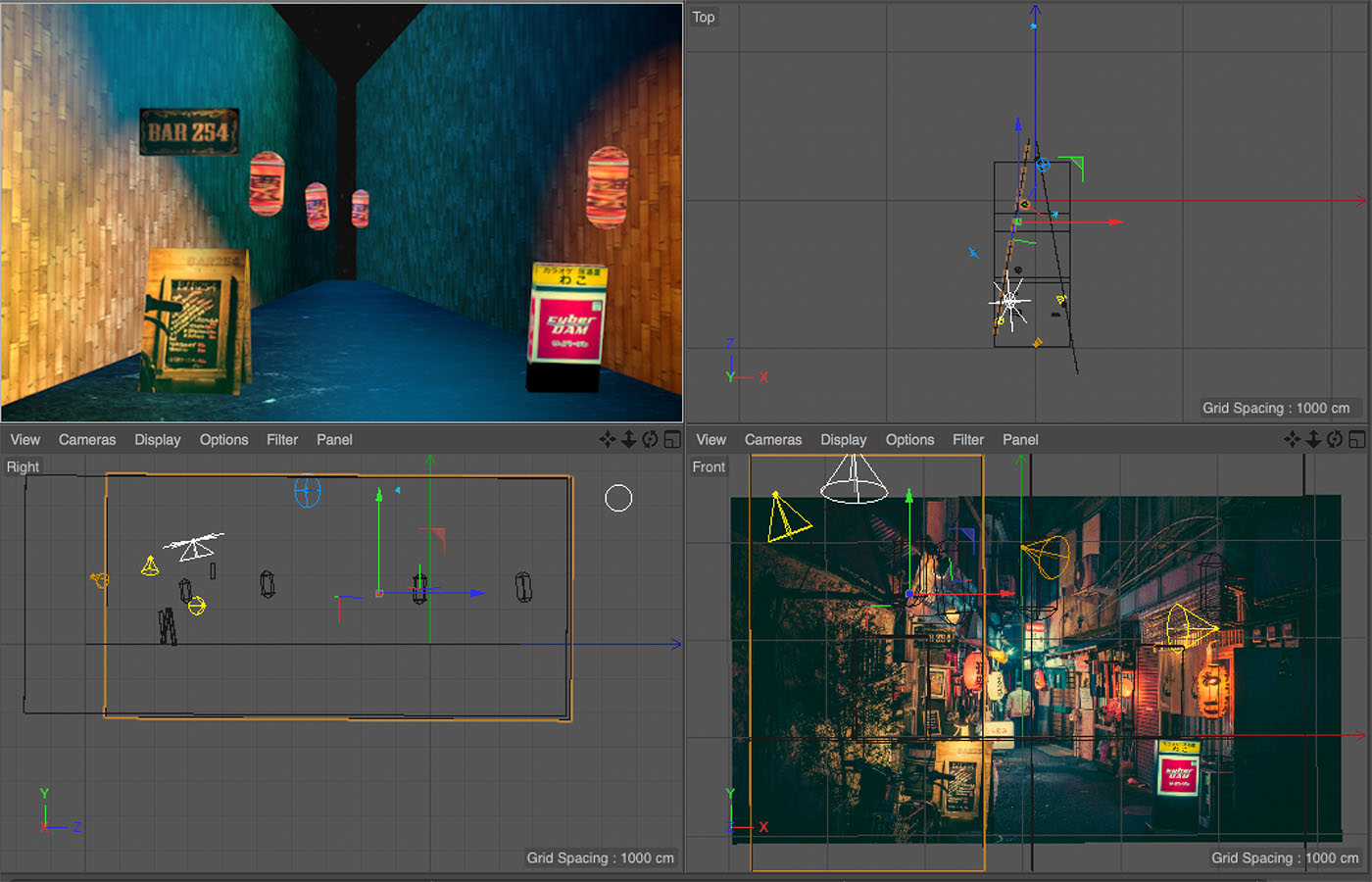
This 3d challenge turned into a month-long personal adventure which brought me all across the world to Tokyo and back:  And after a few months, [I could now walk in my street in VR](/from-web-dev-to-vr-dev)! I’ll tell you about that later in this post. Now read! ## Why? Well, I had never done any 3d before. I’ve coded and designed web apps like [Nomad List](https://nomadlist.com). I’ve produced [electronic music](https://www.youtube.com/watch?v=hlSfVA92808). But I’ve never made 3d. The rise of virtual reality is going to change things in the next decade. First we’ll see it in gaming. But quickly after, it will take over all software interfaces. Why have a flat 2d dashboard when we can see our data visualized around us? And think about content. Who needs a New York Times text article telling us about the destruction of Palmyra in Syria, when we can [transport ourselves there and experience what happened in immersive 3d?](https://sketchfab.com/models/4d3f4d41eada40d89aa95dfb70a7b443). I am very aware how new paradigms can make your skills irrelevant overnight. So I felt it was time to install my own human firmware upgrade and [learn 3d](/tag/learning-3d). ## Help! Where do I start? Where do you start though if you never did any of this? Before doing anything I wanted to think about how I’d approach this. In web development, I don’t do things in the proper way (e.g. I don’t use SASS, Grunt, Gulp, Node.JS, Meteor or React), instead I’m extremely pragmatic. I use a text editor and I write plain code. It’s simple and fast and works for me. I wanted to do the same while making 3d. Another thing was that I learn better from practice, not theory. Doing courses on stuff makes me “know” about how to do things but I won’t learn how to actually do the things. That’s why I wanted to dive straight in with a project like this. It had a specific end goal: “does the 3d scene look like the photo?”, if “no”: go to start, if “yes”: you win! If I wouldn’t know something, I’d simply Google it. Every single thing. That’s what I did to learn coding, and that’s what I will do to learn 3d: 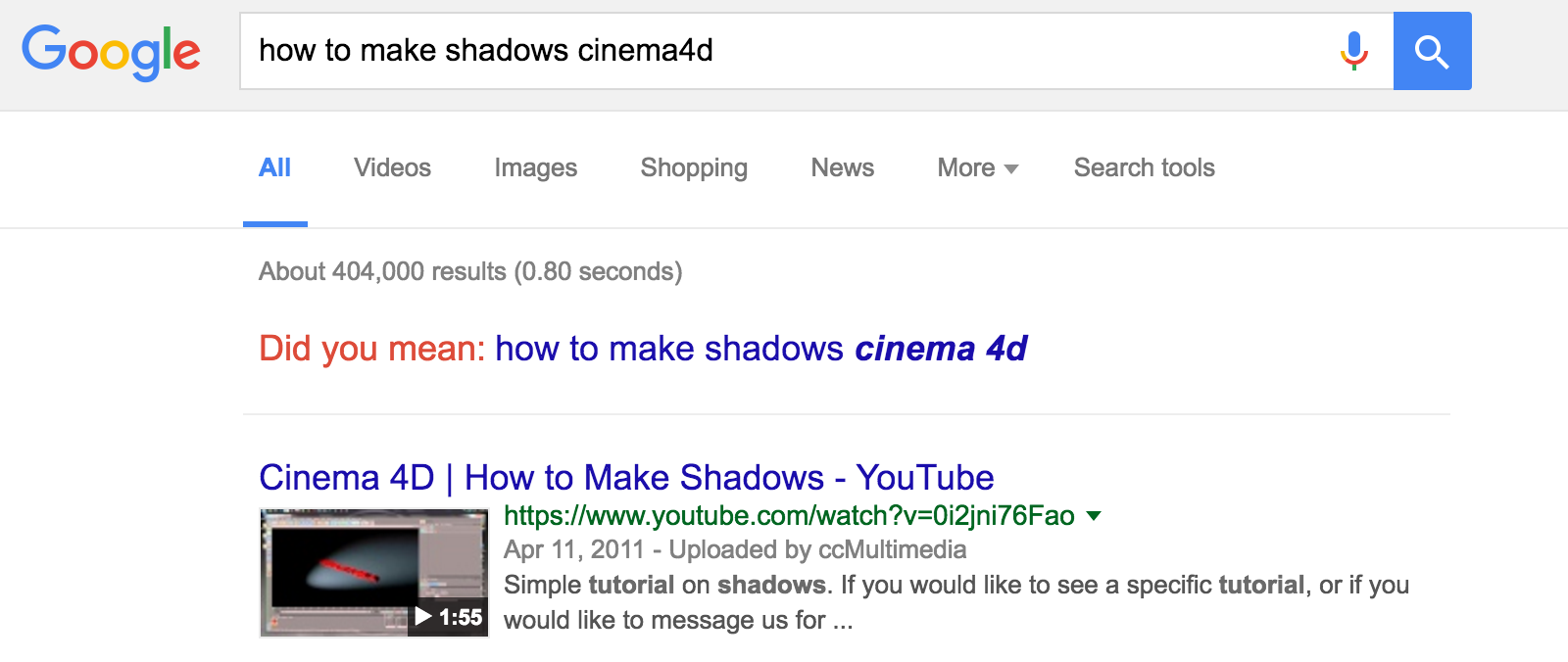 I knew the existence of 3d software like Maya and 3d Studio Max. But they seemed like Java and C++ to me. Great for pros, but not simple at all. I wanted to find the JavaScript of 3d. Simple, easy and practical. I found that in [Cinema4D](http://www.maxon.net/en/products.html) and it looks like this: 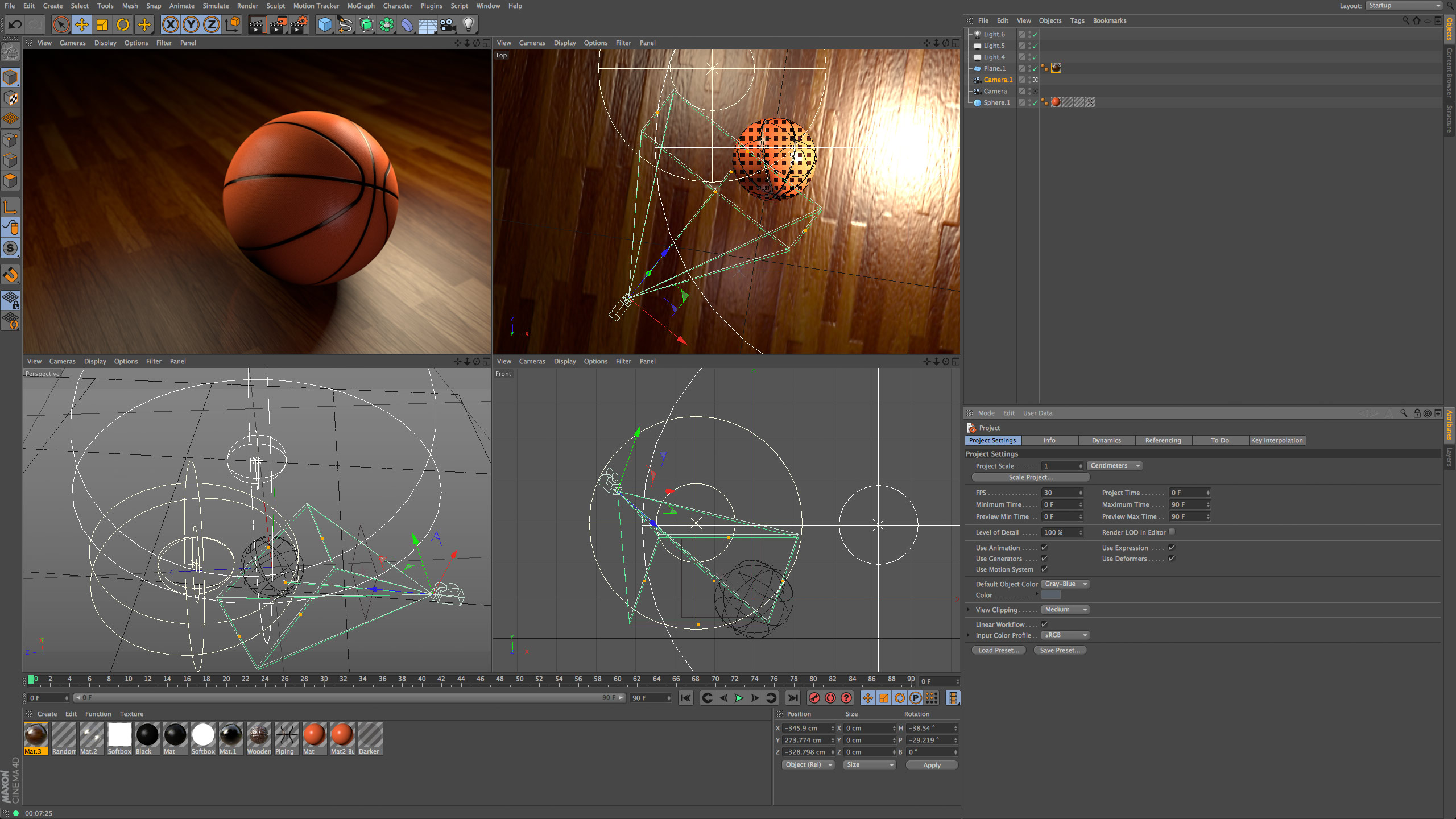 ## The joys of 3d development The great thing about 3d vs. web development is that everything fits in one package. For newbies in web dev, it’s hard to see how all the different parts fit together. You use HTML to layout, then CSS to style, then JavaScript to do client scripting and a server language to connect to the MySQL database? Help! Luckily, with 3d there’s hardly any parts. Everything is mostly inside your 3d program of choice. There’s no text editor, no minifier, no compiler, no deploy scripts, no unit tests, no server, no back end, no front end. It’s just one big app with a 3d view and endless amounts of internal panes where you can adjust every little detail of an object, light or scene. 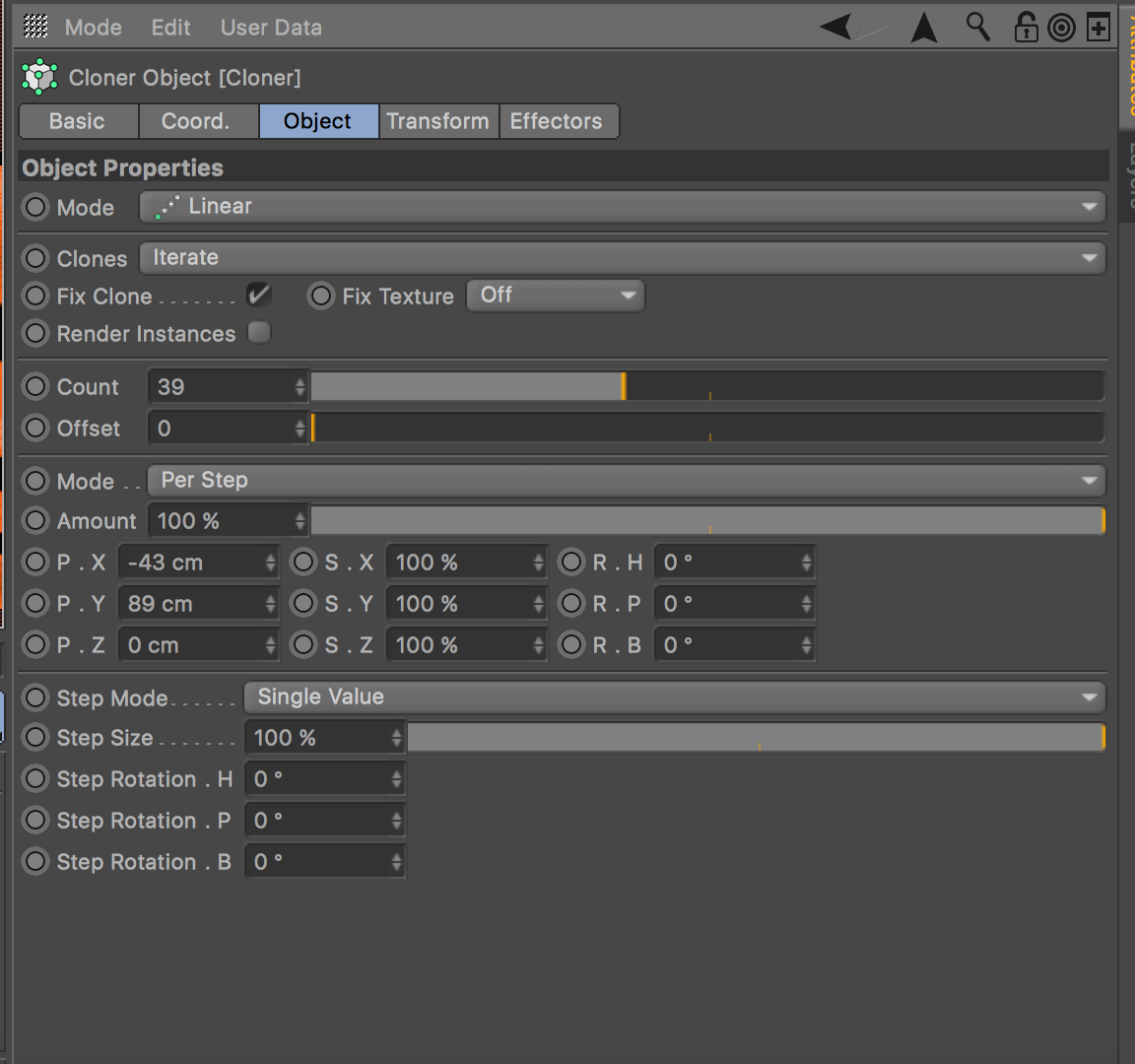 What about deployment? **Your deployment is a render.** A .jpg picture or a .mp4 video file. Simple. P.S. If you don’t want to see the process, [click here](#final) to skip to the final part. ## Modeling For now though, I wanted to get going. So I installed Cinema4D and opened it. I literally just started modeling by pressing the first button that looked like a cube: 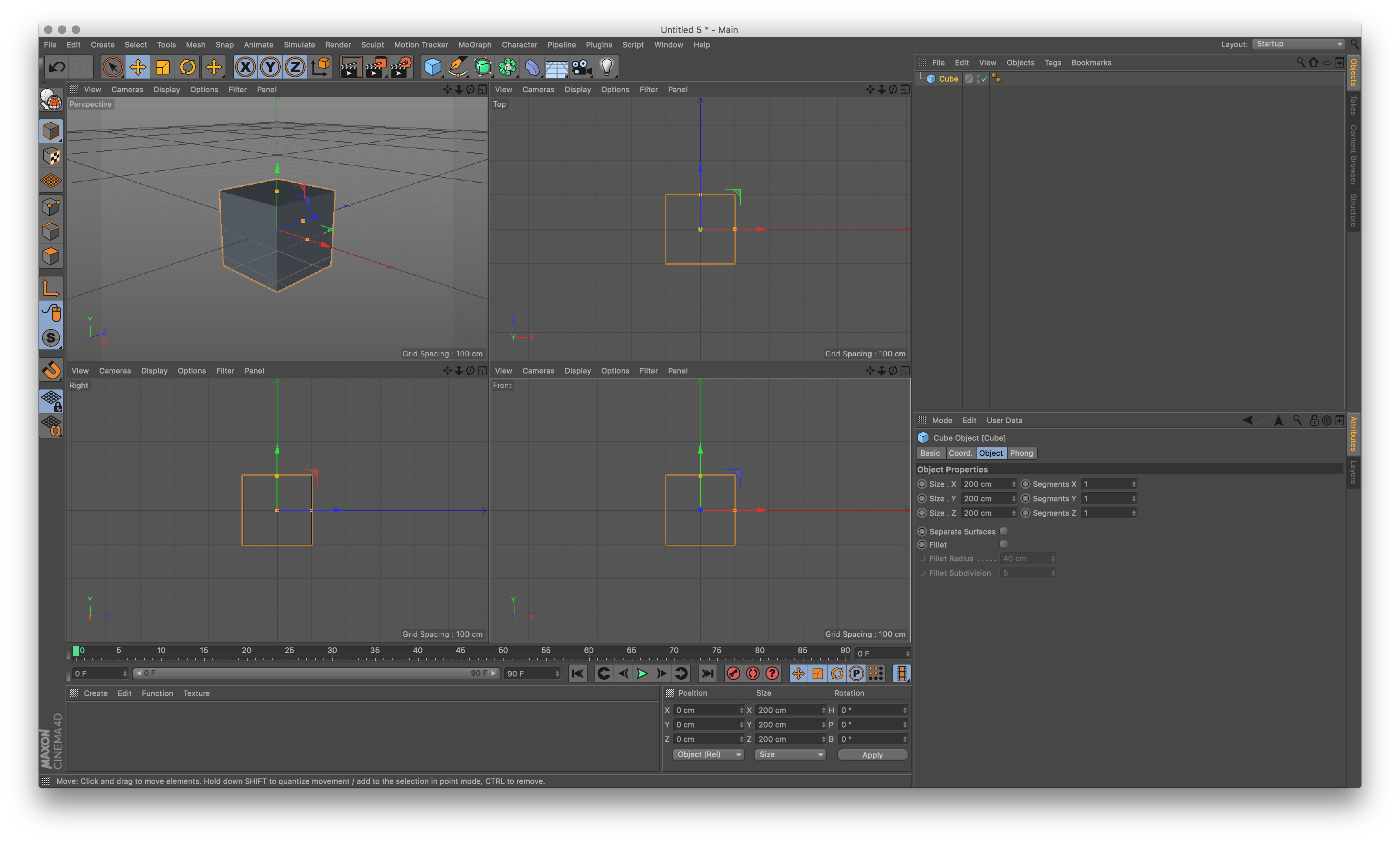 …and stretching it by dragging it until it looked an object that was on the photo I was modeling. I started with a little wooden stand: 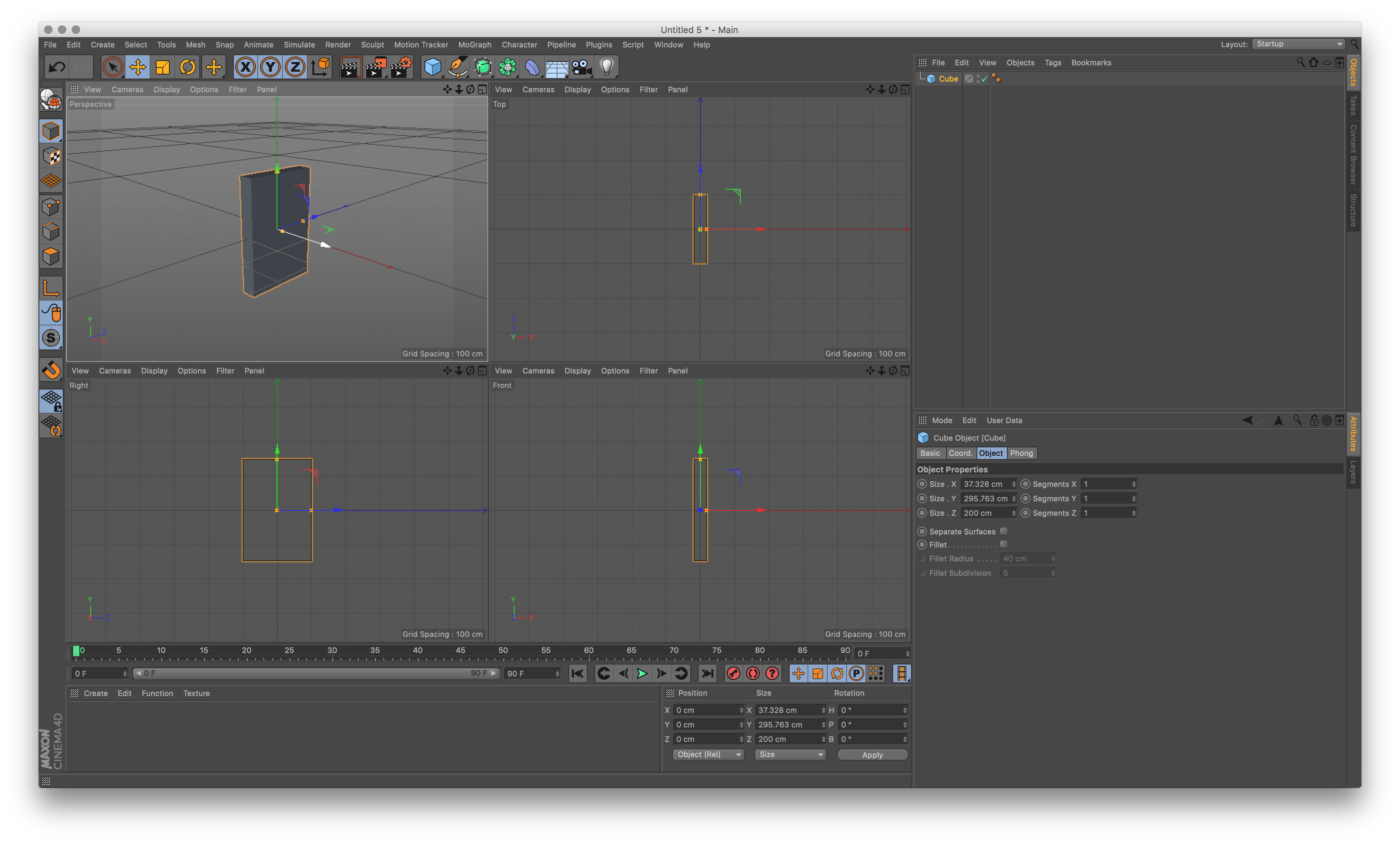 For a start I went into Photoshop and cut out the basic textures from my photo. This was cheating though but it was only temporary. I literally just dragged the textures as files onto the model in C4D and it put it on there. 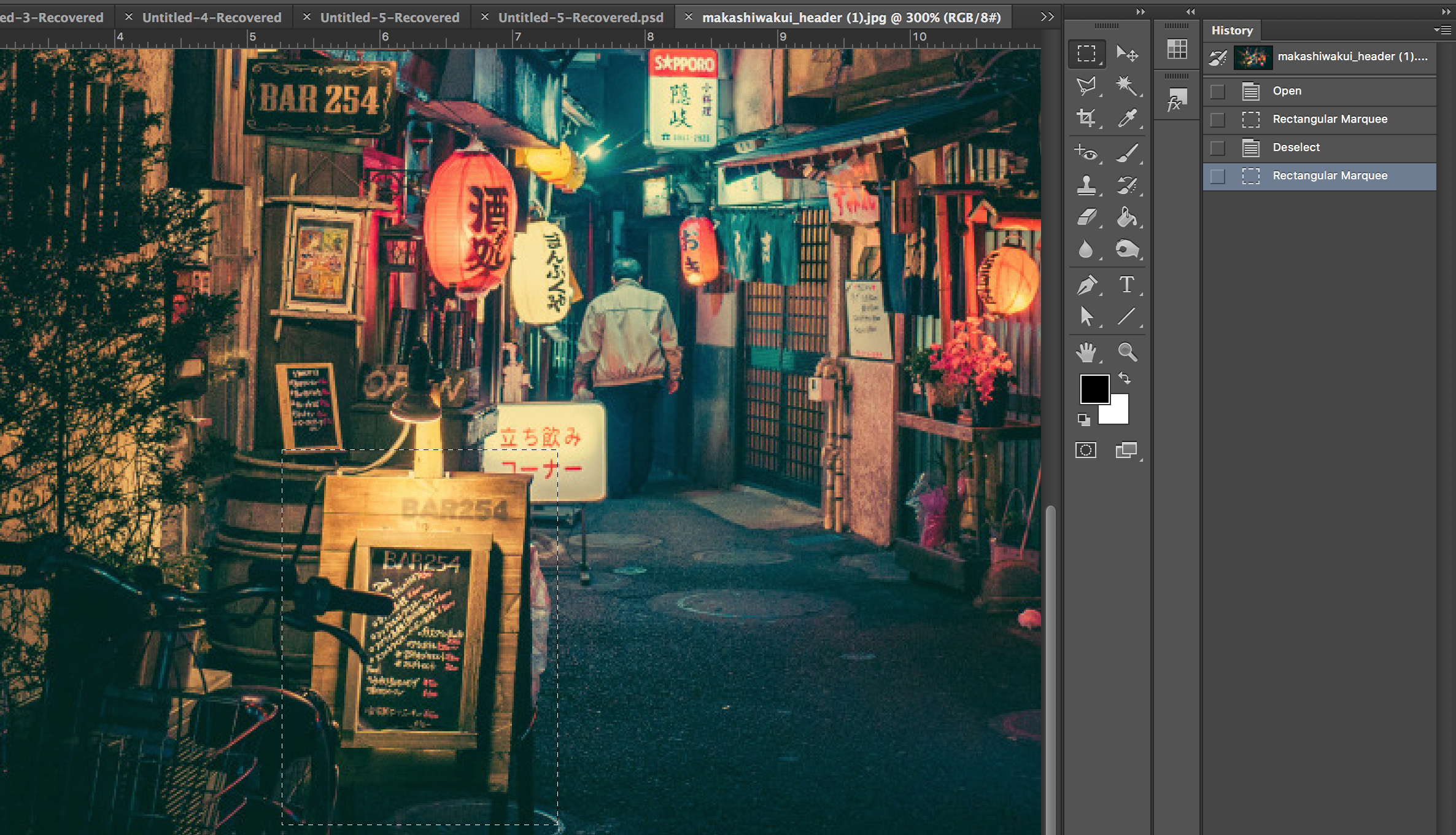 That worked! Easy: 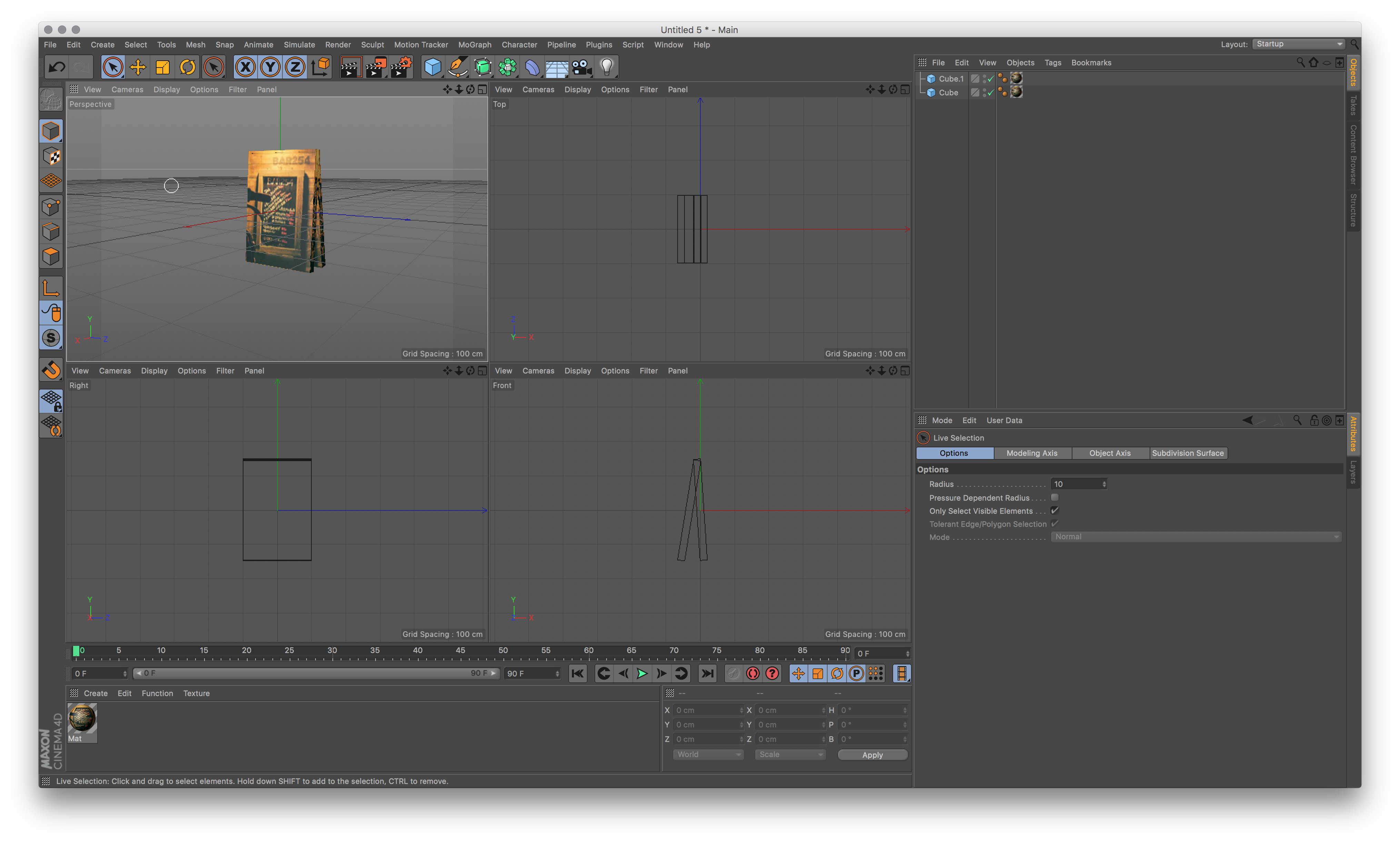 I then added two walls, a asphalt floor, the lanterns and the bar sign. I still used the textures straight from the photo so it looked very low-res. Like a 1996 video game: 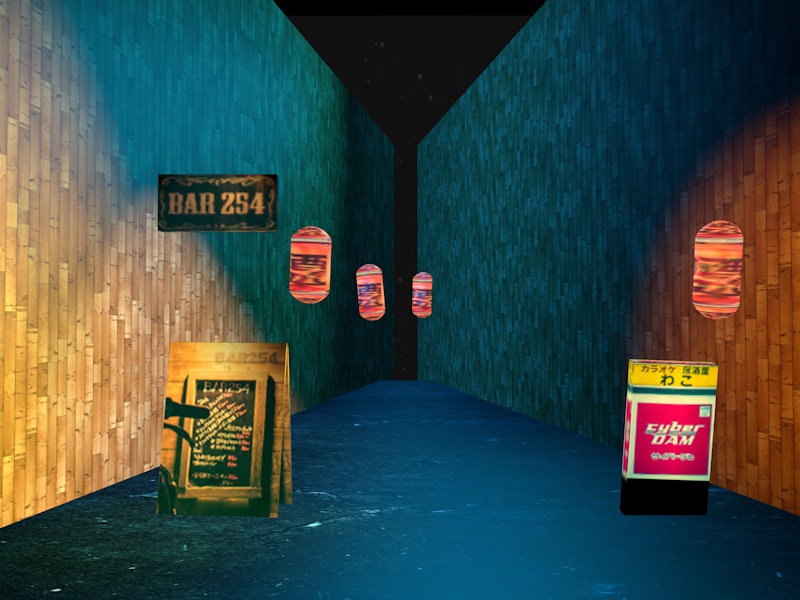 ## Shapes I learnt that everything in 3d starts with basic shapes. Like a cube, ball, cylinder or tube: 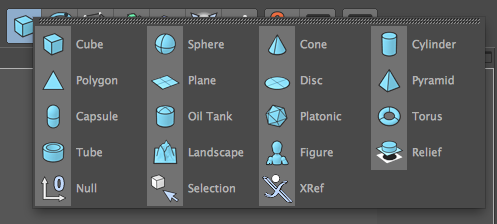 That was limiting though. How could I make stuff like the curtain? That’s not a basic shape at all:  That’s when you start drawing and [combining shapes](/learning-3d-day-10/): 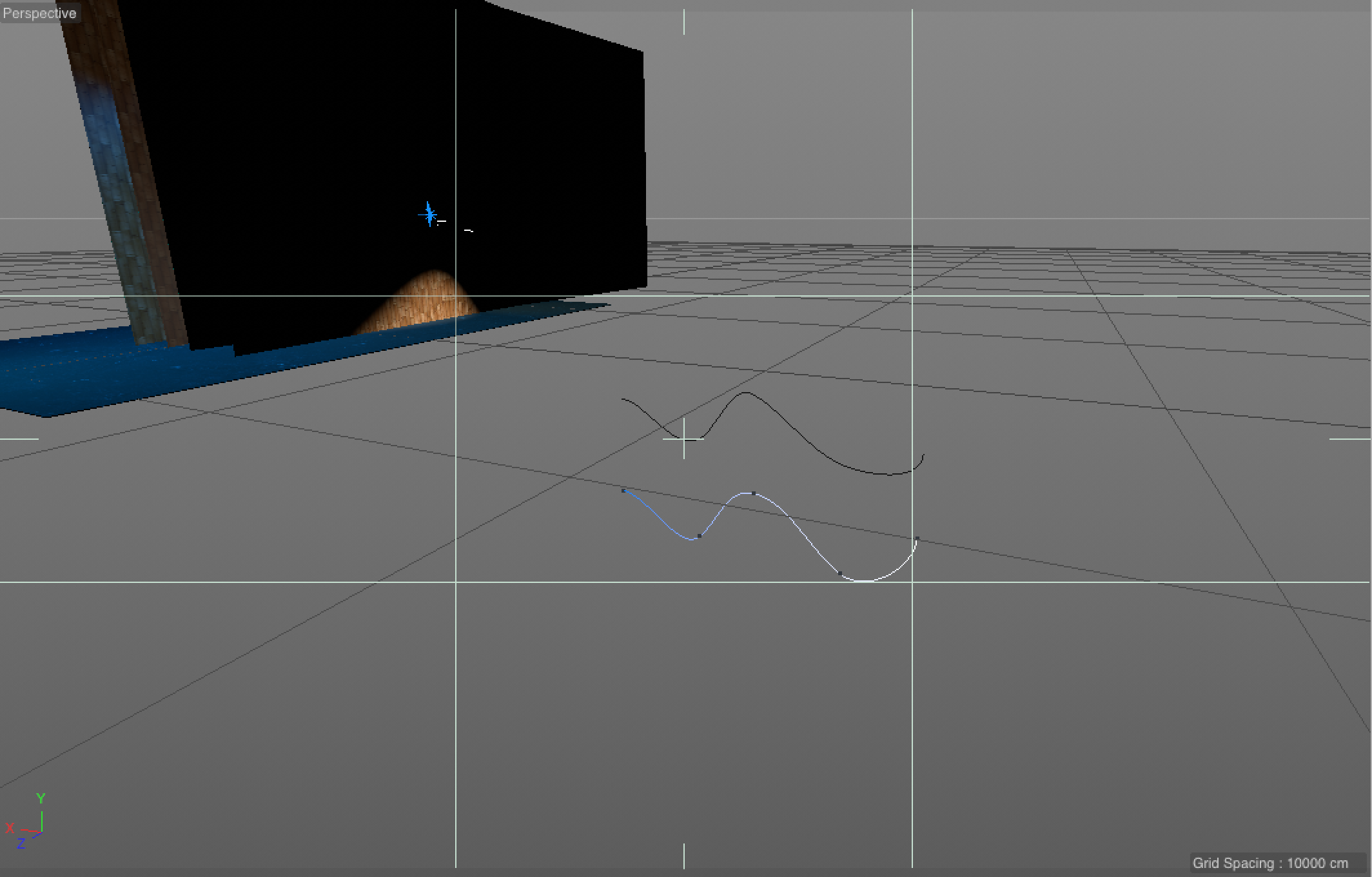 You use layers functions (called Arrays) to connect to shapes (in this case two Splines, which are like Illustrator paths):  That’s when you get this: 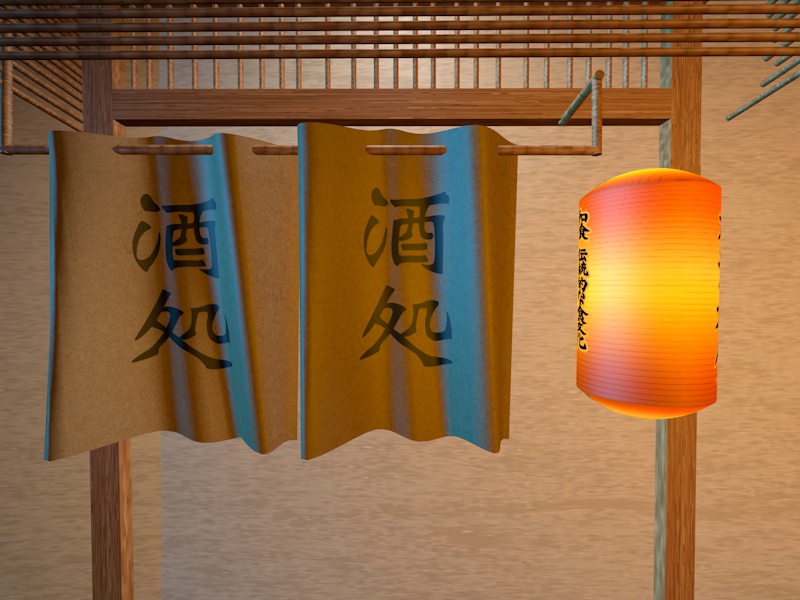 You can also combine cylinders with cubes, for example here I made an aircon unit that way: 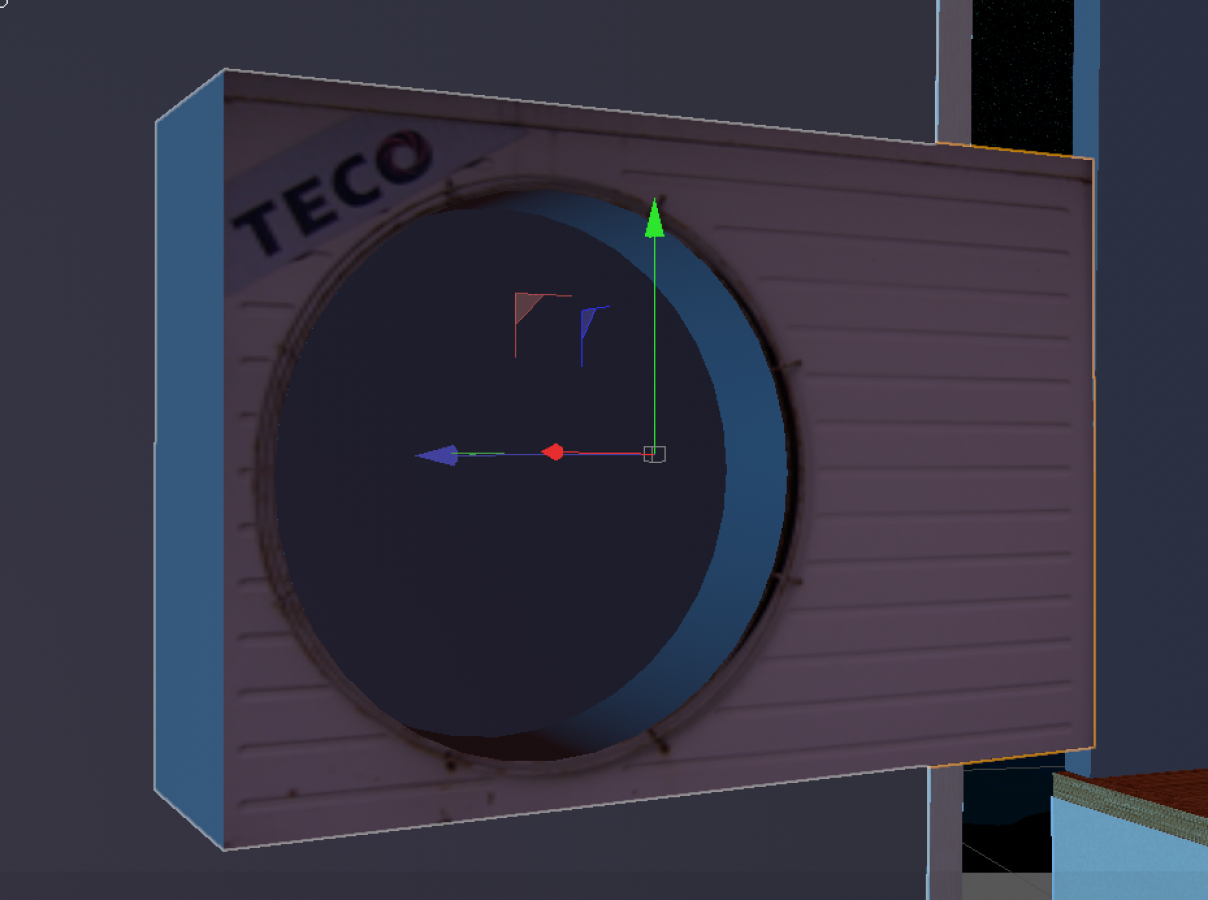 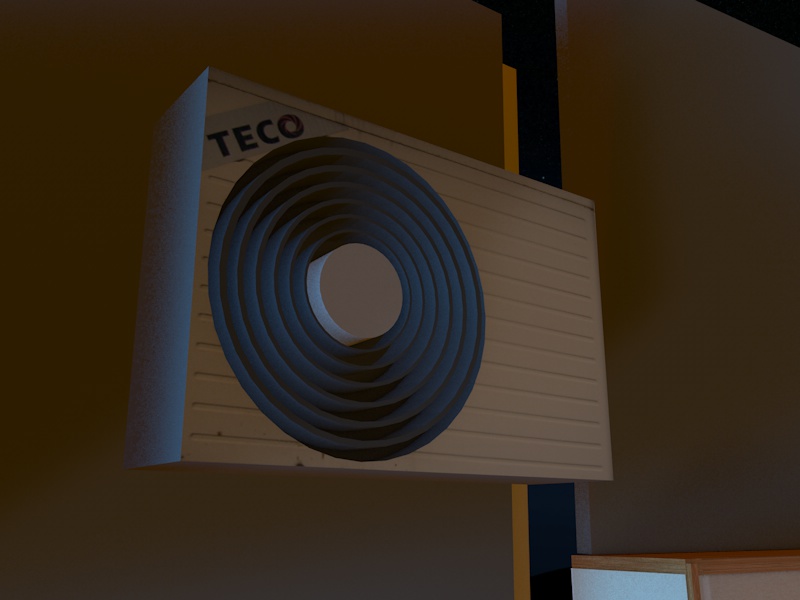 ## Details The scene now looked like this:   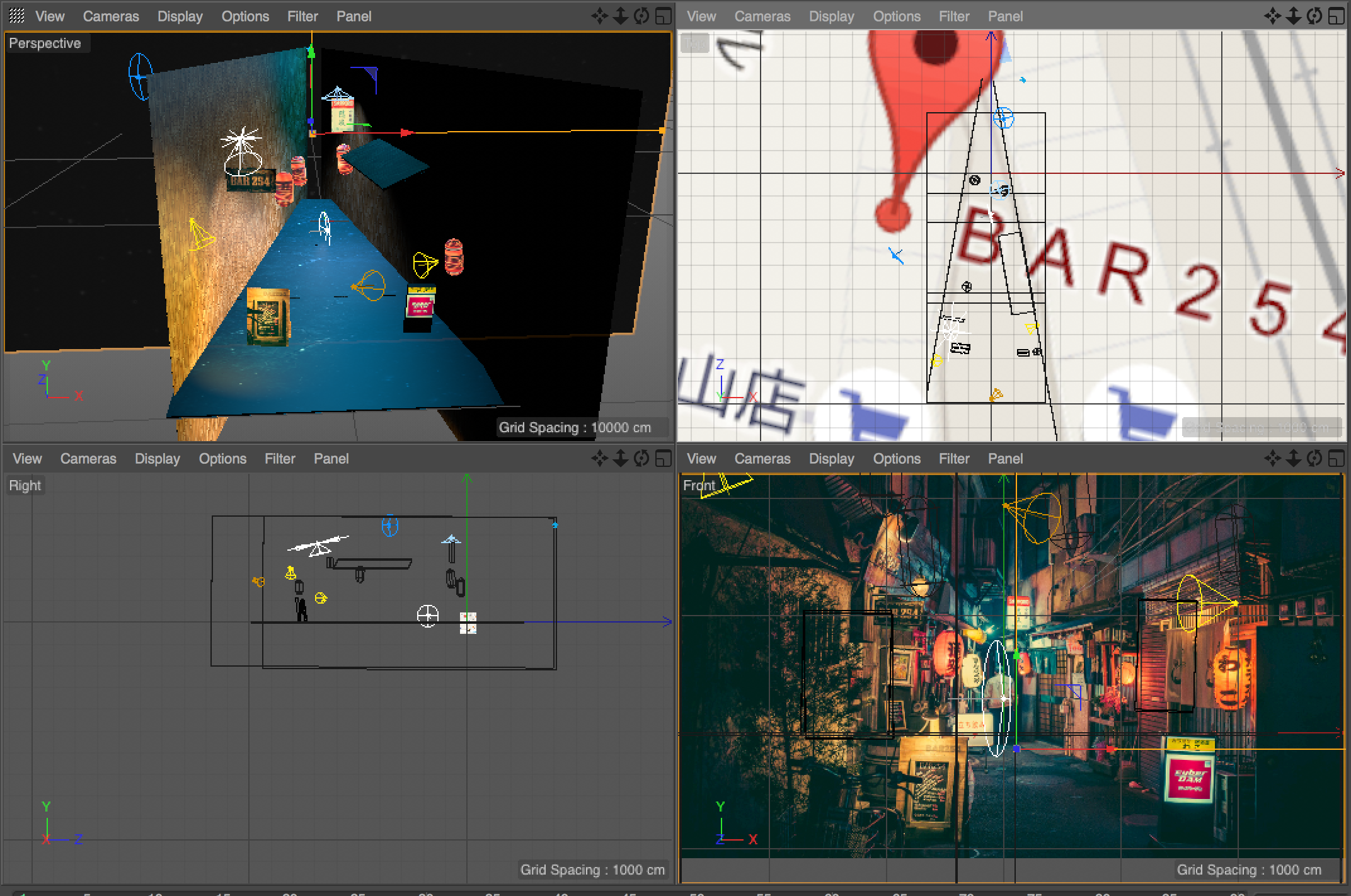 I added better lights: 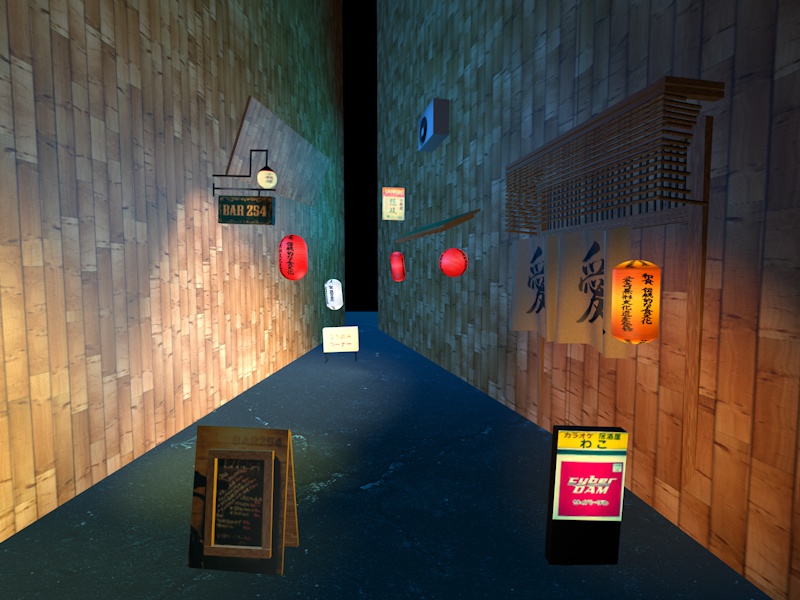 And I started adding more tiny details, like giving the wooden sign depth: 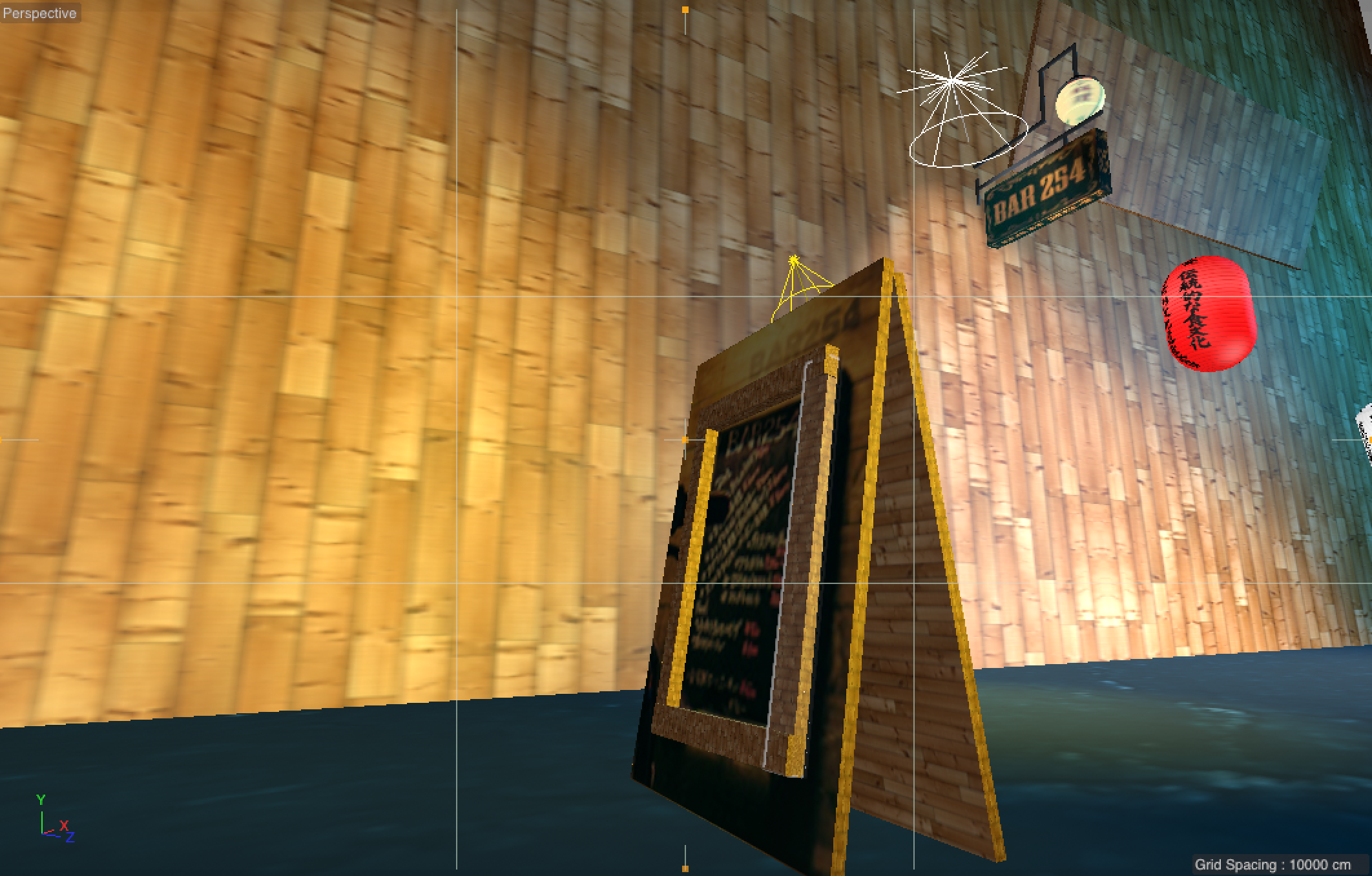 ## High res texturing Until now I used textures straight from the lo-res photo. So I started [recreating the textures in hi-res](/learning-3d-day-21-high-res-textures/), simply with some Japanese fonts, paper textures and coloring: 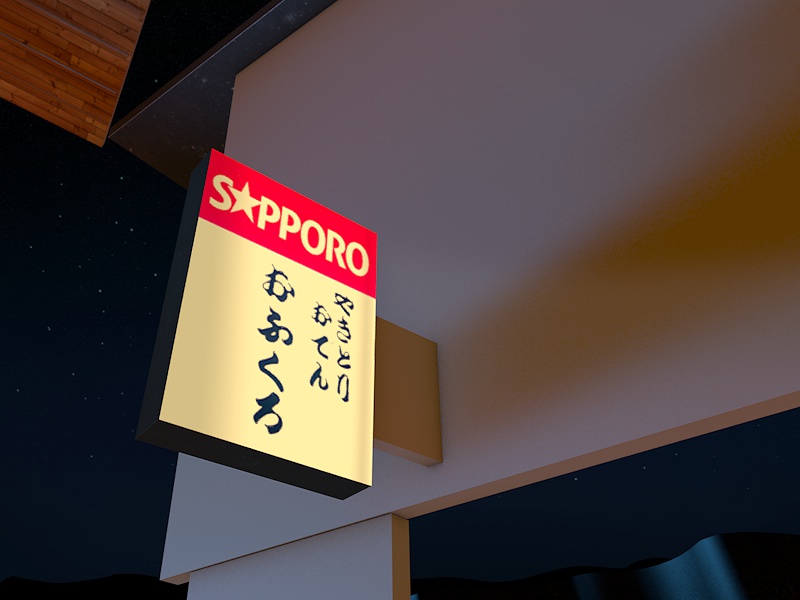 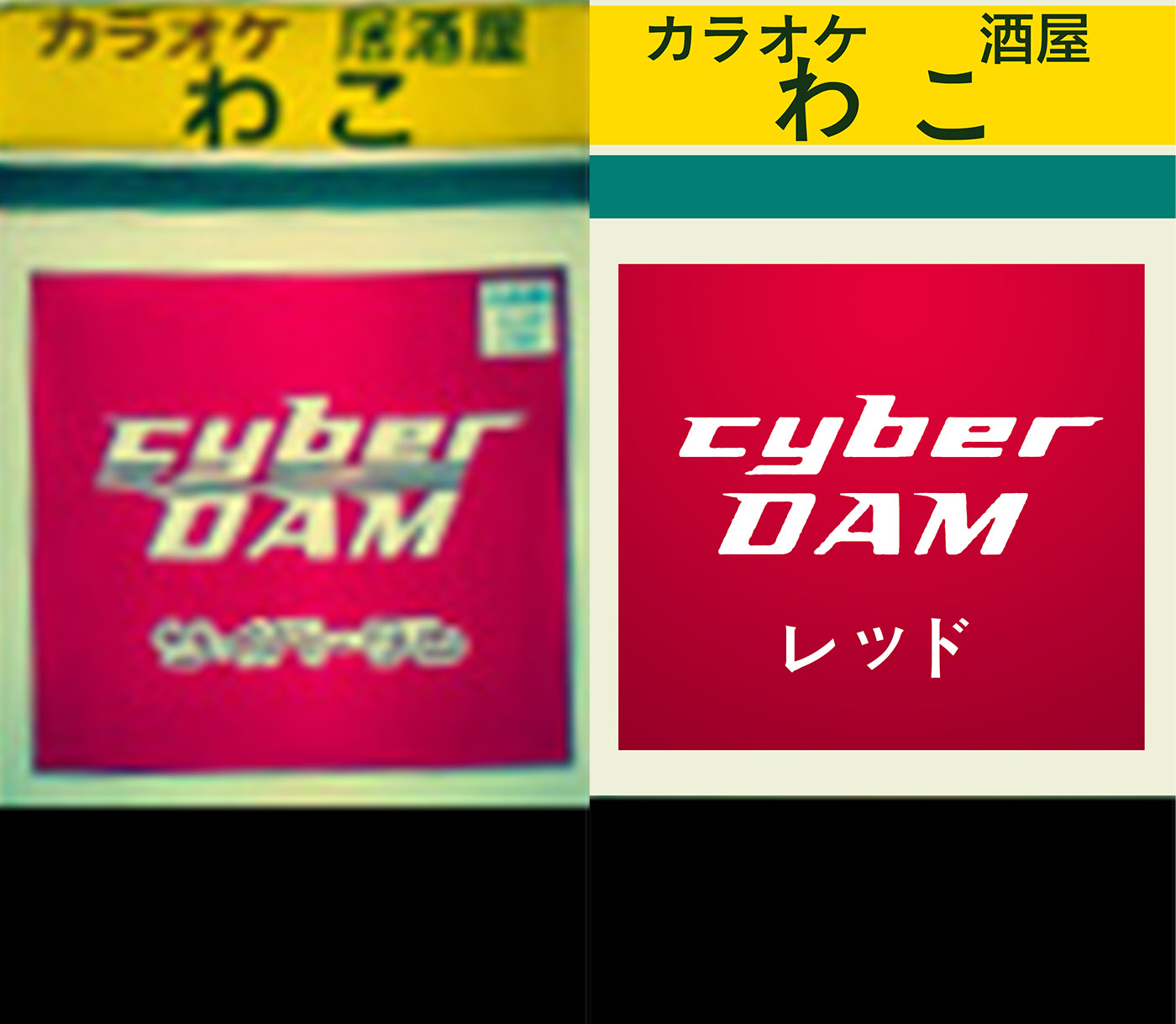 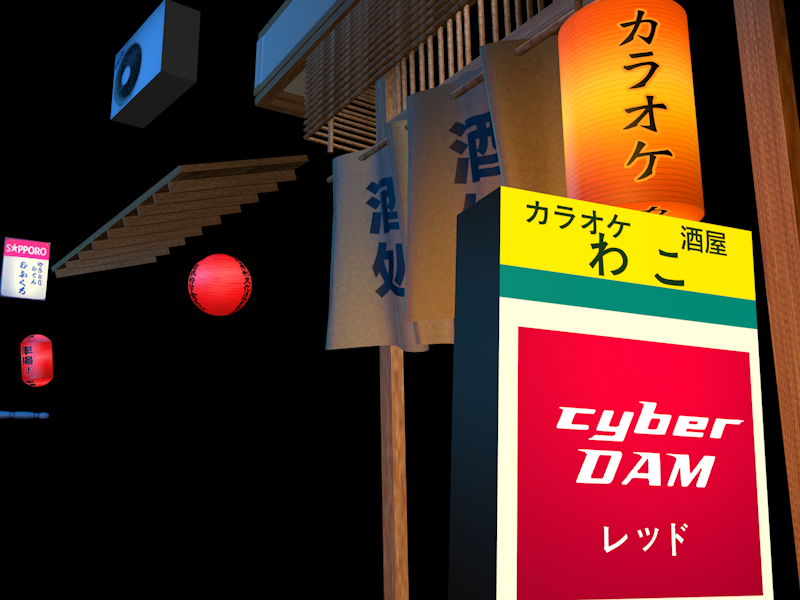 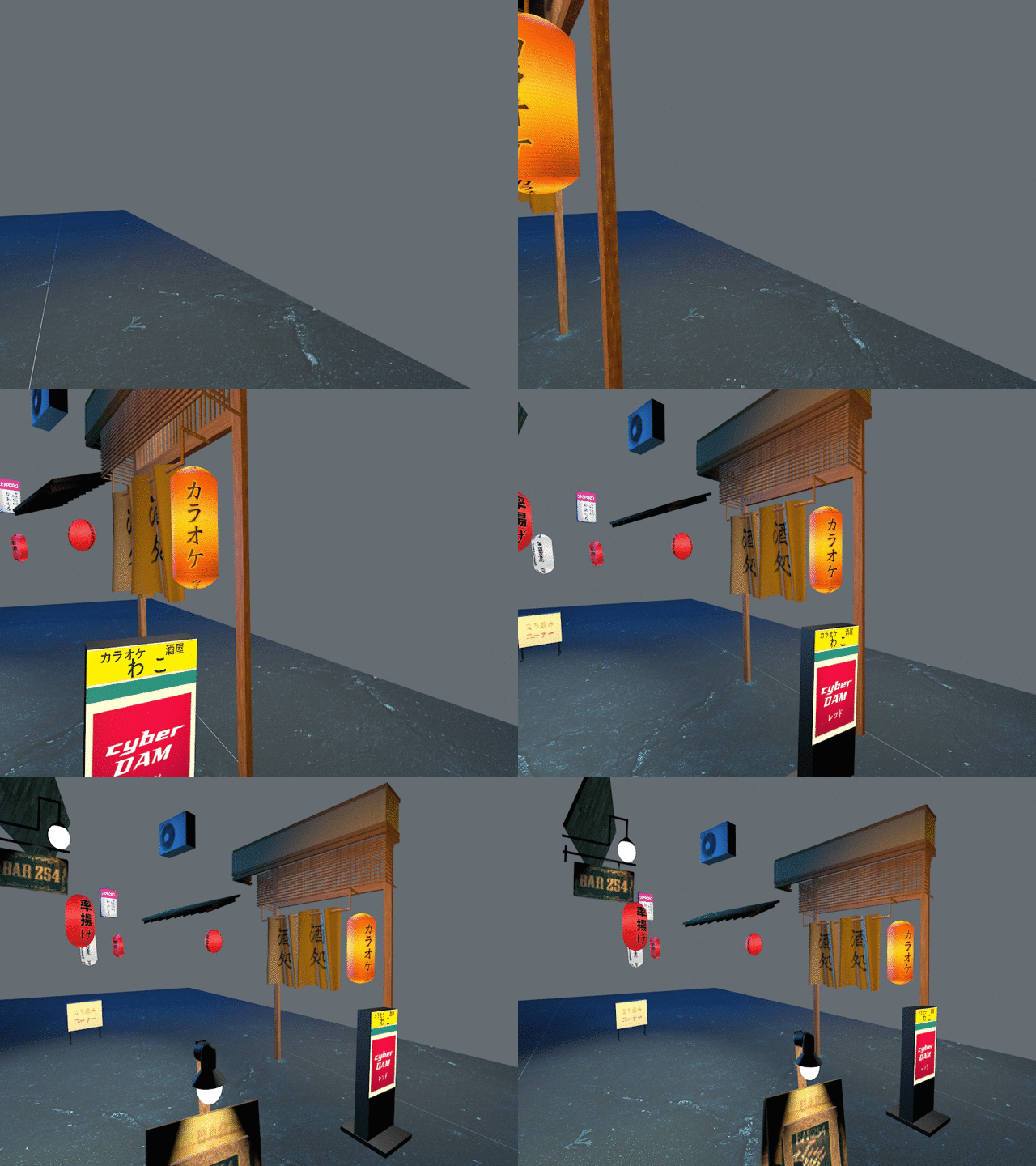 I found logos online from the places in the street, like Bar 254’s website:  I then applied my self-made textures and everything suddenly started to look much better. 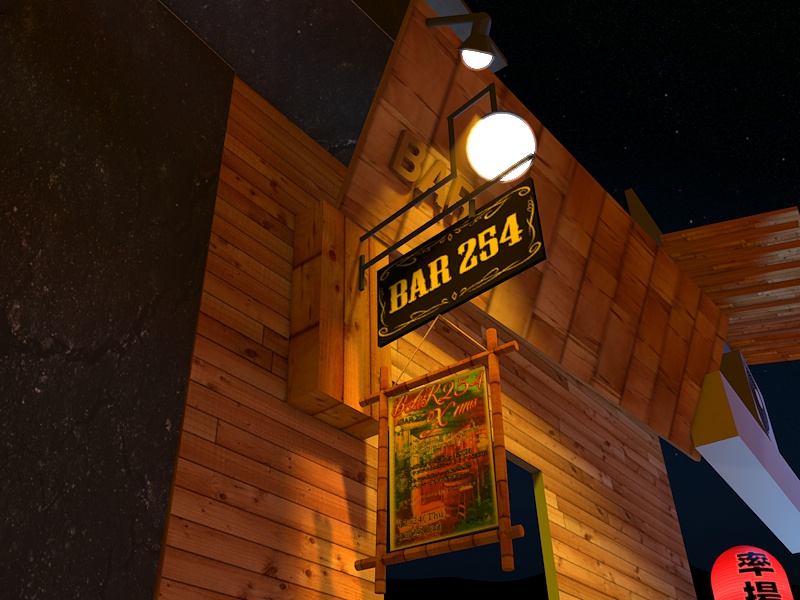 ## Shadows And I found the button to [enable shadows](/learning-3d-day-23/): 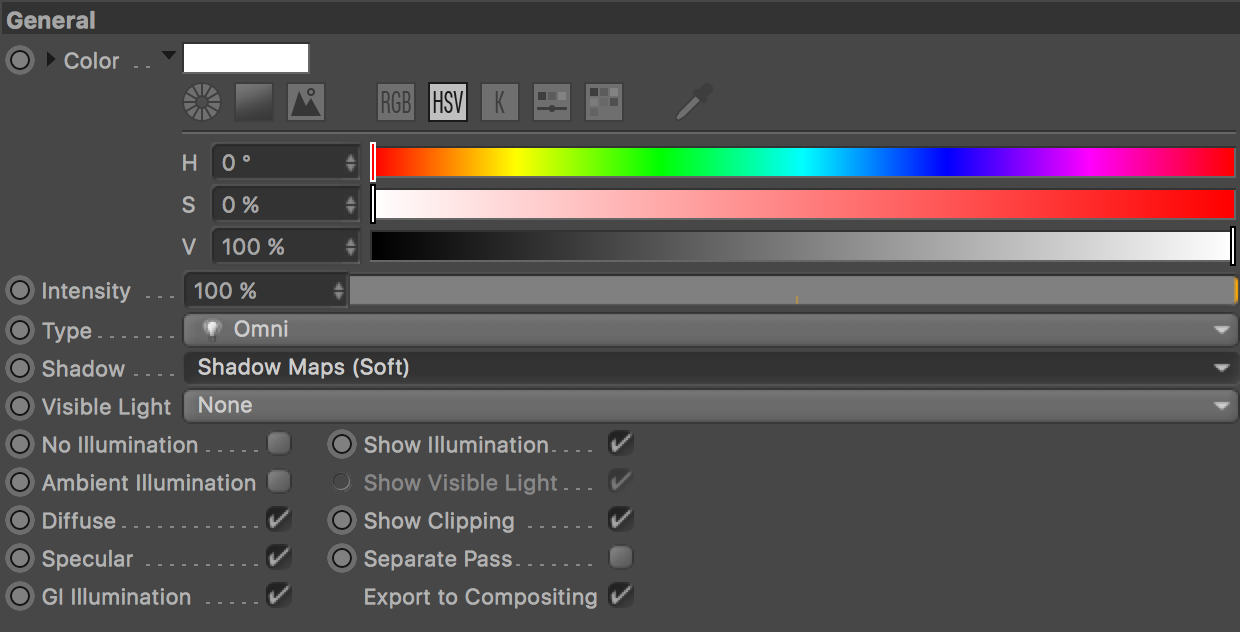 That worked: 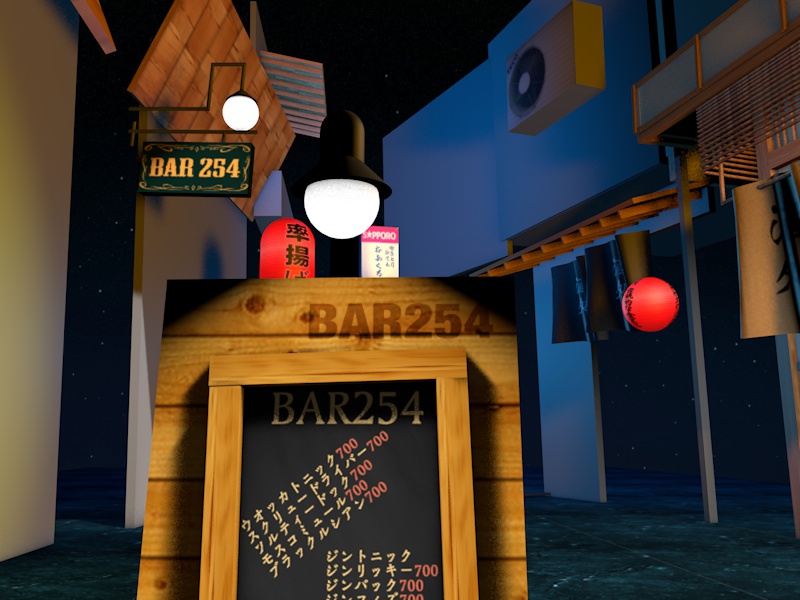 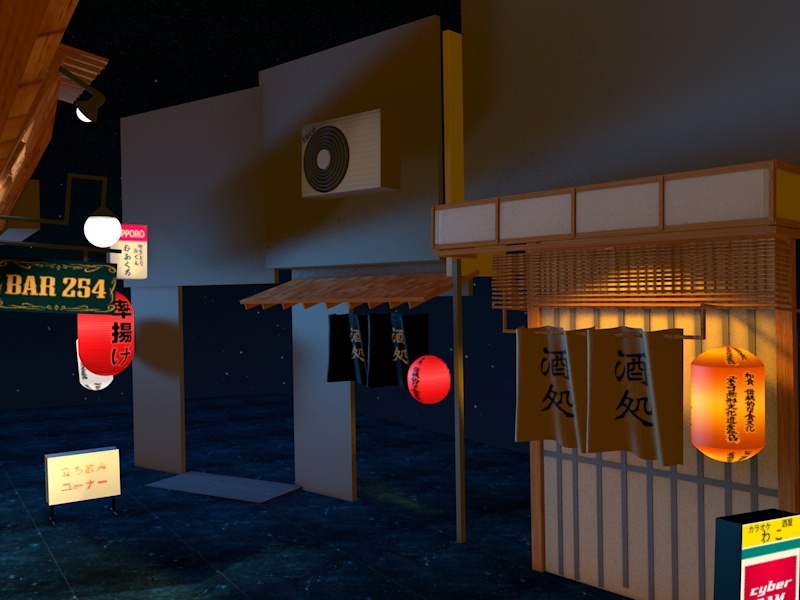 ## Improving rendering Then there was somebody who suggested tweaking my render settings. I changed my render mode to [Physical](/learning-3d-day-21-high-res-textures/), which results in more realistic but heavier rendering. I also enabled Ambient Occlusion, which is a technique to increase realism by estimating shadows around objects, it’s subtle, but you can see it on the edges of the poles and the curtain here: 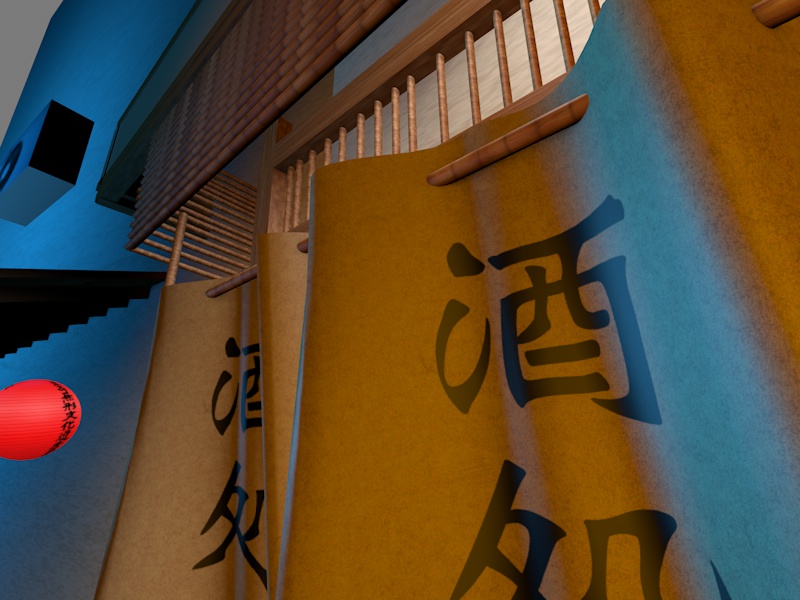 ## Lights Adding lights was another challenge. I literally experimented for ages trying to get it right and it’s still not there. I think this is the hardest part about 3d modeling. 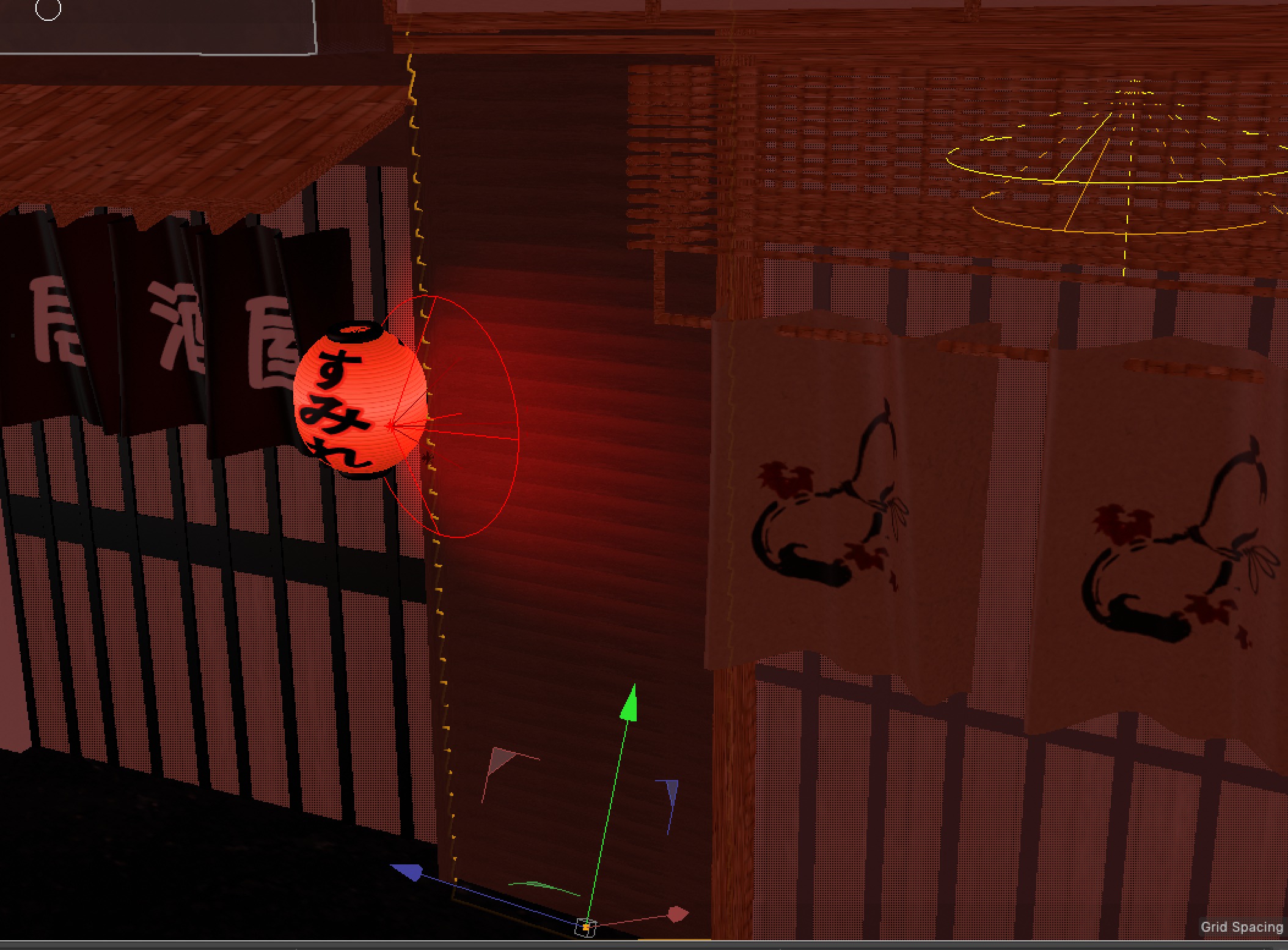 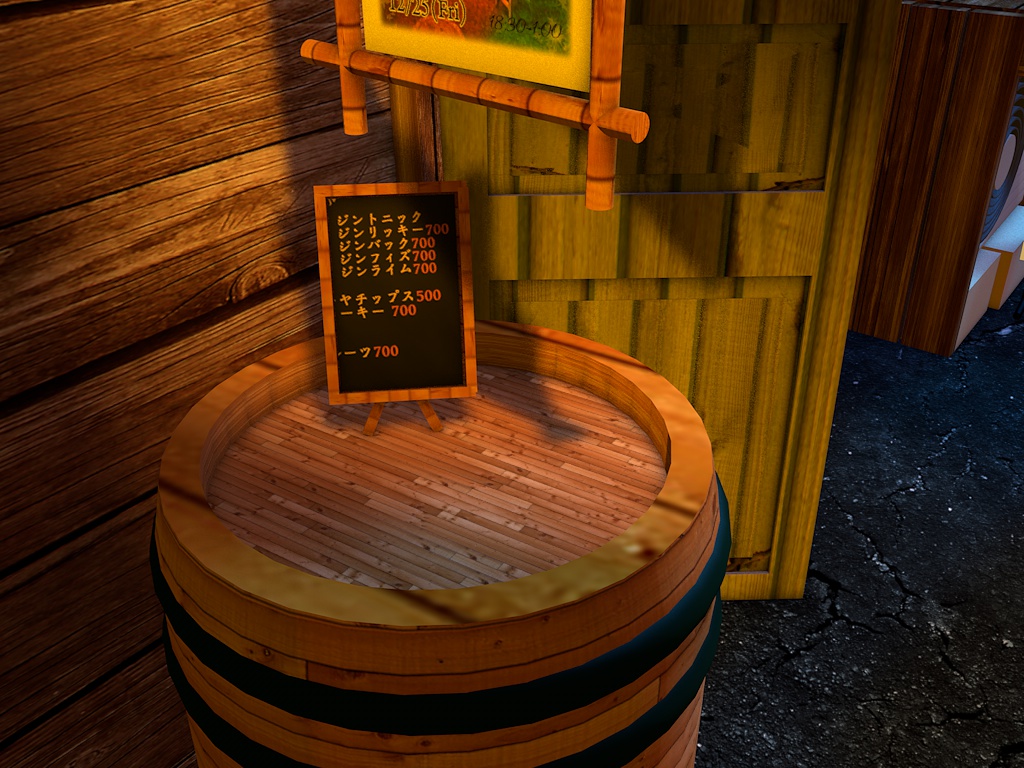 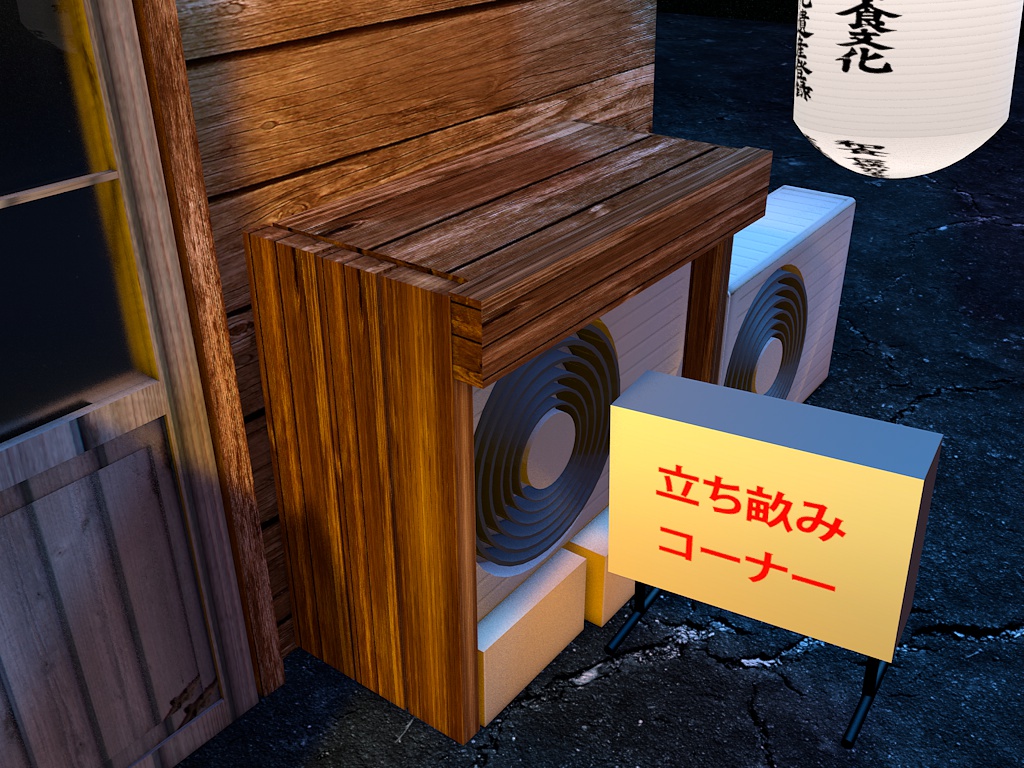 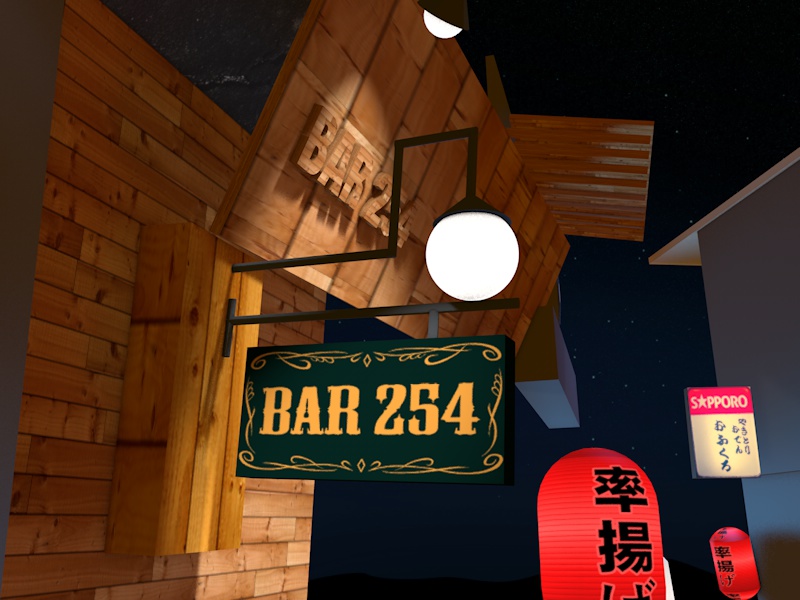 Slowly the shapes started to come together and it started to resemble the photo: 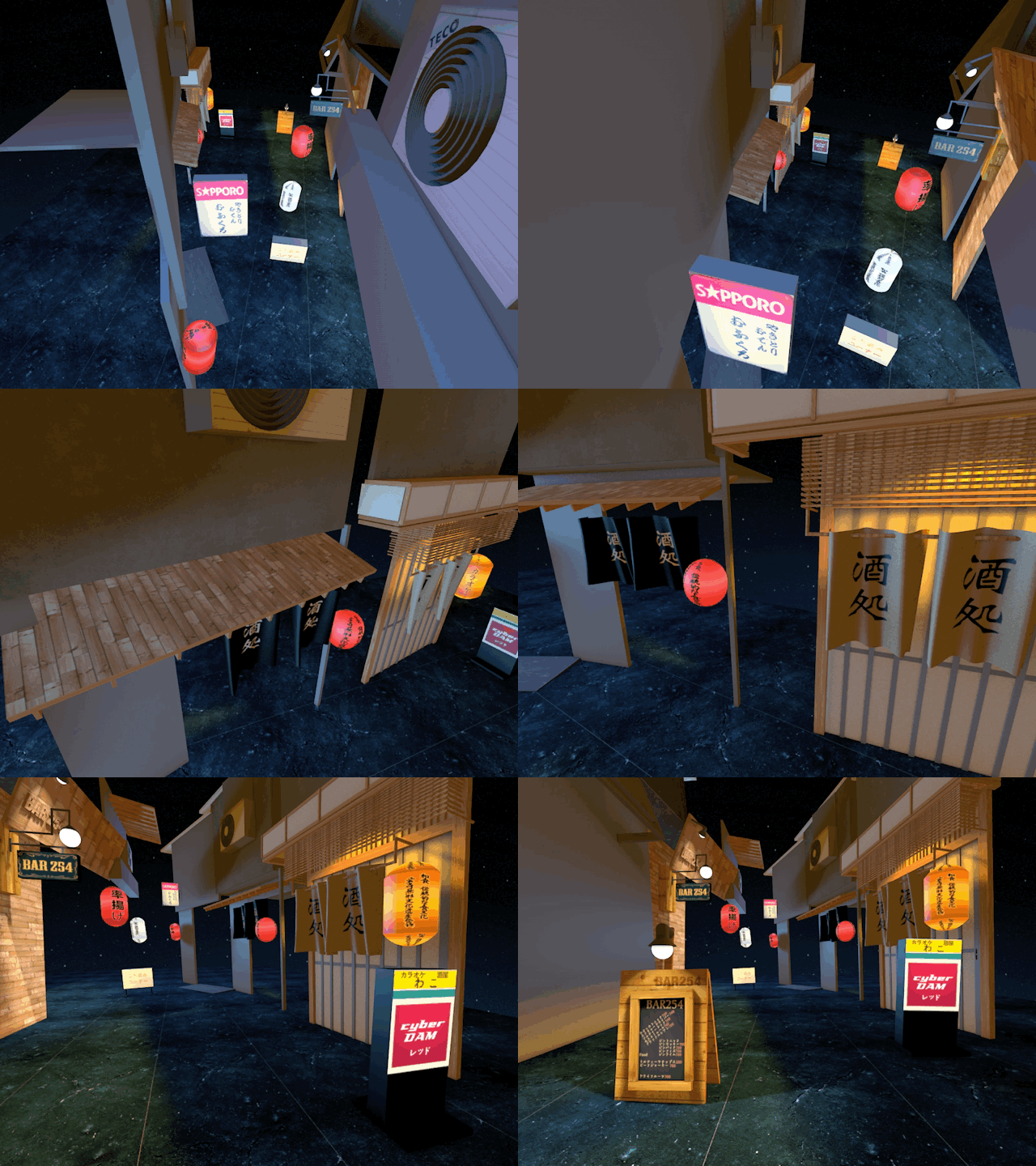 ## Manholes We weren’t there yet though. I had to add more [small details](/learning-3d-day-27/). Like the manholes in the street: 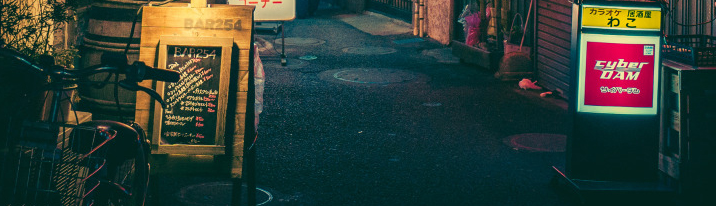 I found a photo of Tokyo manhole: 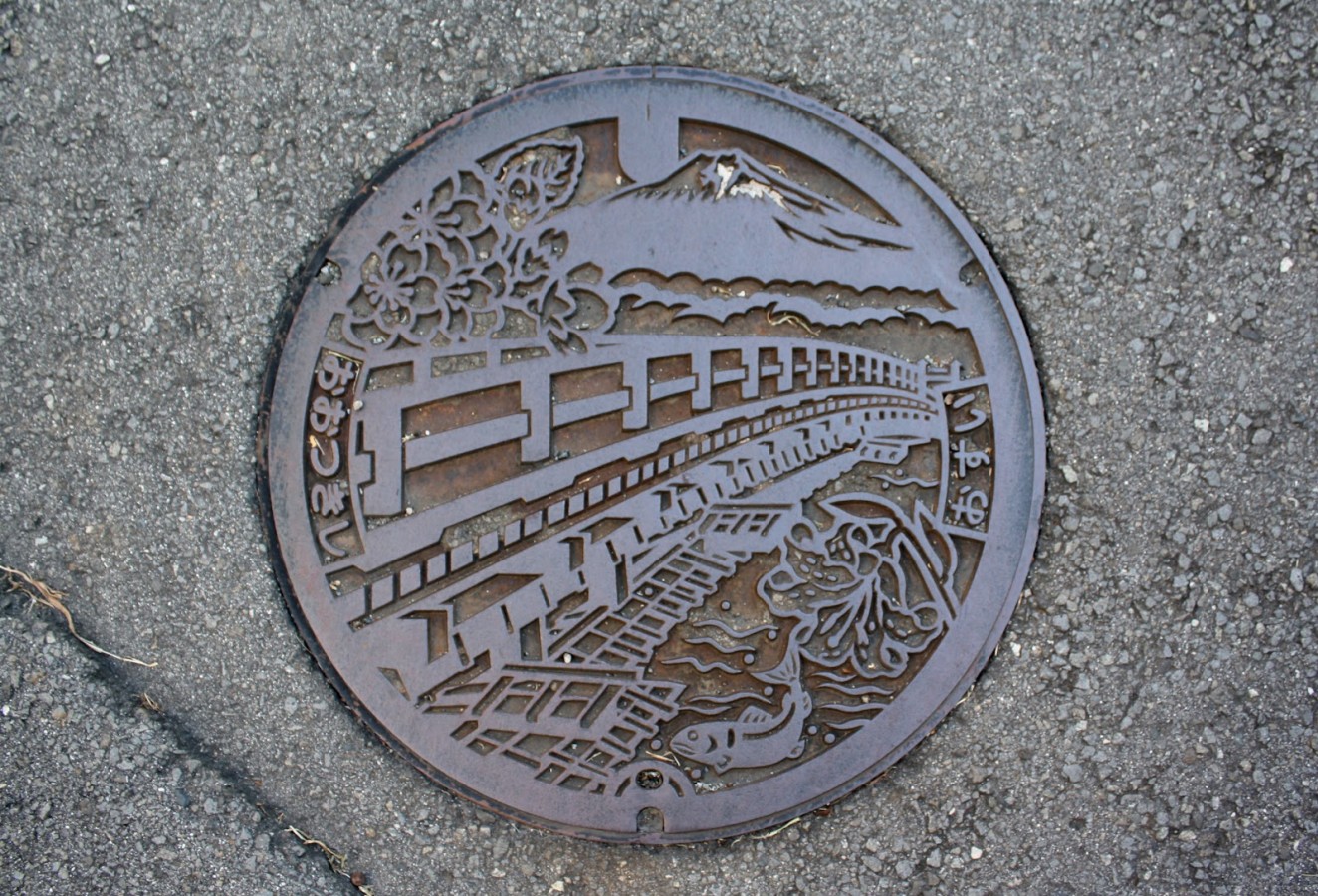 I then cut out the texture: 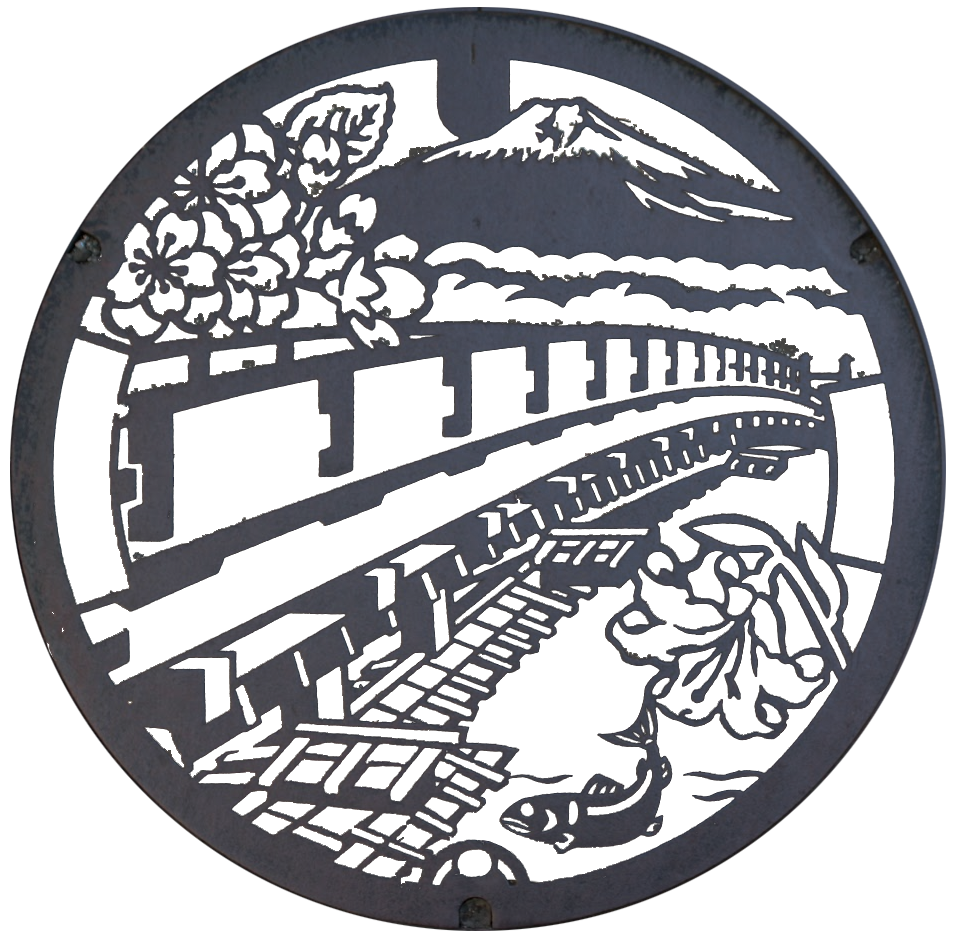 And put it in: 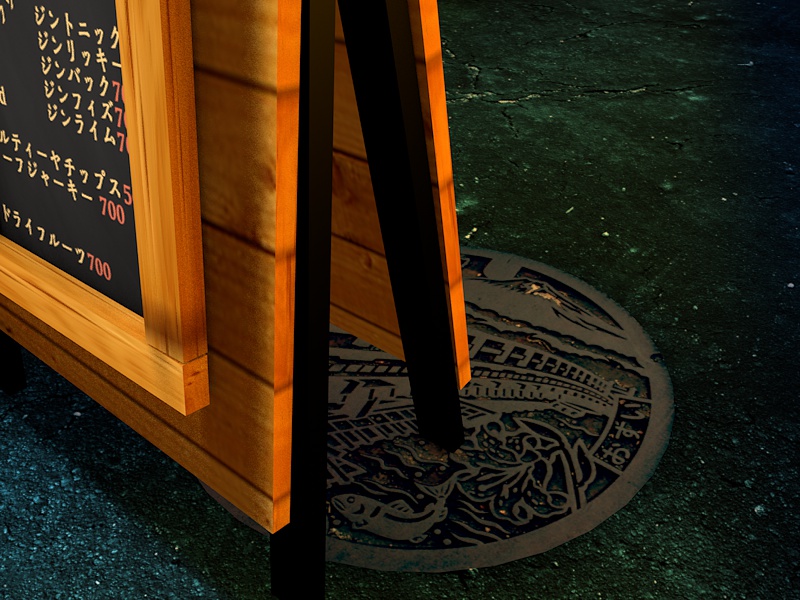 It now looked like this: 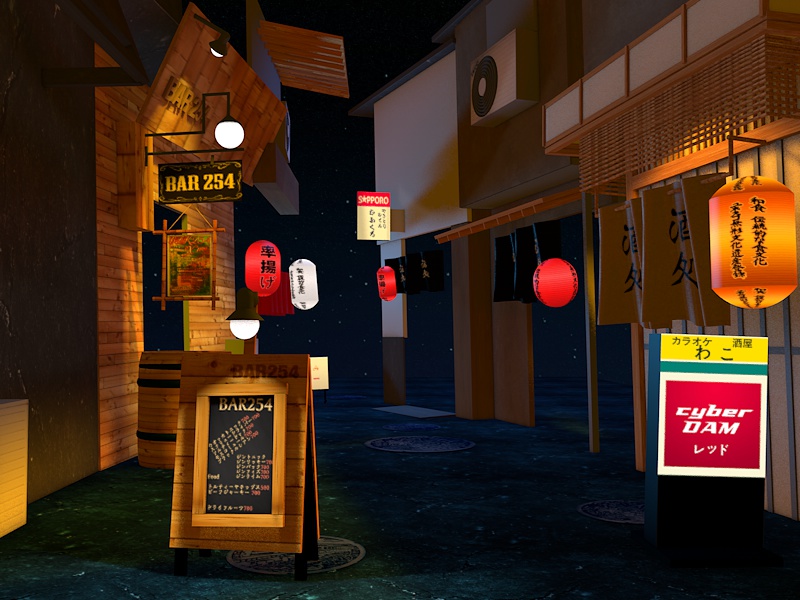 ## HD rendering Until now I was limited to low-res rendering. I switched to [HD rendering](/learning-3d-day-29/) and everything started looking much better: 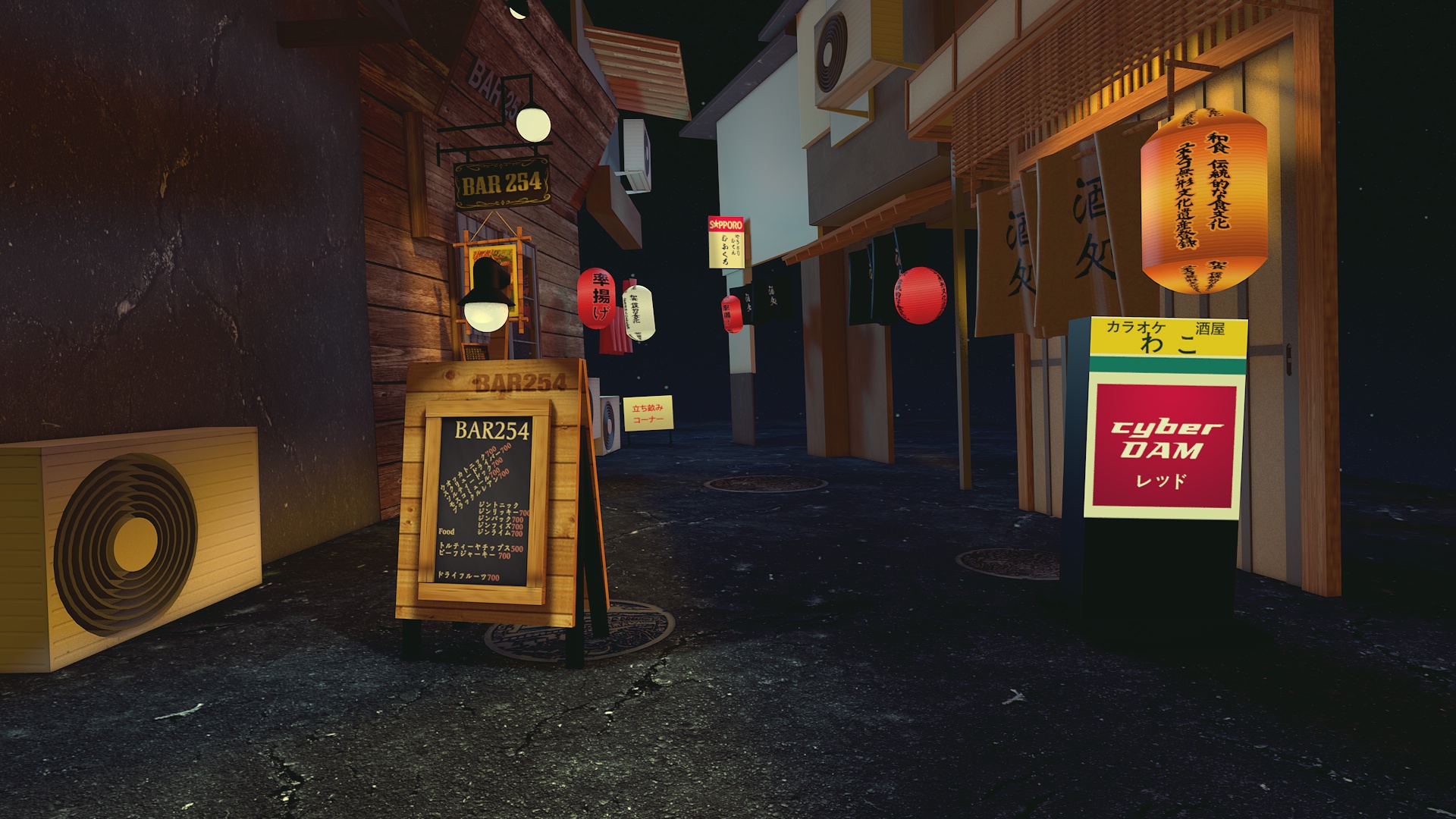 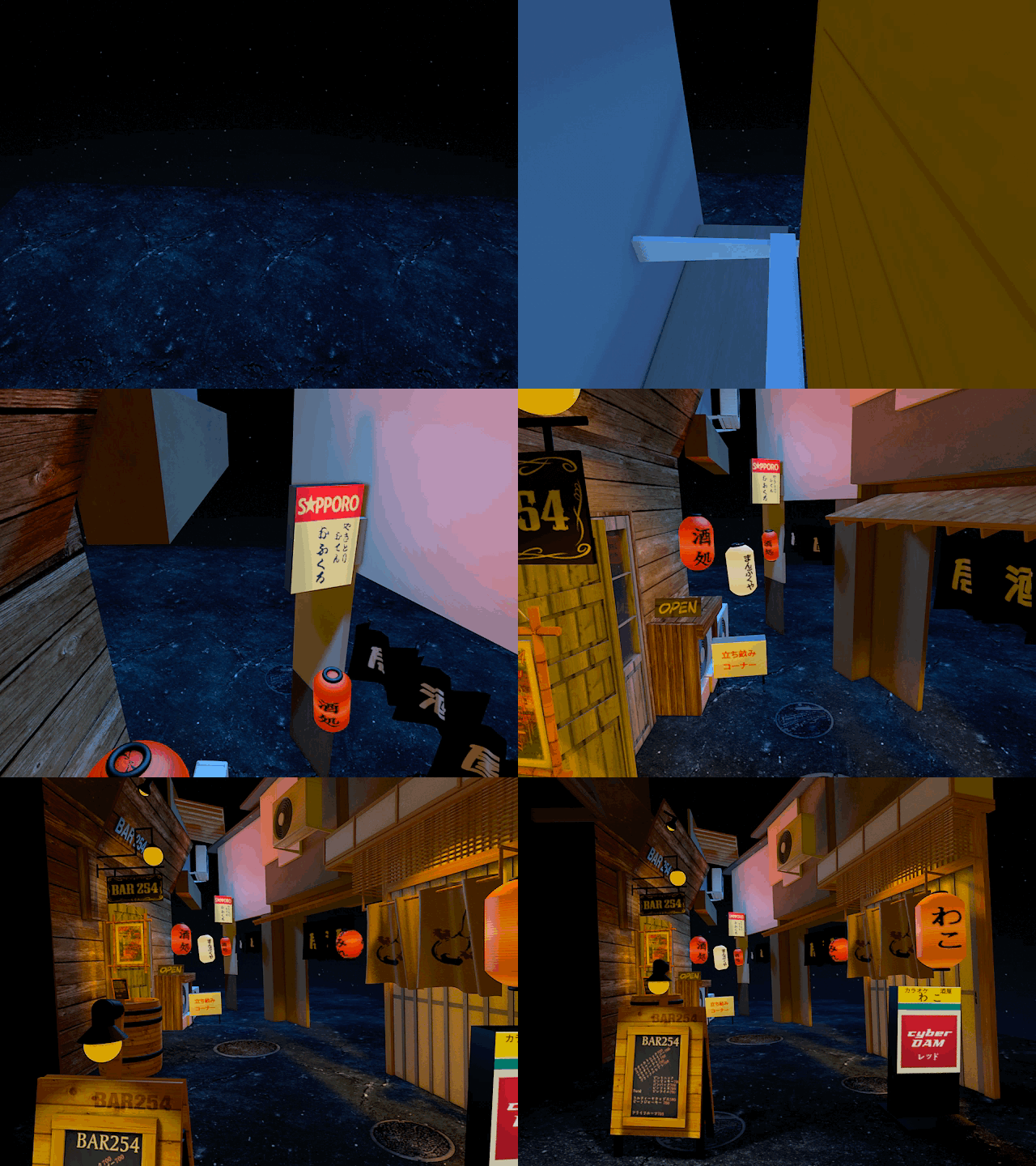 ## Doors I added the door panels which was pretty much lots of copy and pasting of little bars: 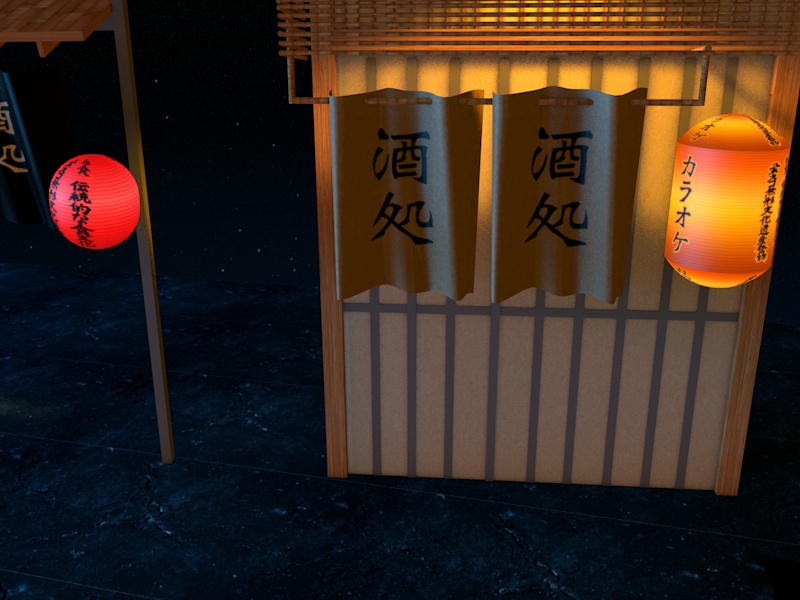 And another one: 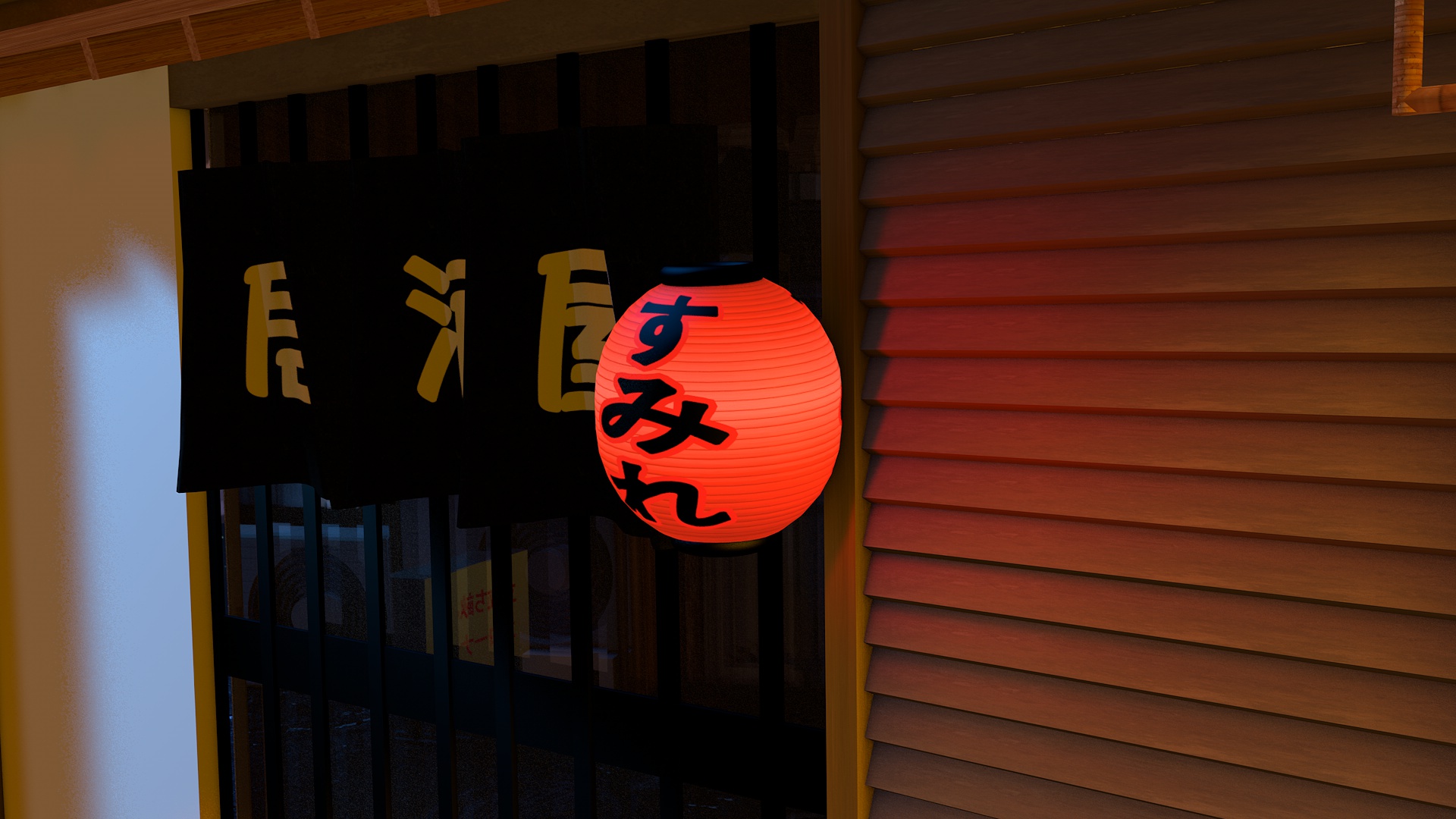 I made the door’s glass reflective. Which was simple by adding a texture that had high reflectivity: 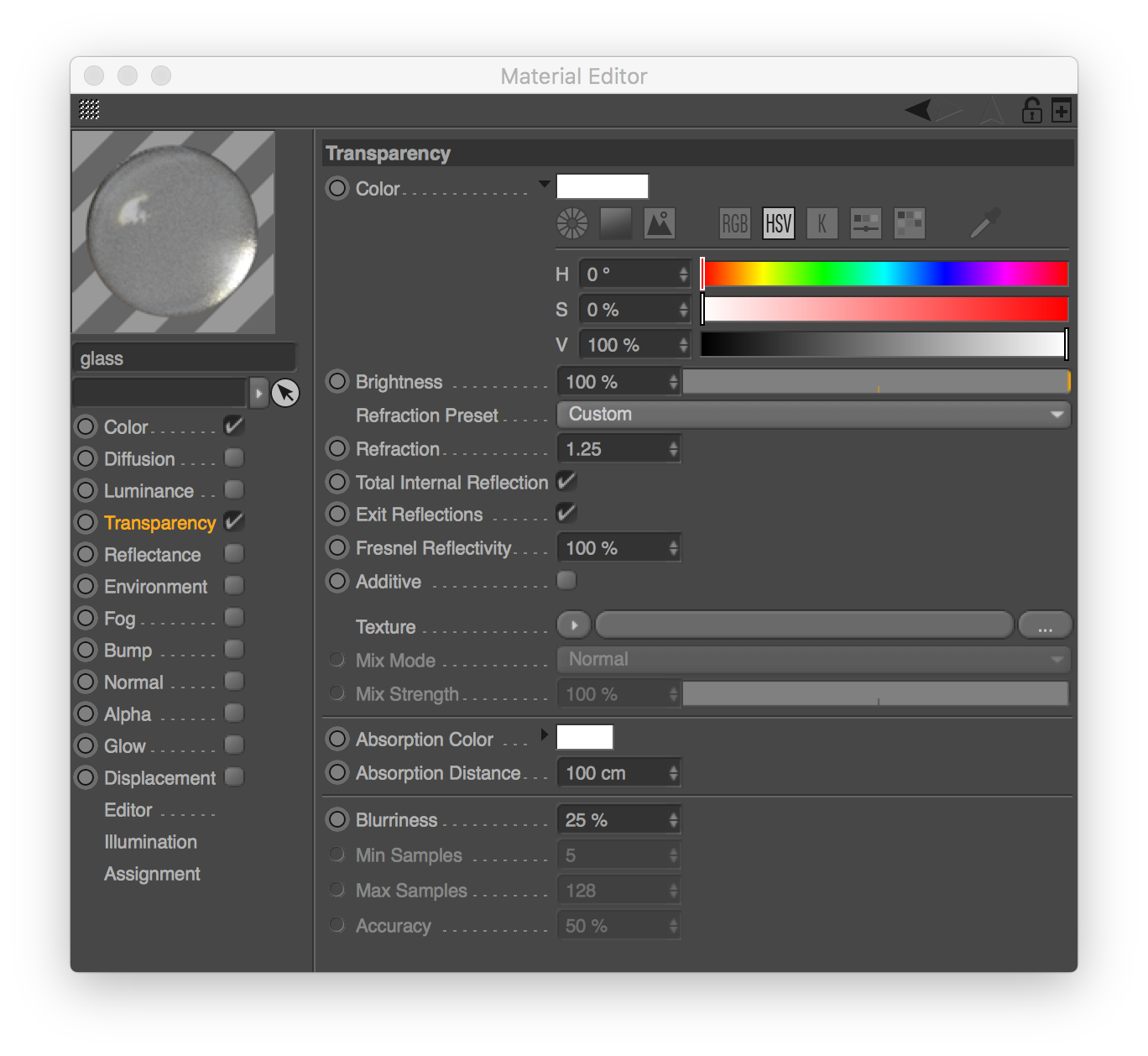 I then added the shop at the end of the street (hardly visible but it’s there):   Here’s the final wireframe and shapes: 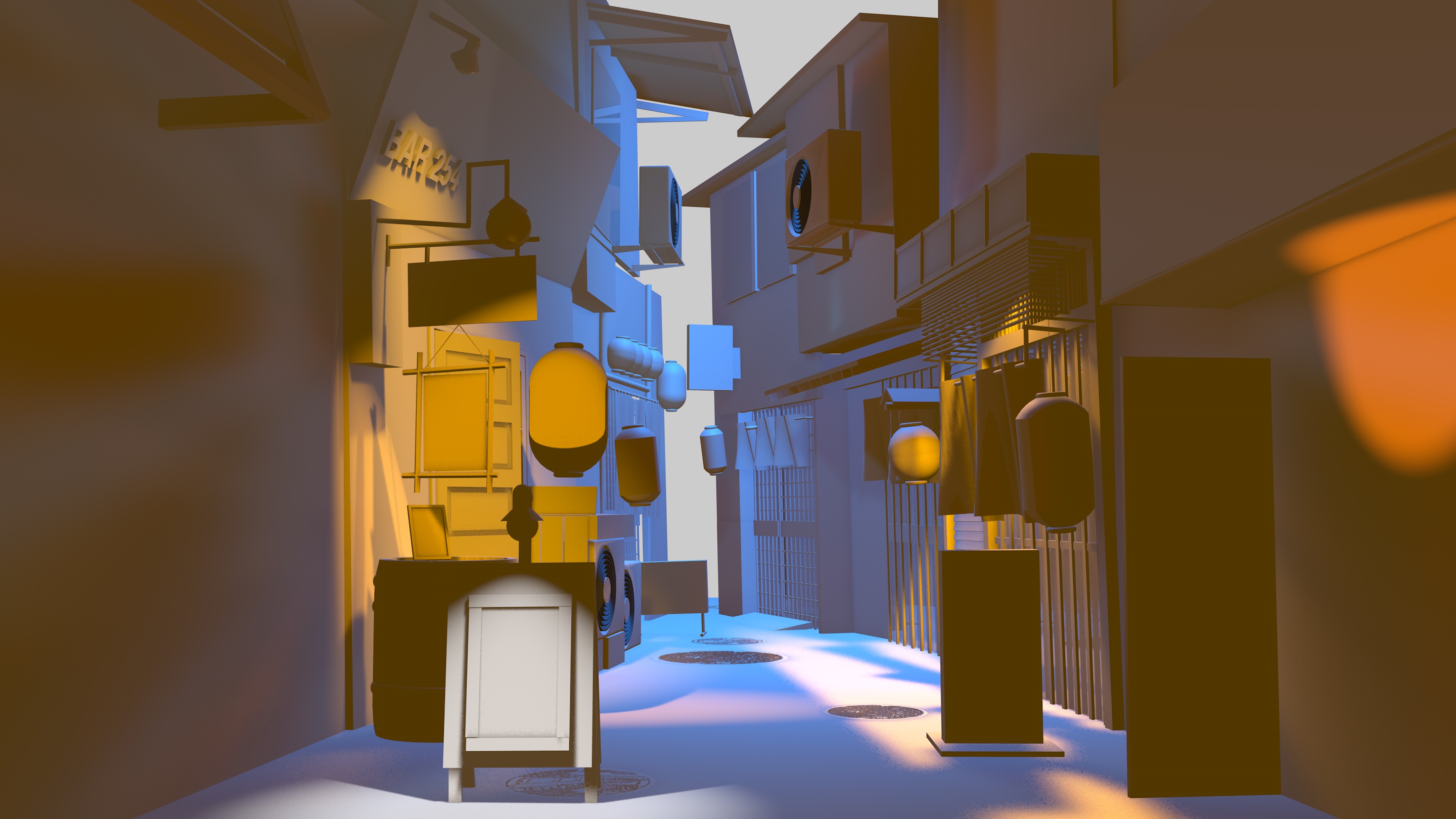 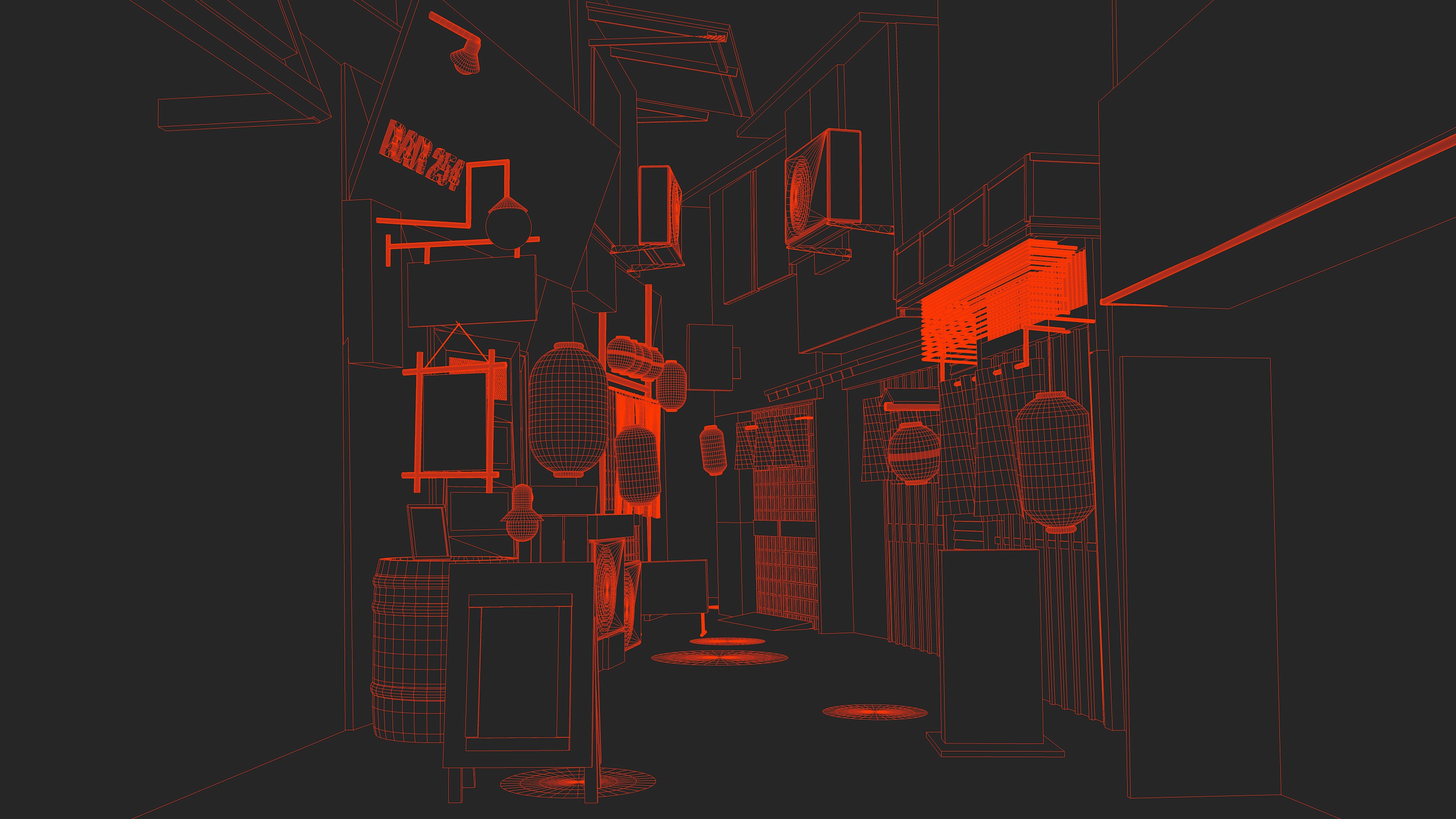 []() Finally, here’s what I ended up with on day 31: 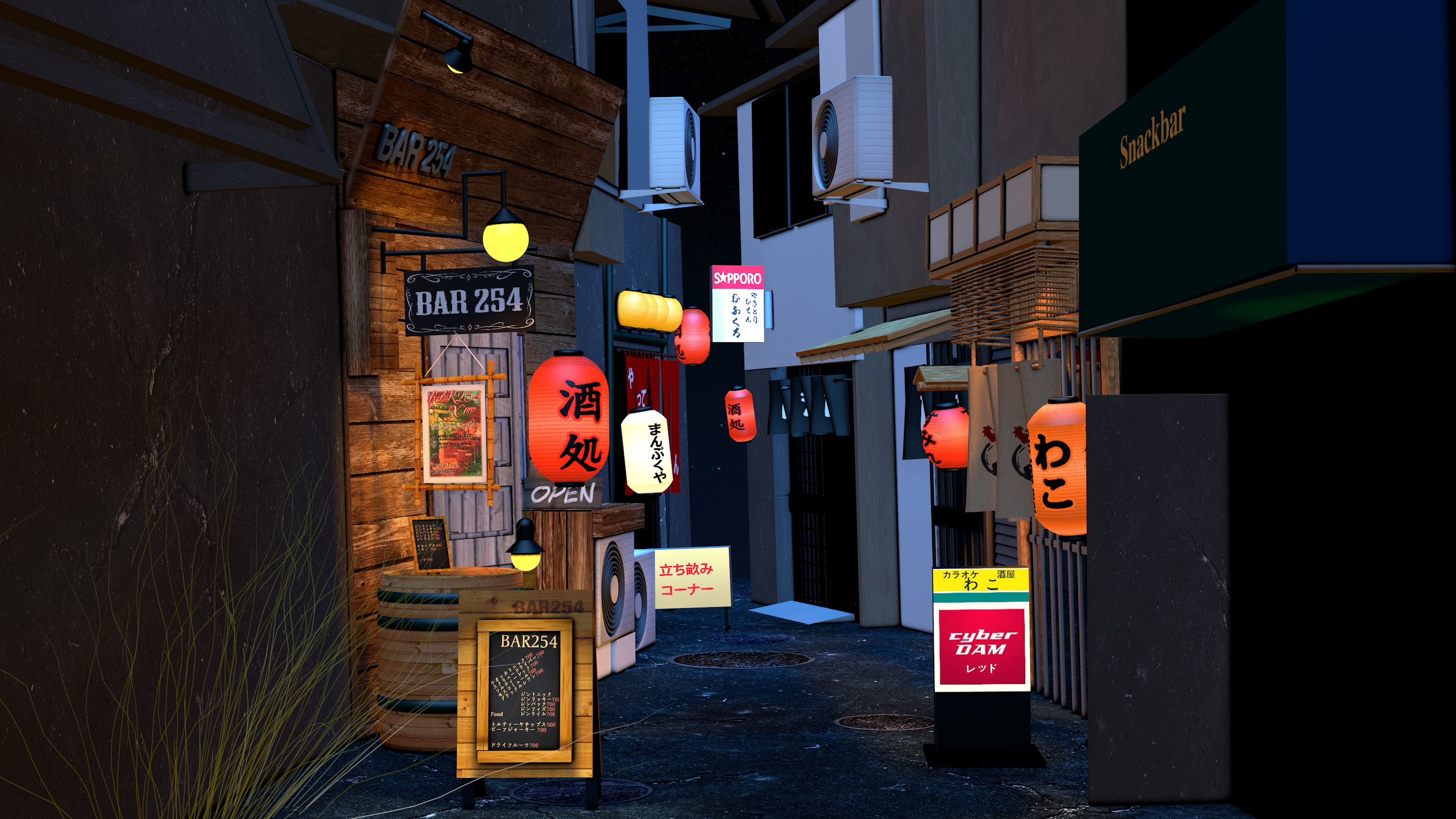 And in SketchFab 3d: On mobile you can even see it inside a VR viewer: 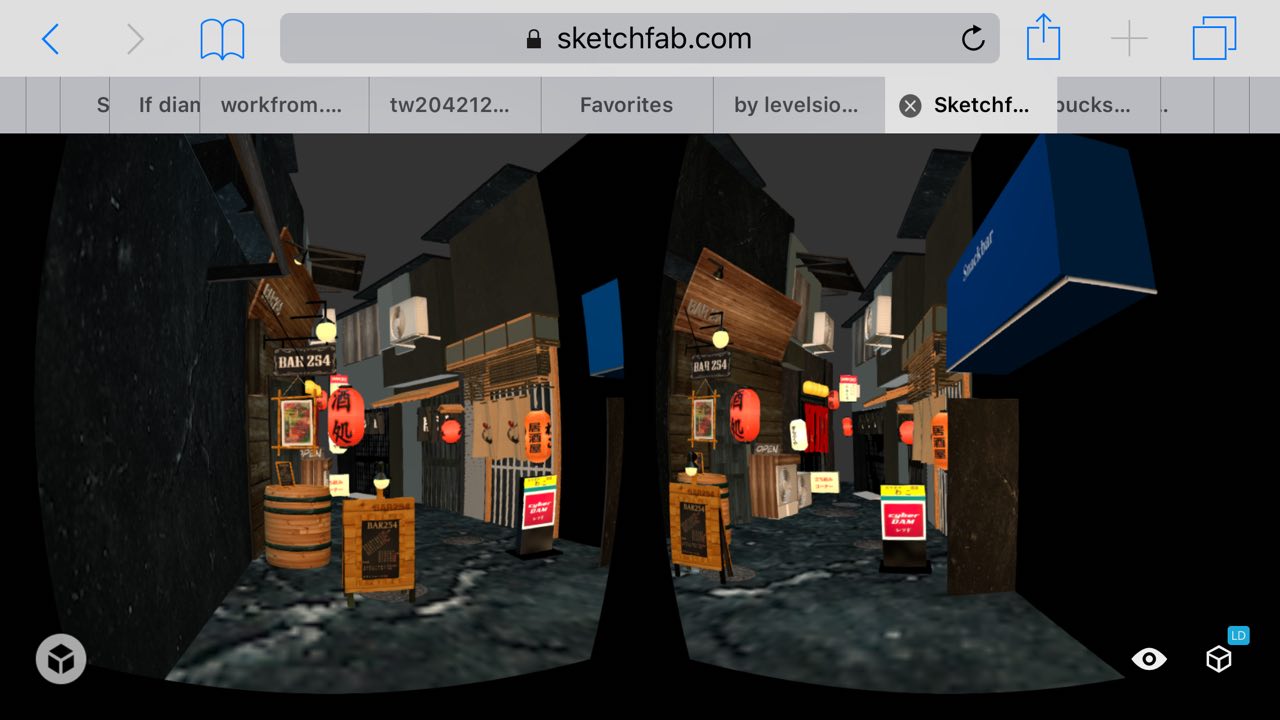 I then proceeded to add 100 cats… 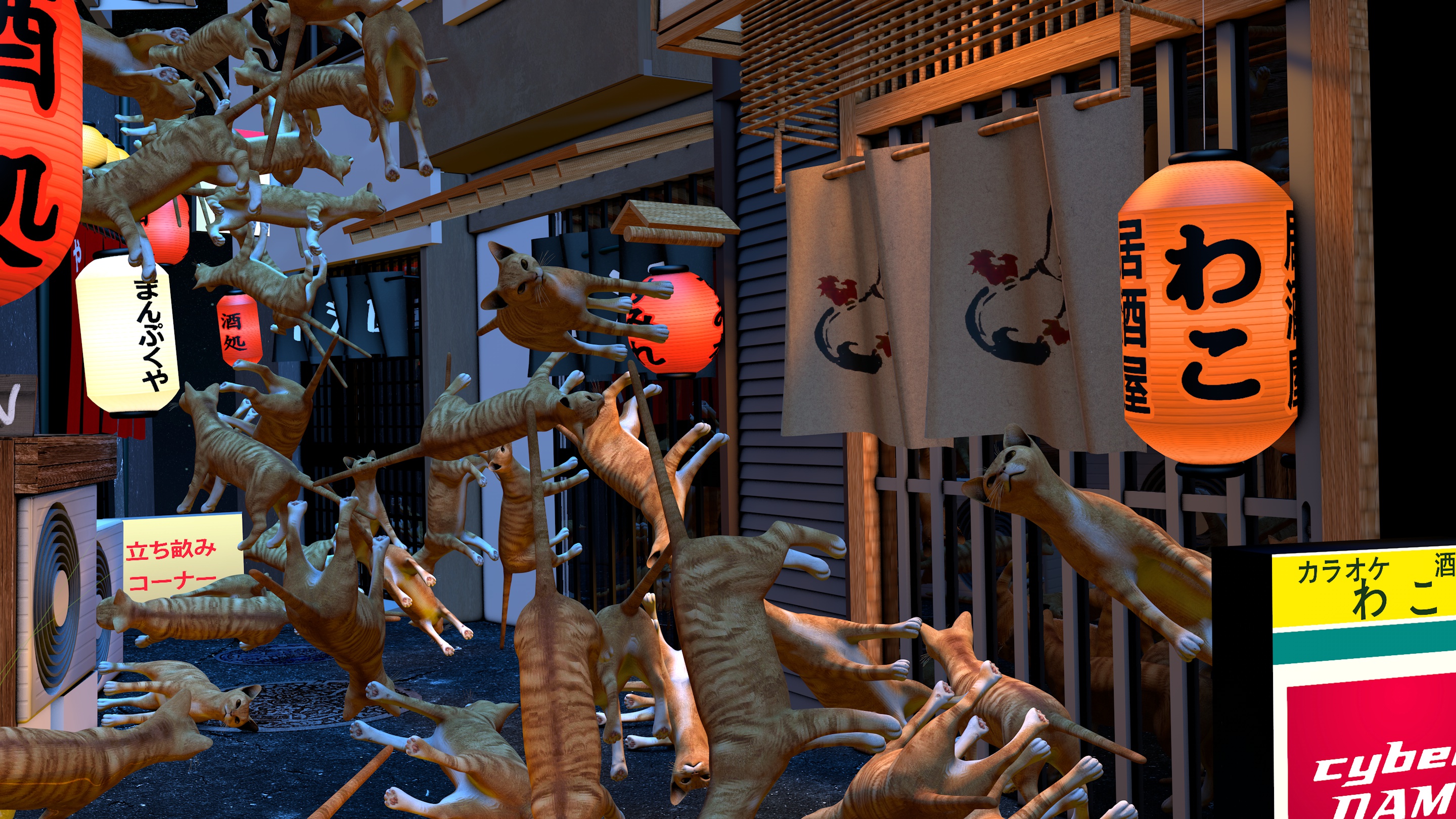 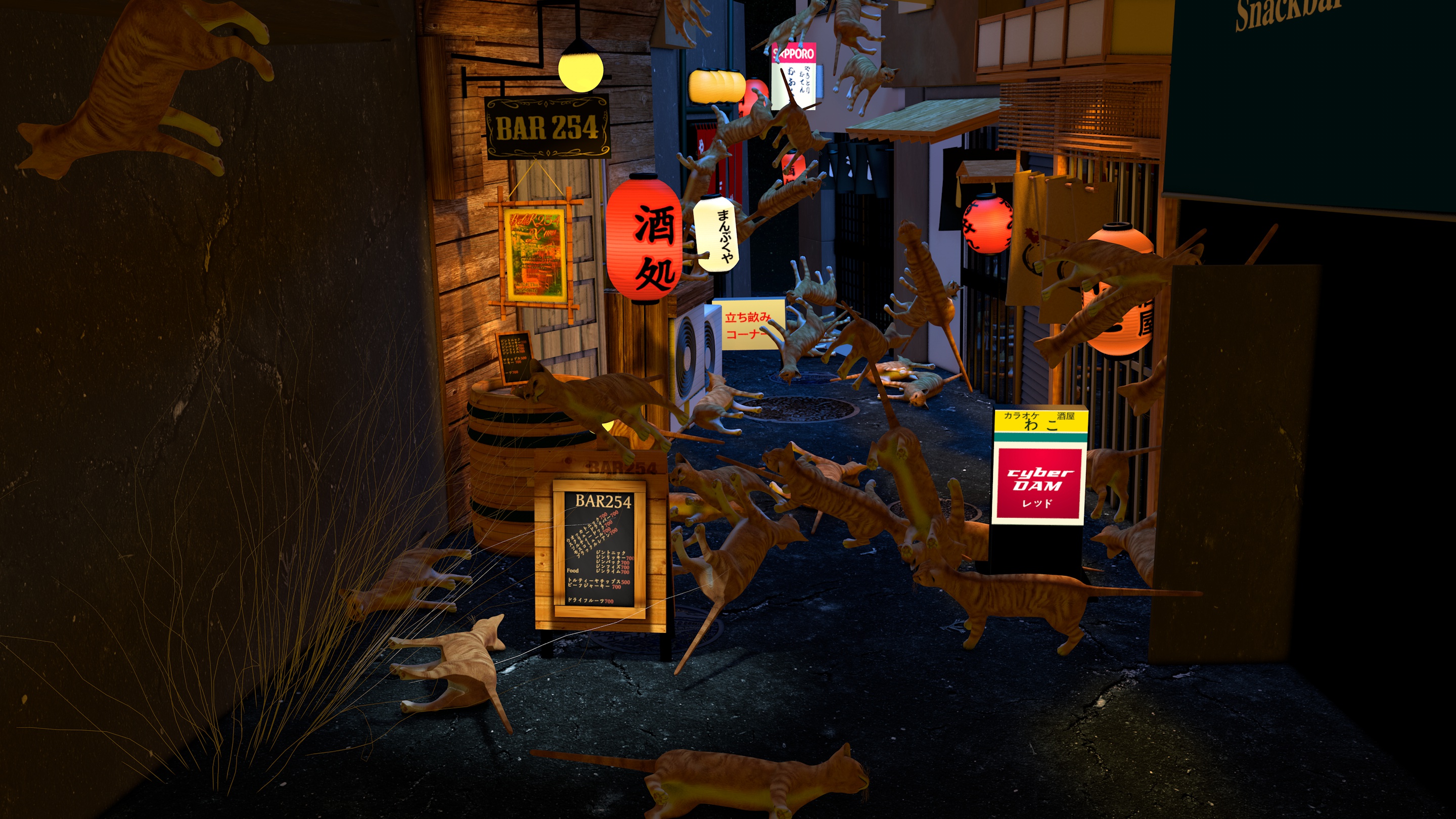 ## Twitter During the whole 30 days of learning 3d, I shared my 3d updates on Twitter:Day 29 of Learning 3d (GIF) 🎮 Glass, 💎reflectives, 🔍HD, 🌈coloring and more details 🇯🇵🏮✏️ t.co/aqDVGss8oA pic.twitter.com/ZdFQV9j50x
— levels.io (@levelsio) March 3, 2016
@levelsio Brb gonna go into the dark depths of northern Tokyo 🏮😎🏮 Will send pics tomorrow 👍🏻
— Shoin Wolfe (@shoinwolfe) February 4, 2016
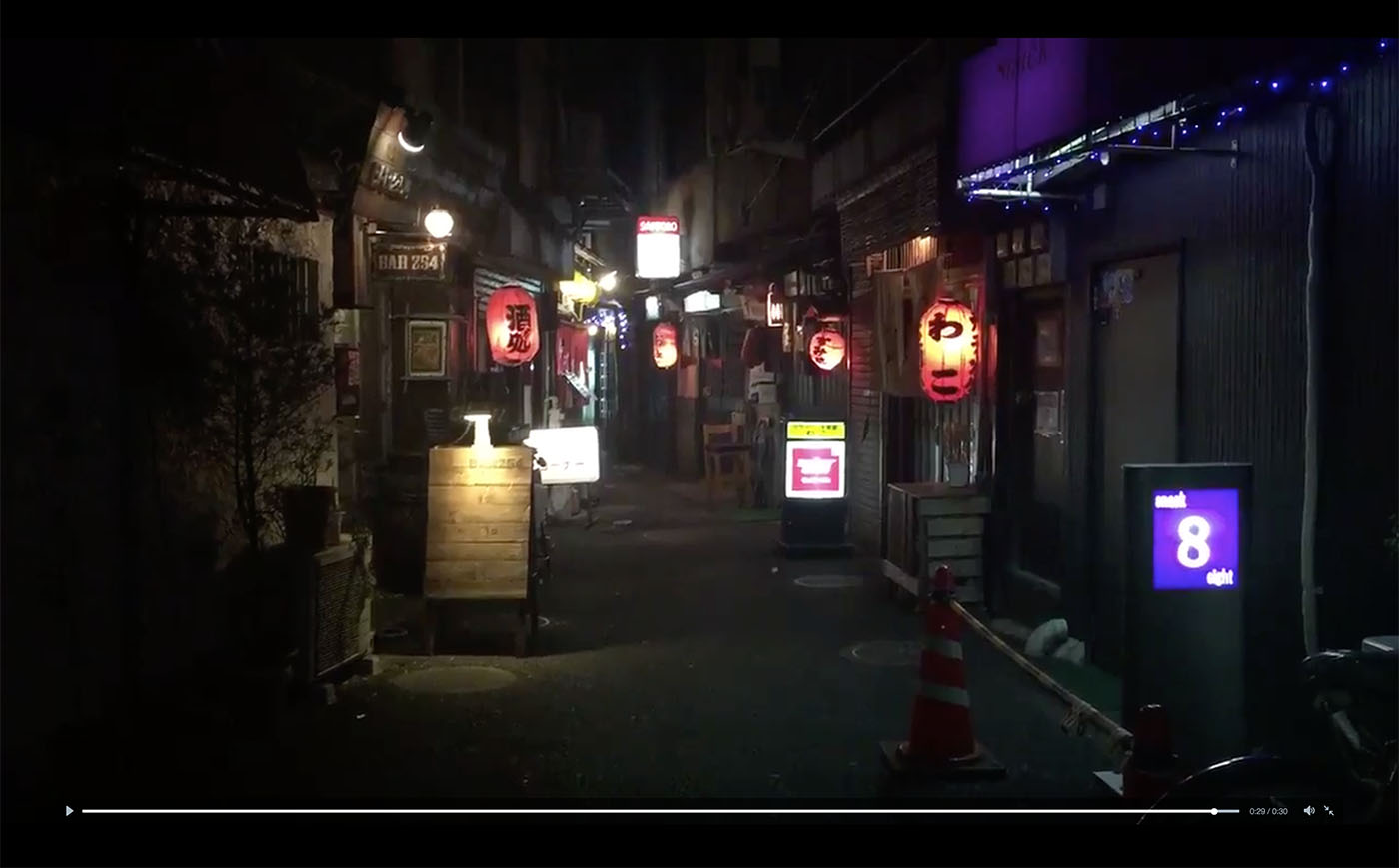
@levelsio Found it! Teaser vid 📽 pic.twitter.com/TNrKE58LJd
— Shoin Wolfe (@shoinwolfe) February 5, 2016
— levels.io (@levelsio) May 4, 2016
P.S. I'm on 𝕏 too if you'd like to follow more of my stories. And I wrote a book called MAKE about building startups without funding. See a list of my stories or contact me.
Never miss a post: 184,934 people read my posts in full by email, before it spreads anywhere else